
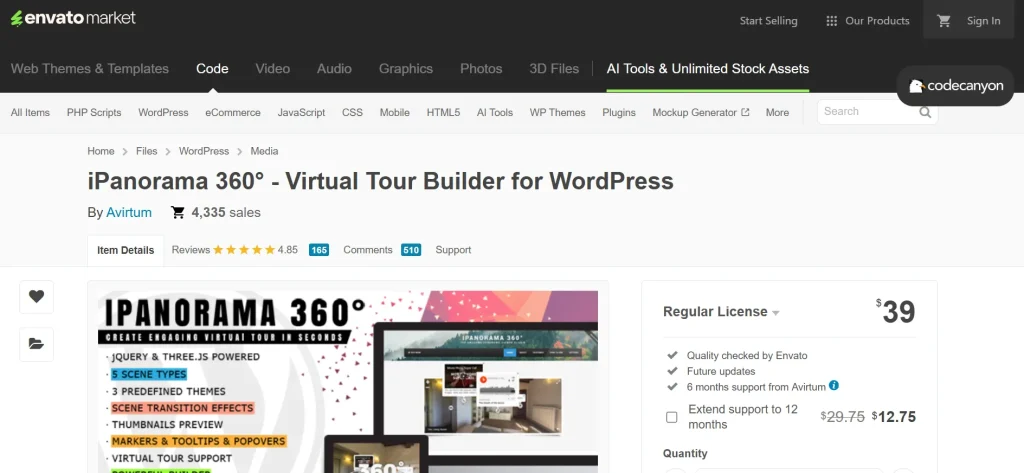
Modern websites are no longer just information hubs—they are experience platforms. Users expect to interact with content, explore environments, and make decisions based on what they see and feel online. In industries where physical space plays a central role, such as real estate, tourism, hospitality, architecture, and retail, this expectation becomes even more important. Static images and standard galleries often fail to deliver a complete sense of space. This is where iPanorama 360 – Advanced Virtual Tour Builder becomes a powerful solution.
Traditional visual formats have clear limitations. A set of photos can show different angles, but it cannot replicate the feeling of standing inside a room. A video can guide viewers through a space, but it controls the experience rather than allowing exploration. Users are passive observers rather than active participants. Virtual tours change that dynamic by giving control back to the user.
With a 360-degree virtual tour, visitors can navigate freely. They can look around in any direction, zoom into details, and move between different areas of a space. This creates a more immersive and engaging experience. Instead of imagining how a location feels, users can explore it interactively.
This shift in presentation has practical business implications. For example, a real estate listing with a virtual tour can attract more serious buyers because they can explore the property remotely before scheduling a visit. A hotel website with immersive room tours can increase booking confidence. A university can showcase its campus to international students who cannot visit in person. A retail brand can simulate a showroom experience online.
Another key advantage is user engagement. Interactive content tends to keep users on the site longer. When visitors can explore rather than just scroll, they are more likely to stay, interact, and return. This can improve metrics such as time on site, page views, and overall user satisfaction.
Differentiation is also critical. Many websites still rely on basic media formats. Offering a virtual tour immediately sets a site apart. It signals innovation and attention to user experience. For businesses competing in crowded markets, this can be a significant advantage.
iPanorama 360 – Advanced Virtual Tour Builder is designed to bring these capabilities into WordPress. It allows users to create and manage interactive 360-degree tours without requiring complex development work. The plugin combines flexibility, interactivity, and usability, making it accessible to both beginners and advanced users.
It is particularly useful for:
- Real estate listings and property showcases
- Hotels, resorts, and travel businesses
- Museums and cultural institutions
- Educational campuses and training centers
- Event venues and exhibition spaces
- Interior designers and architects
- Retail showrooms and commercial spaces
In this article, we will explore iPanorama 360 – Advanced Virtual Tour Builder in detail, including what it is, its key features, practical benefits, installation process, and why purchasing it from Pluginpro.org is a smart and cost-effective decision.
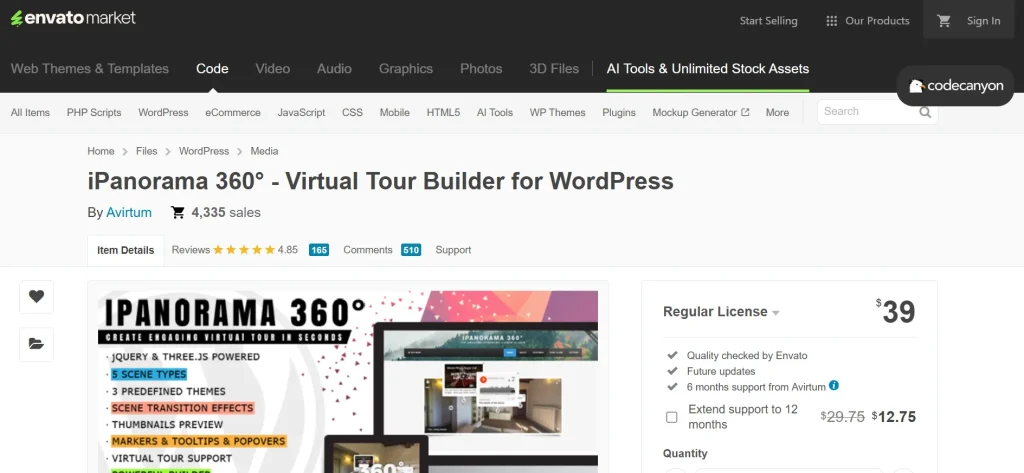
What is iPanorama 360 – Advanced Virtual Tour Builder?
iPanorama 360 – Advanced Virtual Tour Builder is a WordPress plugin that enables users to create immersive 360-degree virtual tours using panoramic images. It transforms static images into interactive environments where users can navigate, explore, and interact with different parts of a space.
At its core, the plugin works by taking panoramic images—either captured with a 360-degree camera or stitched from multiple photos—and rendering them inside an interactive viewer. This viewer allows users to rotate the view, zoom in, and move between scenes. The result is an experience that simulates being physically present in the location.
The plugin is especially useful for:
- real estate agents showcasing properties
- hotels presenting rooms and facilities
- travel companies promoting destinations
- museums creating virtual exhibitions
- educational institutions displaying campuses
- designers presenting projects
- businesses offering virtual walkthroughs
A practical example illustrates its value. A real estate agent listing a house can upload panoramic images of each room and connect them into a full walkthrough. A potential buyer can start in the living room, look around, move to the kitchen, and then explore the bedrooms. This provides a much clearer understanding of the property than photos alone.
Another example is a hotel website. Instead of showing static images of rooms, the hotel can offer a virtual tour where users can explore the space, view amenities, and get a realistic sense of layout. This can reduce uncertainty and increase booking confidence.
The plugin also supports interactivity through hotspots. These are clickable points within the tour that can display additional information, images, or links. For example, a hotspot in a museum tour can provide details about an exhibit. A hotspot in a real estate tour can highlight features such as appliances or design elements.
Another important aspect is flexibility. Users can create simple single-scene tours or complex multi-scene experiences with navigation paths. This makes the plugin suitable for both small projects and large-scale applications.
Integration with WordPress ensures that tours can be managed alongside other content. Users can embed tours into pages, posts, or custom layouts, making them part of the overall website experience.
Overall, iPanorama 360 is a tool that transforms how spaces are presented online, making them more interactive and engaging.
Key Features of iPanorama 360 – Advanced Virtual Tour Builder
iPanorama 360 includes a range of features that allow users to create detailed and interactive virtual tours. These features are designed to enhance both functionality and user experience.
- 360-degree panoramic viewer for immersive interaction
The core feature of the plugin is its ability to display panoramic images in a fully interactive viewer. Users can rotate the view horizontally and vertically, zoom in to see details, and explore the environment freely. This creates a sense of immersion that standard images cannot provide. For example, in a real estate tour, users can examine the layout of a room from multiple angles, helping them understand the space more clearly. - Multi-scene virtual tour creation
The plugin supports multiple scenes connected through navigation points. This allows users to move from one area to another within a tour. For example, a property tour can include separate scenes for each room, connected by clickable hotspots. This creates a seamless walkthrough experience. In a museum setting, different galleries can be linked together, allowing users to explore the entire exhibition. - Interactive hotspots for enhanced engagement
Hotspots are clickable elements placed within the panoramic view. They can display text, images, videos, or links. This adds a layer of interactivity and information. For example, a hotspot in a hotel room can highlight features such as a minibar or balcony. A hotspot in a retail showroom can link to product pages. This makes the tour both informative and interactive. - Customizable navigation controls and interface
Users can control how visitors interact with the tour. This includes navigation buttons, zoom controls, and movement options. For example, a site can choose to display directional arrows, automatic rotation, or manual navigation. This flexibility allows the tour to match the design and usability goals of the website. - Responsive design for mobile and tablet devices
The plugin is designed to work across different devices. This is important because many users access websites from mobile phones. A responsive virtual tour ensures that users can interact with the content regardless of screen size. For example, a mobile user can swipe to navigate the tour, while a desktop user can use a mouse. - Support for high-quality panoramic images
The plugin allows the use of high-resolution images, ensuring that tours look sharp and professional. This is especially important for industries like real estate and design, where visual quality directly impacts perception. Clear images help users notice details and build trust. - Integration with WordPress pages and posts
iPanorama 360 integrates seamlessly with WordPress, allowing tours to be embedded in different parts of the site. Users can add tours to landing pages, product pages, blog posts, or dedicated sections. This makes it easy to incorporate virtual tours into the overall content strategy. - Performance optimization for smooth experience
Despite handling large images and interactive elements, the plugin is designed to maintain performance. Efficient loading ensures that tours do not slow down the website significantly. This is important for user experience and SEO.
Benefits of Using iPanorama 360 – Advanced Virtual Tour Builder
One of the most significant benefits of iPanorama 360 is increased user engagement. Interactive content naturally attracts more attention than static content. Visitors are more likely to explore a virtual tour than scroll through images. This leads to longer session durations and deeper interaction with the website.
Another major benefit is improved decision-making. When users can explore a space in detail, they feel more confident in their choices. For example, a property buyer can evaluate room layout, lighting, and flow. A hotel guest can understand room size and amenities. This reduces uncertainty and can lead to higher conversion rates.
The plugin also enhances presentation quality. A virtual tour creates a professional impression. It shows that the business invests in advanced technology and user experience. This can strengthen brand perception and trust.
From a business perspective, iPanorama 360 can reduce operational costs. For example, real estate agents can reduce the number of physical visits needed by providing detailed virtual tours. Educational institutions can reach international students without requiring travel. Event venues can showcase spaces to potential clients remotely.
Another benefit is differentiation. Many competitors may still rely on basic images. Offering a virtual tour sets a website apart and makes it more memorable.
The plugin also supports scalability. As a business grows, it can create more tours for different locations or projects. The same system can be reused across multiple pages.
Additionally, the plugin supports storytelling. Through hotspots and navigation, users can guide visitors through a narrative. For example, a museum can create a guided experience with information at each step.
Finally, it is cost-effective compared to building custom virtual tour solutions. The plugin provides advanced features without requiring extensive development work.
How to Install iPanorama 360 – Advanced Virtual Tour Builder
Installing iPanorama 360 is a straightforward process, but it is important to follow a structured approach to achieve the best results.
Start by downloading the plugin ZIP file. Then log in to your WordPress admin dashboard and go to Plugins > Add New. Click Upload Plugin, select the ZIP file, and click Install Now. Once the installation is complete, click Activate.
After activation, access the plugin settings. This is where you can begin creating virtual tours. Start by uploading your panoramic images. These should ideally be high-quality 360-degree images for the best results.
Next, create a new tour and add scenes. Each scene represents a different location within the tour. For example, in a property tour, each room can be a separate scene.
Then, add hotspots to connect scenes and provide additional information. For example, a hotspot in the living room can lead to the kitchen scene.
Once the tour is set up, embed it into a page or post using the provided shortcode or block. This allows visitors to access the tour directly from the website.
Manual installation is also possible. Extract the ZIP file and upload it to the wp-content/plugins directory via FTP, then activate it from the dashboard.
After installation, test the tour on different devices to ensure smooth performance.
Why Buy iPanorama 360 – Advanced Virtual Tour Builder at Pluginpro.org
Buying iPanorama 360 at Pluginpro.org offers several practical advantages.
One of the biggest benefits is cost savings. Premium plugins can be expensive, especially for businesses managing multiple sites. Pluginpro.org allows users to save up to 95%, making the plugin more accessible.
Another important advantage is 100% clean files, ensuring safety and reliability.
Unlimited website usage is also valuable for agencies and businesses.
Pluginpro.org provides easy updates, ensuring compatibility with WordPress.
Finally, secure downloads give users confidence in the process.
Conclusion
iPanorama 360 – Advanced Virtual Tour Builder is a powerful tool for creating immersive digital experiences. It transforms static content into interactive environments, improving engagement and presentation.
Its features, including 360-degree viewing, multi-scene tours, and interactive hotspots, make it suitable for a wide range of industries. The benefits include better user experience, higher conversion rates, and stronger brand perception.
When purchased through Pluginpro.org, the plugin becomes even more attractive due to cost savings, clean files, and flexibility.
For any WordPress user looking to create virtual tours and stand out in a competitive market, iPanorama 360 is a highly valuable solution.



