
Media-heavy websites present a unique challenge in WordPress. Whether you are running a blog with high-resolution images, a video platform, or a content-rich business site, performance quickly becomes a bottleneck. Large files slow down page load times, affect user experience, and ultimately reduce search engine rankings.
Many website owners focus on design and content but overlook optimization. As a result, even well-designed websites struggle with speed, caching, and efficient media delivery. This is where WPMedia solutions come into play.
WPMedia refers to a set of performance-focused tools and plugins designed to optimize WordPress websites, particularly those dealing with heavy media content. These tools improve loading speed, caching behavior, and overall site performance without requiring deep technical knowledge.
What makes WPMedia especially valuable is its ability to simplify complex optimization processes. Instead of manually configuring caching rules or compressing images one by one, users can automate these tasks through a structured system.
In real-world scenarios, this has a direct impact on performance. A faster website keeps users engaged, reduces bounce rates, and improves conversion rates. For businesses, this translates into better results without increasing traffic.
For example, an eCommerce store with hundreds of product images may initially take several seconds to load. After applying WPMedia optimization tools, load time can drop significantly, improving both user experience and sales performance.
For anyone managing a WordPress website with significant media content, WPMedia provides a practical and efficient solution to improve performance and scalability.
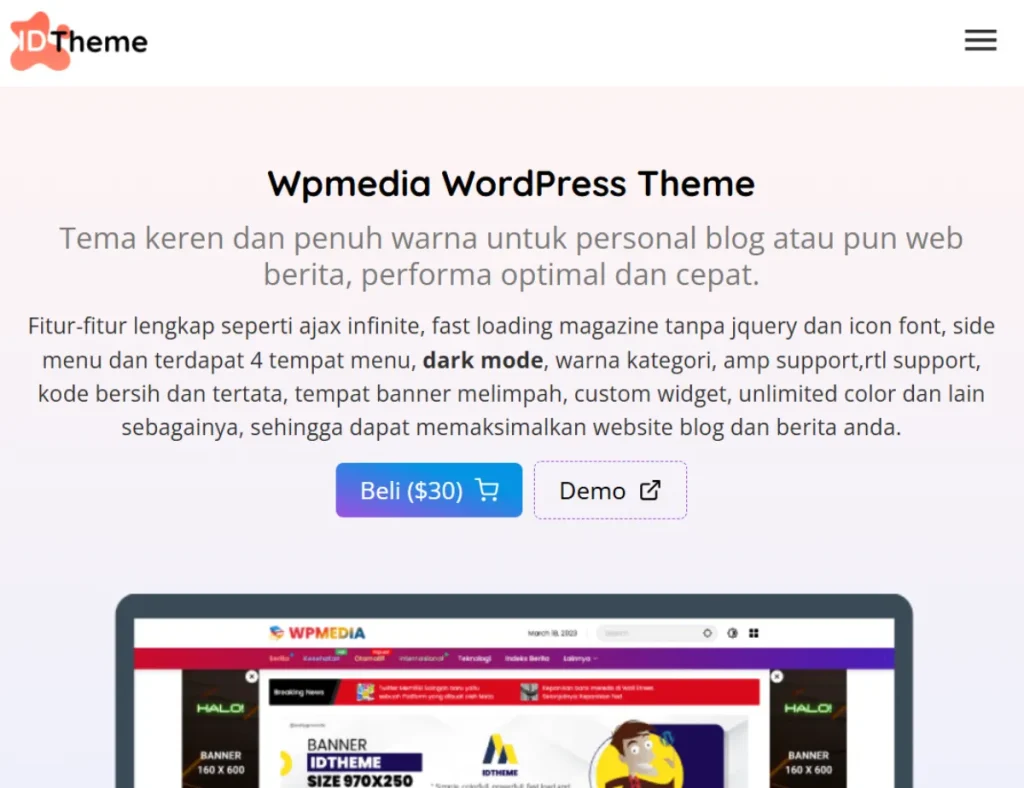
What is WPMedia?
WPMedia is a category of WordPress performance optimization tools, often associated with plugins that enhance caching, media handling, and overall site speed.
At its core, WPMedia solutions focus on improving how websites load and deliver content. This includes caching pages, compressing images, optimizing scripts, and reducing unnecessary resource usage.
A clear definition: WPMedia is a set of tools or plugins designed to optimize WordPress performance by improving media handling and caching mechanisms.
It is particularly suitable for:
- Blogs with high image usage
- Media and content websites
- eCommerce stores with product images
- Business websites requiring fast performance
In practical use, website performance depends on how efficiently resources are loaded. Without optimization, images, scripts, and stylesheets can slow down pages significantly.
For example, a photography website often uploads large, high-quality images. Without compression and lazy loading, these images can make pages extremely slow. WPMedia tools automatically optimize them while maintaining visual quality.
Another example is a news website publishing multiple articles daily. Each article includes images, embeds, and scripts. WPMedia helps manage these elements efficiently, ensuring consistent performance even with frequent updates.
WPMedia does not change the content of your website. It changes how that content is delivered, making it faster and more efficient.
Key Features of WPMedia
- Advanced Caching System
WPMedia tools include page caching that stores static versions of pages.
This reduces server processing time. Instead of generating pages dynamically for each visitor, cached versions are served instantly. In high-traffic scenarios, this can significantly reduce server load and prevent crashes.
- Image Optimization and Compression
Images are automatically compressed without significant quality loss.
This reduces file size and improves loading speed. For example, a 2MB image can be reduced to a few hundred kilobytes while still looking sharp.
- Lazy Loading for Media
Lazy loading ensures that images and videos load only when needed.
This improves initial page load time. For instance, a long blog post with multiple images will load quickly at the top, while additional images load as users scroll.
- Minification of CSS and JavaScript
WPMedia tools reduce file sizes by removing unnecessary characters from code.
This improves loading speed and reduces bandwidth usage. It also helps browsers process files more efficiently.
- Database Optimization
The system cleans up unnecessary data such as revisions and temporary files.
This keeps the database efficient and improves performance over time, especially for websites with frequent updates.
- CDN Integration Support
WPMedia tools can integrate with content delivery networks.
This allows content to be served from multiple global locations, reducing latency for users in different regions.
- Browser Caching
Static resources are stored in the user’s browser.
This reduces loading time for returning visitors, creating a smoother experience.
- Performance Monitoring Tools
Some WPMedia solutions include performance tracking features.
Users can monitor speed improvements and identify bottlenecks.
- User-Friendly Interface
Most WPMedia tools are designed for ease of use.
Even beginners can enable optimization features without technical expertise.
Benefits of Using WPMedia
WPMedia provides benefits that directly impact website performance and user experience.
From a speed perspective, optimized websites load faster. This improves user retention and reduces bounce rates. Visitors are more likely to stay and explore content.
From an SEO perspective, faster websites rank better in search engines. Performance is a key ranking factor, especially for mobile search results.
Workflow efficiency also improves. Instead of manually optimizing files, users can automate processes and focus on content creation or business growth.
Another key benefit is scalability. As traffic increases, optimized websites handle load more efficiently without requiring immediate server upgrades.
For businesses, this translates into better conversion rates. A faster checkout process, for example, can reduce cart abandonment in eCommerce stores.
Real Use Cases of WPMedia
WPMedia tools are used across various scenarios.
eCommerce stores use them to optimize product images and improve page speed. Faster product pages lead to higher conversions.
Blogs use caching and lazy loading to handle large amounts of content. This ensures consistent performance even with long articles.
Media websites use CDN integration to deliver content globally, improving user experience for international audiences.
Business websites use optimization tools to improve performance and reduce bounce rates.
Another example is membership platforms. These websites often include videos, images, and user dashboards. WPMedia ensures that these elements load efficiently, improving user satisfaction.
How to Install WPMedia
Installing WPMedia tools is simple.
Step 1: Download the Plugin
Obtain the plugin ZIP file.
Step 2: Upload the Plugin
Go to WordPress dashboard → Plugins → Add New → Upload Plugin.
Step 3: Activate the Plugin
Activate it after installation.
Step 4: Configure Settings
Enable caching, compression, and optimization features.
Step 5: Test Performance
Check website speed improvements using tools like PageSpeed Insights.
Step 6: Adjust Settings
Fine-tune optimization based on your website’s needs.
Step 7: Monitor Results
Track performance over time and adjust settings as needed.
Why Buy WPMedia at Pluginpro.org
Choosing where to obtain WPMedia tools affects not only cost but also workflow efficiency and long-term scalability. Pluginpro.org provides a practical solution that removes many common limitations associated with premium optimization plugins.
One of the most significant advantages is cost savings. You can save up to 95% compared to the original price. For website owners managing multiple projects, this can result in substantial savings over time. Instead of paying separate licensing fees for each website, you can allocate your budget toward hosting, content creation, or marketing campaigns.
File quality is another critical factor. Pluginpro.org provides 100% clean files, ensuring that the plugin functions correctly without hidden code or security risks. This is especially important for performance plugins, as they interact directly with core website processes.
Unlimited website usage is a major benefit for agencies and developers. For example, an agency managing 20 client websites can deploy WPMedia tools across all projects without purchasing additional licenses. This not only reduces costs but also ensures consistent performance standards across all sites.
Updates are easy to manage. Pluginpro.org provides access to updated versions, allowing users to keep their websites compatible with the latest WordPress releases. This is essential for maintaining security and avoiding performance issues caused by outdated software.
Secure downloads ensure that files are delivered safely and without corruption. This reduces installation errors and saves time during setup.
In practical scenarios, these advantages become even more valuable. For instance, a developer building multiple eCommerce stores can apply the same optimization setup across all sites, improving efficiency and reducing repetitive work.
Another example is a content publisher running several niche blogs. With WPMedia tools from Pluginpro.org, they can optimize all websites consistently without increasing operational costs.
Overall, Pluginpro.org simplifies access to premium performance tools, allowing users to focus on improving their websites rather than managing licensing complexities.
Is WPMedia Worth It?
WPMedia is worth it for anyone who prioritizes website performance and user experience.
It is particularly valuable for websites with heavy media content, such as eCommerce stores, blogs, and video platforms. These sites benefit the most from optimization features like caching, compression, and lazy loading.
The value becomes clear when comparing performance before and after optimization. A slow website can lose visitors quickly, while a fast website keeps users engaged and improves conversions.
For example, an online store that reduces load time from five seconds to two seconds can see a noticeable increase in sales. Faster performance directly impacts user behavior.
WPMedia is also beneficial for non-technical users. Instead of manually configuring complex settings, they can rely on automated tools to improve performance.
For agencies, the value is even higher. The ability to reuse optimization tools across multiple projects creates long-term efficiency and cost savings.
It is also worth considering for growing websites. As traffic increases, performance becomes more critical. WPMedia helps ensure that the website can handle growth without immediate infrastructure changes.
If your goal is to improve speed, enhance user experience, and support long-term scalability, WPMedia provides strong practical value.
Conclusion
Website performance is a critical factor in both user experience and business success. Slow websites not only frustrate users but also impact search rankings and conversions.
WPMedia provides a structured and efficient solution for optimizing WordPress websites, particularly those with heavy media content. By automating complex processes such as caching, compression, and script optimization, it simplifies performance management.
From small blogs to large eCommerce platforms, WPMedia supports a wide range of use cases while maintaining ease of use.
For anyone looking to improve website speed, scalability, and overall performance, WPMedia offers a reliable and practical solution that delivers measurable results.



