
Website speed is a critical factor for user experience, SEO, and conversions. Slow-loading sites frustrate visitors and can hurt search rankings. FlyingPress, a premium WordPress optimization tool, helps make your website faster, lighter, and more efficient.
This article will cover how this plugin works, its installation, main features, benefits, and why purchasing it from Pluginpro.org is the smart choice.
Introduction to the Plugin
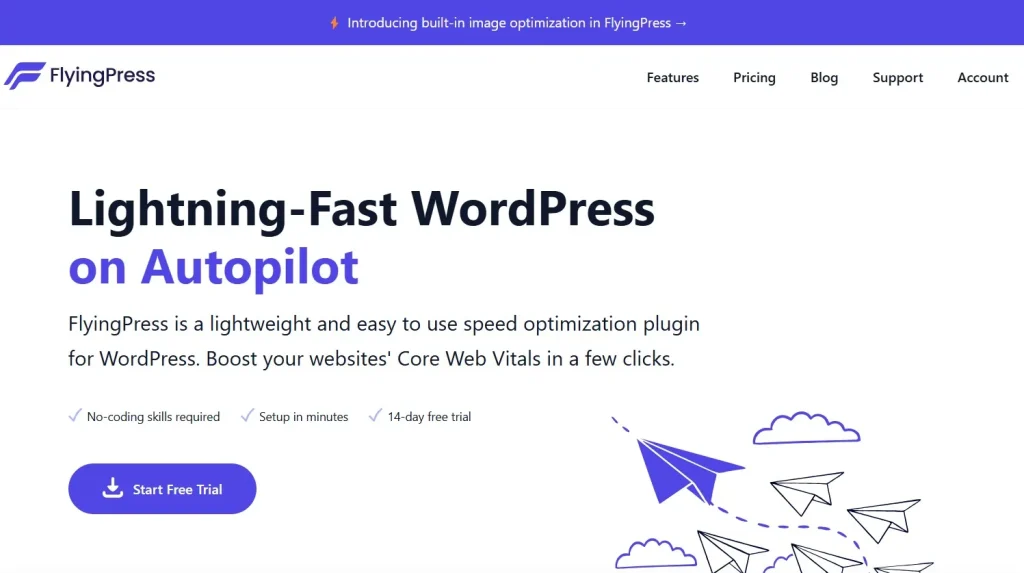
FlyingPress is a comprehensive performance plugin designed to improve WordPress speed. By combining caching, image optimization, lazy loading, and other techniques, this tool reduces page load times significantly.
Unlike basic caching plugins, it provides a complete solution for businesses, bloggers, and agencies to enhance user experience and SEO.
It’s perfect for:
- Business websites needing faster load times
- WooCommerce stores improving checkout speed
- Bloggers seeking better engagement and lower bounce rates
- Agencies managing multiple client sites
Key Features
1. Advanced Caching
The plugin includes a powerful caching system to serve static pages quickly:
- Page caching
- Browser caching
- Cache preloading
These features ensure visitors experience fast-loading pages.
2. Lazy Loading
Images and videos load only when visible on the screen, reducing initial page load and server stress.
3. Minification and Compression
CSS, JavaScript, and HTML files are automatically minified and compressed to reduce page size, improving overall speed.
4. Database Optimization
Keep your WordPress database lean by removing old revisions, drafts, and transients, helping maintain peak performance.
5. Image Optimization
Images are optimized automatically:
- WebP conversion
- Resizing
- Compression without quality loss
6. CDN Integration
Seamlessly integrates with popular Content Delivery Networks for faster global content delivery.
7. Compatibility
The plugin works with popular page builders, WooCommerce, and most themes, avoiding conflicts while optimizing performance.
8. Performance Analytics
Built-in analytics let you monitor improvements:
- Page load times
- Cached page hits
- Optimization scores
How to Install the Optimization Tool
Step 1: Download
- Get the plugin from Pluginpro.org
- Save the ZIP file
Step 2: Upload
- Go to Plugins → Add New → Upload Plugin
- Select the ZIP file and install
Step 3: Activate
- Click Activate
- The tool is ready to use
Step 4: Configure
- Enable caching, lazy loading, and minification
- Configure CDN and image optimization
- Test page speed with tools like GTmetrix or PageSpeed Insights
Benefits
- Faster website loading improves UX and lowers bounce rates
- Better SEO rankings as page speed is a ranking factor
- Reduced server load thanks to caching and lazy loading
- Simplified optimization with all tools in one plugin
- Scalable for agencies managing multiple client sites
Why Buy from Pluginpro.org
- Save up to 95% compared to original pricing
- 100% clean code, verified safe and secure
- Unlimited website usage without license restrictions
- Easy updates for ongoing compatibility
- Perfect for agencies and developers
Best Practices
- Enable page caching and lazy loading
- Optimize images and convert to WebP
- Minify CSS, JS, and HTML
- Use CDN integration for faster global delivery
- Regularly test page speed
Final Thoughts
This performance plugin ensures your WordPress website loads fast, provides a smooth user experience, and improves SEO. By combining caching, image optimization, lazy loading, and CDN support, it delivers comprehensive speed improvements.
Purchasing from Pluginpro.org lets you save money, get clean code, enjoy unlimited site usage, and easy updates. For anyone looking to optimize their WordPress website efficiently, FlyingPress is an essential tool.



