
Managing availability is one of the most important aspects of any booking-based website. Whether you run a hotel, rental service, consulting business, or event platform, controlling when customers can book is essential. WooCommerce Bookings Availability is a powerful solution that helps you manage time slots, schedules, and booking rules with precision.
In this article, we will explore WooCommerce Bookings Availability, including its features, installation process, and why it’s a valuable tool for your WooCommerce store.
Introduction to WooCommerce Bookings Availability
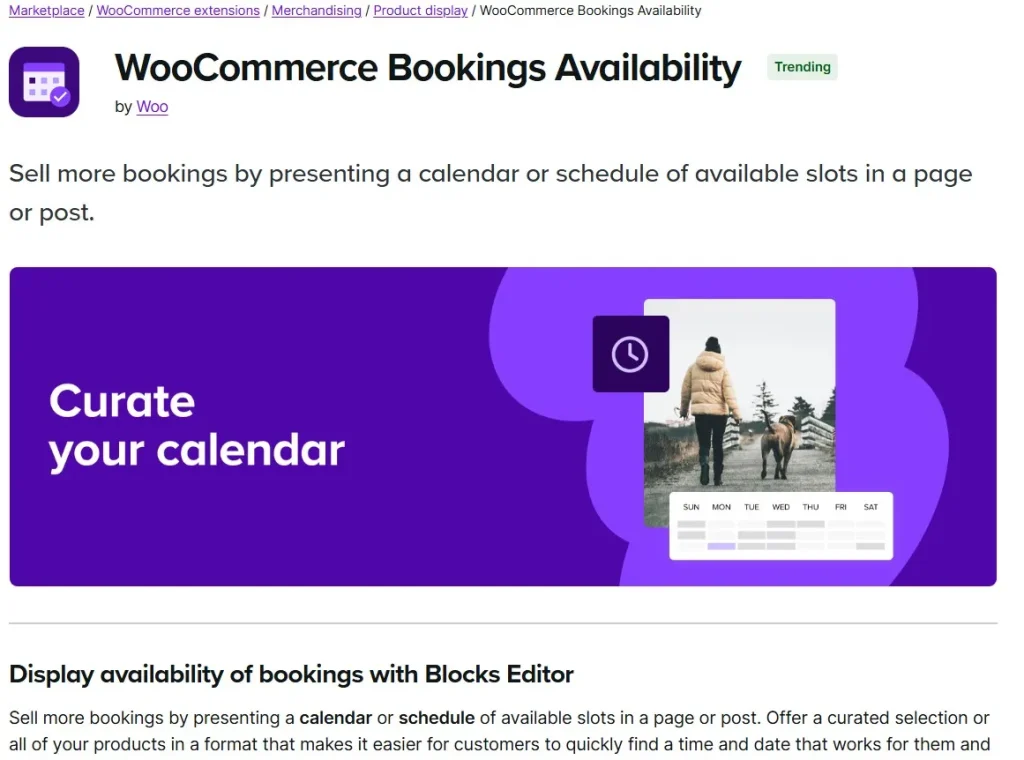
WooCommerce Bookings Availability is a feature (or add-on) designed to enhance the WooCommerce Bookings system by giving you full control over when your products or services are available for booking.
Instead of offering unlimited or fixed booking times, this tool allows you to define:
- Available dates
- Time slots
- Booking limits
- Special availability rules
This ensures that your booking system matches your real-world schedule.
Why Use WooCommerce Bookings Availability
Without proper availability management, booking systems can quickly become chaotic.
With WooCommerce Bookings Availability, you can:
- Prevent overbooking
- Control working hours
- Manage holidays and blackout dates
- Offer flexible scheduling
This improves both customer experience and operational efficiency.
Key Features of WooCommerce Bookings Availability
1. Flexible Availability Rules
You can define availability based on:
- Specific dates
- Days of the week
- Time ranges
For example:
- Open Monday–Friday, 9 AM–6 PM
- Closed on weekends
- Special hours on holidays
2. Custom Time Slots
Create precise booking slots for your services.
- Hourly bookings
- Daily bookings
- Custom intervals
This is ideal for appointments, rentals, or event scheduling.
3. Blackout Dates and Holidays
Block specific dates when bookings are not allowed.
Examples include:
- Public holidays
- Maintenance periods
- Personal time off
This prevents customers from booking unavailable times.
4. Buffer Time Between Bookings
Add buffer time before or after bookings.
- Cleaning time (for rentals or hotels)
- Preparation time (for services)
This ensures smooth operations and avoids scheduling conflicts.
5. Maximum Booking Limits
Control how many bookings can be made for a specific time slot.
- Limit per hour/day
- Capacity-based booking (e.g., classes, events)
This prevents overbooking and improves resource management.
6. Resource-Based Availability
Assign availability to specific resources such as:
- Staff members
- Rooms or equipment
- Locations
Each resource can have its own schedule, making the system more flexible.
7. Seasonal and Dynamic Pricing Rules
Combine availability with pricing strategies.
- Higher prices during peak times
- Discounts during off-peak hours
This helps maximize revenue and optimize bookings.
8. Timezone Support
The system supports timezone handling, ensuring accurate booking times for both admins and customers.
9. Integration with WooCommerce Bookings
WooCommerce Bookings Availability works seamlessly with the WooCommerce Bookings plugin.
It enhances the core booking system without affecting performance.
10. User-Friendly Interface
All availability settings can be managed easily from the WordPress dashboard.
No coding knowledge is required.
How to Install WooCommerce Bookings Availability
Step 1: Install WooCommerce Bookings
Make sure the WooCommerce Bookings plugin is installed and activated.
Step 2: Download the Plugin/Add-on
Download WooCommerce Bookings Availability from PluginPro.org.
Step 3: Upload the Plugin
Go to:
Plugins → Add New → Upload Plugin
Upload the ZIP file and click Install Now.
Step 4: Activate the Plugin
Click Activate Plugin after installation.
Step 5: Configure Availability Rules
Go to your product settings and define:
- Available dates and times
- Booking limits
- Buffer times
Step 6: Test Booking System
Create test bookings to ensure availability rules work correctly.
Benefits of Using WooCommerce Bookings Availability
Prevent Overbooking
Control availability and avoid scheduling conflicts.
Improve Customer Experience
Customers can only book valid time slots.
Increase Efficiency
Automated scheduling reduces manual work.
Maximize Revenue
Use dynamic pricing and peak-time strategies.
Why Buy WooCommerce Bookings Availability at PluginPro.org
Save Up to 95% Budget
Get the plugin at a significantly lower cost compared to official pricing.
100% Clean and Safe Code
- No malware
- Clean files
- Secure installation
Unlimited Website Usage
Use on unlimited websites without restrictions.
Easy Updates
Stay compatible with the latest WooCommerce versions.
Instant Download
Download immediately and start managing bookings right away.
Final Thoughts
WooCommerce Bookings Availability is an essential tool for any business that relies on appointments or reservations. With flexible scheduling rules, resource management, and booking controls, it ensures your system runs smoothly and efficiently.
Whether you manage a hotel, rental service, or consulting business, this plugin helps you provide a seamless booking experience.
Get WooCommerce Bookings Availability today from PluginPro.org and enjoy benefits like saving up to 95% of your budget, clean code, unlimited usage, and easy updates.



