
Automating tasks and workflows is essential for modern businesses looking to save time and improve efficiency. Bit Flows Pro is a powerful WordPress plugin that enables you to create advanced automation flows, trigger actions, and streamline operations without writing a single line of code.
In this article, we’ll show you how to install Bit Flows Pro, explore its key features, and explain why purchasing it from Pluginpro.org is the smartest choice for WordPress users.
What is Bit Flows Pro?
Bit Flows Pro is a workflow automation plugin designed specifically for WordPress. It allows website owners, developers, and agencies to automate tasks such as:
- Sending notifications and emails.
- Updating posts, pages, or custom post types automatically.
- Integrating with third-party services for marketing, e-commerce, or user management.
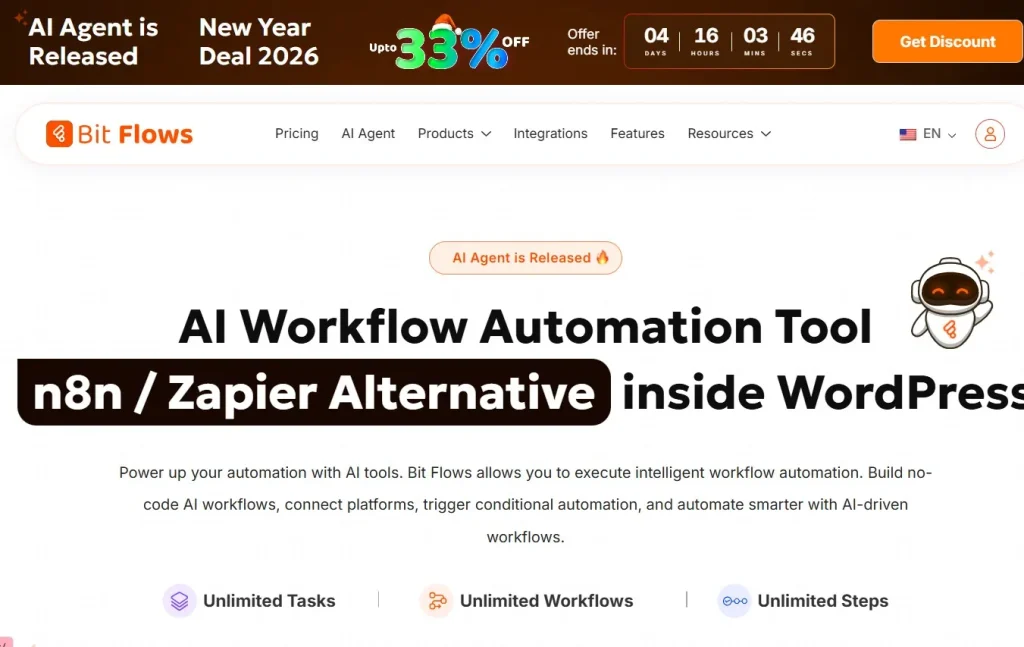
Unlike generic automation tools, Bit Flows Pro is optimized for WordPress, WooCommerce, and popular plugins, ensuring seamless operation and efficient performance.
How to Install Bit Flows Pro
Installing Bit Flows Pro is simple and user-friendly. Follow these steps:
Step 1: Purchase and Download
- Visit Pluginpro.org and search for Bit Flows Pro.
- Complete the purchase and download the plugin ZIP file.
(Tip: Pluginpro.org offers up to 95% savings compared to other marketplaces.)
Step 2: Upload to WordPress
- Log in to your WordPress admin dashboard.
- Navigate to Plugins > Add New > Upload Plugin.
- Click Choose File, select the downloaded ZIP file, and click Install Now.
- After installation, click Activate Plugin.
Step 3: Configure Automation Flows
- Go to Bit Flows Pro > Dashboard in your WordPress admin menu.
- Create a new flow and define triggers, actions, and conditions.
- Save the workflow and test it to ensure everything works as expected.
Your WordPress site is now ready to automate complex processes effortlessly.
Key Features of Bit Flows Pro
Bit Flows Pro is packed with features that make it a powerful automation tool:
1. Drag-and-Drop Workflow Builder
Create automation flows visually using an intuitive drag-and-drop interface. No coding knowledge is required.
2. Multiple Triggers and Actions
Set triggers based on user actions, post updates, WooCommerce events, form submissions, or custom conditions. Automate corresponding actions like sending emails, updating fields, or triggering webhooks.
3. Conditional Logic
Add conditional rules to your workflows for more complex automation scenarios, ensuring that actions occur only when specific criteria are met.
4. WooCommerce Integration
Automate e-commerce tasks such as sending order confirmations, updating inventory, or managing subscription-based services.
5. Email and Notification Automation
Automatically notify administrators, users, or third-party services via email, SMS, or webhooks.
6. Third-Party Service Integration
Connect your workflows with tools like Zapier, Mailchimp, or CRM systems for powerful automation possibilities.
7. Performance-Focused
Bit Flows Pro is optimized to run efficiently without slowing down your WordPress site, even with multiple complex workflows.
Selling Points: Why You Should Use Bit Flows Pro
Using Bit Flows Pro can significantly enhance your website and business operations:
- Save Time: Automate repetitive tasks and free up time for more strategic work.
- Reduce Errors: Eliminate manual mistakes by automating processes.
- Enhance User Experience: Automatically notify users or update content based on actions.
- Flexible and Scalable: Build simple or complex workflows tailored to your business needs.
Why Purchase Bit Flows Pro from Pluginpro.org?
Purchasing the plugin from Pluginpro.org offers significant advantages:
- Save Up to 95%
Get Bit Flows Pro at a fraction of the cost compared to other sources. - 100% Clean Code
Verified and secure code ensures stability and performance. - Unlimited Website Usage
Use the plugin on unlimited sites with a single purchase. - Easy Updates
Receive lifetime updates and support for seamless maintenance. - Trusted Source
Pluginpro.org provides verified, malware-free plugins, giving peace of mind for professional use.
Tips for Maximizing Bit Flows Pro
- Start Simple
Begin with basic workflows like notifications or content updates before moving to complex automation. - Test Workflows
Use a staging site to ensure automation flows behave as expected. - Combine with Payment or Form Plugins
Integrate with WooCommerce, Gravity Forms, or other plugins to automate business-critical tasks. - Monitor and Optimize
Regularly review your workflows to improve efficiency and reduce unnecessary triggers. - Use Conditional Logic Wisely
Create targeted automation to prevent workflow conflicts and maintain smooth operation.
Conclusion
Bit Flows Pro is an essential WordPress plugin for anyone looking to automate repetitive tasks, streamline business operations, and enhance website functionality. With its drag-and-drop builder, WooCommerce integration, and conditional workflows, it simplifies complex automation without requiring coding skills.
Purchasing Bit Flows Pro from Pluginpro.org guarantees savings, clean code, unlimited site usage, and easy updates. For WordPress users looking to save time and increase efficiency, Bit Flows Pro is a must-have plugin.



