
Managing forms on WordPress is easy with WPForms, but what if you want your form submissions to automatically connect with hundreds of apps like Gmail, Slack, or Mailchimp? That’s where WPForms Zapier comes in. This powerful integration allows you to automate workflows, save time, and grow your business efficiently.
In this guide, we’ll explain how to install WPForms Zapier, explore its features, and highlight why buying it from Pluginpro.org is a smart choice.
What is WPForms Zapier?
WPForms Zapier is an official WPForms add-on that connects your WordPress forms to over 5,000 web apps via Zapier. With this integration, every form submission can trigger actions automatically in other platforms—like sending emails, creating CRM entries, or posting messages to Slack.
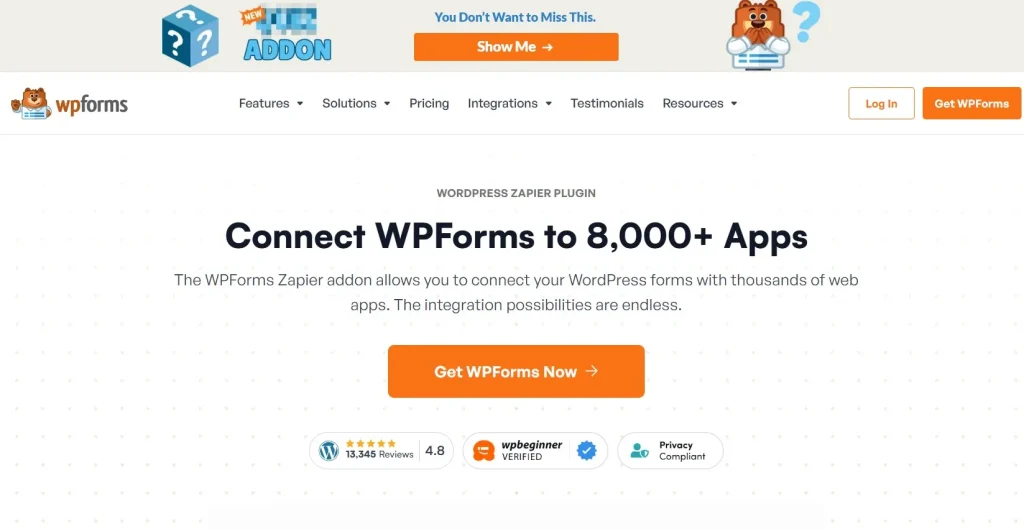
It’s perfect for businesses, agencies, and developers who want to automate repetitive tasks and streamline workflows.
How to Install WPForms Zapier
Installing WPForms Zapier is simple. Follow these steps:
Step 1: Purchase and Download
Buy the plugin from Pluginpro.org to get a fully licensed version at a discounted price. This ensures clean code, unlimited website usage, and easy updates.
Step 2: Upload to WordPress
- Log in to your WordPress dashboard.
- Navigate to Plugins > Add New > Upload Plugin.
- Choose the plugin file and click Install Now.
Step 3: Activate the Plugin
Click Activate Plugin after installation. You will see a new menu labeled WPForms Addons.
Step 4: Connect to Zapier
- Go to WPForms > Settings > Integrations > Zapier.
- Copy the API key provided by WPForms.
- Log in to your Zapier account and add WPForms as a connected app using the API key.
Step 5: Create Your First Zap
Now, you can create Zaps (automated workflows) triggered by form submissions. For example:
- Add a contact to Mailchimp when a form is submitted.
- Send Slack notifications for new entries.
- Create new tasks in Trello automatically.
Key Features of WPForms Zapier
The WPForms Zapier addon unlocks a variety of powerful automation features:
1. Connect to 5,000+ Apps
Zapier integration allows WPForms to communicate with thousands of tools, from CRM systems to email marketing software, payment platforms, and project management apps.
2. Conditional Workflows
Trigger Zaps only when specific conditions are met. For example, only send an email if a user selects a certain option in your form.
3. Real-Time Automation
Zapier processes form submissions instantly, so actions like email notifications or CRM entries happen in real-time without manual intervention.
4. Multiple Zaps Per Form
Each form can trigger multiple Zaps, making it possible to automate complex workflows across different apps simultaneously.
5. Simple Setup
No coding required. The plugin uses an intuitive interface to connect WPForms to Zapier quickly.
6. Enhanced Productivity
Reduce repetitive tasks like manual data entry, email notifications, or CRM updates, saving hours of work weekly.
Benefits of Using WPForms Zapier
Using WPForms Zapier offers tangible business benefits:
- Time Savings: Automate repetitive tasks and focus on growth instead of manual workflows.
- Improved Accuracy: Avoid human errors by automatically transferring form data between apps.
- Enhanced Customer Experience: Respond faster to submissions by triggering instant notifications.
- Seamless Integration: Works with any app available on Zapier, making your workflow more flexible.
- Scalable Automation: Perfect for businesses of any size, from small startups to large agencies.
Why Buy WPForms Zapier from Pluginpro.org?
Purchasing WPForms Zapier from Pluginpro.org comes with unique advantages:
1. Save Up to 95%
You get a premium plugin at a fraction of the original cost, allowing you to reinvest in your business.
2. 100% Clean Code
All Pluginpro.org plugins are tested for malware and unnecessary code, keeping your site fast and secure.
3. Unlimited Website Usage
Install WPForms Zapier on multiple sites without worrying about licensing limits, ideal for developers and agencies.
4. Easy Updates
Receive updates directly, ensuring compatibility with the latest WordPress and WPForms versions.
5. Expert Support
Pluginpro.org provides dedicated support from professionals familiar with WordPress, WPForms, and Zapier.
Real-Life Use Cases of WPForms Zapier
1. Email Marketing
Automatically add form subscribers to Mailchimp, ActiveCampaign, or ConvertKit. Save hours by eliminating manual entry.
2. CRM Integration
Send leads to HubSpot, Salesforce, or Zoho CRM instantly, so your sales team can follow up immediately.
3. Project Management
Create tasks in Trello, Asana, or Monday.com when new forms are submitted. Perfect for client onboarding or support requests.
4. Team Collaboration
Send Slack messages or Microsoft Teams alerts to notify your team of new leads or customer requests.
5. Payment Automation
Combine with payment apps like Stripe or PayPal to automatically log transactions in your accounting software.
How WPForms Zapier Boosts Productivity
With WPForms Zapier, your workflow becomes faster, smarter, and more reliable. Here’s how it helps:
- Reduces manual work and human error.
- Enables instant communication with team members and clients.
- Increases lead management efficiency.
- Allows focus on strategic growth instead of repetitive administrative tasks.
By automating processes, WPForms Zapier transforms your forms into a fully integrated business tool.
Frequently Asked Questions
Q: Do I need a Zapier account?
Yes, WPForms Zapier requires a Zapier account to create Zaps.
Q: Can I connect multiple forms to Zapier?
Absolutely. Each form can trigger its own Zaps and workflows.
Q: Is it compatible with all WPForms fields?
Yes, standard and custom fields can be mapped to actions in Zapier.
Q: Can I filter submissions based on conditions?
Yes, you can set up conditional triggers for more precise automation.
Conclusion
WPForms Zapier is the perfect solution for businesses looking to automate workflows, reduce repetitive tasks, and connect their WordPress forms to thousands of applications. By using it, you save time, minimize errors, and increase productivity.
Purchasing WPForms Zapier from Pluginpro.org ensures you get a safe, clean-coded, and fully functional plugin at a fraction of the price. Enjoy unlimited website usage, hassle-free updates, and dedicated support—all while automating your WordPress forms like a pro.



