
In e-commerce, timely updates on order shipments are crucial for customer satisfaction. WooCommerce Shipment Tracking is a premium plugin that allows store owners to add tracking information to orders, giving customers real-time updates and improving trust and transparency.
In this guide, we’ll explain how to install WooCommerce Shipment Tracking, explore its key features, and show why purchasing it from Pluginpro.org is the smartest choice for WooCommerce store owners.
What is WooCommerce Shipment Tracking?
WooCommerce Shipment Tracking is a plugin that enhances the WooCommerce checkout and order management process by adding shipping tracking capabilities. Store owners can link orders with tracking numbers from major carriers, while customers receive notifications with shipment details directly via email or their account.
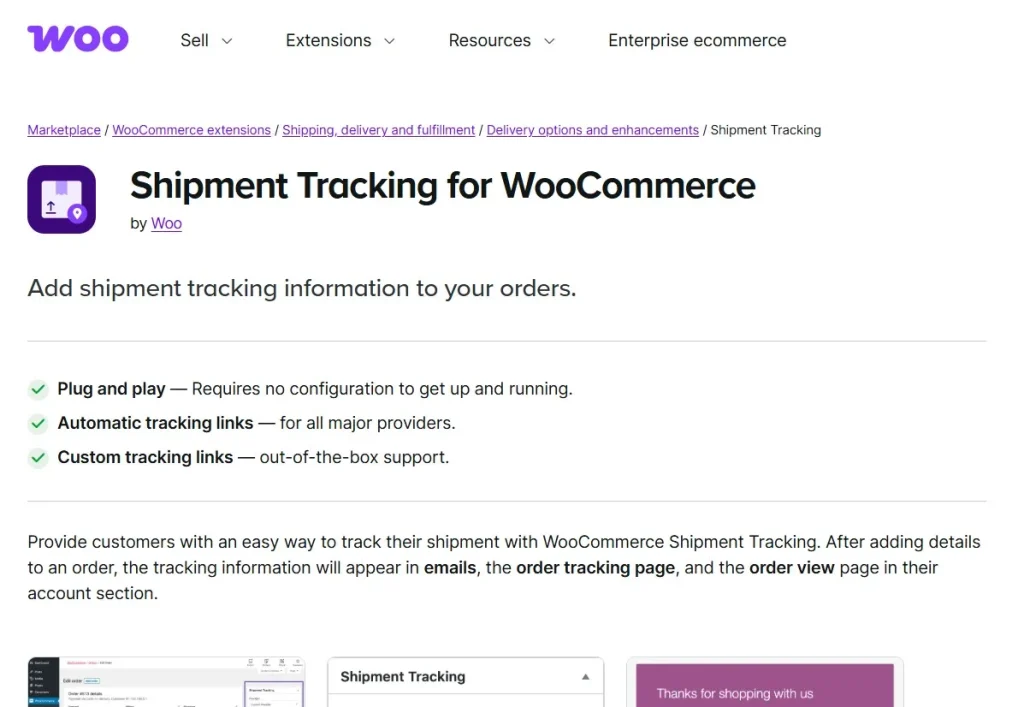
This plugin is essential for online stores of all sizes, as it improves post-purchase communication, reduces support requests, and boosts customer confidence in your store.
How to Install WooCommerce Shipment Tracking
Installing WooCommerce Shipment Tracking is simple and user-friendly:
Step 1: Purchase and Download
Buy WooCommerce Shipment Tracking from Pluginpro.org to get a fully licensed premium version at a discounted price. You’ll also get unlimited website usage, clean code, and hassle-free updates.
Step 2: Upload to WordPress
- Log in to your WordPress dashboard.
- Navigate to Plugins > Add New > Upload Plugin.
- Select the downloaded WooCommerce Shipment Tracking ZIP file and click Install Now.
Step 3: Activate the Plugin
Click Activate Plugin. You will now see a Shipment Tracking option under WooCommerce settings.
Step 4: Configure Tracking Settings
Go to WooCommerce > Settings > Shipment Tracking to configure global options:
- Enable tracking for your preferred carriers
- Customize email notifications for customers
- Set default tracking information display
Step 5: Add Tracking Numbers to Orders
- Edit any WooCommerce order.
- Enter the tracking number and select the carrier.
- Save the order. Customers will receive an automatic email with shipment details.
Key Features of WooCommerce Shipment Tracking
WooCommerce Shipment Tracking comes with robust features that streamline order fulfillment:
1. Multiple Carrier Support
Supports all major carriers like FedEx, UPS, DHL, USPS, and more, ensuring global shipping compatibility.
2. Automated Customer Notifications
Automatically send emails to customers with tracking information and shipment updates.
3. Dashboard Tracking
Store owners can view and manage all tracking numbers directly from the WooCommerce order dashboard.
4. Easy Carrier Selection
Select from a list of predefined carriers or add custom shipping providers.
5. Trackable Links
Provide clickable tracking links so customers can follow their shipments in real-time.
6. Email Customization
Customize tracking email templates to match your brand and messaging.
7. Order Status Integration
Tracking information is displayed in the order status, giving customers a complete view of their order progress.
8. Multi-Language Support
Compatible with WPML and other translation plugins for multilingual stores.
Benefits of Using WooCommerce Shipment Tracking
Here’s why WooCommerce Shipment Tracking is essential for online stores:
- Enhance Customer Experience: Keep customers informed at every stage of shipping.
- Reduce Support Requests: Minimize inquiries about order status by providing automated tracking.
- Boost Trust: Provide professional, transparent communication to build brand credibility.
- Global Carrier Compatibility: Manage shipments with multiple carriers efficiently.
- Streamline Fulfillment: Track shipments directly from your WooCommerce dashboard.
Selling Points: Why WooCommerce Shipment Tracking Stands Out
WooCommerce Shipment Tracking offers more than basic tracking features. Its standout advantages include:
- Automated Tracking Emails: Reduce manual effort and improve customer communication.
- Easy Integration: Seamlessly integrates with WooCommerce and existing order workflows.
- Customizable Templates: Maintain a professional look for customer notifications.
- Multiple Carrier Support: Cover both domestic and international shipments.
- Responsive and Lightweight: Fast performance without slowing down your website.
Why Buy WooCommerce Shipment Tracking from Pluginpro.org?
Purchasing WooCommerce Shipment Tracking from Pluginpro.org provides exclusive advantages:
1. Save Up to 95%
Get the premium plugin at a fraction of the original price while retaining all features.
2. 100% Clean Code
All plugins from Pluginpro.org are verified for security, speed, and WordPress standards.
3. Unlimited Website Usage
Use WooCommerce Shipment Tracking on unlimited websites—perfect for agencies or multi-store owners.
4. Easy Updates
Receive hassle-free updates to ensure compatibility with WooCommerce and WordPress.
5. Dedicated Support
Access professional support for installation, configuration, and troubleshooting.
Real-Life Use Cases
1. E-Commerce Stores
Send customers real-time shipment updates to enhance trust and reduce support requests.
2. Dropshipping Businesses
Manage multiple carriers and provide accurate tracking for international orders.
3. Subscription Boxes
Keep subscribers informed about recurring shipments with automated tracking emails.
4. Digital and Physical Products
Combine physical shipment tracking with order management to streamline operations.
5. Agencies Managing Client Stores
Deploy WooCommerce Shipment Tracking across multiple client websites efficiently with Pluginpro.org licensing.
Frequently Asked Questions
Q: Can I use this plugin with international carriers?
Yes, WooCommerce Shipment Tracking supports all major carriers worldwide.
Q: Will customers receive tracking updates automatically?
Absolutely. The plugin sends automated emails with tracking details and status updates.
Q: Can I customize the email templates?
Yes, you can fully customize email templates to match your branding.
Q: Does it work with WPML for multilingual sites?
Yes, WooCommerce Shipment Tracking is fully compatible with WPML and other translation plugins.
Conclusion
WooCommerce Shipment Tracking is an essential plugin for WooCommerce store owners who want to enhance customer experience, streamline order management, and ensure transparency in delivery. With automated notifications, multiple carrier support, and seamless WooCommerce integration, it provides a professional way to handle shipments efficiently.
Purchasing WooCommerce Shipment Tracking from Pluginpro.org ensures you get a fully licensed, clean-coded plugin at a discounted price with unlimited website usage, hassle-free updates, and expert support.



