
Managing a WooCommerce store efficiently requires timely communication. WooCommerce Advanced Notifications is a premium plugin that allows store owners to create customized notifications for orders, stock updates, and specific products, ensuring that the right team members or suppliers are informed immediately.
In this article, we’ll cover how to install WooCommerce Advanced Notifications, explore its features, and explain why purchasing it from Pluginpro.org is the best option for WooCommerce store owners.
What is WooCommerce Advanced Notifications?
WooCommerce Advanced Notifications enhances the default WooCommerce notification system by allowing store owners to set up advanced alerts for critical store events. This includes notifying staff, suppliers, or warehouse teams about new orders, low stock, or backorders.
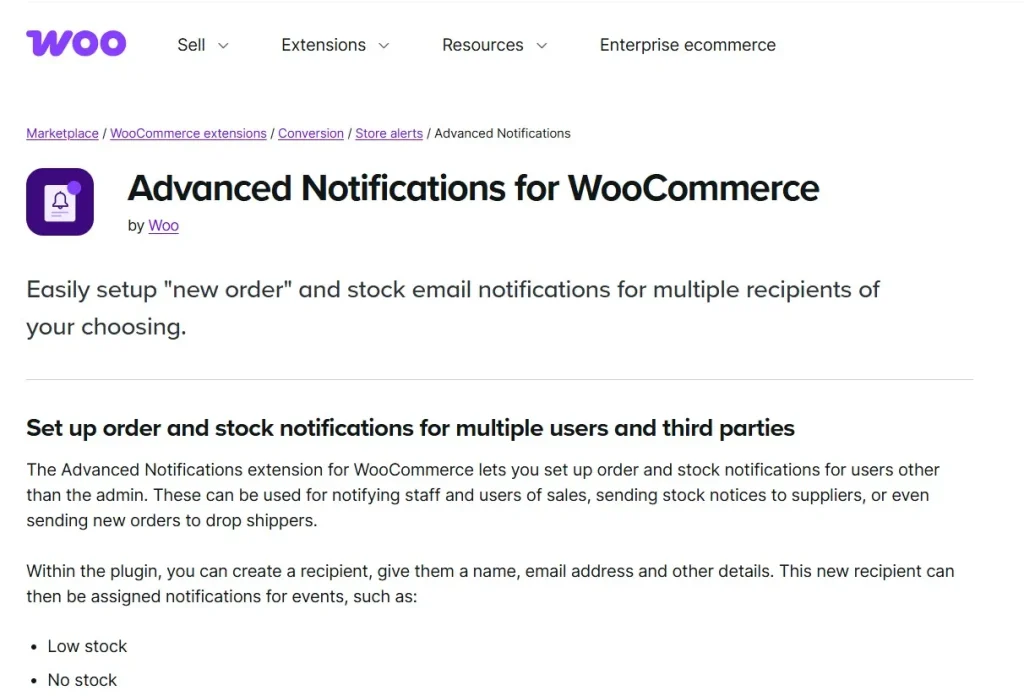
This plugin is particularly useful for e-commerce stores with multiple suppliers, warehouses, or staff, ensuring no critical notification is missed, and orders are processed efficiently.
How to Install WooCommerce Advanced Notifications
Installing WooCommerce Advanced Notifications is simple and beginner-friendly:
Step 1: Purchase and Download
Buy WooCommerce Advanced Notifications from Pluginpro.org to receive a fully licensed premium version at a discounted price. This ensures unlimited website usage, clean code, and easy updates.
Step 2: Upload to WordPress
- Log in to your WordPress dashboard.
- Navigate to Plugins > Add New > Upload Plugin.
- Choose the downloaded WooCommerce Advanced Notifications ZIP file and click Install Now.
Step 3: Activate the Plugin
Click Activate Plugin. A new Notifications menu will appear under WooCommerce settings.
Step 4: Configure Notifications
Go to WooCommerce > Notifications to set up:
- New order alerts
- Low stock or out-of-stock alerts
- Product-specific notifications
- Assign recipients for each notification
Step 5: Test Your Notifications
Place a test order or adjust stock levels to ensure notifications are delivered correctly to the designated recipients.
Key Features of WooCommerce Advanced Notifications
WooCommerce Advanced Notifications comes with robust features designed to improve store management:
1. Multiple Notification Types
Set notifications for new orders, low stock, backorders, and product-specific events.
2. Flexible Recipient Options
Send notifications to multiple email addresses, specific staff members, suppliers, or custom recipients.
3. Product and Category-Based Alerts
Configure notifications for individual products, categories, or all items in the store.
4. Customizable Email Templates
Create branded, professional email templates for each type of notification.
5. Low Stock and Backorder Alerts
Automatically notify your team when stock reaches a set threshold or a backorder occurs.
6. Multi-Store Management
Manage notifications across multiple WooCommerce stores from a single dashboard.
7. Seamless WooCommerce Integration
Integrates perfectly with WooCommerce workflows without conflicts or additional configuration.
8. Multi-Language Support
Compatible with WPML and other translation plugins, suitable for international stores.
Benefits of Using WooCommerce Advanced Notifications
Here’s why WooCommerce Advanced Notifications is essential for store owners:
- Enhance Operational Efficiency: Ensure the right people are informed about critical updates.
- Prevent Errors and Delays: Avoid missed orders or stock-related issues.
- Improve Supplier and Team Communication: Keep all parties informed automatically.
- Customizable Workflows: Tailor notifications to fit your business process.
- Scale with Ease: Perfect for multi-warehouse or multi-store operations.
Selling Points: Why WooCommerce Advanced Notifications Stands Out
WooCommerce Advanced Notifications goes beyond standard WooCommerce emails. Key advantages include:
- Product-Specific Alerts: Notify only for relevant products or categories.
- Multiple Recipients: Ensure all necessary team members or suppliers receive alerts.
- Custom Email Templates: Maintain a professional and consistent brand image.
- Automatic Notifications: Reduce manual effort and ensure timely communication.
- Seamless WooCommerce Integration: Works flawlessly with existing store workflows.
Why Buy WooCommerce Advanced Notifications from Pluginpro.org?
Purchasing from Pluginpro.org offers exclusive benefits:
1. Save Up to 95%
Purchase premium WooCommerce plugins at a fraction of the original cost while retaining all features.
2. 100% Clean Code
Plugins from Pluginpro.org are verified for security, performance, and WordPress coding standards.
3. Unlimited Website Usage
Install WooCommerce Advanced Notifications on unlimited websites—perfect for agencies, freelancers, or developers.
4. Easy Updates
Receive hassle-free updates to maintain compatibility with WooCommerce and WordPress.
5. Professional Support
Get dedicated assistance for installation, configuration, and workflow optimization.
Real-Life Use Cases
1. Multi-Supplier Stores
Automatically notify suppliers when their products are ordered or low in stock.
2. Warehouse Management
Ensure warehouse staff are informed about stock changes or new orders.
3. Subscription or Digital Products
Trigger notifications for recurring orders or updates.
4. Multi-Store Operations
Manage notifications for multiple WooCommerce stores efficiently.
5. Agencies Managing Clients
Deploy WooCommerce Advanced Notifications across client websites easily with Pluginpro.org licensing.
Frequently Asked Questions
Q: Can I set notifications for individual products?
Yes, WooCommerce Advanced Notifications allows product-specific or category-specific alerts.
Q: Can multiple recipients receive the same notification?
Absolutely. You can assign multiple recipients to any notification type.
Q: Is the plugin compatible with WPML?
Yes, it works seamlessly with WPML and other multilingual plugins.
Q: Can I customize email templates for notifications?
Yes, each notification type can have a branded, customized email template.
Conclusion
WooCommerce Advanced Notifications is a must-have plugin for WooCommerce store owners who want to streamline communication, improve operational efficiency, and ensure that critical notifications are never missed. With product-specific alerts, multiple recipient support, customizable emails, and seamless WooCommerce integration, it empowers businesses to manage their stores professionally.
Purchasing WooCommerce Advanced Notifications from Pluginpro.org ensures you get a fully licensed, clean-coded plugin at a discounted price with unlimited website usage, hassle-free updates, and expert support.



