
Managing content revisions on a WordPress website can be challenging, especially for websites with multiple authors or complex workflows. PublishPress Revisions Pro is a premium plugin designed to simplify the editing and approval process, allowing site owners to review, schedule, and manage content revisions efficiently.
In this guide, we’ll explain how to install PublishPress Revisions Pro, highlight its key features, and show why purchasing it from Pluginpro.org is the best choice for WordPress site owners.
What is PublishPress Revisions Pro?
PublishPress Revisions Pro extends WordPress’s default revision system with advanced workflow management. It allows site administrators, editors, and authors to:
- Create draft revisions of existing posts, pages, or custom post types.
- Schedule content updates without affecting the live site.
- Review, approve, or reject changes before publishing.
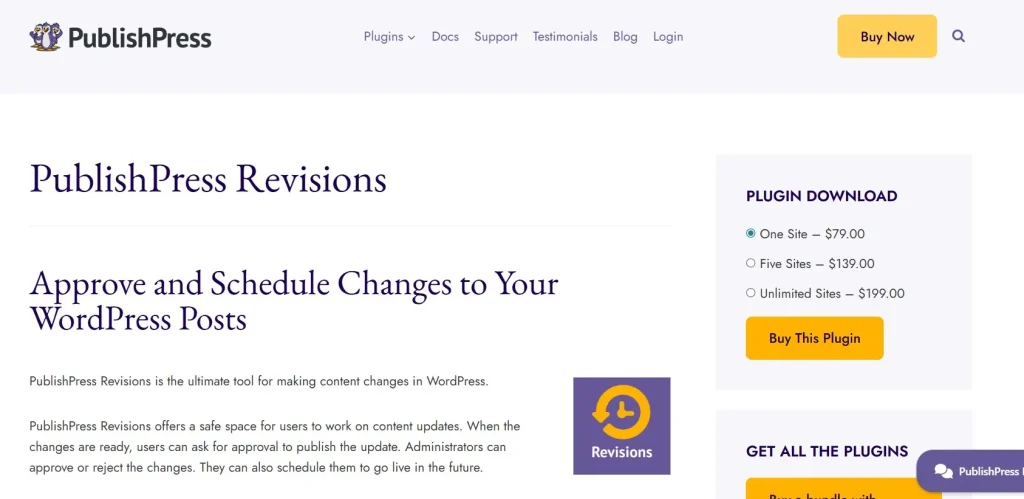
This plugin is ideal for news websites, blogs, corporate websites, or any WordPress site where content quality and approval workflows are critical.
How to Install PublishPress Revisions Pro
Installing PublishPress Revisions Pro is quick and straightforward:
Step 1: Purchase and Download
Buy PublishPress Revisions Pro from Pluginpro.org to get the fully licensed premium version. You’ll also receive unlimited website usage, clean code, and hassle-free updates.
Step 2: Upload to WordPress
- Log in to your WordPress dashboard.
- Navigate to Plugins > Add New > Upload Plugin.
- Select the downloaded PublishPress Revisions Pro ZIP file and click Install Now.
Step 3: Activate the Plugin
Click Activate Plugin. You will now see a PublishPress > Revisions menu in your WordPress dashboard.
Step 4: Configure Settings
Go to PublishPress > Revisions Settings to customize workflow options:
- Enable revisions for specific post types.
- Allow draft revisions, scheduling, and notifications.
- Set permissions for different user roles.
Step 5: Start Managing Revisions
Create or edit a post, then submit a revision for approval. Editors or administrators can review and approve changes before the update goes live.
Key Features of PublishPress Revisions Pro
PublishPress Revisions Pro offers advanced features to improve content management:
1. Draft Revisions
Create revisions of published content without immediately updating the live site.
2. Scheduled Revisions
Schedule updates to go live at a specific date and time.
3. Approval Workflow
Assign revisions to editors or administrators for review and approval.
4. Revision Comparison
Compare revisions side by side to see exactly what has changed.
5. Notifications
Notify team members when revisions are created, approved, or rejected.
6. Custom Post Type Support
Works with pages, posts, and custom post types, making it flexible for all WordPress websites.
7. Role-Based Permissions
Control which user roles can create, edit, or approve revisions.
8. Seamless WordPress Integration
Integrates smoothly with WordPress without affecting existing content or plugins.
Benefits of Using PublishPress Revisions Pro
Here’s why this plugin is essential for WordPress site owners:
- Improved Content Accuracy: Ensure updates are reviewed before going live.
- Professional Workflow: Create a structured approval system for teams.
- Save Time: Avoid manual tracking of revisions or updates.
- Team Collaboration: Allow multiple authors to contribute safely without overwriting live content.
- Content Scheduling: Schedule updates to keep your website fresh and relevant.
Selling Points: Why PublishPress Revisions Pro Stands Out
PublishPress Revisions Pro provides advanced functionality beyond default WordPress features:
- Safe Draft Revisions: Update content without affecting the live site.
- Advanced Workflow Management: Create custom approval processes for teams.
- Notifications and Alerts: Keep editors and authors informed about revisions.
- Custom Permissions: Restrict access based on user roles for secure collaboration.
- Compatibility: Works seamlessly with other WordPress plugins and themes.
Why Buy PublishPress Revisions Pro from Pluginpro.org?
Purchasing from Pluginpro.org offers exclusive benefits:
1. Save Up to 95%
Get the premium plugin at a fraction of the official price while retaining all features.
2. 100% Clean Code
Plugins from Pluginpro.org are fully verified for security, performance, and WordPress standards.
3. Unlimited Website Usage
Install PublishPress Revisions Pro on unlimited websites—ideal for agencies, developers, or multi-site networks.
4. Easy Updates
Receive hassle-free updates to stay compatible with WordPress core and plugins.
5. Professional Support
Access expert assistance for installation, workflow setup, and revision management.
Real-Life Use Cases
1. News Websites
Schedule revisions to update breaking news or correct published articles safely.
2. Corporate Blogs
Maintain accurate content by reviewing updates before they go live.
3. Multi-Author Blogs
Allow multiple authors to submit revisions without overwriting live posts.
4. Agency Projects
Manage content revisions for clients across multiple WordPress websites.
5. Custom Post Types
Use revisions for products, services, or portfolio items, ensuring accurate and approved content.
Frequently Asked Questions
Q: Can I schedule revisions for future publication?
Yes, PublishPress Revisions Pro allows you to schedule content updates at a specific time.
Q: Can multiple users submit revisions?
Absolutely. Multiple authors can create revisions while maintaining live content integrity.
Q: Does it work with custom post types?
Yes, it supports pages, posts, and any custom post types.
Q: Can I compare revisions?
Yes, you can compare any two revisions side by side to review changes.
Conclusion
PublishPress Revisions Pro is a must-have plugin for WordPress site owners who want to manage content updates safely, professionally, and efficiently. With features like draft revisions, scheduled updates, approval workflows, revision comparison, and notifications, it ensures your website content is always accurate and polished.
Purchasing PublishPress Revisions Pro from Pluginpro.org guarantees a fully licensed, clean-coded plugin at a discounted price with unlimited website usage, hassle-free updates, and expert support.



