
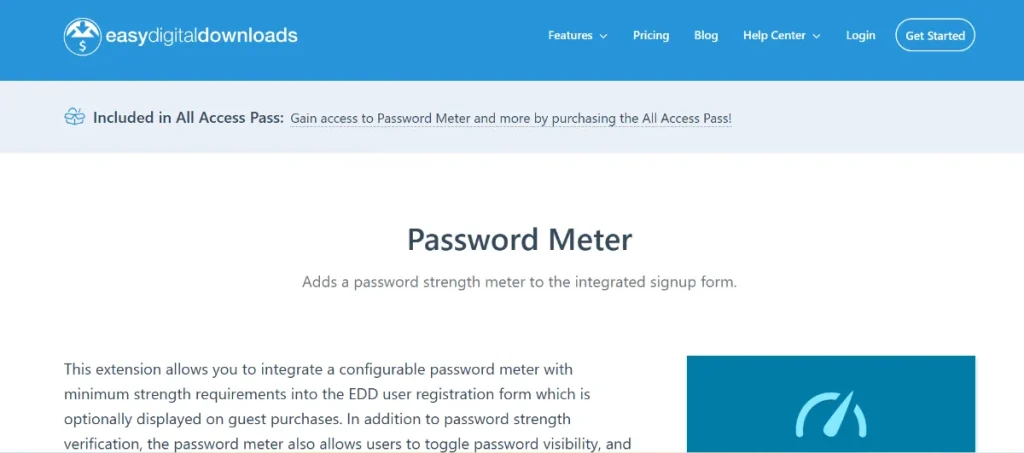
In the fast-paced world of digital e-commerce, security is not just a feature—it’s a foundation. When customers purchase your digital products, they trust you with their data. One of the most effective ways to ensure that trust is never broken is by enforcing strong account security from the very first step. The Easy Digital Downloads – Password Meter extension is the essential tool for any WordPress store owner looking to bolster their site’s defenses.
In this guide, we will explore how this small but mighty extension protects your business, how to set it up, and why Pluginpro.org is the best place to source your professional web tools.
1. Introducing Easy Digital Downloads – Password Meter
The Easy Digital Downloads – Password Meter is a specialized security extension designed to integrate seamlessly with the EDD registration and checkout forms. Its primary goal is simple: to prevent users from creating weak, easily hackable passwords.
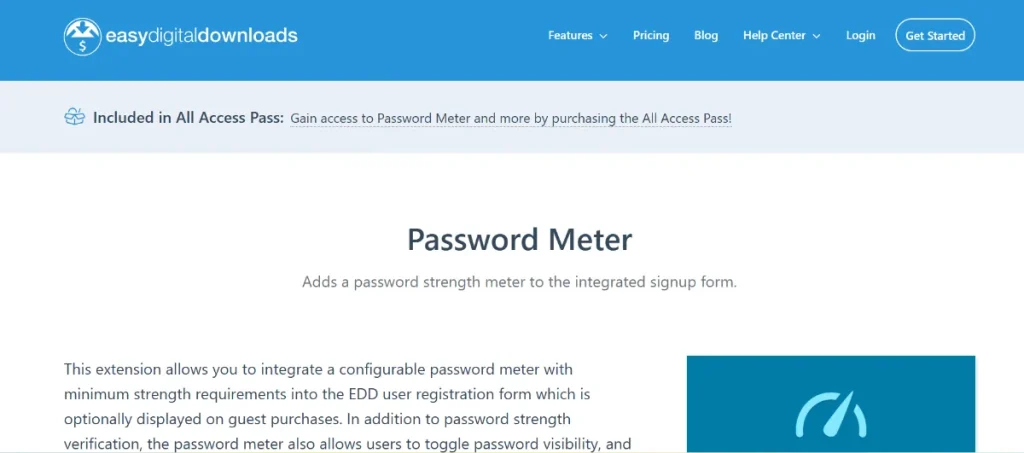
In 2026, brute-force attacks and credential stuffing are more common than ever. By adding a visual “strength” indicator to your signup process, you encourage users to choose complex passwords that protect their purchase history and your store’s integrity. It turns a standard registration form into a professional, high-security portal.
2. Feature Functions and Selling Points
Why should every digital store owner implement the Easy Digital Downloads – Password Meter? Here are the key selling points:
Visual Strength Feedback
As users type their password, a dynamic color-coded bar appears, ranging from “Very Weak” (Red) to “Strong” (Green). This instant feedback guides users to create better passwords without needing complex instructions.
Enforced Security Requirements
You can configure the plugin to prevent users from completing their registration until their password meets a minimum strength threshold. This ensures that every account on your site is inherently more resistant to hacking attempts.
Integrated Password Toggle
Modern user experience (UX) demands convenience. This extension often includes a “Show/Hide” toggle, allowing users to verify what they’ve typed, reducing frustration and accidental typos during the checkout process.
Automated Password Generation
To make security even easier, the Easy Digital Downloads – Password Meter can generate a secure, high-entropy password for the user with a single click. This is perfect for customers who want maximum security without the effort of brainstorming a complex string.
3. How to Install Easy Digital Downloads – Password Meter
Securing your store takes only a few minutes. Follow these simple steps:
- Download from Pluginpro.org: Grab the latest version of the extension from your dashboard.
- Upload to WordPress: Navigate to
Plugins > Add New > Upload Pluginand select the file. - Activate: Click the Activate button to go live.
- Configure Strength Levels:
- Go to
Downloads > Settings > Extensions. - Look for the Password Meter settings.
- Choose your “Minimum Password Strength” (e.g., Medium or Strong) and customize the colors to match your brand.
- Go to
- Verify: Visit your registration or checkout page to see the meter in action.
4. Why You Should Buy from Pluginpro.org
When it comes to security and performance, where you source your plugins matters. Pluginpro.org is the preferred choice for digital entrepreneurs for four major reasons:
Save 95% of Your Budget
Official licenses for premium e-commerce add-ons can be expensive, often requiring high annual renewals. At Pluginpro.org, we provide the exact same professional-grade tools while saving you 95% of your budget. This allows you to scale your business faster with the money you save.
100% Clean Code
Your security is our priority. Every plugin on our platform is 100% clean, original, and verified. We never provide “nulled” or modified code that could contain vulnerabilities. You get the pure, GPL-licensed software your site deserves.
Unlimited Website Usage
Most official marketplaces lock you into a “One Site” license. When you buy from us, you can use the Easy Digital Downloads – Password Meter on unlimited websites. This is a massive advantage for developers and agencies managing multiple client stores.
Easy to Update
Security tools must be kept current to combat new threats. We provide an easy update process, ensuring you always have access to the latest security features and compatibility fixes for the newest versions of WordPress.
5. Improving Your Store’s SEO and Trust
Security has a direct impact on your SEO. Search engines like Google prioritize sites that offer a safe user environment. By implementing tools like the Easy Digital Downloads – Password Meter, you reduce the risk of account takeovers and site breaches—factors that can negatively impact your search rankings if they occur. Furthermore, a professional-looking secure checkout increases customer “Trust Signals,” leading to higher conversion rates.
Conclusion
The Easy Digital Downloads – Password Meter is a small investment that provides massive protection. It keeps your customers safe, your data secure, and your brand reputation intact.
Don’t leave your store’s security to chance. Visit Pluginpro.org today to get the tools you need with clean code, unlimited usage, and 95% savings. Secure your success now!



