
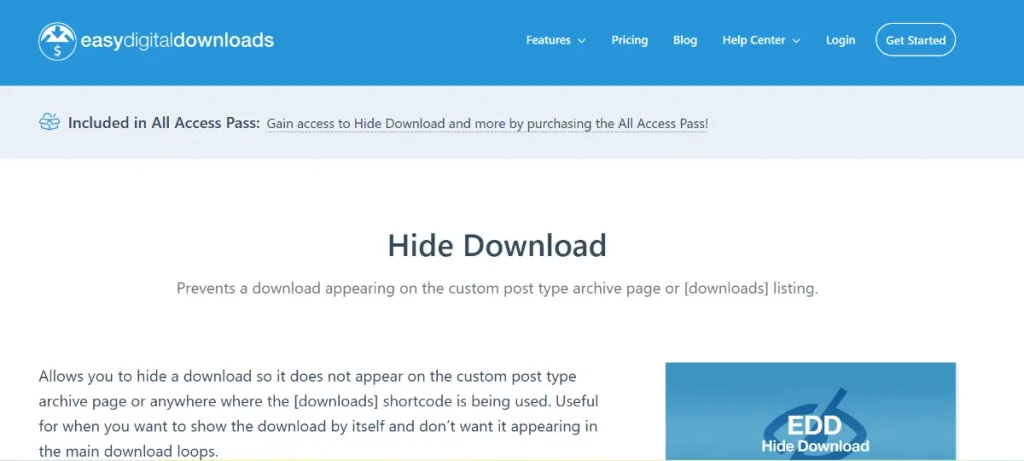
Running an online store with Easy Digital Downloads (EDD) offers incredible flexibility, but sometimes you need more control over who sees your products. Whether you are running a private membership site, offering exclusive content to specific clients, or staging a product launch, knowing how to use Easy Digital Downloads – Hide Download is essential for professional store management.
In this guide, we will dive deep into why you might need to hide your digital products, how to install the necessary tools, and why sourcing your plugins from Pluginpro.org is the smartest move for your business.
1. Introducing Easy Digital Downloads – Hide Download
The Easy Digital Downloads – Hide Download functionality is designed for store owners who need to keep certain products away from the public eye. By default, EDD displays all published “Downloads” on your main shop page and in search results. However, there are many scenarios where a “public-to-all” approach doesn’t work.
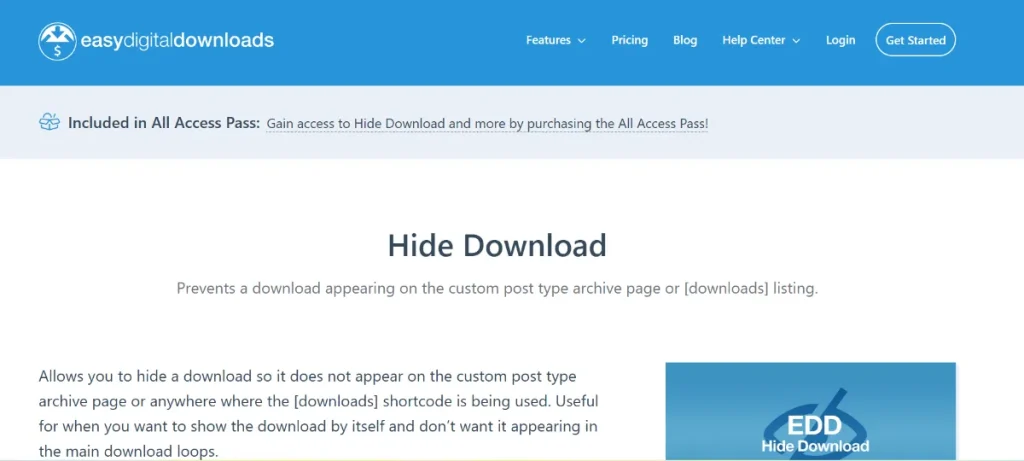
By implementing a “Hide Download” strategy, you can create “shadow” products. These are items that exist on your server and have active checkout pages, but they do not appear in your store’s archives, search results, or categorical listings. This gives you the power to share direct links with specific customers without cluttering your main storefront.
2. Feature Functions and Selling Points
Why is the Easy Digital Downloads – Hide Download feature so vital for modern e-commerce? Here are the primary functions and benefits:
Exclusive Member Content
If you run a membership program, you might want to offer specific downloads only to logged-in members. By hiding these downloads from the general public, you prevent confusion and maintain the “exclusivity” of your premium offerings.
Private Client Portals
Freelancers and agencies often use EDD to invoice clients for digital work. You can create a custom “Download” for a specific project, hide it from your public shop, and send the direct link to your client for secure payment and file delivery.
Stealth Product Launches
Preparing for a big launch? You can set up your product pages, test the checkout flow, and keep the Easy Digital Downloads – Hide Download settings active until the moment you are ready to go live. This prevents “leakage” of your product details before the official announcement.
Clean Store Aesthetics
Not every item in your backend needs to be a “featured product.” If you sell hundreds of small add-ons or micro-assets, hiding the less popular ones keeps your main shop page clean, focused, and optimized for high-converting items.
3. How to Install Easy Digital Downloads – Hide Download
Setting up the ability to hide your downloads is a quick process. Depending on the specific extension or method you use from Pluginpro.org, here is the general installation workflow:
- Download the Extension: Acquire the plugin file from your dashboard at Pluginpro.org.
- Upload to WordPress: In your WordPress admin, go to
Plugins > Add New > Upload Plugin. - Activate: Click Install Now and then Activate.
- Configure Settings:
- Navigate to
Downloads > All Downloads. - Edit the specific product you wish to conceal.
- Look for the “Hide Download” checkbox or the “Catalog Visibility” settings on the right-hand sidebar.
- Select “Hidden” and update the post.
- Navigate to
Once these steps are complete, your product will remain accessible via its direct URL but will vanish from your public-facing shop loops.
4. Why You Should Buy from Pluginpro.org
When you are looking for premium extensions like Easy Digital Downloads – Hide Download, where you buy matters just as much as what you buy. Pluginpro.org is the premier destination for developers and entrepreneurs for several reasons:
Save 95% of Your Budget
Building a fully-featured digital store can cost thousands in licensing fees. We believe in democratizing access to high-quality web tools. At Pluginpro.org, you can save up to 95% compared to official marketplace prices, allowing you to scale your business without the financial strain.
100% Clean Code
Security is the backbone of e-commerce. Unlike “nulled” sites that offer compromised files, Pluginpro.org provides 100% clean code. Our files are original, untouched, and scanned for vulnerabilities, ensuring your customer data and SEO rankings remain protected.
Unlimited Website Usage
Most official developers restrict you to a single-site license. We provide GPL-licensed software, which means you can install your purchased plugins on unlimited websites. This is a game-changer for agencies and developers managing multiple client portfolios.
Easy to Update
A common fear with third-party providers is the lack of updates. Pluginpro.org solves this by providing a streamlined update system. You’ll have access to the latest versions as they are released, ensuring your Easy Digital Downloads – Hide Download functionality stays compatible with the latest WordPress core updates.
5. SEO Best Practices for Hidden Products
Even if you are using Easy Digital Downloads – Hide Download to keep a product off your shop page, you may still want that page to rank on Google—or, conversely, you may want to hide it from search engines entirely.
- To Rank a Hidden Product: Use high-quality metadata and keywords. Even if it’s not in your shop’s “Catalog,” Google can still find and index the URL.
- To Hide from Google: If the product is truly private, ensure you set the “noindex” tag using an SEO plugin like Yoast or Rank Math.
By combining the privacy of hiding downloads with the cost-efficiency of Pluginpro.org, you create a professional, versatile, and highly profitable digital store.
Conclusion
The Easy Digital Downloads – Hide Download feature is an essential tool for any merchant who values control and customization. Whether for privacy, testing, or exclusivity, hiding your downloads allows you to curate the perfect shopping experience.
Don’t let high license fees hold your business back. Visit Pluginpro.org today to get the tools you need with clean code, unlimited usage, and massive savings. Secure your digital future today!



