
A modern website needs more than just good design—it needs speed, flexibility, and conversion-focused structure. Many WordPress themes look attractive but lack performance optimization or customization depth.
The Capri Pro WordPress theme is designed to solve this problem by offering a lightweight, flexible, and highly customizable framework suitable for businesses, agencies, portfolios, and online stores.
In this SEO guide, we’ll explore everything about Capri Pro, including features, installation steps, use cases, and why buying it from PluginPro.org is the best choice.
What is Capri Pro?
Capri Pro is a premium WordPress theme developed by ThemeIsle, built for modern websites that need both visual appeal and strong performance. It provides pre-built layouts, customization tools, and WooCommerce support to help you launch professional websites quickly.
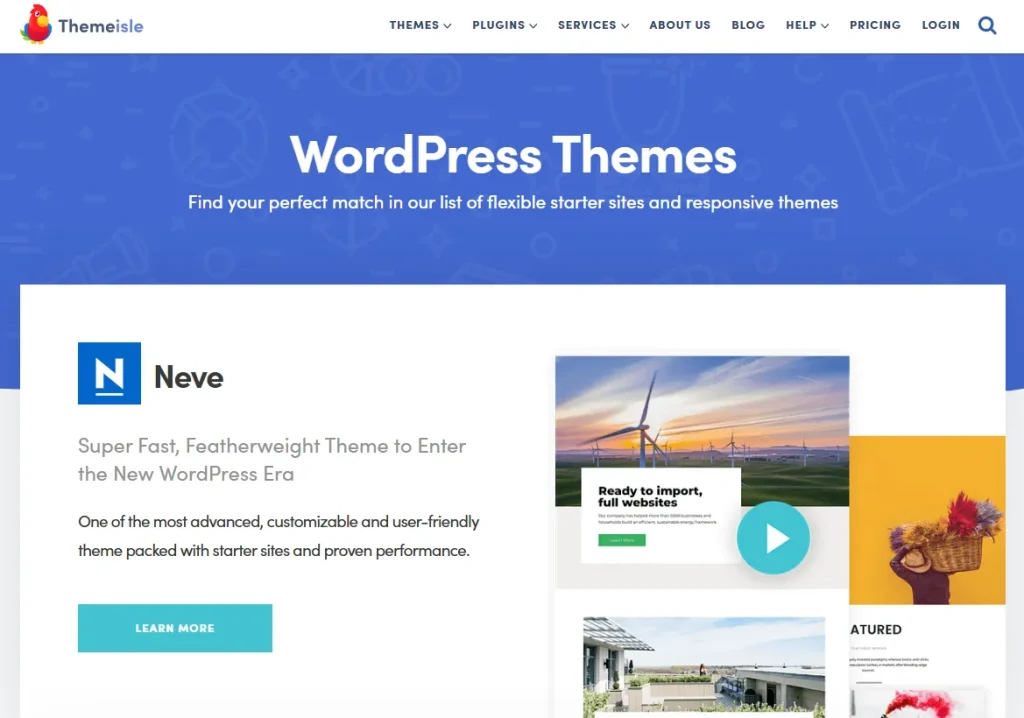
Instead of complex setups, Capri Pro focuses on:
- Clean and modern design
- Easy customization
- Fast performance optimization
- Conversion-friendly layouts
Ideal for:
- Business websites
- Creative agencies
- Freelancers and portfolios
- Landing pages
- WooCommerce stores
With Capri Pro, you can build a professional website without writing code.
Why Use Capri Pro?
A successful website must be fast, responsive, and easy to manage. Capri Pro is designed with these priorities in mind.
Key Benefits:
- Lightweight and performance-optimized structure
- Modern, professional design system
- Mobile-first responsive layout
- SEO-friendly architecture
- Easy drag-and-drop customization
Key Features of Capri Pro
Capri Pro includes a wide range of features designed to support different website types.
1. Modern Responsive Design
Capri Pro automatically adapts to all screen sizes, ensuring a consistent experience on mobile, tablet, and desktop devices.
2. One-Click Demo Import
Quickly set up your website using pre-built demo layouts, reducing development time significantly.
3. WooCommerce Integration
Capri Pro supports WooCommerce, allowing you to create fully functional online stores with product pages and checkout systems.
4. Drag-and-Drop Page Builder Support
Easily build pages using visual editors without coding knowledge.
5. Advanced Typography Controls
Customize fonts, spacing, and text styles to match your brand identity.
6. SEO-Optimized Structure
Built with clean HTML and schema-friendly markup for better search engine visibility.
7. Portfolio and Blog Layouts
Showcase projects, articles, or services using structured content blocks.
8. Custom Header and Footer Options
Design flexible headers and footers to match your branding style.
9. Fast Loading Performance
Optimized code ensures better speed and Core Web Vitals performance.
10. Global Styling Controls
Easily adjust colors and branding across your entire site from one panel.
How to Install Capri Pro
Installing Capri Pro is simple and beginner-friendly.
Step 1: Download the Theme
- Purchase and download Capri Pro from PluginPro.org
Step 2: Upload Theme
- Go to WordPress dashboard
- Navigate to Appearance → Themes → Add New → Upload Theme
- Upload the Capri Pro ZIP file
Step 3: Install and Activate
- Click Install Now
- Then click Activate
Step 4: Import Demo Content (Optional)
- Use one-click demo import to replicate a full website layout
Step 5: Customize Your Website
- Go to Appearance → Customize
- Adjust colors, layout, typography, and branding
How Capri Pro Improves Your Website
Faster Website Performance
Optimized code improves loading speed and SEO rankings.
Better Conversion Rates
Clean layouts guide users toward actions like purchases or contact forms.
Strong Branding Control
Flexible customization helps match your business identity.
Improved User Experience
Responsive design ensures smooth browsing across all devices.
Use Cases for Capri Pro
1. Business Websites
Create professional corporate websites with service pages and contact forms.
2. Creative Agencies
Showcase portfolios and client work with clean layouts.
3. Freelancers
Build personal branding websites and online resumes.
4. Online Stores
Launch WooCommerce-powered eCommerce websites.
Tips for Using Capri Pro Effectively
Use Demo Layouts
Start with pre-built templates to save time.
Optimize Images
Keep your website fast and SEO-friendly.
Focus on Clear Navigation
Make it easy for users to find important pages.
Use Strong Call-to-Actions
Improve conversions with buttons and forms.
Common Issues and Troubleshooting
Demo Import Not Working
- Check plugin requirements
- Re-import demo data
Layout Not Displaying Correctly
- Clear cache
- Check theme settings
Slow Performance
- Optimize images
- Reduce unnecessary plugins
Why Buy Capri Pro from PluginPro?
PluginPro.org offers premium WordPress themes at unbeatable value.
1. Save Up to 95% Budget
Get Capri Pro at a fraction of official pricing.
2. 100% Clean Code
All themes are verified for security and stability.
3. Unlimited Website Usage
Use Capri Pro on multiple websites without restrictions.
4. Easy Updates
Stay compatible with the latest WordPress versions.
5. Instant Download
Get immediate access after purchase.
6. Trusted Platform
Thousands of WordPress users trust PluginPro for premium tools.
Conclusion
The Capri Pro WordPress theme is a powerful and flexible solution for building modern business, portfolio, and eCommerce websites. With its clean design, performance optimization, and easy customization options, it helps you create professional websites quickly and efficiently.
Whether you are a business owner, freelancer, or agency, Capri Pro provides everything you need for a strong online presence.
And when you purchase from PluginPro.org, you benefit from massive savings, clean code, unlimited usage, and easy updates.



