
Email marketing is one of the most effective ways to increase repeat sales in eCommerce. Instead of relying only on ads or SEO traffic, store owners can turn visitors and customers into long-term subscribers.
The WooCommerce Constant Contact integration connects your WooCommerce store with the Constant Contact email marketing platform, allowing you to automatically collect customer emails, grow your list, and run targeted campaigns.
In this SEO guide, we’ll explore everything about WooCommerce Constant Contact, including features, installation steps, benefits, and why using PluginPro.org tools can help you build a stronger WooCommerce ecosystem.
What is WooCommerce Constant Contact?
WooCommerce Constant Contact is a WordPress integration that connects your online store with Constant Contact, an email marketing platform.
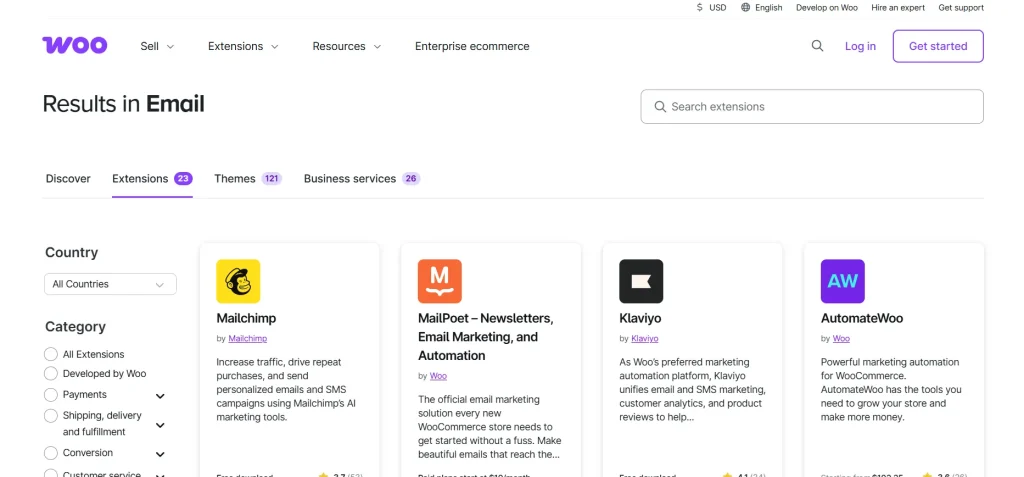
It allows you to:
- Add customers to email lists during checkout
- Sync WooCommerce customer data automatically
- Build segmented email audiences
- Send targeted marketing campaigns
The original WooCommerce official extension has been retired and is no longer sold, and users are now encouraged to use alternative integrations or the free Constant Contact plugin instead.
Why Use WooCommerce Constant Contact Integration?
Without email marketing integration, store owners miss valuable opportunities to convert one-time buyers into repeat customers.
Key Benefits:
- Automatically grow your email list from checkout
- Reduce manual contact management
- Improve customer retention
- Run automated email campaigns
- Increase repeat purchase rates
Key Features of WooCommerce Constant Contact
Even though the official extension is deprecated, the integration concept remains powerful and widely used through modern plugins and automation tools.
1. Checkout Signup Checkbox
Customers can opt in to your email list directly during checkout.
2. Automatic Contact Sync
Customer emails are automatically added to Constant Contact lists after purchase.
3. Order Confirmation Signup Option
Even if customers skip checkout opt-in, they can subscribe on the order confirmation page.
4. Widget Signup Forms
You can add signup forms in sidebars, footers, or landing pages.
5. Customer Segmentation
Advanced integrations allow grouping customers by:
- First-time buyers
- Repeat customers
- Abandoned carts
- High-value customers
6. Product-Based Email Marketing
Promote specific WooCommerce products directly inside Constant Contact emails.
7. Automated Email Campaigns
Trigger emails based on:
- Purchases
- Customer behavior
- Signup events
How to Set Up WooCommerce Constant Contact Integration
Since the original plugin is retired, setup is typically done using modern plugins like MailOptin, Zapier, or Constant Contact’s official WooCommerce plugin.
Step 1: Install Integration Plugin
- Install a Constant Contact integration plugin (e.g., MailOptin or official plugin)
Step 2: Connect Constant Contact Account
- Log in to Constant Contact
- Generate API credentials if required
Step 3: Configure WooCommerce Settings
- Go to WooCommerce settings
- Enable email opt-in checkbox at checkout
Step 4: Choose Email List
- Select which Constant Contact list customers will join
Step 5: Test Signup Flow
- Place a test order
- Confirm contact appears in Constant Contact
How WooCommerce Constant Contact Improves Your Store
Higher Customer Retention
Email marketing keeps customers returning after their first purchase.
Automated Lead Collection
Every order becomes a potential long-term subscriber.
Better Marketing Segmentation
Send targeted emails instead of generic campaigns.
Increased Revenue
Email campaigns often outperform paid ads in ROI for eCommerce.
Use Cases for WooCommerce Constant Contact
1. Small Online Stores
Start building an email list from day one.
2. eCommerce Brands
Run promotions, discounts, and product launches.
3. Digital Product Stores
Promote updates and upsells automatically.
4. Subscription Businesses
Manage recurring customer communication.
Tips for Using Constant Contact with WooCommerce
Always Enable Opt-In Checkbox
Make it easy for customers to subscribe.
Use Segmentation
Send different emails to different customer types.
Automate Welcome Emails
First impressions improve engagement.
Track Campaign Performance
Measure open rates and conversions regularly.
Common Issues and Troubleshooting
Contacts Not Syncing
- Check API connection
- Verify plugin configuration
Checkout Checkbox Not Showing
- Check theme compatibility
- Ensure plugin is activated
Duplicate Contacts
- Enable deduplication settings in Constant Contact
Why Use PluginPro for WooCommerce Marketing Stack?
While WooCommerce Constant Contact is just one part of your marketing system, PluginPro.org helps you build a complete WooCommerce ecosystem.
1. Save Up to 95% Budget
Get premium WooCommerce plugins at affordable pricing.
2. 100% Clean Code
All plugins are optimized and safe to use.
3. Unlimited Website Usage
Use across multiple WooCommerce stores.
4. Easy Updates
Stay compatible with latest WordPress versions.
5. Instant Download
Get access immediately after purchase.
6. Trusted Platform
Thousands of WordPress users rely on PluginPro.
Conclusion
The WooCommerce Constant Contact integration is a powerful tool for growing and automating your email marketing strategy. By connecting your store with Constant Contact, you can capture customer emails, build segmented lists, and increase repeat sales through targeted campaigns.
Although the original official extension has been retired, modern integrations still offer the same powerful capabilities through alternative plugins and automation tools.
When combined with PluginPro.org’s WooCommerce solutions, you can build a complete, scalable, and high-converting eCommerce marketing system.



