
Running a successful WooCommerce store is not just about great products and beautiful design. Small functional improvements can significantly enhance customer experience and increase conversions. One such improvement is setting a WooCommerce Default Quantity for products.
By defining a default quantity, you guide customers toward preferred purchase amounts, reduce friction during checkout, and streamline the buying process. Whether you sell wholesale items, bundles, or frequently purchased goods, this feature can make a measurable difference in sales performance.
In this article, you’ll learn how the WooCommerce Default Quantity plugin works, how to install it, its key features, and why buying from PluginPro.org helps you save up to 95% of your budget while enjoying premium quality.
What Is WooCommerce Default Quantity?
WooCommerce Default Quantity is a powerful feature that allows store owners to predefine the number of items automatically added to the cart when customers view a product.
Instead of showing “1” as the default value, you can set:
- A higher starting quantity (e.g., 3, 5, 10)
- Minimum purchase quantities
- Step increments for bulk orders
- Custom quantities based on product type
This is especially useful for:
- Wholesale stores
- B2B businesses
- Bulk-selling retailers
- Subscription or consumable products
- Bundle promotions
With WooCommerce Default Quantity, customers don’t need to manually adjust item counts, which simplifies purchasing and improves the shopping flow.
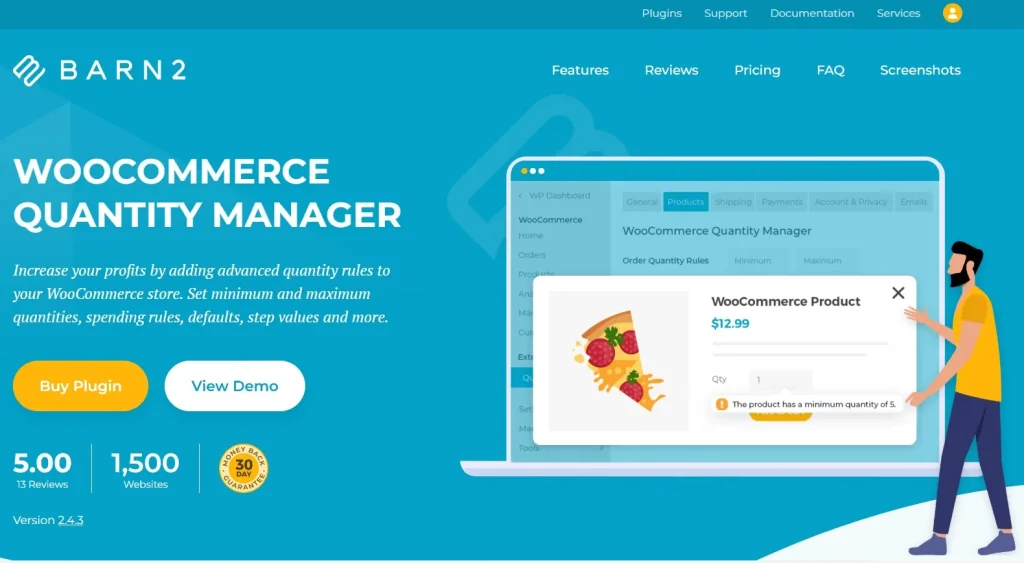
Why Your Store Needs WooCommerce Default Quantity
1. Increase Average Order Value
Pre-setting quantities encourages customers to buy more items per transaction. A simple default of 3 instead of 1 can significantly raise your average cart value.
2. Improve User Experience
Customers save time when quantity fields are already optimized. Fewer clicks mean smoother shopping and lower cart abandonment rates.
3. Perfect for Bulk & Wholesale Stores
If you sell items in packs or cartons, WooCommerce Default Quantity ensures buyers order in correct multiples.
4. Reduce Purchase Errors
Customers won’t accidentally order too few items when default quantities are configured correctly.
5. Support Smart Sales Strategies
You can align default quantities with marketing campaigns, bundle offers, and pricing tiers.
Introducing the WooCommerce Default Quantity Plugin
The WooCommerce Default Quantity plugin is designed to give store owners full control over how product quantities behave on their website.
Instead of relying on WooCommerce’s basic quantity field, this plugin allows you to:
- Automatically assign starting quantities
- Set minimum and maximum quantity limits
- Define step increments
- Apply rules globally or per product
- Customize quantity logic for variations
It’s lightweight, efficient, and works seamlessly with most WooCommerce themes and extensions.
Key Features & Selling Points
Smart Default Quantity Control
Set a predefined quantity that automatically appears when customers open a product page. This is ideal for fast-moving goods and bulk purchases.
Global Quantity Rules
Apply WooCommerce Default Quantity settings across your entire store to maintain consistency and reduce manual setup time.
Product-Level Customization
Need different rules for different items? Configure unique quantity settings for each product.
Variation-Specific Quantity
Perfect for variable products. Each size, color, or version can have its own default quantity.
Minimum & Maximum Limits
Prevent customers from ordering too little or too much by setting safe quantity boundaries.
Step Quantity Increments
Force purchases in fixed multiples (e.g., buy in packs of 6 or boxes of 12).
User-Friendly Interface
No coding required. All settings are managed through a clean and intuitive dashboard.
Seamless WooCommerce Integration
The plugin integrates directly into your existing WooCommerce setup without conflicts.
Lightweight & Fast
Optimized code ensures your website speed remains unaffected.
Developer-Friendly
Clean structure makes it easy for developers to customize or extend functionality.
How to Install WooCommerce Default Quantity
Setting up the WooCommerce Default Quantity plugin is quick and simple.
Step 1: Download the Plugin
After purchasing, download the plugin package from your PluginPro.org account.
Step 2: Upload to WordPress
- Log in to your WordPress dashboard
- Go to Plugins → Add New
- Click Upload Plugin
- Choose the downloaded ZIP file
- Click Install Now
Step 3: Activate the Plugin
Once installed, click Activate to enable the plugin.
Step 4: Configure Settings
- Navigate to WooCommerce settings
- Open the Default Quantity panel
- Set global rules or product-specific quantities
- Save changes
Your WooCommerce Default Quantity setup is now ready.
Practical Use Cases
Wholesale Stores
Encourage bulk purchasing by setting higher default quantities.
Food & Beverage Retailers
Set minimum order quantities for perishable or packaged goods.
Office Supplies Shops
Sell items in boxes instead of single pieces.
Electronics & Accessories
Bundle frequently purchased items with preset quantities.
Subscription Products
Align default quantities with refill cycles.
How WooCommerce Default Quantity Boosts Revenue
Smart quantity configuration directly impacts purchasing behavior.
- Customers tend to keep default values
- Higher preset numbers increase total order value
- Bulk increments promote larger transactions
- Fewer manual steps reduce friction
When used strategically, WooCommerce Default Quantity becomes a silent sales assistant working 24/7.
Why Buy WooCommerce Default Quantity at PluginPro.org?
Choosing the right supplier is just as important as choosing the right plugin. PluginPro.org offers unmatched value for WooCommerce store owners.
Save Up to 95% of Your Budget
Get premium plugins at a fraction of the original developer price. Perfect for startups, freelancers, and agencies.
100% Clean Code
All plugins are verified to be malware-free, safe, and secure.
Unlimited Website Usage
Install WooCommerce Default Quantity on as many websites as you want with no extra fees.
Easy Updates
Quick and simple update process to keep your plugin compatible with the latest WooCommerce versions.
Full Feature Access
Unlock every premium feature without limitations.
Instant Download
Access your plugin immediately after purchase.
Beginner-Friendly
Simple installation and configuration make it easy for non-technical users.
Professional Support
Get assistance whenever you need help.
Who Should Use WooCommerce Default Quantity?
This plugin is perfect for:
- WooCommerce store owners
- Dropshipping businesses
- Wholesale distributors
- Digital agencies
- Freelancers managing client stores
- Businesses selling bulk products
If quantity matters in your sales strategy, WooCommerce Default Quantity is essential.
Final Thoughts
Optimizing your store doesn’t always require complex tools. Sometimes, a simple improvement like WooCommerce Default Quantity can dramatically enhance user experience and revenue.
By automating purchase quantities, you guide customers toward better buying decisions while simplifying their journey. It’s efficient, practical, and highly effective.
Get the WooCommerce Default Quantity plugin today at PluginPro.org to enjoy premium features, clean code, unlimited usage, and savings of up to 95%.
Upgrade your WooCommerce store smarter, faster, and more affordably.



