
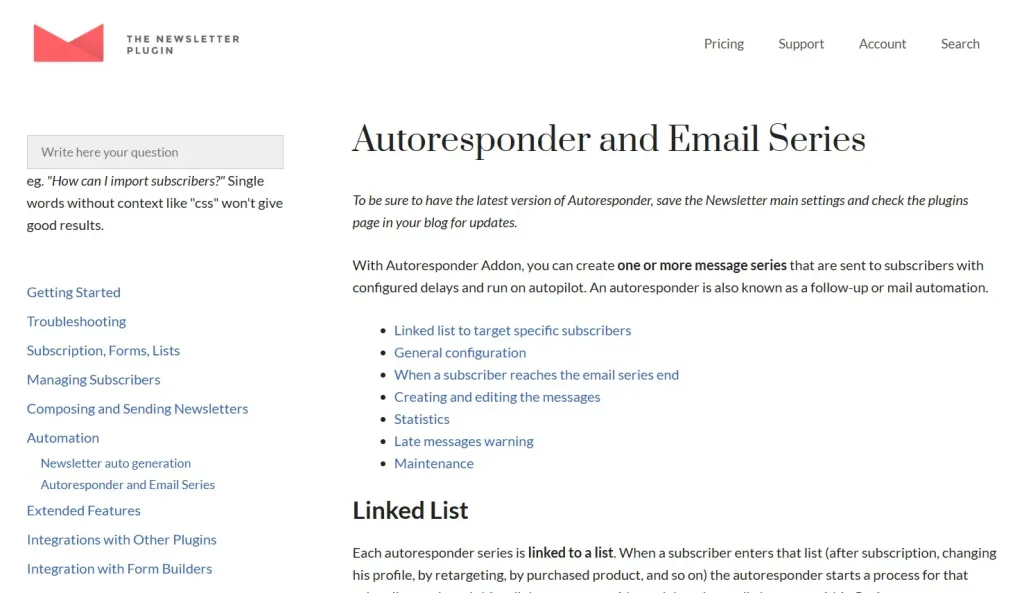
Email marketing continues to be one of the most reliable and cost-effective channels for building relationships, nurturing leads, and increasing conversions. While social media algorithms change frequently and paid ads can become expensive, email remains a direct line of communication between you and your audience. However, managing email campaigns manually can quickly become overwhelming, especially as your subscriber list grows. This is where Newsletter – Autoresponder becomes an essential solution for WordPress users.
Newsletter – Autoresponder is a powerful automation extension that allows you to send emails automatically based on predefined triggers, schedules, or user actions. Instead of manually sending emails every time a new subscriber joins or a user performs an action, you can create automated workflows that run in the background. This not only saves time but also ensures consistent communication with your audience.
Whether you run an eCommerce store, a blog, a membership platform, or an online course website, Newsletter – Autoresponder helps you deliver timely and personalized messages that improve engagement and drive results. In this comprehensive guide, we will explore everything you need to know about Newsletter – Autoresponder, including its features, benefits, installation process, and why purchasing it from Pluginpro.org is the best choice.
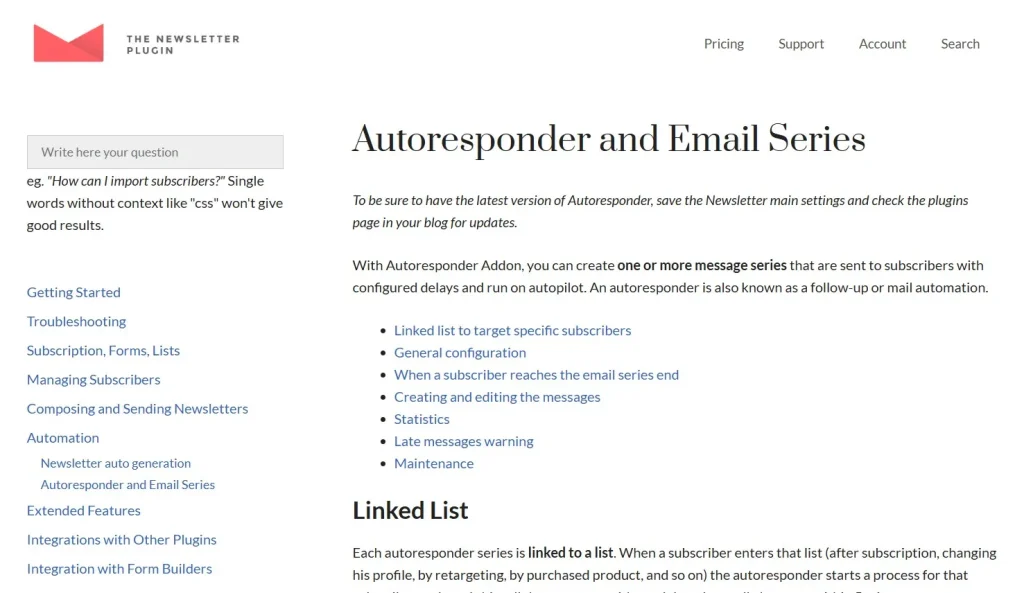
What is Newsletter – Autoresponder?
Newsletter – Autoresponder is a WordPress plugin add-on designed to automate email marketing campaigns through scheduled and trigger-based messaging. It works alongside the core Newsletter plugin, extending its capabilities by allowing users to create automated email sequences.
At its core, Newsletter – Autoresponder enables you to define a series of emails that are sent automatically over time or based on specific user actions. For example, when a user subscribes to your website, they can automatically receive a welcome email, followed by a series of onboarding messages that introduce your brand, services, or products.
This automation is especially valuable for:
- Onboarding new subscribers
- Nurturing leads through email sequences
- Promoting products or services
- Re-engaging inactive users
- Delivering educational or informational content
The plugin integrates seamlessly with WordPress and supports various types of websites, including blogs, online stores, membership platforms, and LMS systems. By automating communication, it ensures that your audience receives relevant and timely messages without requiring constant manual effort.
Key Features of Newsletter – Autoresponder
Newsletter – Autoresponder provides a comprehensive set of features that make it a powerful tool for email automation.
Automated Email Sequences
- Create multi-step email campaigns that run automatically
- Set delays between emails to control timing
- Build long-term engagement strategies
- Ideal for onboarding and nurturing workflows
Trigger-Based Automation
- Send emails based on specific user actions
- Triggers include subscription, purchase, or activity
- Deliver messages at the most relevant moments
- Improve user experience and engagement
Personalized Email Content
- Use dynamic fields such as name, email, or preferences
- Create tailored messages for individual users
- Increase open rates and interaction
- Build stronger relationships with your audience
Drag-and-Drop Email Builder
- Design professional emails without coding
- Customize layout, colors, and typography
- Create visually appealing email templates
- Save templates for reuse
Subscriber Segmentation
- Group users based on behavior, interests, or data
- Send targeted campaigns to specific segments
- Improve relevance and effectiveness
- Increase conversion rates
Integration with WooCommerce
- Send automated emails based on purchases
- Trigger follow-up emails for abandoned carts
- Promote related products or services
- Enhance customer retention
LMS and Membership Integration
- Send course updates or progress notifications
- Automate onboarding for new members
- Deliver educational content over time
- Improve user engagement in learning platforms
Advanced Scheduling Options
- Control when emails are sent
- Set time delays between messages
- Optimize delivery times for better performance
- Align campaigns with user behavior
Analytics and Reporting
- Track open rates, click rates, and conversions
- Analyze campaign performance
- Identify areas for improvement
- Make data-driven decisions
Scalable and Reliable Performance
- Handles large subscriber lists efficiently
- Ensures reliable email delivery
- Optimized for performance
- Suitable for growing websites
Benefits of Using Newsletter – Autoresponder
Using Newsletter – Autoresponder provides numerous advantages that can significantly improve your email marketing strategy.
One of the most important benefits is automation. By automating your email campaigns, you can save a significant amount of time and effort. Instead of manually sending emails, you can focus on creating high-quality content and growing your business.
Another key advantage is consistency. Automated workflows ensure that every subscriber receives the same structured communication, improving brand consistency and user experience.
The plugin also enhances personalization. By using dynamic fields and segmentation, you can create highly targeted messages that resonate with your audience. Personalized emails are more likely to be opened and acted upon.
Newsletter – Autoresponder also improves lead nurturing. By delivering a sequence of emails over time, you can guide users through the customer journey and increase the likelihood of conversion.
From a business perspective, it helps increase revenue. Automated emails can promote products, encourage repeat purchases, and re-engage inactive users, all of which contribute to higher sales.
Flexibility is another major benefit. The plugin can be used for various purposes, including onboarding, promotions, education, and customer retention.
It also supports scalability. As your subscriber list grows, the plugin can handle increased demand without compromising performance.
Additionally, the integration with other WordPress plugins makes it a versatile solution for different types of websites.
Finally, Newsletter – Autoresponder is a cost-effective alternative to external email marketing platforms. You can manage everything within your WordPress dashboard, reducing overall expenses.
How to Install Newsletter – Autoresponder
Installing Newsletter – Autoresponder is a straightforward process that can be completed in a few steps.
Step 1: Install the Core Newsletter Plugin
- Go to your WordPress dashboard
- Navigate to “Plugins” → “Add New”
- Search for the Newsletter plugin
- Install and activate it
Step 2: Download the Autoresponder Add-on
- Purchase or download Newsletter – Autoresponder from Pluginpro.org
- Save the ZIP file to your computer
Step 3: Upload the Add-on
- Go to “Plugins” → “Add New”
- Click “Upload Plugin”
- Select the ZIP file
- Click “Install Now”
Step 4: Activate the Plugin
- After installation, click “Activate”
- Ensure the add-on is properly enabled
Step 5: Configure Settings
- Access the Newsletter settings panel
- Set up email sequences and automation rules
- Configure subscriber lists and segmentation
Step 6: Create Your First Campaign
- Design email templates using the builder
- Define triggers and scheduling
- Set up automation workflows
Step 7: Test and Optimize
- Send test emails to ensure everything works correctly
- Monitor performance metrics
- Adjust campaigns for better results
Why Buy Newsletter – Autoresponder at Pluginpro.org
Choosing Pluginpro.org to purchase Newsletter – Autoresponder offers several important advantages.
First, you can save up to 95% of the cost compared to official providers. This makes it an affordable solution for businesses of all sizes.
Second, Pluginpro.org provides 100% clean files, ensuring that your website remains secure and free from malicious code. This is essential for maintaining trust and protecting user data.
Another major benefit is unlimited website usage. You can install the plugin on multiple websites without additional licensing fees, making it ideal for agencies and developers.
Pluginpro.org also offers easy updates, allowing you to keep your plugin up to date with the latest features and improvements.
Secure downloads ensure that all files are safe and reliable, giving you confidence when installing and using the plugin.
Additionally, Pluginpro.org provides a user-friendly platform that makes it easy to manage your downloads and access resources.
Conclusion
Newsletter – Autoresponder is a powerful and essential tool for automating email marketing on WordPress websites. It allows you to create structured, personalized, and timely email campaigns that engage users and drive conversions.
With features such as automated sequences, trigger-based emails, segmentation, and analytics, it provides everything needed to build a successful email marketing strategy.
The plugin is suitable for a wide range of use cases, including blogs, eCommerce stores, membership platforms, and LMS websites.
By purchasing Newsletter – Autoresponder from Pluginpro.org, you gain additional benefits such as cost savings, clean files, unlimited usage, easy updates, and secure downloads.
If you are looking to streamline your email marketing efforts, improve engagement, and increase conversions, Newsletter – Autoresponder is a smart investment that delivers long-term value and performance.



