In today’s competitive digital environment, businesses and individuals need websites that are not only visually appealing but also functional, fast, and easy to manage. Whether you are building a corporate website, a creative portfolio, a startup landing page, or an online service platform, choosing the right WordPress theme can significantly impact your results. Adao is designed to meet these demands by offering a flexible and modern solution that balances design quality with usability.
Adao stands out as a multi-purpose WordPress theme that adapts to different industries and goals. Instead of being limited to one niche, it provides a strong foundation that can be customized for business websites, agency portfolios, blogs, or even small eCommerce projects. This flexibility is especially useful for freelancers and agencies who need a reliable theme for multiple client projects without switching between different tools.
Another important advantage of Adao is its simplicity. Many users want to create professional websites but do not have the time or technical knowledge to work with complex coding or frameworks. Adao simplifies this process by offering pre-built layouts, intuitive customization panels, and compatibility with drag-and-drop builders. This allows users to focus on content, branding, and strategy instead of technical setup.
Whether you are launching your first website or upgrading an existing one, Adao provides a practical and scalable solution for building a strong online presence.
What is Adao?
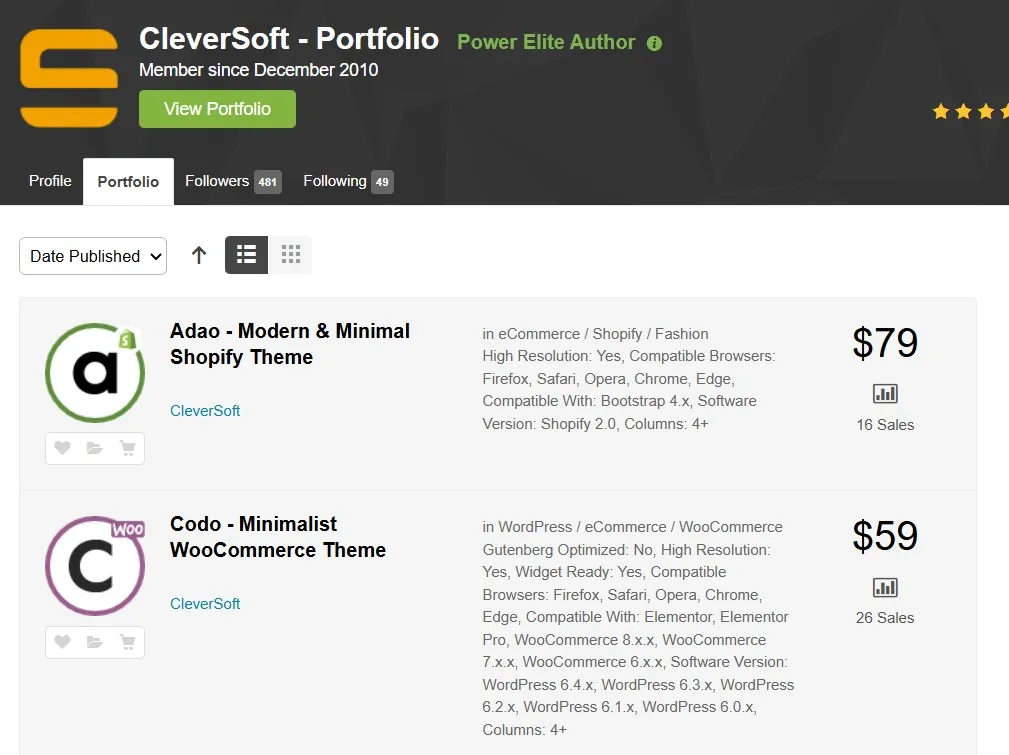
Adao is a premium multi-purpose WordPress theme built to help users create modern, responsive, and customizable websites across a wide range of industries. It is designed with flexibility in mind, making it suitable for business owners, freelancers, agencies, and developers who want a theme that can adapt to different use cases.
At its core, Adao provides a collection of ready-made templates that simplify the website creation process. These templates include layouts for homepages, service pages, portfolios, blogs, and landing pages. Instead of starting from scratch, users can import a demo and customize it to match their brand identity. This significantly reduces development time and helps users achieve a professional look quickly.
For example, a digital marketing agency can use Adao to create a service-based website with sections for case studies, testimonials, and client results. A freelancer can build a personal portfolio that highlights projects and skills. A startup can create a landing page with product features, pricing tables, and call-to-action buttons. These real-world scenarios show how Adao can support different goals without requiring multiple themes.
Adao is also optimized for performance and SEO. It uses clean code, responsive layouts, and efficient loading techniques to ensure that websites perform well across devices and search engines. This is especially important for businesses that rely on organic traffic and user experience to grow.
In practical terms, Adao is a versatile and user-friendly theme that helps users build professional websites quickly while maintaining flexibility for future expansion.
Key Features of Adao
- Multi-purpose pre-built templates
Adao includes a wide variety of templates designed for different industries and website types. These templates provide ready-made structures for pages such as home, services, portfolios, and blogs. Users can import them with one click and replace the content with their own. This is particularly useful for beginners who want a professional design without spending time on layout decisions. It also helps agencies deliver projects faster by starting with a proven structure. - Drag-and-drop page builder integration
The theme integrates with popular page builders, allowing users to design pages visually. This means you can add sections, rearrange elements, and update content without writing code. For example, a business owner can easily create a new landing page for a promotion or update service descriptions in minutes. This flexibility reduces dependency on developers and makes website management more efficient. - Responsive and mobile-friendly design
Adao is fully responsive, ensuring that websites look and function well on all devices. This is essential because a large percentage of users browse websites on mobile devices. A responsive design ensures that menus, images, and content adjust properly to different screen sizes. This improves user experience and helps reduce bounce rates. - Performance optimization
The theme is built with speed in mind, using clean code and optimized resources to ensure fast loading times. Faster websites provide a better experience for users and improve search engine rankings. For example, an online service website built with Adao can load quickly, helping retain visitors and increase conversions. - Advanced customization options
Adao offers a user-friendly options panel that allows users to customize colors, fonts, layouts, and other design elements. This ensures that each website can reflect a unique brand identity. Even users without technical experience can make adjustments easily, which makes the theme accessible to a wider audience. - SEO-friendly structure
The theme is designed with SEO best practices, including proper heading structures and optimized code. This helps search engines understand and index the website more effectively. Combined with fast performance, this creates a strong foundation for improving visibility and attracting organic traffic. - Plugin compatibility
Adao works well with popular WordPress plugins such as WooCommerce, Contact Form 7, and SEO tools. This allows users to extend functionality as needed. For example, a business can add an online store, while a freelancer can integrate contact forms for lead generation.
Benefits of Using Adao
One of the main benefits of Adao is its versatility. Instead of switching between different themes for different projects, users can rely on Adao to handle multiple website types. This is especially useful for agencies and freelancers who manage several clients with different needs.
Another key benefit is time efficiency. With pre-built templates and easy customization, users can launch websites much faster. For example, a small business owner can create a professional website within a few days instead of weeks. This allows them to focus on marketing and operations rather than technical development.
Adao also improves user experience through its responsive design and fast performance. Visitors can navigate the website smoothly, which increases engagement and reduces bounce rates. This is important for websites that rely on conversions, such as service pages or landing pages.
From a business perspective, Adao supports scalability. As your website grows, you can add new pages, features, and integrations without needing to change themes. This makes it a long-term solution that can adapt to your needs.
Additionally, the SEO-friendly structure helps improve search engine visibility. A well-optimized website can attract more traffic and generate more leads. Combined with customization options, Adao allows users to create unique and effective websites.
How to Install Adao
Installing Adao is simple and can be done using two main methods: via the WordPress dashboard or manual installation. Both methods are reliable and suitable for different levels of experience.
Install via WordPress Dashboard
First, download the Adao theme ZIP file from your source. Log in to your WordPress admin panel and go to Appearance > Themes. Click Add New, then select Upload Theme.
Choose the ZIP file and click Install Now. After installation, click Activate to enable the theme. Once activated, you may be prompted to install recommended plugins such as page builders or WooCommerce. Installing these plugins ensures that you can use all the features of the theme.
Next, import demo content if available. This provides a ready-made layout that you can customize. For example, you can replace demo images with your own, update text, and adjust colors to match your brand.
Manual Installation
For manual installation, extract the ZIP file on your computer. Use an FTP client to upload the theme folder to the wp-content/themes directory on your server.
After uploading, log in to your WordPress dashboard, go to Appearance > Themes, and activate Adao. Then install the required plugins and configure the settings.
The dashboard method is recommended for beginners, while manual installation is useful for advanced users who prefer more control.
Why Buy Adao at Pluginpro.org
Buying Adao from Pluginpro.org offers several advantages that make it a cost-effective option. One of the biggest benefits is the ability to save up to 95 percent compared to the original price. This is ideal for freelancers, startups, and agencies working with limited budgets.
Another important advantage is access to 100 percent clean files. All products are checked to ensure they are free from malware or malicious code. This helps protect your website and ensures stable performance.
Unlimited website usage is also a major benefit. Users can install Adao on multiple websites without additional licensing costs. This is particularly useful for agencies managing multiple client projects.
Pluginpro.org also provides easy updates, allowing users to keep their theme up to date with the latest features and security improvements. Regular updates are essential for maintaining compatibility with WordPress.
Additionally, secure downloads ensure that users receive reliable files every time. Combined with responsive support and a simple purchasing process, Pluginpro.org is a trusted source for premium WordPress themes.
Conclusion
Adao is a flexible and user-friendly WordPress theme that supports a wide range of website types. Its combination of modern design, performance optimization, and customization options makes it a strong choice for businesses, freelancers, and agencies.
One of its key strengths is its ability to adapt to different use cases. Whether you are building a corporate website, a portfolio, or a landing page, Adao provides the tools needed to create a professional result. Its responsive design and SEO-friendly structure ensure that websites perform well across devices and search engines.
With its ease of use and scalability, Adao is suitable for both beginners and experienced users. For those looking for an affordable solution, purchasing Adao from Pluginpro.org offers significant savings, secure downloads, and unlimited usage.
Overall, Adao is a reliable and practical WordPress theme that helps users build high-quality websites efficiently and effectively.