
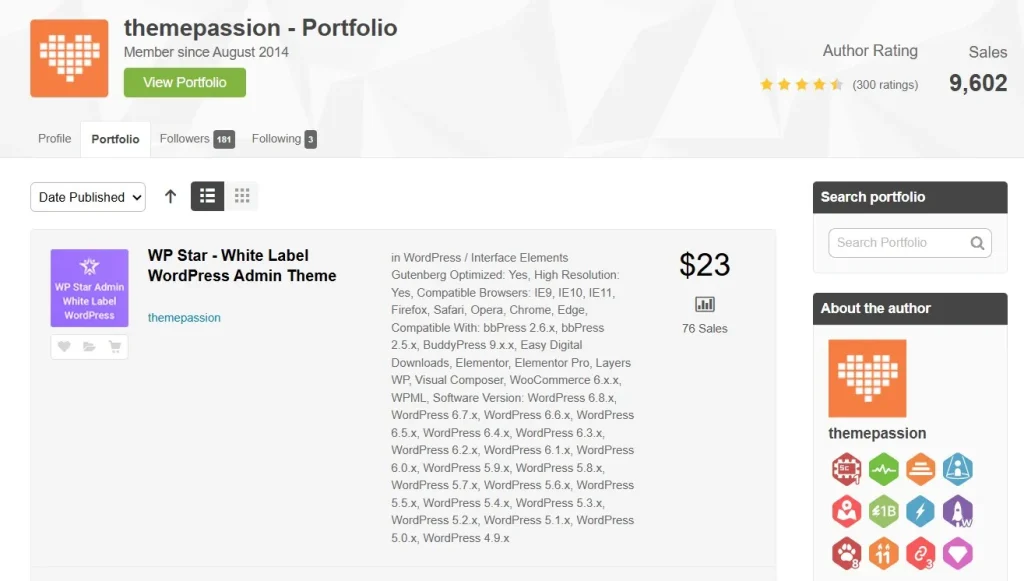
When people think about a WordPress website, they often focus only on the frontend design. However, for agencies, freelancers, developers, and clients, the backend experience is just as important. A website may look professional on the outside, but if the WordPress dashboard feels cluttered, confusing, or inconsistent with the brand, it can reduce user confidence and make content management harder than it should be. This is exactly where WPStar – White Label WordPress Admin Theme becomes useful.
WPStar is designed to improve the WordPress admin area by transforming the default dashboard into a cleaner, more branded, and easier-to-use interface. Instead of showing clients the standard WordPress logo, menu styling, and generic login page, you can customize the backend to reflect your own agency or business identity. This creates a more polished experience, especially when handing over websites to non-technical clients who may feel overwhelmed by the default WordPress environment.
In practical use, this plugin is especially valuable for agencies that build websites for clients who only need limited access. For example, a restaurant owner may only need to update menus and blog posts, while a real estate agency may only need to manage listings and images. In those cases, showing the full WordPress dashboard can create confusion. WPStar helps reduce that clutter and makes the admin area feel more focused and professional.
Whether you are building client websites, managing several WordPress installations, or simply want a more branded admin experience, WPStar offers a practical way to make WordPress easier and more professional behind the scenes.
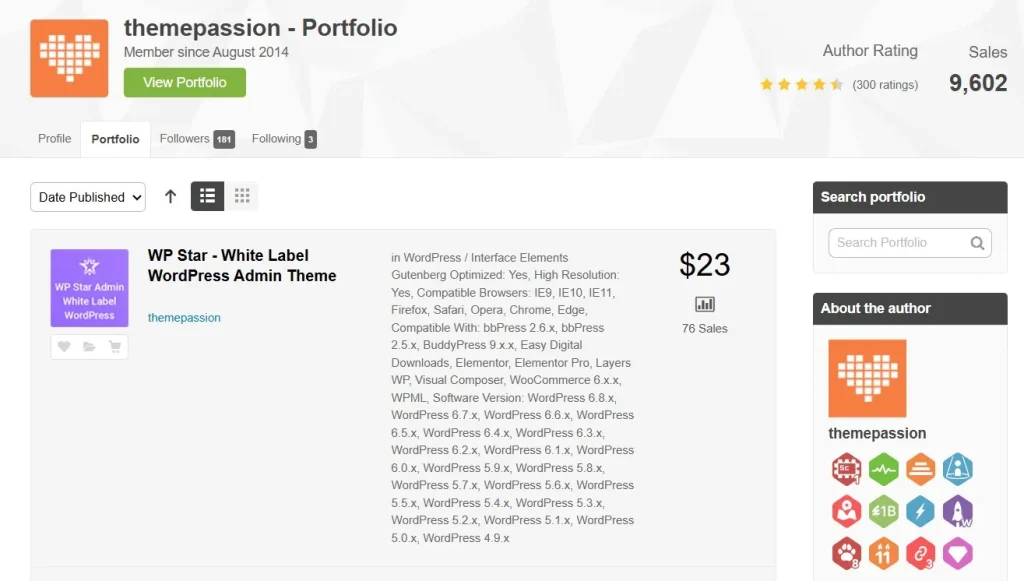
What is WPStar – White Label WordPress Admin Theme?
WPStar – White Label WordPress Admin Theme is a premium WordPress plugin that allows users to customize the appearance and structure of the WordPress admin dashboard. Its main purpose is to replace the standard WordPress branding with custom branding while improving usability for different types of users. Rather than modifying WordPress core files, WPStar works as an extension that safely changes how the backend looks and behaves.
At a basic level, WPStar gives you control over the admin interface. You can change logos, colors, login page design, menu visibility, and dashboard widgets. This means that instead of delivering a client website with a default WordPress backend, you can offer a dashboard that looks and feels like a custom system built specifically for that client. This is particularly useful if you want your service to appear more premium and tailored.
For example, a web design agency can add its own company logo to the login page, use its brand colors in the admin menu, and remove unnecessary tools such as plugin settings or theme editors from client view. A membership site owner might use WPStar to simplify the dashboard for content managers, showing them only posts, pages, and a few essential controls. A freelancer handling several websites can also create a more consistent backend layout across projects, making support and training easier.
WPStar is not just about visual branding. It is also about usability. Many clients are not familiar with WordPress terminology, and too many menu items can make the dashboard intimidating. By using WPStar, you can build a cleaner admin experience that matches the client’s real tasks.
Overall, WPStar – White Label WordPress Admin Theme is a useful plugin for anyone who wants to improve the backend experience of WordPress through branding, simplification, and role-based customization.
Key Features of WPStar – White Label WordPress Admin Theme
- Full white label branding
WPStar allows you to replace the default WordPress branding with your own logo, brand name, and design identity. This includes changing dashboard logos, admin styling, and other visual elements so the backend feels more custom. For agencies, this matters because it helps reinforce brand value and creates a more professional handoff to clients. Instead of feeling like they received a standard WordPress site, clients see a platform that looks tailored to your service. - Custom login page design
The plugin lets you redesign the WordPress login page with your own logo, background, colors, and styling. This is useful because the login page is often the first thing a client sees when accessing their website backend. A custom login screen makes the website feel more polished and consistent with the overall brand identity. For example, an agency can create a login experience that matches the frontend website colors and design language. - Admin menu management
WPStar makes it easier to hide unnecessary menu items and reduce dashboard clutter. This feature is especially practical for clients who only need access to a small part of the site. For instance, if a client only updates blog posts and media, you can hide plugin settings, tools, and advanced theme options. This improves usability and reduces the risk of accidental changes in sensitive areas. - Role-based customization
Different users often need different dashboard experiences, and WPStar supports that through role-based settings. Administrators, editors, authors, and clients can each have a more focused interface depending on what they need to do. This helps make the backend more efficient and safer. A content editor can see only content-related tools, while a full administrator retains access to everything. - Custom dashboard widgets
The plugin allows you to add or remove dashboard widgets so the homepage of the WordPress admin becomes more useful. You might add a welcome message, quick instructions, support contact details, or links to documentation. This can be extremely helpful for clients who need guidance after a website launch. Instead of sending separate instructions by email, you can place them directly inside the dashboard. - Admin theme styling options
WPStar includes design customization for the backend itself, allowing users to change colors, layout details, and interface appearance. This helps transform the WordPress admin area into something cleaner and more visually aligned with your business. A better-looking dashboard can make everyday content management feel less generic and more enjoyable. - Lightweight and user-friendly setup
A useful admin plugin should improve the backend without making it slow or overly complicated. WPStar is designed to offer customization while keeping the experience practical and manageable. This is important for agencies and freelancers who want results quickly without spending hours on setup.
Benefits of Using WPStar – White Label WordPress Admin Theme
One of the biggest benefits of WPStar is professionalism. When you deliver a website to a client, the backend is part of the overall product. A branded login page and customized dashboard can make your work look more complete and premium. This is especially important for agencies that want to stand out and offer more than just a basic WordPress installation.
Another major benefit is simplicity for clients. Many website owners are not technical, and the default WordPress dashboard can be overwhelming. Too many settings, tools, and options can lead to confusion or mistakes. WPStar helps solve this by reducing clutter and showing users only what they actually need. A cleaner dashboard makes it easier for clients to manage content confidently.
WPStar also improves workflow efficiency. If you manage many sites, a standardized admin structure can save time during support, onboarding, and maintenance. Instead of explaining a different setup each time, you can create a familiar dashboard experience across projects. This is especially helpful when training new clients or team members.
There is also a practical security-related benefit. While WPStar is not a security plugin, hiding certain admin options from non-technical users reduces the chance of accidental changes. For example, removing access to plugin settings or appearance tools can help prevent mistakes that might affect site performance or design.
Finally, WPStar can improve client satisfaction. A dashboard that feels branded, clear, and easy to use gives clients a better overall impression of the website you delivered. That can lead to stronger trust, better retention, and more repeat business.
How to Install WPStar – White Label WordPress Admin Theme
Installing WPStar is relatively simple, and most users can complete the setup in just a few minutes. As with most WordPress plugins, there are two main installation methods: using the WordPress dashboard or uploading the plugin manually through FTP.
Install via WordPress Dashboard
First, download the WPStar plugin ZIP file from your source. Then log in to your WordPress admin area and go to Plugins > Add New. Click Upload Plugin, select the ZIP file, and click Install Now.
After the installation is complete, click Activate. Once activated, WPStar settings should appear in your dashboard menu. From there, you can begin configuring the plugin. A practical first step is usually to update the login page branding and admin logo, then move on to menu visibility and widget customization.
For example, if you are preparing a site for a client, you might first upload your agency logo, set the admin colors to match your branding, and hide advanced menu items that the client does not need. Then you could add a custom dashboard widget with short instructions such as “How to update pages” or “Contact support here.”
Manual Installation
If you prefer manual installation, unzip the WPStar plugin file on your computer. Then connect to your server using an FTP client and upload the plugin folder to the wp-content/plugins/ directory.
After uploading, return to your WordPress dashboard, go to Plugins, find WPStar, and click Activate. Once activated, configure the plugin settings just as you would with the dashboard method.
After installation, it is a good idea to test the dashboard with a non-admin user role to make sure the interface looks and works the way you intended. This helps you verify that clients will only see the tools relevant to them.
Why Buy WPStar – White Label WordPress Admin Theme at Pluginpro.org
Buying WPStar from Pluginpro.org offers several practical advantages for WordPress professionals and website owners. One of the most obvious benefits is the ability to save up to 95 percent compared to the original price. For freelancers and agencies managing many websites, this can significantly reduce plugin costs across projects.
Another important benefit is access to 100 percent clean files. This matters because backend plugins interact closely with the WordPress admin area, and using unreliable files can create security or performance issues. Clean files help provide more confidence during installation and long-term use.
Unlimited website usage is also a major advantage. Many premium WordPress plugins come with license restrictions that can become expensive over time, especially for agencies. With unlimited use, you can install WPStar across multiple client sites without worrying about separate costs for each project.
Easy updates are another useful reason to buy from Pluginpro.org. WordPress changes over time, and plugins need updates for compatibility and functionality. Access to updated versions helps ensure the plugin keeps working well with modern WordPress setups.
Secure downloads also matter. When purchasing WordPress themes or plugins, users want a safe and straightforward process. Combined with affordability, clean files, and usage flexibility, Pluginpro.org becomes a practical option for anyone who wants WPStar without paying the full premium price.
Conclusion
WPStar – White Label WordPress Admin Theme is a highly practical plugin for agencies, freelancers, developers, and anyone who wants to improve the WordPress backend experience. It goes beyond simple visual changes by helping make the dashboard more branded, easier to use, and more appropriate for different user roles.
Its strongest value lies in the combination of branding and usability. A custom login page, cleaner admin layout, hidden menu items, and role-based customization can all make WordPress feel less generic and more client-friendly. This is particularly useful when handing websites over to non-technical users who need a more focused and less intimidating interface.
WPStar also supports more efficient project management. If you regularly build WordPress sites for clients, a consistent and polished backend can improve training, reduce support requests, and create a stronger impression of your service quality. Instead of just delivering a website, you deliver a more complete content management experience.
When purchased through Pluginpro.org, the plugin becomes even more attractive thanks to lower cost, clean files, unlimited usage, easy updates, and secure downloads.
Overall, WPStar – White Label WordPress Admin Theme is an excellent choice for anyone who wants to turn the standard WordPress dashboard into a cleaner, more professional, and more user-friendly admin environment.



