
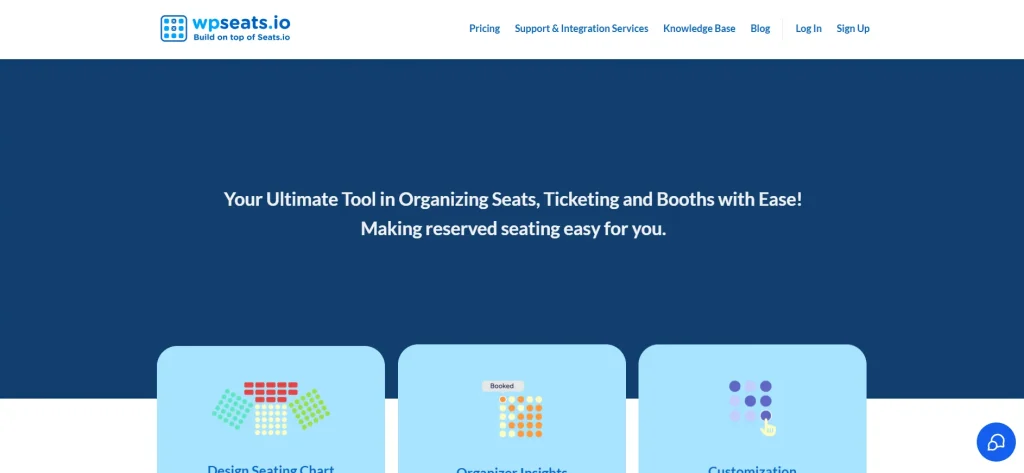
Managing event seating and ticketing efficiently is essential for delivering a professional event experience. The WP Event Manager – wpseats.io integration provides a powerful way to handle seat selection, bookings, and attendee management directly from your WordPress website.
By connecting WP Event Manager with wpseats.io, you can offer an interactive seating system that improves user experience and increases ticket sales. This solution is ideal for conferences, concerts, workshops, and any event that requires structured seating.
In this guide, we will explore how this integration works, its key features, installation steps, and why Pluginpro.org is the best place to purchase it.
Introduction to WP Event Manager – wpseats.io
The WP Event Manager – wpseats.io add-on is designed to enhance your event website by adding advanced seat management functionality. It allows users to select their preferred seats during the booking process, creating a more engaging and user-friendly experience.
Instead of simple ticket purchases, attendees can visually choose where they want to sit. This not only improves satisfaction but also adds value to your events.
This plugin is perfect for:
- Event organizers managing seated venues
- Businesses hosting paid events
- Ticketing platforms
- Agencies building event websites
With WP Event Manager – wpseats.io, you can transform a basic event system into a professional booking platform.
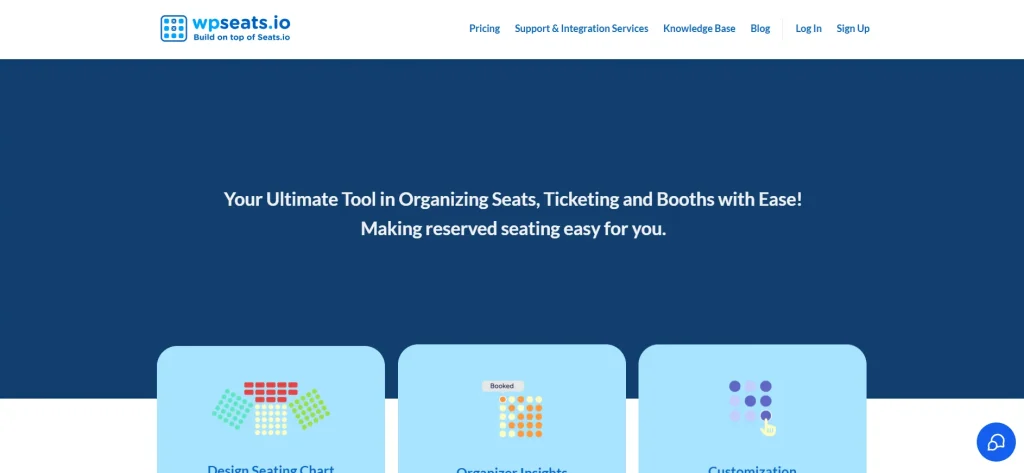
Key Features of WP Event Manager – wpseats.io
Interactive Seat Selection
One of the standout features of WP Event Manager – wpseats.io is the interactive seating interface. Users can view a seating layout and choose their preferred seats in real time.
This feature helps:
- Improve user experience
- Reduce booking confusion
- Increase customer satisfaction
Real-Time Seat Availability
The plugin ensures that seat availability is updated instantly. Once a seat is booked, it becomes unavailable to others.
This prevents:
- Double bookings
- Conflicts
- Customer dissatisfaction
Seamless Integration with WP Event Manager
The add-on is built specifically for WP Event Manager, ensuring smooth compatibility. The WP Event Manager – wpseats.io integration works without disrupting your existing setup.
You can easily connect it to your event listings and booking system.
Customizable Seating Layouts
You can design seating arrangements based on your event needs. Whether it’s a theater, conference hall, or classroom setup, the plugin supports flexible layouts.
This allows you to:
- Create different seat categories
- Set pricing variations
- Optimize space usage
Ticket and Seat Management
The plugin combines ticketing with seat selection, giving you full control over bookings. You can manage reservations, track seat occupancy, and monitor ticket sales efficiently.
Improved Booking Experience
With visual seat selection, users feel more confident when purchasing tickets. The WP Event Manager – wpseats.io system reduces friction in the booking process and increases conversions.
Multi-Event Support
If you run multiple events, the plugin allows you to manage seating for each event separately. This keeps your system organized and scalable.
Secure and Reliable System
All booking data is handled securely, ensuring that customer information and transactions are protected.
How to Install WP Event Manager – wpseats.io
Installing the WP Event Manager – wpseats.io plugin is simple and can be done in a few steps:
Step 1: Download the Plugin
Purchase and download the plugin file from Pluginpro.org.
Step 2: Upload to WordPress
Go to your WordPress dashboard, navigate to Plugins, and click “Add New.” Upload the ZIP file and install it.
Step 3: Activate the Plugin
After installation, activate the plugin to enable its functionality.
Step 4: Connect wpseats.io
Access the plugin settings and connect your wpseats.io account or API if required.
Step 5: Configure Seating Layout
Set up your seating structure, including rows, sections, and pricing.
Step 6: Test Booking System
Create a test event and verify that seat selection and booking work correctly.
Once completed, your seating system will be ready for live use.
Benefits of Using WP Event Manager – wpseats.io
Better User Experience
Allowing users to choose their seats creates a more engaging booking process. This leads to higher satisfaction and repeat customers.
Increased Ticket Sales
A clear and interactive seating system encourages users to complete their purchases, helping you boost revenue.
Efficient Event Management
You can manage seating, bookings, and attendees from a single platform, saving time and effort.
Reduced Errors
Real-time updates prevent booking conflicts and ensure accurate seat allocation.
Professional Event Presentation
The WP Event Manager – wpseats.io integration gives your website a more professional and modern look.
Why Choose WP Event Manager – wpseats.io
If your events require structured seating, this plugin is an essential tool. It goes beyond basic ticketing by offering a complete seat management solution.
It is ideal for:
- Conferences and seminars
- Concerts and performances
- Workshops and training sessions
- Corporate events
By using WP Event Manager – wpseats.io, you can deliver a better experience while improving operational efficiency.
Why Buy from Pluginpro.org
Choosing Pluginpro.org provides significant advantages when purchasing this plugin.
Save Up to 95% Budget
You can access premium plugins at a much lower cost compared to official pricing, making it budget-friendly.
100% Clean Code
All plugins are thoroughly checked to ensure they are secure and free from malicious code.
Unlimited Website Usage
You can install the plugin on multiple websites without restrictions, making it ideal for developers and agencies.
Easy Updates
Pluginpro.org provides easy access to updated versions, ensuring compatibility and performance.
Instant Download
After purchase, you can download and use the plugin immediately without delays.
Wide Selection of Plugins
Pluginpro.org offers a large collection of premium WordPress plugins, making it a convenient platform for all your website needs.
Tips for Getting the Best Results
To maximize the benefits of this integration, consider the following:
- Design clear and simple seating layouts
- Use different pricing tiers for premium seats
- Regularly test your booking system
- Keep your plugin updated
- Monitor user behavior to optimize seat arrangements
Final Thoughts
The WP Event Manager – wpseats.io plugin is a powerful solution for adding advanced seating functionality to your event website. It enhances user experience, improves booking efficiency, and helps increase ticket sales.
With features like interactive seat selection, real-time updates, and seamless integration, it is an excellent choice for event organizers who want to deliver a professional booking experience.
When combined with the benefits of Pluginpro.org, including cost savings, clean code, and unlimited usage, this plugin becomes even more valuable.
If you are looking to upgrade your event management system and provide a better experience for your attendees, this integration is a smart investment.



