
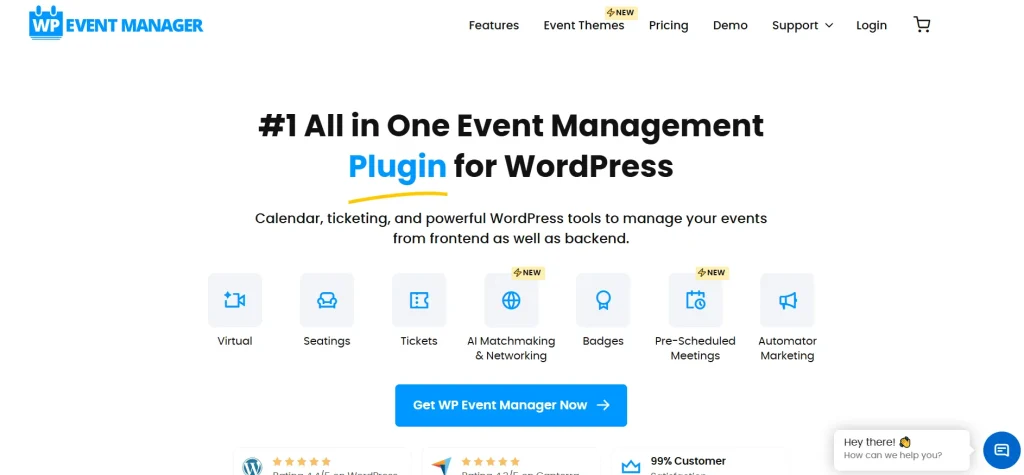
Selling tickets online is a crucial part of running a successful event business. Whether you are organizing webinars, conferences, concerts, or workshops, having a reliable ticketing system can significantly impact your revenue and user experience. That’s where WP Event Manager – Sell Tickets becomes an essential tool.
This powerful add-on transforms your WordPress event website into a fully functional ticket-selling platform. In this comprehensive guide, we will explore everything about WP Event Manager – Sell Tickets, including its features, installation process, and why Pluginpro.org is the best place to purchase it.
Introduction to WP Event Manager – Sell Tickets
WP Event Manager – Sell Tickets is a premium extension designed to enable ticket sales directly from your event website. It integrates seamlessly with WP Event Manager, allowing organizers to create, manage, and sell tickets without relying on third-party platforms.
With this plugin, you can control the entire ticketing process—from pricing and inventory to sales tracking and attendee management. It is an ideal solution for anyone looking to monetize events and streamline ticket sales.
Whether you are hosting small local events or large-scale conferences, this add-on provides the flexibility and tools needed to manage everything efficiently.
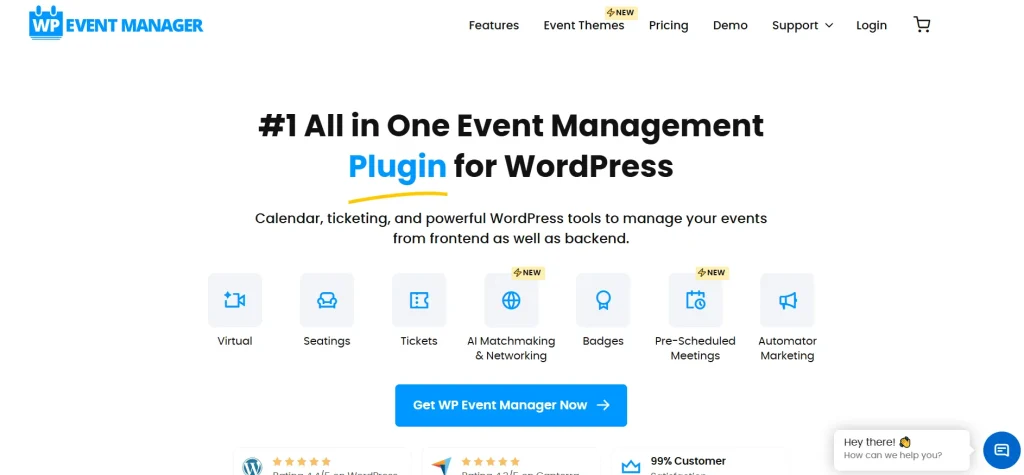
Key Features of WP Event Manager – Sell Tickets
Easy Ticket Creation and Management
One of the standout features of WP Event Manager – Sell Tickets is its intuitive ticket management system. You can easily create multiple ticket types for each event.
For example:
- General admission
- VIP tickets
- Early bird pricing
This allows you to offer flexible pricing options and cater to different audience segments.
Seamless Event Integration
The plugin integrates directly with your event listings, allowing users to purchase tickets without leaving your website.
This ensures:
- Smooth user experience
- Higher conversion rates
- Better control over your platform
Flexible Pricing Options
With WP Event Manager – Sell Tickets, you can customize ticket pricing based on your strategy.
Options include:
- Fixed pricing
- Discounted tickets
- Time-based pricing
This flexibility helps maximize revenue and attract more attendees.
Inventory and Stock Management
You can control the number of tickets available for each event. The system automatically updates ticket availability as purchases are made.
This prevents overselling and ensures accurate inventory tracking.
Secure Payment Integration
WP Event Manager – Sell Tickets supports integration with popular payment gateways, ensuring secure and reliable transactions.
Customers can pay using:
- Credit cards
- Online payment systems
- Other supported methods
Attendee Management System
The plugin provides tools to manage attendees effectively. You can track who purchased tickets, monitor attendance, and access detailed reports.
This helps improve event planning and organization.
Email Notifications and Confirmations
Automatic email notifications are sent to users after ticket purchase. These emails include:
- Order confirmation
- Ticket details
- Event information
This enhances communication and professionalism.
Customizable Ticket Forms
You can customize the ticket purchase form to collect additional information from attendees.
Examples:
- Name and contact details
- Preferences
- Special requests
Mobile-Friendly and Responsive
WP Event Manager – Sell Tickets is fully responsive, ensuring a seamless experience across all devices.
Lightweight and High Performance
The plugin is optimized for speed and performance, ensuring that your website remains fast even during high traffic.
How to Install WP Event Manager – Sell Tickets
Setting up WP Event Manager – Sell Tickets is simple and beginner-friendly.
Step 1: Download the Plugin
Purchase and download the plugin from Pluginpro.org.
Step 2: Upload to WordPress
- Log in to your WordPress dashboard
- Navigate to Plugins > Add New
- Click Upload Plugin
- Select the ZIP file
- Click Install Now
Step 3: Activate the Plugin
After installation:
- Click Activate Plugin
- The plugin will be enabled
Step 4: Configure Ticket Settings
- Go to WP Event Manager settings
- Enable ticket selling functionality
- Configure pricing and payment options
Step 5: Create Tickets for Events
- Edit an event
- Add ticket types and pricing
- Set ticket limits and availability
Step 6: Test the Purchase Process
Create a test order to ensure the checkout and ticket system works properly.
Benefits of Using WP Event Manager – Sell Tickets
Monetize Your Events Efficiently
With this plugin, you can generate revenue directly from your website without relying on third-party platforms.
Full Control Over Ticket Sales
You manage pricing, availability, and customer data, giving you complete control over your business.
Improve User Experience
A seamless ticket purchase process increases customer satisfaction and boosts conversions.
Increase Event Attendance
With easy ticket access and clear communication, more users are likely to attend your events.
Reduce Dependency on External Platforms
By selling tickets on your own website, you avoid extra fees and maintain ownership of your data.
Why You Should Buy from Pluginpro.org
Choosing Pluginpro.org for WP Event Manager – Sell Tickets offers significant advantages.
Save Up to 95% Budget
Get WP Event Manager – Sell Tickets at a fraction of the original price, making it accessible for all businesses.
100% Clean Code
All plugins are тщательно проверены to ensure they are safe and free from malware.
Unlimited Website Usage
Install WP Event Manager – Sell Tickets on unlimited websites without restrictions.
Easy Updates
Stay updated with the latest version for optimal performance and compatibility.
No License Restrictions
Use the plugin freely without worrying about licensing limitations.
Instant Download
Download WP Event Manager – Sell Tickets immediately after purchase and start using it right away.
Who Should Use WP Event Manager – Sell Tickets?
This plugin is perfect for:
- Event organizers
- Webinar hosts
- Conference planners
- Agencies managing event websites
- Businesses selling event tickets
If you want a reliable and flexible ticketing system, this add-on is a must-have.
Final Thoughts
WP Event Manager – Sell Tickets is a powerful solution for managing and selling event tickets directly from your WordPress website. It provides all the tools needed to create tickets, manage sales, and deliver a seamless user experience.
With features like flexible pricing, secure payments, and attendee management, WP Event Manager – Sell Tickets helps you run successful events and maximize revenue.
When you purchase from Pluginpro.org, you gain access to premium functionality at a significantly reduced cost, along with benefits like clean code, unlimited usage, and easy updates.
If you’re looking to build a professional ticketing system and grow your event business, WP Event Manager – Sell Tickets is the perfect choice.



