
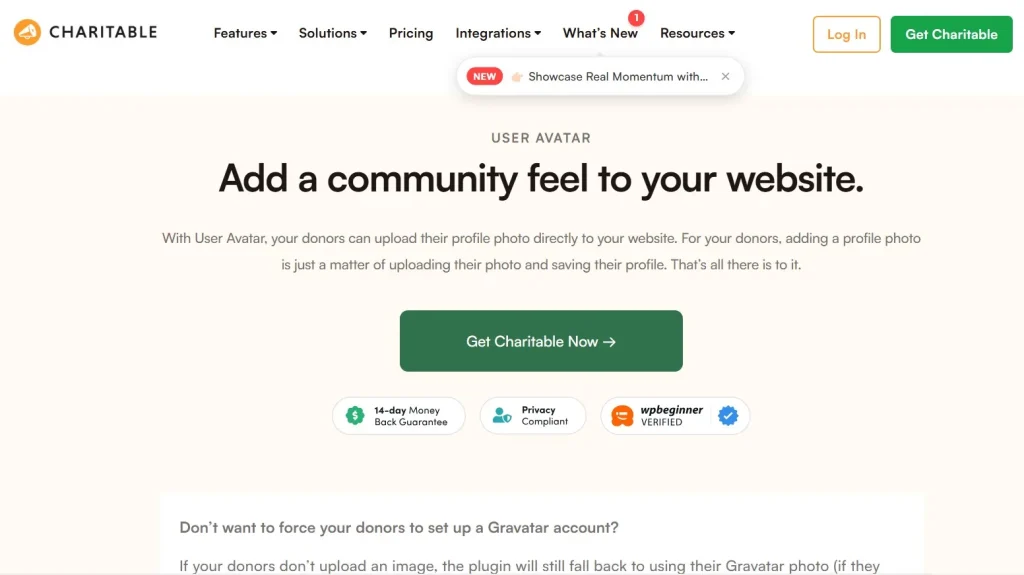
Charitable – User Avatar is a lightweight yet impactful add-on that enhances donation campaigns by allowing donor profile images to be displayed alongside their contributions. From the very beginning, Charitable – User Avatar introduces a more human and visually engaging layer to fundraising pages that are otherwise text-heavy and transactional.
If you’ve ever browsed a donation page, you’ve likely noticed how impersonal it can feel. Names and amounts are listed, but there’s little to create a sense of identity or connection. Charitable – User Avatar addresses this gap by attaching a visual identity to each donor, making contributions feel more real and relatable.
In practice, this simple addition can significantly influence how visitors perceive your campaign. Seeing real avatars next to donations creates a sense of community and authenticity. It subtly reassures new donors that others are actively supporting the cause, which can improve trust and conversion rates.
At first glance, adding avatars might seem like a purely aesthetic feature. But when you look closer, it plays a role in social proof, user engagement, and even brand perception. Campaigns that feel alive and human tend to perform better than those that feel static.
Another important aspect is how seamlessly the plugin integrates with the existing Charitable system. There’s no need to redesign donation forms or restructure your workflow. The plugin simply enhances what’s already there.
In the following sections, we’ll explore how Charitable – User Avatar works, what features it offers, and how it can be used strategically to improve the overall donation experience.
What is Charitable – User Avatar?
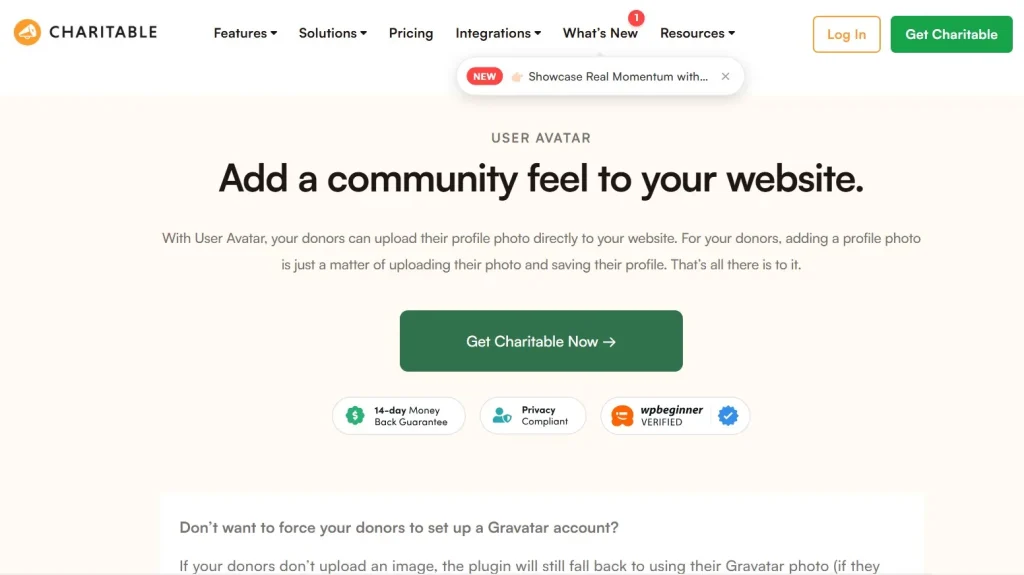
Charitable – User Avatar is an extension for the Charitable WordPress plugin that enables the display of donor profile images alongside their donations. These avatars can be pulled from user accounts or integrated sources, depending on your setup.
At its core, the plugin connects identity with contribution. Instead of showing anonymous or text-only donor lists, it adds a visual element that represents each supporter.
In practice, this transforms donation pages into more engaging environments. For example, a list of donations with avatars immediately feels more dynamic than a plain list of names.
Another key aspect is automation. Once the plugin is activated, avatars are automatically displayed wherever donor information appears, such as campaign pages or donation histories.
This means you don’t need to manually upload or manage images for each donor. The system handles everything based on existing user data.
The plugin is particularly useful for community-driven campaigns where recognition and visibility matter. When donors see their avatar displayed, it creates a sense of participation and belonging.
What this means is that Charitable – User Avatar is not just about visuals—it’s about strengthening the connection between donors and the cause.
It also aligns well with modern web expectations. Users are accustomed to seeing profile images across platforms, from social media to e-commerce. Bringing that same experience into donation pages makes your site feel more current and user-friendly.
Key Features of Charitable – User Avatar
Charitable – User Avatar focuses on enhancing the visual and social aspects of donation campaigns without adding complexity. Each feature is designed to integrate smoothly into existing workflows.
Automatic Avatar Display
The plugin automatically displays donor avatars alongside their names and contributions. There’s no need for manual setup for each user.
In practice, this ensures consistency across your site. Every donation entry includes a visual element, creating a more engaging layout.
For example, during a busy fundraising campaign, a page filled with avatars can feel more active and trustworthy compared to a plain list.
It also reduces administrative workload. You don’t need to manage image uploads or assign avatars manually.
Integration with User Profiles
Charitable – User Avatar connects with existing WordPress user profiles to retrieve avatar images.
This means that if a user already has a profile image, it will automatically be used in donation displays.
In practice, this creates a seamless experience for returning donors. Their identity is preserved across interactions, reinforcing familiarity.
For membership-based sites, this feature is particularly useful, as users already have established profiles.
Enhanced Social Proof
Displaying avatars alongside donations strengthens social proof by making contributions more visible and relatable.
At first glance, seeing faces or profile images next to donations creates a sense of authenticity. It signals that real people are supporting the campaign.
In practice, this can encourage new visitors to donate. People are more likely to contribute when they see others doing the same.
Consistent Design Integration
The plugin is designed to match the styling of Charitable and WordPress themes, ensuring a cohesive look.
This avoids the common issue of add-ons disrupting design consistency.
In practice, this means your donation pages maintain a professional appearance without requiring additional customization.
Lightweight Performance
Charitable – User Avatar is built to be efficient, ensuring that adding images does not slow down your site.
This is particularly important for donation pages, where performance directly impacts user behavior.
For example, slow-loading images can lead to higher bounce rates. The plugin avoids this issue by optimizing how avatars are displayed.
Developer Flexibility
For advanced users, the plugin provides hooks and filters that allow customization of avatar display.
If you need to adjust how avatars appear or integrate them into custom layouts, this flexibility becomes valuable.
Developers can extend functionality without modifying core files, ensuring long-term stability.
Benefits of Using Charitable – User Avatar
The benefits of Charitable – User Avatar extend beyond aesthetics. It directly influences how users interact with and perceive your campaigns.
One of the most significant advantages is increased trust. When visitors see avatars next to donations, it reinforces the idea that real people are contributing.
This reduces skepticism, especially for new campaigns that may not yet have strong brand recognition.
Another key benefit is improved engagement. Visual elements naturally draw attention, making donation lists more interesting to browse.
In practice, users are more likely to scroll through and interact with content that includes images.
There’s also a psychological impact. Donors who see their avatar displayed feel recognized and valued.
This can lead to higher retention rates and repeat donations.
Additionally, the plugin enhances community building. Campaigns that display avatars create a sense of shared participation.
Instead of isolated transactions, donations become part of a collective effort.
Another practical benefit is differentiation. Many donation pages look similar. Adding avatars helps your campaign stand out.
Real Use Cases of Charitable – User Avatar
In real-world scenarios, Charitable – User Avatar proves its value across different types of campaigns.
For example, a nonprofit running a community fundraiser can use avatars to highlight local supporters. Seeing familiar faces can encourage others to join.
Another scenario involves membership-based organizations. When members donate, their avatars reinforce their identity within the community.
This strengthens the connection between members and the organization.
A third example is crowdfunding campaigns. Displaying avatars alongside donations creates a sense of momentum and participation.
In practice, this can increase conversion rates by making the campaign feel active.
For educational or alumni fundraising campaigns, avatars can represent past students or contributors, adding a nostalgic and personal touch.
Agencies building donation platforms for clients can also use this feature to enhance user experience without additional design work.
How to Install Charitable – User Avatar
Installing Charitable – User Avatar is straightforward, especially if you’re already using the Charitable plugin.
First, ensure that the main Charitable plugin is installed and activated on your WordPress site.
Next, download the Charitable – User Avatar add-on from your provider, such as Pluginpro.org.
Go to your WordPress dashboard, navigate to Plugins, and click “Add New.” Upload the plugin file and activate it.
Once activated, the plugin will automatically begin displaying avatars based on user profiles.
There’s typically minimal configuration required, making it accessible even for beginners.
In practice, you can test the feature by making a sample donation and verifying that the avatar appears correctly.
If needed, you can explore settings or use custom code to adjust how avatars are displayed.
For best results, ensure that your users have profile images set up. This will maximize the visual impact of the plugin.
Why Buy Charitable – User Avatar at Pluginpro.org
Buying Charitable – User Avatar at Pluginpro.org offers several practical advantages, especially for agencies and developers managing multiple websites.
One of the most significant benefits is cost savings. Official plugin licenses can be expensive, particularly when used across multiple projects. Pluginpro.org offers access at up to 95% lower cost.
In real-world scenarios, this creates immediate financial efficiency. For example, an agency managing 15 nonprofit websites would typically need separate licenses for each installation. That cost can add up quickly. With Pluginpro.org, you pay once and deploy across all projects, drastically reducing overhead.
Another major advantage is unlimited website usage. Instead of being restricted to a single domain, you can use the plugin across as many websites as needed.
This is especially valuable for freelancers and agencies. If you regularly build donation platforms for clients, this removes the need to purchase new licenses for every project.
Security is also a key consideration. Files are verified and clean, ensuring that you are not introducing vulnerabilities into your website.
In practice, this is critical for donation platforms where user trust is essential. A compromised plugin could damage both reputation and functionality.
Another practical benefit is simplified updates. Managing multiple plugin licenses often becomes a logistical challenge. Pluginpro streamlines this by making updates easier to handle.
This reduces maintenance time and allows you to focus on improving campaigns rather than managing licenses.
There’s also a scalability advantage. As your business grows, the number of websites you manage may increase. With traditional licensing, costs scale with growth. With Pluginpro, your costs remain stable.
Finally, secure downloads ensure that you receive files quickly and safely, which is essential when working under tight deadlines or launching campaigns.
Is Charitable – User Avatar Worth It?
Charitable – User Avatar is worth it if your goal is to create a more engaging and visually appealing donation experience.
At first glance, it may seem like a cosmetic feature. But in practice, it plays a meaningful role in building trust and community.
For campaigns that rely on social proof, the addition of avatars can significantly improve perception. Visitors are more likely to trust and engage with campaigns that feel active and human.
For example, a crowdfunding campaign with visible avatars often appears more credible than one with only text-based entries.
Another factor to consider is user experience. Modern users expect visual elements. Adding avatars aligns your platform with these expectations.
However, if your campaigns are purely transactional or internal, the impact may be limited.
That said, for most public-facing fundraising efforts, the benefits outweigh the simplicity of the feature.
Conclusion
Charitable – User Avatar offers a simple yet effective way to enhance donation campaigns by adding a human touch through visual identity.
In practice, this leads to stronger engagement, improved trust, and a more dynamic user experience.
Its seamless integration with Charitable ensures that you can upgrade your existing setup without additional complexity.
When combined with cost-effective access through Pluginpro.org, it becomes a practical solution for both individuals and agencies.
Ultimately, the plugin transforms donation pages from static lists into interactive, community-driven spaces.
If you’re looking to make your fundraising campaigns feel more personal and engaging, Charitable – User Avatar is a valuable addition worth considering.



