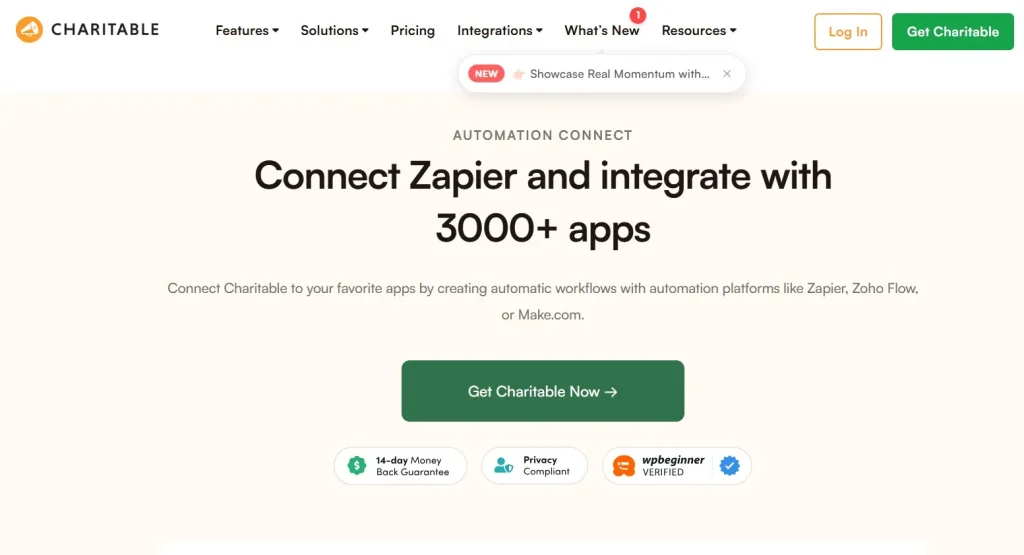
Charitable – Automation Connect is one of those extensions that quietly transforms how donation-based websites operate. If you’ve ever managed a fundraising site using WordPress, you already know the friction points: manual follow-ups, disconnected email tools, missed donor engagement opportunities, and repetitive administrative work. This plugin addresses those exact gaps by connecting your donation workflows with powerful automation systems.
At its core, Charitable – Automation Connect acts as a bridge between the Charitable donation plugin and automation platforms like Zapier or similar tools. What this means in practice is simple but impactful: every donation, campaign action, or donor interaction can automatically trigger a series of predefined workflows. Instead of manually exporting donor lists or sending individual emails, everything happens in the background.
In real-world scenarios, this becomes extremely valuable. For example, when a donor completes a contribution, you can instantly send a personalized thank-you email, tag them in your CRM, and even notify your team on Slack—all without lifting a finger. Over time, this automation significantly reduces workload while improving donor experience.
What makes this extension particularly compelling is how it blends flexibility with simplicity. You don’t need to be a developer to set it up, but if you are technically inclined, you can create highly advanced workflows that scale with your organization.
In this article, we’ll take a deep dive into how Charitable – Automation Connect works, its key features, real-world use cases, and why it’s a smart investment for anyone running a donation-based WordPress site.
What is Charitable – Automation Connect?
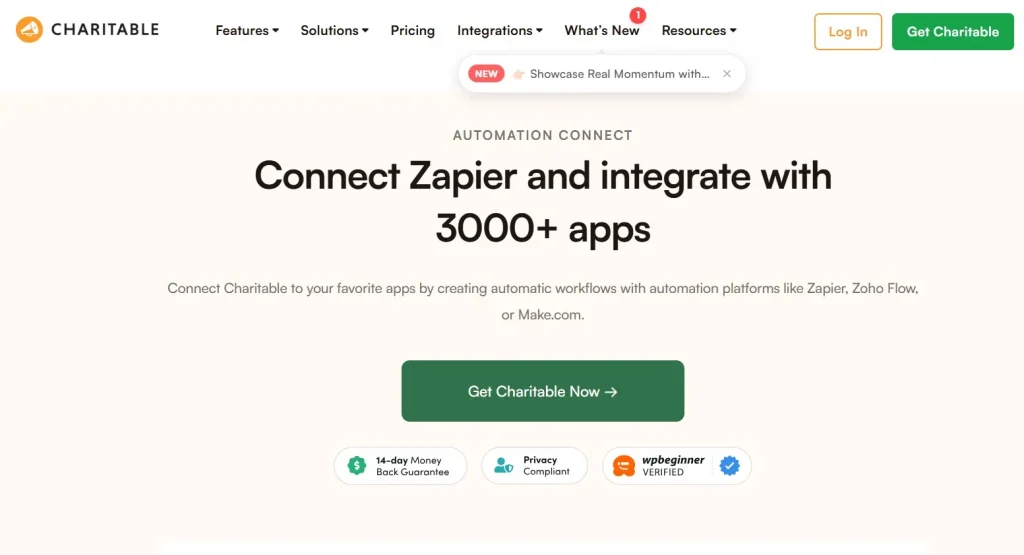
Charitable – Automation Connect is an add-on for the Charitable WordPress plugin that enables seamless integration between your fundraising system and automation tools. Instead of treating donations as isolated events, this extension allows you to turn them into actionable triggers that drive engagement, communication, and data synchronization.
Think of it as the missing link between your website and your broader digital ecosystem. Without automation, most fundraising websites rely on manual processes. Admins export CSV files, upload them into email marketing platforms, and manually segment donors. This is not only time-consuming but also prone to human error.
With Charitable – Automation Connect, these processes become automated workflows. When a donor completes a transaction, the plugin can instantly send that data to external platforms. This includes email marketing tools, CRMs, project management systems, or even custom webhooks.
In practice, this changes how organizations operate. For example, a nonprofit can automatically add donors to a Mailchimp list, tag them based on donation amount, and trigger a tailored email sequence. A crowdfunding campaign can notify internal teams when large donations occur. Even small teams can operate with the efficiency of much larger organizations.
Another important aspect is scalability. As your donation volume grows, manual processes quickly become unsustainable. Automation ensures that your systems continue to run smoothly regardless of how many donors or campaigns you manage.
From a technical perspective, the plugin is designed to work within the familiar WordPress ecosystem. It integrates directly with Charitable, meaning you don’t need to rebuild your existing setup. Instead, you enhance it with automation capabilities.
Overall, Charitable – Automation Connect shifts your fundraising system from reactive to proactive. Instead of responding to donations after they happen, you build systems that respond instantly and intelligently.
Key Features of Charitable – Automation Connect
Seamless Integration with Automation Platforms
One of the standout features of Charitable – Automation Connect is its ability to connect with automation platforms like Zapier. This integration opens the door to thousands of possible workflows across different tools.
For example, you can connect your donation data to Google Sheets for real-time reporting. Instead of manually updating spreadsheets, every donation automatically appears in your dashboard. This is particularly useful for teams that need quick visibility into campaign performance.
In practice, this feature eliminates the need for repetitive data entry. It also reduces errors, since data flows directly from your website to your chosen platforms without manual intervention.
Trigger-Based Automation
The plugin allows you to define triggers based on donor actions. These triggers can include completed donations, campaign milestones, or user registrations.
What this means is that every meaningful action on your website can initiate a workflow. For instance, when a donation exceeds a certain amount, you can trigger a personalized email from your team. This creates a more engaging donor experience without additional manual effort.
A practical example would be a nonprofit running multiple campaigns. High-value donors can be automatically flagged and routed into a VIP communication sequence, ensuring they receive special attention.
Custom Webhook Support
For more advanced users, Charitable – Automation Connect supports custom webhooks. This allows you to send data to virtually any external system.
If you’ve ever worked with APIs, you’ll appreciate how flexible this feature is. You can connect your donation system to proprietary software, internal dashboards, or custom-built applications.
For example, a larger organization might use an internal CRM. Instead of relying on third-party integrations, they can send donor data directly into their system using webhooks. This keeps everything centralized and aligned with internal processes.
Real-Time Data Sync
Timing matters when it comes to donor engagement. This plugin ensures that data is synchronized in real time.
When a donor contributes, the information is immediately sent to connected platforms. This allows you to respond instantly, whether it’s sending a thank-you email or updating your CRM.
In practice, this reduces delays that can negatively impact donor experience. A quick acknowledgment often makes donors feel valued, which increases the likelihood of repeat contributions.
Multi-Step Workflow Automation
Beyond simple triggers, the plugin supports multi-step workflows. This means you can create sequences that involve multiple actions across different platforms.
For example, a single donation could trigger:
- An email confirmation
- A CRM update
- A Slack notification
- A follow-up email sequence
This level of automation transforms how campaigns are managed. Instead of handling each task separately, everything is coordinated through a single workflow.
Flexible Data Mapping
Another important feature is the ability to map donation data to specific fields in external tools. This ensures that information is structured correctly when transferred.
For example, donor names, email addresses, donation amounts, and campaign details can all be mapped to corresponding fields in your CRM. This makes segmentation and reporting much easier.
In practice, this feature becomes crucial when working with multiple platforms. Proper data mapping ensures consistency and avoids confusion later on.
Scalability for Growing Campaigns
At first glance, automation might seem like a convenience feature. But in practice, it becomes essential as your campaigns grow.
Charitable – Automation Connect is built to handle increasing volumes of data without compromising performance. Whether you’re managing dozens or thousands of donations, the workflows remain consistent.
This scalability makes it suitable for both small nonprofits and larger organizations. You can start with simple automations and expand as your needs evolve.
Benefits of Using Charitable – Automation Connect
One of the most immediate benefits is the reduction in manual workload. Tasks that previously required hours of effort—like exporting donor lists or sending follow-up emails—are handled automatically. This frees up time for more strategic activities, such as campaign planning and donor relationship building.
Another key advantage is improved donor engagement. Automated workflows allow you to respond quickly and consistently. Donors receive timely acknowledgments, personalized messages, and relevant updates, which enhances their overall experience.
From a financial perspective, automation can also lead to cost savings. Instead of hiring additional staff to manage administrative tasks, you can rely on automated systems. Over time, this reduces operational costs while maintaining high efficiency.
In practice, this becomes particularly valuable for smaller organizations with limited resources. A small team can manage multiple campaigns without feeling overwhelmed.
There’s also the benefit of data accuracy. Manual processes often introduce errors, especially when dealing with large datasets. Automation ensures that data is transferred correctly and consistently.
Another subtle but important benefit is scalability. As your organization grows, your systems need to keep up. Automation ensures that your processes remain efficient regardless of scale.
Finally, the plugin enhances integration across your digital ecosystem. Instead of working with disconnected tools, everything is synchronized. This creates a more cohesive workflow and improves overall productivity.
Real Use Cases of Charitable – Automation Connect
Consider a nonprofit running a fundraising campaign for disaster relief. Every time a donation is made, the plugin automatically adds the donor to an email list and sends a thank-you message. At the same time, the team receives a notification in Slack. This ensures that no donation goes unnoticed.
Another example is a membership-based organization. When a user donates, they are automatically added to a membership platform and granted access to exclusive content. This creates a seamless experience for both the organization and the donor.
E-commerce-like donation platforms can also benefit. For instance, recurring donors can be tagged differently and entered into long-term engagement campaigns. This helps build stronger relationships over time.
In practice, even small workflows can have a big impact. A simple automation like sending a personalized email can significantly improve donor retention.
For larger organizations, the possibilities are even broader. Complex workflows involving multiple platforms can be created to handle everything from donor segmentation to campaign analytics.
How to Install Charitable – Automation Connect
Installing Charitable – Automation Connect is straightforward, especially if you’re familiar with WordPress plugins.
First, ensure that the core Charitable plugin is already installed and activated. This extension depends on it, so it won’t function independently.
Next, download the Automation Connect add-on from your source. Once you have the plugin file, go to your WordPress dashboard and navigate to the Plugins section.
Click on “Add New” and then select “Upload Plugin.” Choose the file you downloaded and click “Install Now.” After the installation is complete, activate the plugin.
Once activated, you’ll find new settings within the Charitable dashboard. This is where you configure your automation connections.
In practice, the setup process involves connecting your chosen automation platform. For example, if you’re using Zapier, you’ll need to generate an API key and link it to your account.
After the connection is established, you can start creating workflows. Define triggers, map data fields, and test your setup to ensure everything works as expected.
Even for beginners, the process is manageable. The interface is intuitive, and most configurations can be completed without technical expertise.
Why Buy Charitable – Automation Connect at Pluginpro.org
Purchasing Charitable – Automation Connect from Pluginpro.org offers significant advantages, especially when compared to buying directly at full price.
One of the most compelling reasons is cost savings. You can save up to 95% compared to the original price. For organizations operating on tight budgets, this makes a noticeable difference. Instead of allocating a large portion of your budget to software, you can invest more in your campaigns.
For example, a nonprofit running multiple websites would typically need separate licenses for each site. With Pluginpro.org, you get unlimited website usage. This means you can deploy the plugin across all your projects without additional costs.
Another important factor is file integrity. Pluginpro.org provides 100% clean files, ensuring that you receive the original plugin without modifications. This is crucial for maintaining security and compatibility with your WordPress setup.
In practice, this eliminates concerns about malware or corrupted files. You can install the plugin with confidence, knowing that it’s safe to use.
Updates are another area where Pluginpro.org stands out. The platform offers easy updates, allowing you to keep your plugin up to date without hassle. This ensures that you always have access to the latest features and security improvements.
Secure downloads are also part of the package. Files are delivered through reliable channels, reducing the risk of interruptions or data issues during the download process.
Consider a real-world scenario: a digital agency managing multiple client websites. Purchasing individual licenses for each client can quickly become expensive. With Pluginpro.org, the agency can use a single purchase across all projects, significantly reducing costs.
Another scenario involves a startup nonprofit. Instead of spending heavily on software, they can access premium tools at a fraction of the cost. This allows them to allocate more resources toward their mission.
Overall, buying from Pluginpro.org is not just about saving money—it’s about maximizing value. You get the same functionality, the same features, and the same reliability, but at a much lower cost.
Is Charitable – Automation Connect Worth It?
At first glance, Charitable – Automation Connect might seem like an optional add-on. But in practice, it quickly becomes essential for anyone managing a donation-based website.
The value lies in its ability to streamline operations and enhance donor engagement. Instead of juggling multiple tools and manual processes, you create a unified system that handles everything automatically.
For small organizations, this means doing more with fewer resources. For larger teams, it means scaling operations without increasing complexity.
There are, of course, some considerations. Setting up advanced workflows may require a bit of learning, especially if you’re new to automation tools. However, the long-term benefits far outweigh the initial effort.
If you’re serious about improving efficiency and building stronger relationships with your donors, this plugin is absolutely worth the investment.
Conclusion
Charitable – Automation Connect is more than just an extension—it’s a strategic tool for modern fundraising. By connecting your donation system with automation platforms, it transforms how you manage campaigns, engage donors, and handle data.
In practice, the plugin addresses real challenges that organizations face every day. It reduces manual work, improves accuracy, and creates a more responsive system.
What stands out is its flexibility. Whether you’re running a small campaign or managing large-scale fundraising efforts, the plugin adapts to your needs.
If you’ve ever felt overwhelmed by repetitive tasks or disconnected tools, this solution offers a clear path forward. It allows you to focus on what truly matters—building meaningful connections with your supporters and driving your mission forward.
For anyone using Charitable, adding Automation Connect is a logical next step. It’s not just about automation—it’s about creating a smarter, more efficient fundraising system.