
Managing finances is one of the most important aspects of running an online business. Handling invoices, tracking expenses, and maintaining accurate records can quickly become overwhelming. WooCommerce FreshBooks Extension is a powerful solution that connects your WooCommerce store with FreshBooks, automating your accounting workflow and saving valuable time.
In this article, we’ll explore everything you need to know about WooCommerce FreshBooks Extension, including its features, installation process, benefits, and why purchasing it from Pluginpro.org is the best choice.
Introduction to WooCommerce FreshBooks Extension
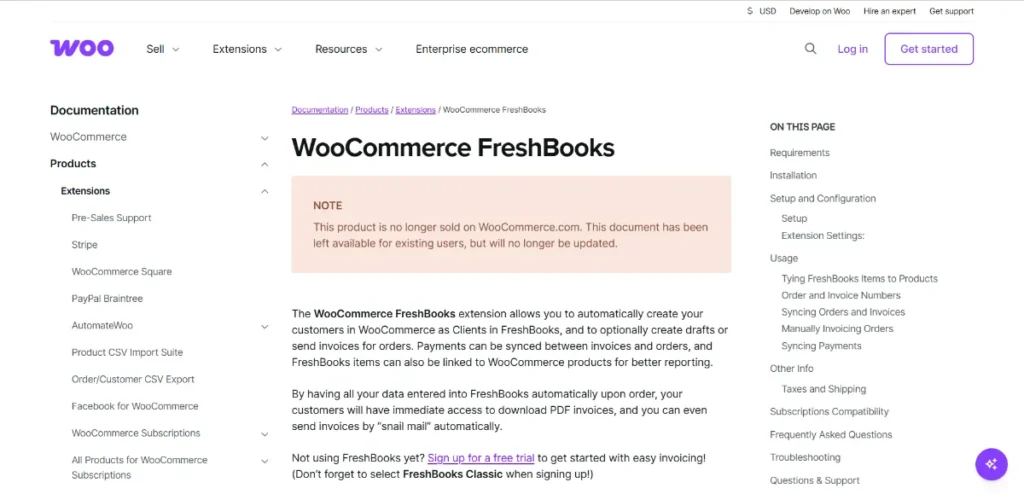
WooCommerce FreshBooks Extension is designed to integrate your WooCommerce store with the FreshBooks accounting platform. This integration allows you to automatically sync orders, customers, and invoices, eliminating manual data entry and reducing the risk of errors.
It is ideal for:
- WooCommerce store owners managing finances
- Small and medium businesses needing automated accounting
- Freelancers and agencies handling multiple client stores
- E-commerce businesses requiring accurate invoicing
By using this plugin, you can streamline your accounting processes and focus more on growing your business.
Key Features and Selling Points
1. Automatic Invoice Creation
The plugin automatically generates invoices in FreshBooks whenever an order is placed in your WooCommerce store.
- Create invoices instantly
- Sync order details with FreshBooks
- Reduce manual work and errors
2. Customer Data Synchronization
Sync customer information seamlessly between WooCommerce and FreshBooks:
- Automatically create or update customer profiles
- Maintain consistent data across platforms
- Improve financial tracking and reporting
3. Real-Time Order Sync
Orders from your store are automatically sent to FreshBooks:
- Sync product details, pricing, and taxes
- Keep accounting records up to date
- Eliminate the need for manual entry
4. Payment Tracking
Track payments efficiently:
- Record completed transactions in FreshBooks
- Match WooCommerce orders with payments
- Improve financial transparency
5. Tax and Currency Support
The plugin supports multiple currencies and tax configurations, making it suitable for global e-commerce businesses.
6. Flexible Settings and Customization
Customize how data is synced:
- Choose which order statuses trigger invoices
- Configure invoice formats
- Map WooCommerce fields to FreshBooks
7. Seamless Integration
Works smoothly with WooCommerce and FreshBooks without conflicts, ensuring stable and reliable performance.
8. Time-Saving Automation
By automating repetitive accounting tasks, the plugin helps you save time and reduce administrative workload.
How to Install WooCommerce FreshBooks Extension
Installing WooCommerce FreshBooks Extension is quick and easy:
Step 1: Download
- Purchase and download the plugin from Pluginpro.org
- Save the ZIP file to your computer
Step 2: Upload to WordPress
- Log in to your WordPress dashboard
- Navigate to Plugins → Add New → Upload Plugin
- Select the ZIP file and click Install Now
Step 3: Activate
- Click Activate Plugin
- The plugin is now ready for configuration
Step 4: Connect to FreshBooks
- Go to the plugin settings
- Enter your FreshBooks API credentials
- Configure sync options for invoices, customers, and payments
- Test the integration to ensure everything works correctly
With these steps, your WooCommerce store will be fully integrated with FreshBooks, automating your accounting processes.
Benefits of Using WooCommerce FreshBooks Extension
Save Time on Accounting
Automation reduces the need for manual data entry, freeing up time for other business tasks.
Improve Accuracy
Eliminate human errors by syncing data automatically between WooCommerce and FreshBooks.
Streamline Financial Management
Keep all financial records organized and up to date, making it easier to track revenue and expenses.
Enhance Business Efficiency
With automated invoicing and payment tracking, your workflow becomes more efficient and scalable.
Ideal for Growing Businesses
As your store grows, the plugin helps manage increasing order volume without additional workload.
Why Buy from Pluginpro.org
Purchasing premium plugins from Pluginpro.org ensures affordability, safety, and convenience.
Save Up to 95%
Get access to premium plugins like WooCommerce FreshBooks Extension at a fraction of the original price.
100% Clean Code
All plugins are verified to ensure:
- No malware
- No hidden scripts
- Safe installation
Unlimited Website Usage
Install the plugin on unlimited WooCommerce websites without worrying about license restrictions.
Easy Updates
Receive regular updates to maintain compatibility with WooCommerce and FreshBooks.
Perfect for Agencies and Developers
Manage multiple client websites efficiently while saving time and money.
Who Should Use WooCommerce FreshBooks Extension?
- WooCommerce store owners managing accounting
- Small businesses needing automated invoicing
- Freelancers and agencies handling multiple stores
- E-commerce businesses requiring accurate financial tracking
The plugin is suitable for both beginners and advanced users.
Best Practices
- Configure invoice settings carefully before going live
- Test synchronization with sample orders
- Monitor synced data regularly to ensure accuracy
- Use automation rules to streamline workflows
- Keep the plugin updated for best performance
Final Thoughts
WooCommerce FreshBooks Extension is a powerful tool for automating accounting processes in WooCommerce stores. With features like automatic invoice creation, real-time order sync, customer data synchronization, and payment tracking, it simplifies financial management and improves efficiency.
Purchasing from Pluginpro.org allows you to save up to 95%, ensures 100% clean code, provides unlimited website usage, and offers easy updates. For businesses looking to streamline accounting and reduce manual work, WooCommerce FreshBooks Extension is an essential solution.



