
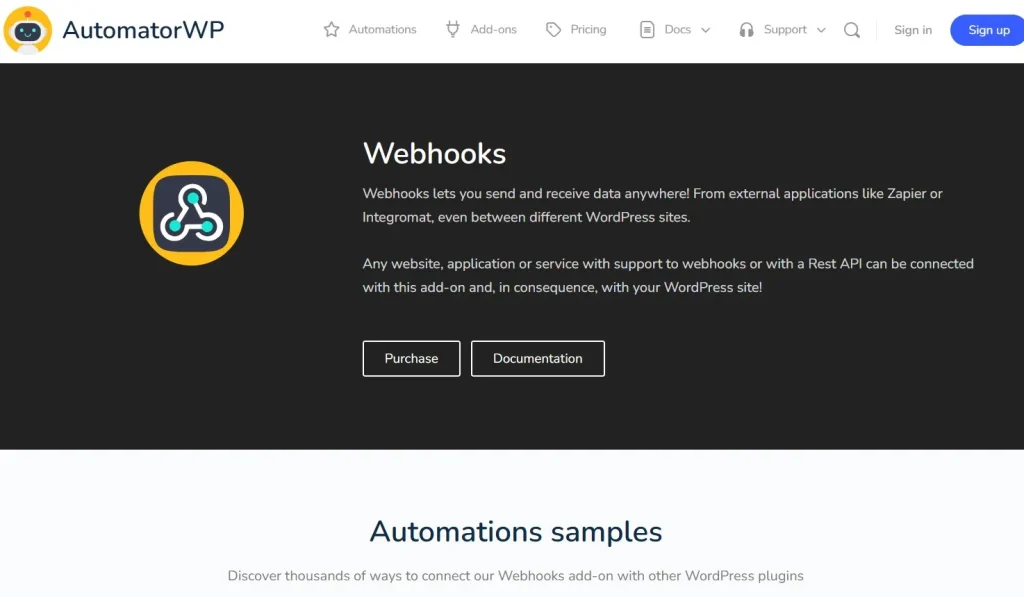
In today’s digital ecosystem, automation is key to scaling your website and business. If you want to connect your WordPress site with external apps, services, or custom workflows, AutomatorWP – Webhooks is the perfect solution.
This powerful add-on extends AutomatorWP’s capabilities, allowing you to send and receive webhook data seamlessly. With AutomatorWP – Webhooks, you can integrate your website with thousands of third-party tools without writing complex code.
In this article, we’ll explore everything about AutomatorWP – Webhooks, including installation, features, and why PluginPro.org is the best place to get it.
What is AutomatorWP – Webhooks?
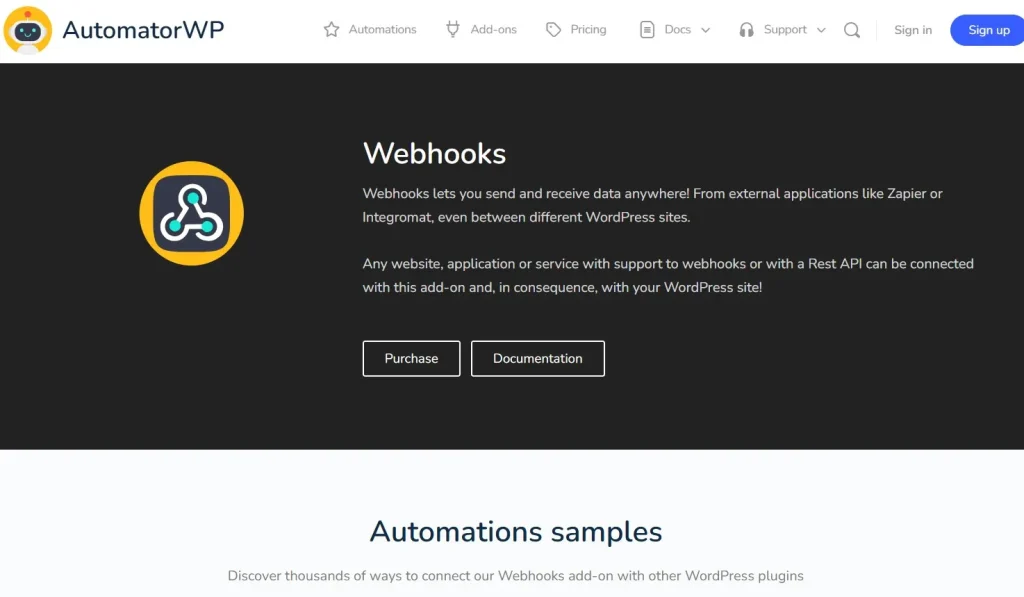
AutomatorWP – Webhooks is a premium add-on for AutomatorWP that enables your WordPress site to communicate with external systems using webhooks.
A webhook is a way for apps to send real-time data to each other. With AutomatorWP – Webhooks, you can:
- Send data from WordPress to external apps
- Receive data from third-party platforms
- Trigger automation workflows based on webhook activity
- Integrate with tools like Zapier, Make (Integromat), CRMs, and APIs
This makes AutomatorWP – Webhooks an essential tool for developers, marketers, and businesses looking to automate workflows.
Why Use AutomatorWP – Webhooks?
Modern websites rarely operate in isolation. You often need to connect your WordPress site with:
- CRM systems
- Email marketing platforms
- Payment gateways
- Custom applications
AutomatorWP – Webhooks allows you to do all of this effortlessly.
Key benefits include:
- Real-time data synchronization
- Reduced manual work
- Seamless integrations
- Scalable automation
Instead of building custom APIs, you can use webhooks to create powerful integrations quickly.
Key Features of AutomatorWP – Webhooks
1. Send Webhooks to External Services
With AutomatorWP – Webhooks, you can send data to external platforms:
- Trigger webhook on user actions
- Send form data, user data, or order details
- Connect with Zapier, Slack, CRMs, and more
This allows you to automate workflows across multiple platforms.
2. Receive Webhooks from Third-Party Apps
You can also receive incoming webhook data:
- Trigger actions when external events occur
- Update WordPress data automatically
- Sync information across systems
For example:
- When a payment is confirmed → update user role
- When a lead is created → register a user
3. Advanced Data Mapping
Customize the data you send or receive:
- Map fields dynamically
- Use custom parameters
- Control data structure
This ensures compatibility with any API or service.
4. Conditional Logic Support
Create smart automation workflows:
- Trigger actions only when conditions are met
- Filter webhook data
- Build complex automation sequences
5. Integration with Popular Tools
AutomatorWP – Webhooks works with:
- Zapier
- Make (Integromat)
- CRM platforms
- Email marketing tools
This makes it a universal integration bridge.
6. No Coding Required
You don’t need programming skills:
- User-friendly interface
- Visual automation builder
- Easy configuration
Perfect for beginners and professionals alike.
7. Secure Data Transmission
Security is a priority:
- Supports authentication methods
- Secure endpoints
- Data protection features
8. Lightweight and Fast
Despite its powerful capabilities, the plugin is optimized for performance:
- Minimal impact on site speed
- Efficient processing
- Clean code
How to Install AutomatorWP – Webhooks
Installing AutomatorWP – Webhooks is quick and simple. Follow these steps:
Step 1: Download the Plugin
- Visit PluginPro.org
- Search for “AutomatorWP – Webhooks”
- Download the plugin (.zip file)
Step 2: Upload to WordPress
- Go to your WordPress Dashboard
- Navigate to Plugins → Add New
- Click Upload Plugin
- Select the downloaded file
- Click Install Now
Step 3: Activate the Plugin
- Click Activate
- Ensure AutomatorWP core plugin is installed and active
Step 4: Configure Webhooks
- Go to AutomatorWP → Webhooks
- Create a new webhook
- Define triggers and actions
Step 5: Test Integration
- Send or receive webhook data
- Verify automation works correctly
- Adjust settings if needed
Real-World Use Cases
CRM Integration
Automatically send leads from WordPress to your CRM system.
Email Marketing Automation
Add users to email lists when they complete actions.
eCommerce Automation
Trigger workflows when orders are placed or updated.
Custom API Connections
Integrate with custom-built applications or services.
Benefits of Using AutomatorWP – Webhooks
Using AutomatorWP – Webhooks gives you:
- Unlimited integration possibilities
- Real-time automation
- Reduced development costs
- Improved efficiency
- Scalable workflows
It turns your WordPress site into a powerful automation hub.
Why Buy AutomatorWP – Webhooks from PluginPro.org?
When purchasing premium plugins, PluginPro.org offers unbeatable value.
1. Save Up to 95% Budget
Get AutomatorWP – Webhooks at a fraction of the original price.
2. 100% Clean Code
All plugins are:
- Malware-free
- Virus-free
- Safe to use
3. Unlimited Website Usage
- No domain restrictions
- Use on unlimited websites
- Ideal for agencies and developers
4. Easy Updates
- Regular updates available
- No license key required
- Hassle-free upgrade process
5. Instant Download
- Immediate access after purchase
- Quick setup
6. Huge Plugin Library
Access thousands of premium WordPress plugins and themes.
Tips to Maximize AutomatorWP – Webhooks
- Plan your automation workflows in advance
- Use clear data structures
- Test webhooks thoroughly
- Combine with other AutomatorWP add-ons
- Monitor performance regularly
Conclusion
AutomatorWP – Webhooks is a powerful tool that allows you to connect your WordPress site with virtually any external service. With its ability to send and receive webhook data, it unlocks endless automation possibilities.
Whether you’re integrating CRMs, email tools, or custom applications, AutomatorWP – Webhooks helps you build efficient, scalable workflows without coding.
And when you purchase from PluginPro.org, you enjoy massive savings, clean code, unlimited usage, and easy updates.
Start automating smarter today with AutomatorWP – Webhooks and take your WordPress website to the next level.



