
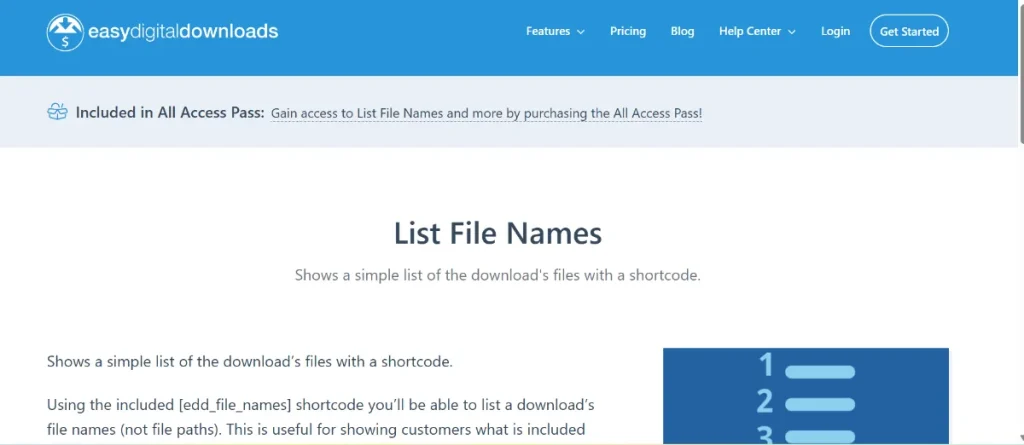
For any digital merchant, transparency is the key to building trust with potential customers. When selling complex products like software bundles, graphics packs, or multi-track music albums, customers want to know exactly what is inside the box before they hit the “buy” button. This is where the Easy Digital Downloads – List File Names functionality becomes a game-changer for your WordPress store.
In this deep dive, we will explore how to showcase your product contents effectively, the installation process, and how you can get premium tools for your site through Pluginpro.org while keeping your overhead low.
1. Introducing Easy Digital Downloads – List File Names
The Easy Digital Downloads – List File Names feature is a specialized enhancement for the EDD ecosystem. By default, EDD is excellent at delivering files after a purchase, but it doesn’t always make it easy for shoppers to see a detailed inventory of those files on the product page itself.
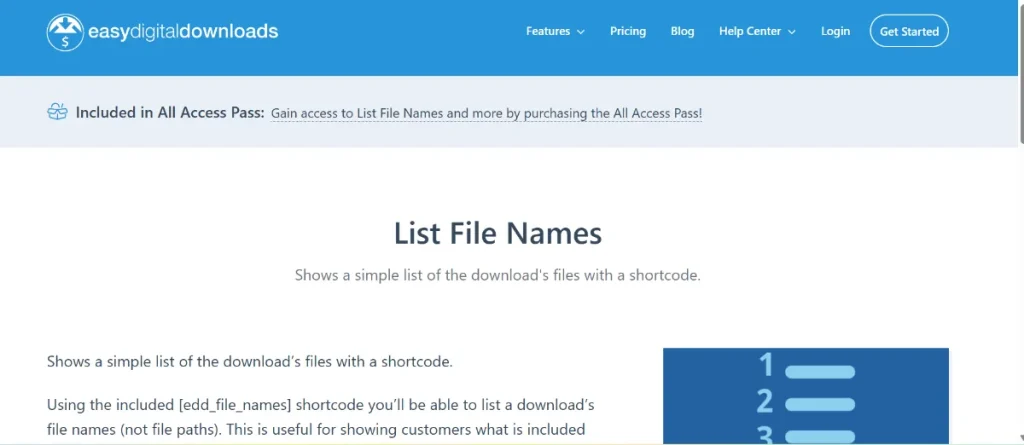
By utilizing “List File Names,” you can automatically pull the names of all files attached to a specific “Download” and display them in a clean, organized list. This is particularly useful for:
- Developers: Listing specific files included in a plugin.
- Graphic Designers: Showing a list of
.psd,.ai, and.pngassets. - Musicians: Displaying a tracklist for a digital album.
- Educators: Listing the various PDF modules and video lessons included in a course.
2. Feature Functions and Selling Points
Why should you implement Easy Digital Downloads – List File Names on your storefront? Here are the top selling points that improve both user experience and conversion rates:
Automated Inventory Display
Manually typing out file names for every product is tedious and prone to human error. This feature automates the process by fetching the data directly from the “Download Files” metabox. If you update the files in the backend, the list on the frontend updates automatically.
Enhanced Customer Confidence
Online shoppers are often hesitant to purchase digital goods because they cannot “see” the physical product. By providing a clear list of file names, you remove the mystery and give customers the confidence that they are getting exactly what they need.
Improved Site Structure
A clean list of file names helps organize long product descriptions. Instead of a wall of text, you provide a structured, scannable list that helps users quickly identify if a specific file or version they are looking for is included in the package.
Custom Styling Options
Most tools that enable the Easy Digital Downloads – List File Names feature allow for styling flexibility. You can display them as simple bullet points, numbered lists, or even stylish tables that match your website’s theme.
3. How to Install Easy Digital Downloads – List File Names
Setting up this feature is simple, especially when using the high-quality files provided by Pluginpro.org. Here is the standard installation path:
- Acquire the Plugin: Download the extension file from your Pluginpro.org account.
- Upload to WordPress: Navigate to your dashboard and go to
Plugins > Add New > Upload Plugin. Choose the file you just downloaded. - Activate: Click the Activate button to enable the extension.
- Display the List:
- Depending on the specific version, you may use a shortcode like
[edd_file_names]within your product description. - Alternatively, go to
Downloads > Settingsto enable the “Auto-display file names” option, which will append the list to the bottom of every product page automatically.
- Depending on the specific version, you may use a shortcode like
- Verify: Visit one of your product pages on the frontend to ensure the Easy Digital Downloads – List File Names are appearing correctly.
4. Why You Should Buy from Pluginpro.org
To run a professional store, you need reliable tools. Pluginpro.org is dedicated to providing the best WordPress resources at a fraction of the traditional cost.
Save 95% of Your Budget
Premium extensions for EDD can be expensive, often requiring annual subscriptions that drain your profits. At Pluginpro.org, we offer the same high-end functionality for 95% less than the retail price. This makes professional-grade e-commerce accessible to everyone.
100% Clean Code
We understand that your website’s security is non-negotiable. Every file we provide is 100% clean, original, and free from any malicious scripts or “hidden” backdoors. You get the peace of mind that comes with knowing your store and your customers are safe.
Unlimited Website Usage
Unlike official developers who often lock you into a single-domain license, our GPL-licensed products allow you to use the Easy Digital Downloads – List File Names extension on unlimited websites. This is the perfect solution for agencies or entrepreneurs running multiple stores.
Easy to Update
Technology moves fast. When WordPress or EDD releases an update, you need your extensions to keep up. Pluginpro.org provides an easy update process, ensuring you always have access to the latest features and security patches for your plugins.
5. SEO Benefits of Listing File Names
From an SEO perspective, using Easy Digital Downloads – List File Names provides a hidden advantage. Search engines love structured data and relevant keywords.
When you list your file names (e.g., “social-media-marketing-template.psd”), you are naturally including long-tail keywords that potential customers might be searching for. This increases the “keyword richness” of your product pages without resorting to “keyword stuffing,” helping your store rank higher in search results.
Conclusion
Transparency leads to transactions. By utilizing Easy Digital Downloads – List File Names, you provide your customers with the clarity they need to make an informed purchase.
Combine this powerful feature with the incredible value found at Pluginpro.org, and you have a winning formula for digital success. Visit us today to save on your budget, secure your site with clean code, and scale your business across unlimited websites!



