
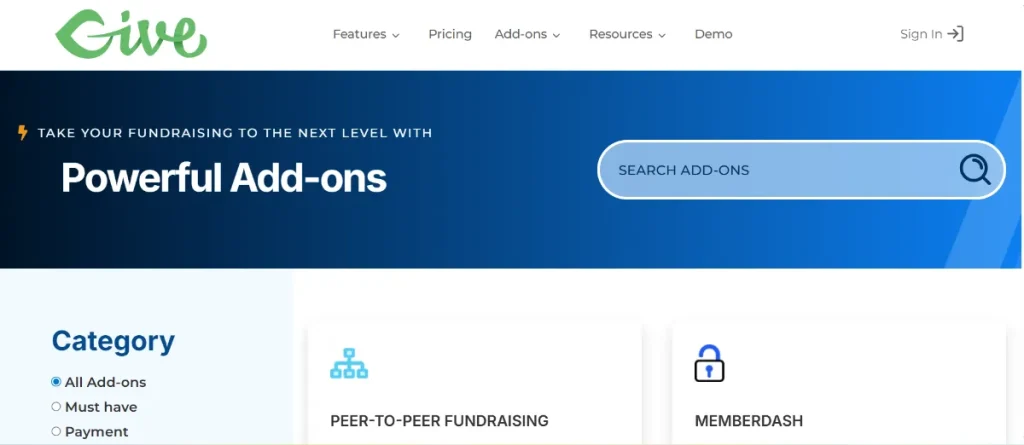
Managing a growing non-profit often means dealing with data from multiple sources—legacy databases, third-party fundraising platforms, or even complex spreadsheets. The GiveWP – WP All Import Addon is the professional bridge that allows you to bulk import donors, donations, and form data into your GiveWP system with the power and flexibility of the industry-leading WP All Import engine.
In this guide, we will explore how this addon automates your data management, the installation process, and why sourcing your plugins from Pluginpro.org is the smartest move for your organization’s budget.
1. Introducing the GiveWP – WP All Import Addon
The GiveWP – WP All Import Addon is a specialized integration that extends the capabilities of WP All Import Pro. While standard WordPress importers often struggle with complex custom post types and meta fields, this addon is specifically mapped to the architecture of GiveWP.
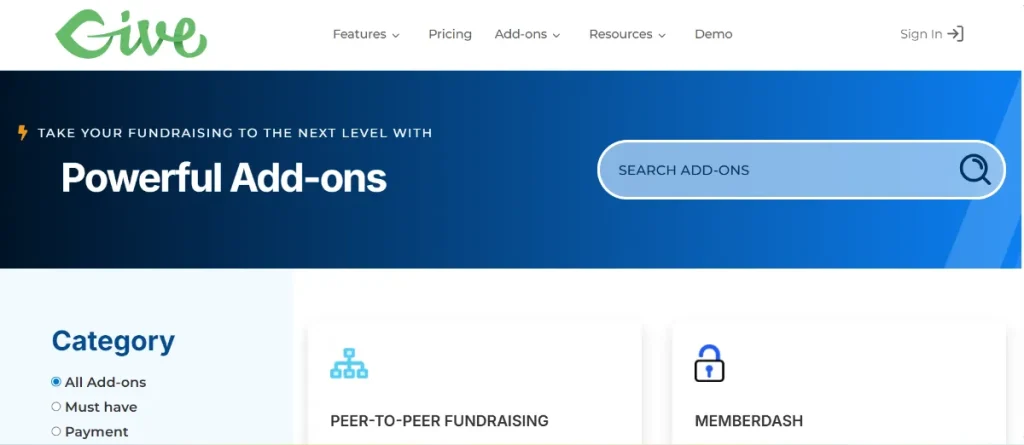
It allows you to take any XML or CSV file and map it directly to GiveWP fields. Whether you are migrating thousands of historical donations from another platform or performing a weekly sync of offline contributions, this tool ensures that your donor records, donation amounts, and form associations remain perfectly intact.
2. Key Features and Selling Points
Why is this addon an essential tool for data-driven non-profits? Here are the core benefits:
Drag-and-Drop Data Mapping
You don’t need to be a developer to import complex data. The addon provides an intuitive interface where you simply drag columns from your CSV or XML file and drop them into the corresponding GiveWP fields (e.g., Donor Name, Email, Donation Amount, Date, and Form ID).
Intelligent Donor Linking
The addon automatically checks for existing donors based on their email address. If a match is found, the new donation is linked to their existing profile; if not, a new donor record is created. This prevents duplicate profiles and ensures your fundraising reports remain accurate.
Support for Recurring and Custom Data
Beyond simple one-time gifts, the addon can handle complex data structures, including recurring donation statuses and custom fields added via the GiveWP Form Field Manager. This ensures that no piece of data is left behind during a migration.
Automated Scheduling
Combined with WP All Import’s scheduling features, you can set your imports to run automatically. This is perfect for syncing data from an external CRM or a physical check-processing service on a daily or weekly basis.
3. How to Install the GiveWP – WP All Import Addon
Setting up your data pipeline is a straightforward process:
- Download from Pluginpro.org: Secure your addon file from your account dashboard.
- Ensure Requirements are Met: You must have GiveWP (Free or Pro) and WP All Import Pro already installed.
- Upload to WordPress: Navigate to
Plugins > Add New > Upload Pluginand select the zip file for the GiveWP Addon. - Activate: Click the Activate button to enable the integration.
- Start Your Import:
- Go to
All Import > New Import. - Upload your file and select “GiveWP Donations” or “GiveWP Donors” from the dropdown.
- Map your fields and run the import.
- Go to
4. Why You Should Buy from Pluginpro.org
To run a successful non-profit, you need professional-grade tools without the high overhead. Pluginpro.org is the premier choice for smart organizations.
Save 95% of Your Budget
Official licenses for high-end import/export bundles can cost hundreds of dollars per year. At Pluginpro.org, we provide the same premium functionality while saving you 95% of your budget. This allows you to put more money directly toward your cause rather than software fees.
100% Clean and Original Code
Accuracy in donor data is critical for tax compliance and transparency. We provide 100% clean, original, and verified code sourced directly from GPL-licensed files. Our plugins are free from malware, ensuring your donor’s sensitive information remains secure.
Unlimited Website Usage
We believe in your freedom to grow. When you purchase from us, you can use the GiveWP – WP All Import Addon on unlimited websites. This is perfect for agencies managing multiple non-profit sites or organizations with various regional chapters.
Easy to Update
Keeping your data tools functional requires staying current with WordPress and GiveWP updates. Pluginpro.org provides an easy update process, ensuring your imports remain compatible with the latest e-commerce and security standards.
5. Data Integrity and Reporting
Using the GiveWP – WP All Import Addon ensures that your data is entered correctly, which is the foundation of good SEO and reporting. Accurate data allows GiveWP’s built-in reporting engine to generate precise insights into your fundraising performance. Furthermore, the lightweight, optimized code from Pluginpro.org ensures that your backend remains fast, even when processing thousands of records.
Conclusion
The GiveWP – WP All Import Addon is the ultimate solution for turning a manual data-entry nightmare into a streamlined, automated process. It provides the professional accuracy your organization needs to maintain healthy donor relationships.
Ready to migrate your data like a pro? Visit Pluginpro.org today to get the tools you need with clean code, unlimited usage, and 95% savings. Simplify your data management today!



