
Creating advanced forms and interactive content in WordPress is easy with GP Entry Blocks. This premium plugin extends the capabilities of Gravity Forms and Gutenberg, allowing you to display form entries, user submissions, and dynamic content directly on your website.
In this article, we’ll guide you on how to install GP Entry Blocks, explore its key features, and explain why purchasing it from Pluginpro.org is the best choice for WordPress users and developers.
What is GP Entry Blocks?
GP Entry Blocks is a WordPress plugin that allows you to display Gravity Forms entries and custom content using Gutenberg blocks. Instead of manually exporting form submissions, this plugin dynamically presents user-submitted data on your pages or posts, making it perfect for directories, listings, and interactive content.
Key benefits include:
- Display Gravity Forms entries easily in WordPress.
- Fully compatible with Gutenberg block editor.
- Flexible layout options and filters.
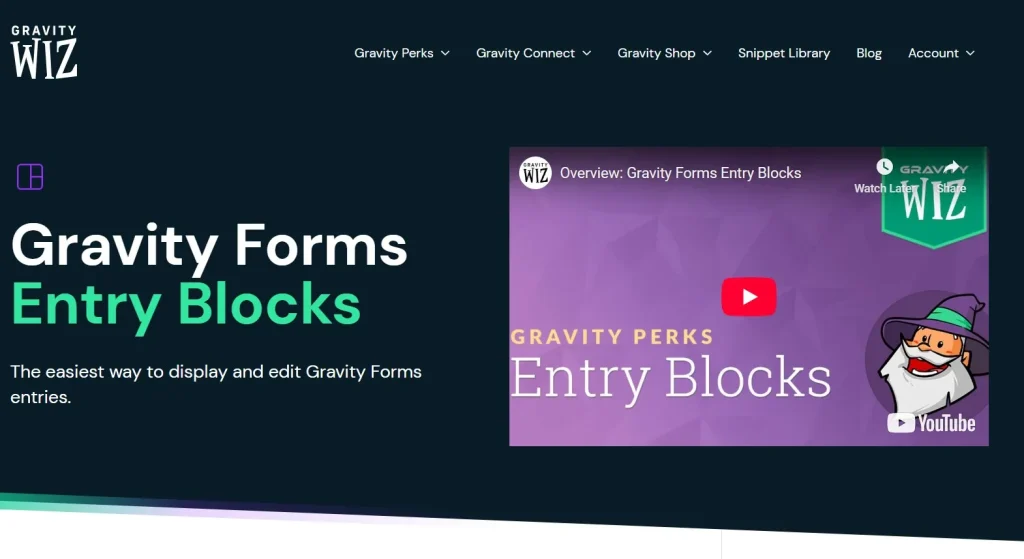
This plugin is ideal for agencies, developers, and site owners who rely on user-generated content or want to present form data visually on their websites.
How to Install GP Entry Blocks
Installing GP Entry Blocks is straightforward. Follow these steps:
Step 1: Purchase and Download
- Visit Pluginpro.org and search for GP Entry Blocks.
- Complete the purchase and download the plugin ZIP file.
(Tip: Pluginpro.org offers up to 95% savings compared to other marketplaces.)
Step 2: Upload to WordPress
- Log in to your WordPress dashboard.
- Navigate to Plugins > Add New > Upload Plugin.
- Click Choose File, select the downloaded ZIP file, and click Install Now.
- After installation, click Activate Plugin.
Step 3: Configure GP Entry Blocks
- Go to Gutenberg > GP Entry Blocks in the WordPress admin menu.
- Create a new block and select the Gravity Form you want to display entries from.
- Configure display settings such as fields, layout, filters, and pagination.
- Insert the block into any page, post, or custom post type.
Your website is now ready to display dynamic form entries using GP Entry Blocks.
Key Features of GP Entry Blocks
GP Entry Blocks comes packed with features to enhance your WordPress content:
1. Display Form Entries
Show Gravity Forms entries dynamically in posts, pages, or custom post types.
2. Gutenberg Block Compatibility
Fully compatible with the WordPress block editor for easy visual editing.
3. Custom Layout Options
Choose layouts such as tables, lists, or grids to match your website design.
4. Filtering and Sorting
Filter entries by field values, categories, or dates to present relevant content.
5. Pagination and Limit Controls
Manage how many entries are displayed per page and enable pagination for large datasets.
6. Conditional Visibility
Show or hide entries based on user roles or specific conditions.
7. Developer-Friendly
Use hooks and filters to extend functionality or customize blocks for advanced use cases.
8. Integration with Gravity Forms Addons
Works seamlessly with Gravity Forms add-ons such as User Registration or PayPal integration.
Selling Points: Why You Should Use GP Entry Blocks
Using GP Entry Blocks provides several advantages:
- Dynamic Content Presentation: Easily display form submissions on your site.
- Time-Saving Automation: Automatically pull entries without manual exports.
- Customizable Layouts: Tailor the presentation to match your website design.
- User-Friendly: No coding required; blocks can be added visually in Gutenberg.
- Flexible Integration: Works with Gravity Forms and other WordPress plugins.
Why Purchase GP Entry Blocks from Pluginpro.org?
Purchasing from Pluginpro.org offers unique advantages:
- Save Up to 95%
Get the plugin at a fraction of the cost compared to other marketplaces. - 100% Clean Code
Verified plugin ensures performance, compatibility, and security. - Unlimited Website Usage
Use GP Entry Blocks on unlimited websites without extra licensing fees. - Easy Updates
Receive lifetime updates and support for hassle-free content management. - Trusted Source
Pluginpro.org provides verified, malware-free plugins for professional use.
Tips for Maximizing GP Entry Blocks
- Use Filters for Relevant Data
Display only the most relevant entries by applying field-based filters. - Combine with Custom Post Types
Show Gravity Forms entries in directories, listings, or portfolios. - Leverage Pagination
Improve page load times by limiting entries per page. - Design with Gutenberg
Use spacing, styling, and layout blocks to create visually appealing content. - Integrate with Other Addons
Use Gravity Forms add-ons to collect and display advanced user data.
Conclusion
GP Entry Blocks is an essential plugin for WordPress users who want to display Gravity Forms entries dynamically. With Gutenberg compatibility, customizable layouts, filtering, and developer-friendly features, it transforms user-submitted data into engaging, interactive content.
Purchasing GP Entry Blocks from Pluginpro.org ensures affordability, clean code, unlimited site usage, and easy updates. For site owners, developers, or agencies looking to enhance form-driven content, GP Entry Blocks is a must-have plugin.



