
Static radio buttons and plain checkboxes are a thing of the past. If you want to increase your form conversion rates in 2026, you need to make your selections visual. Gravity Forms Enhanced Choices is the premier add-on designed to supercharge how users interact with your forms by adding images, icons, and rich layouts to standard selection fields.
When you purchase Gravity Forms Enhanced Choices through Pluginpro.org, you get a high-end UI tool while saving 95% of your budget. Let’s explore why this plugin is essential for modern WordPress sites.
Introduce Gravity Forms Enhanced Choices
Gravity Forms Enhanced Choices is a powerful styling and functionality extension for the world’s leading form builder. While Gravity Forms is famous for its backend logic, its front-end selection fields can often look dated.
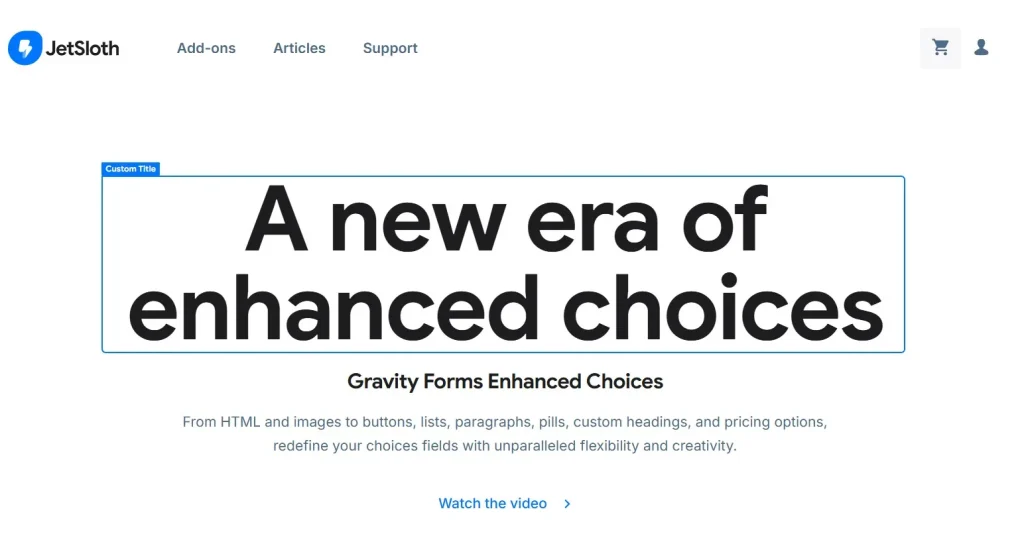
This plugin changes that by allowing you to replace standard text-based radio buttons, checkboxes, and select menus with beautiful, image-rich layouts. Whether you are building a product configurator, a plan comparison table, or a visual survey, Enhanced Choices makes the process intuitive for the user and effortless for the developer.
Key Features & Selling Points
This plugin goes beyond simple aesthetics; it focuses on user experience (UX) and accessibility.
1. Visual Image Choices
Upload images directly to your radio buttons or checkboxes. This is perfect for “Choose your style” or “Select a product” fields where a picture is worth a thousand words. It includes an auto-cropping feature to ensure all your images look uniform and professional.
2. Icon Integration
Don’t want to use images? Enhanced Choices supports popular icon libraries. You can add crisp, scalable icons to your choices to give them a modern, “app-like” feel that guides the user’s eye.
3. Rich Grid Layouts
Break away from the single-column list. This plugin allows you to display your choices in multi-column grids (2, 3, 4, or 5 columns). This saves vertical space on your page and makes the form look like a dedicated application rather than a simple document.
4. Interactive Hover & Selection States
Add life to your forms with customizable hover effects and distinct “Selected” states. When a user clicks an option, the visual feedback is immediate and satisfying, which significantly reduces form abandonment.
5. Full Accessibility (WCAG Friendly)
Many “visual” plugins break screen readers. Enhanced Choices is built with accessibility in mind, ensuring that your beautiful forms are still readable by assistive technologies and keyboard-navigable for all users.
6. Seamless Conditional Logic
It works perfectly with the native Gravity Forms conditional logic. You can show or hide subsequent fields based on which visual image or icon a user selects, allowing for complex, branching workflows.
How to Install Gravity Forms Enhanced Choices
Upgrading your forms is a quick four-step process:
- Download: Get the plugin zip file from your Pluginpro.org dashboard.
- Upload: In your WordPress admin, navigate to Plugins > Add New > Upload Plugin. Select the zip file and click Install Now.
- Activate: Once installed, click Activate.
- Enhance Your Fields: Open any Gravity Form, select a Radio Button or Checkbox field, and look for the “Enhanced Choices” settings tab in the field sidebar to start adding images or icons.
Why Should You Buy at Pluginpro.org?
Why spend full price on every single add-on when you can build more for less? Pluginpro.org is the top destination for savvy WordPress developers.
Save 95% of Your Budget
Premium Gravity Forms add-ons can be expensive, especially when building a complete ecosystem. At Pluginpro.org, we offer the same pro functionality at a fraction of the cost—saving you 95% compared to traditional retail.
100% Clean Code
We prioritize your site’s health. We provide only original, untouched GPL files that are scanned and verified to be 100% clean. You get the performance of a premium plugin without the risk of malware or “nulled” vulnerabilities.
Unlimited Website Usage
Forget about “single-site” license restrictions. When you buy from us, you can use Gravity Forms Enhanced Choices on unlimited websites. This is the ideal solution for agencies managing multiple client projects.
Easy to Update
As Gravity Forms evolves, so does this add-on. We provide regular updates directly through our dashboard, ensuring that your visual forms stay compatible with the latest versions of WordPress.
Conclusion
Your forms are the bridge between you and your customers. Don’t let that bridge be a boring text-only list. Use Gravity Forms Enhanced Choices to create a stunning, high-converting visual experience.
Visit Pluginpro.org today to get Gravity Forms Enhanced Choices and start building more engaging forms while saving 95% of your budget!



