
The introduction of the Gutenberg Block Editor revolutionized how we build WordPress websites. No longer restricted to a single text box, users can now design complex layouts with drag-and-drop ease. However, for many years, adding a form to these layouts still required the use of “shortcodes”—clunky snippets of text that were difficult to style and impossible to preview.
The Gravity Forms Gutenberg Add-On changed everything. It provides a native, visual way to embed, style, and manage your forms directly within the WordPress block editor. In this guide, we will explore why this add-on is a fundamental tool for modern web design and why getting it from Pluginpro.org is the best decision for your development workflow.
What is the Gravity Forms Gutenberg Add-On?
The Gravity Forms Gutenberg Add-On is a professional extension that adds a dedicated “Gravity Forms” block to your WordPress editor. Instead of copy-pasting code, you simply select the Gravity Forms block, pick your form from a dropdown menu, and watch it appear instantly in your layout.
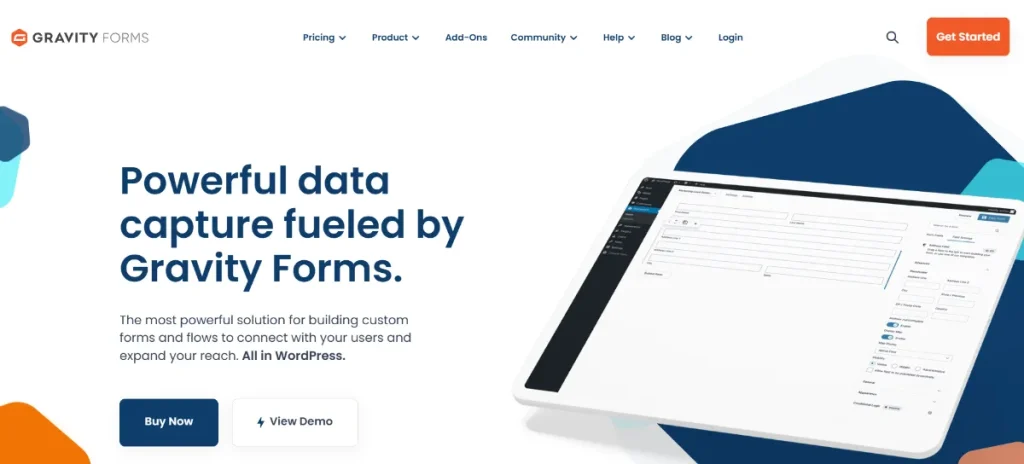
This add-on isn’t just a “wrapper” for shortcodes; it is a deep integration that allows you to control form settings, visibility, and even styling without ever leaving the page you are building. It bridges the gap between the most powerful form builder and the most flexible page editor.
Key Features & Selling Points of the Gutenberg Add-On
Why should you use the native block instead of the old-fashioned shortcode method? The benefits range from visual accuracy to advanced design control.
1. Real-Time Live Preview
The biggest “selling point” of the Gravity Forms Gutenberg Add-On is the live preview. When you add a form block, you see exactly how the form will look to your visitors. You can see the field labels, the button styles, and the layout in real-time. This eliminates the “save and refresh” cycle that wastes hours of development time.
2. Built-in Block Styling (No CSS Required)
In the past, changing a form’s appearance required custom CSS. The Gutenberg block includes a “Styles” tab in the sidebar that allows you to:
- Adjust the form’s background color and padding.
- Change button colors and border-radius.
- Toggle field labels and descriptions on or off.
- Modify typography and input styles.
3. Advanced Block Settings
Right from the block settings panel, you can toggle several powerful Gravity Forms features:
- AJAX Submission: Enable seamless form submissions without the page refreshing.
- Title and Description: Choose whether to display the form’s metadata.
- Conditional Visibility: Use block-level logic to control where and how the form appears.
4. Interactive Field Selection
The block allows you to search and select your forms via an intuitive dropdown menu. If you have dozens of forms, you can easily find the right one by name or ID, making it much more user-friendly than trying to remember specific shortcode IDs.
5. Performance Optimized
The Gravity Forms Gutenberg Add-On is built for speed. It only loads the necessary scripts and styles when a form is present on the page, ensuring that your site’s performance remains high—a critical factor for your 2026 SEO rankings.
How to Install and Use the Gravity Forms Gutenberg Add-On
Getting started with the block editor integration is simple. Follow these steps to modernize your form embedding:
- Download the Add-On: Get the Gravity Forms Gutenberg Add-On .zip file from your Pluginpro.org dashboard.
- Upload to WordPress: Go to Plugins > Add New > Upload Plugin. Choose the file and click Install Now.
- Activate: Click the Activate Plugin button.
- Edit a Page: Open any Page or Post in the WordPress editor.
- Add the Block: * Click the (+) icon to add a new block.
- Search for “Gravity Forms.”
- Click the block to add it to your layout.
- Select Your Form: Choose your desired form from the dropdown in the block settings.
- Customize: Use the sidebar settings to toggle AJAX, title visibility, or styling options.
Why Should You Buy From Pluginpro.org?
Modern web development requires premium tools, but it shouldn’t require an enterprise-level budget. Pluginpro.org is dedicated to making high-end WordPress software accessible to everyone.
1. Save 95% of Your Budget
Official Gravity Forms licenses can be a major recurring cost for freelancers and small businesses. At Pluginpro.org, we provide the exact same professional add-ons while helping you save 95% of your budget. This allows you to build professional-grade websites for your clients without the heavy overhead.
2. 100% Clean Code
When you are building a site, security is paramount. Every file we provide is 100% clean code. Our plugins are original, untouched, and rigorously scanned for malware and security vulnerabilities, ensuring your site remains a safe environment for your users.
3. Unlimited Website Usage
Most official licenses restrict you to just a few sites. When you shop at Pluginpro.org, you enjoy unlimited website usage. You can use the Gravity Forms Gutenberg Add-On on your personal site, your client sites, and your experimental projects with a single download.
4. Easy to Update
The block editor is constantly evolving with every WordPress release. To stay compatible, your add-ons must be current. We make it easy to update your tools. As soon as a new version of the Gutenberg Add-On is released, we update our library so your page-building experience remains seamless and bug-free.
Strategic Value: Improving User Experience (UX)
The Gravity Forms Gutenberg Add-On is more than just a convenience tool; it is a UX tool. By being able to see exactly how your form fits into your page layout, you can ensure that your Call-to-Action (CTA) is placed perfectly.
Whether you are building a “Contact Us” page, a complex “Request a Quote” multi-column layout, or a simple newsletter sign-up in the footer, the visual feedback provided by the block editor integration ensures that your design is intuitive and professional. This leads to higher conversion rates and a more satisfied audience.
Final Thoughts: The Modern Standard for Forms
Shortcodes are a relic of the past. In the modern era of WordPress design, the Gravity Forms Gutenberg Add-On is the standard for professional form integration. It offers the speed, visual control, and ease of use that developers and site owners demand in 2026.
Don’t settle for outdated methods. Get the Gravity Forms Gutenberg Add-On from Pluginpro.org today. Benefit from 100% clean code, unlimited website access, and easy updates while you save 95% of your budget. Elevate your page building and create stunning, functional forms with confidence.



