Forms are an essential part of any website, whether for capturing leads, collecting payments, or running surveys. Gravity Forms is the most powerful and versatile form builder plugin for WordPress, allowing you to create complex forms with ease. Its intuitive interface, advanced features, and integration capabilities make it a favorite among developers and website owners alike.
In this article, we’ll explain how to install Gravity Forms, explore its key features, and explain why purchasing from Pluginpro.org is the best choice.
What is Gravity Forms?
Gravity Forms is a premium WordPress plugin that enables you to build highly customizable forms using a drag-and-drop interface. From simple contact forms to advanced multi-step forms with conditional logic, Gravity Forms provides all the tools needed to collect and manage data efficiently.
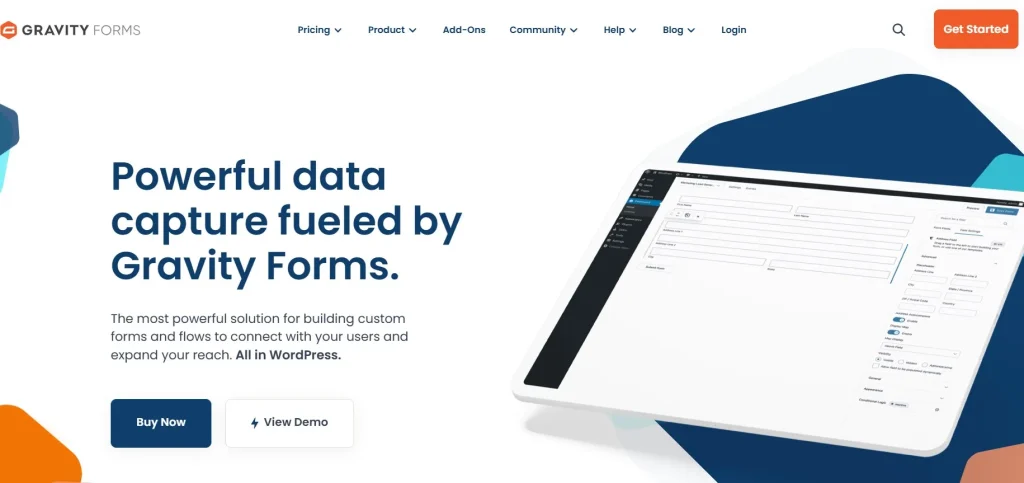
Unlike basic free form plugins, Gravity Forms is optimized for flexibility, performance, and compatibility with third-party services such as PayPal, Stripe, Mailchimp, and Zapier.
How to Install Gravity Forms
Installing Gravity Forms is straightforward:
Step 1: Purchase and Download
- Visit Pluginpro.org and search for Gravity Forms.
- Complete the purchase and download the plugin ZIP file.
(Tip: Pluginpro.org offers up to 95% savings compared to other marketplaces.)
Step 2: Upload to WordPress
- Log in to your WordPress dashboard.
- Navigate to Plugins > Add New > Upload Plugin.
- Click Choose File, select the downloaded ZIP file, and click Install Now.
- Once installed, click Activate Plugin.
Step 3: Configure Gravity Forms
- Go to Forms > Settings in your WordPress admin panel.
- Enter your license key to enable updates and support.
- Start creating forms using the drag-and-drop editor.
Your website is now ready to use Gravity Forms for all types of form submissions.
Key Features of Gravity Forms
Gravity Forms comes packed with features designed to simplify form creation and data management:
1. Drag-and-Drop Builder
Create complex forms easily using a visual drag-and-drop interface, without needing coding knowledge.
2. Conditional Logic
Show or hide fields, sections, or entire pages based on user input, creating dynamic forms that adapt to your visitors.
3. Multi-Page Forms
Break long forms into multiple pages to improve user experience and reduce abandonment.
4. Advanced Field Types
Use fields such as file uploads, pricing fields, date pickers, checkboxes, and more to capture a wide range of information.
5. Email Notifications and Confirmations
Automatically send notifications to administrators or users upon form submission and display confirmation messages or redirect users to specific pages.
6. Integration with Third-Party Services
Connect your forms to payment gateways like PayPal and Stripe, email marketing platforms like Mailchimp, CRMs, Zapier, and more for seamless automation.
7. Spam Protection
Built-in anti-spam features such as reCAPTCHA and honeypot fields protect your forms from unwanted submissions.
8. Developer-Friendly
Gravity Forms provides hooks, filters, and an API for developers to create custom functionality and integrations.
Selling Points: Why You Should Use Gravity Forms
Using Gravity Forms offers numerous benefits:
- Save Time: Build complex forms quickly with an intuitive interface.
- Enhance User Experience: Conditional logic and multi-page forms make forms easy to use.
- Automate Workflows: Integrate with email marketing, CRMs, and payment gateways for automated processes.
- Secure Data Collection: Protect form submissions with spam filters and security features.
- Flexible and Scalable: Suitable for websites of all sizes, from blogs to enterprise platforms.
Why Purchase Gravity Forms from Pluginpro.org?
Buying Gravity Forms from Pluginpro.org ensures several advantages:
- Save Up to 95%
Get the plugin at a fraction of the cost compared to other marketplaces. - 100% Clean Code
Verified plugins ensure smooth performance, security, and compatibility with WordPress. - Unlimited Website Usage
Install Gravity Forms on unlimited websites with a single purchase. - Easy Updates
Receive lifetime updates and support for hassle-free maintenance. - Trusted Source
Pluginpro.org delivers verified, malware-free plugins, giving peace of mind for professional use.
Tips for Maximizing Gravity Forms
- Use Conditional Logic
Make forms smarter by displaying only relevant fields based on user input. - Optimize for Mobile
Ensure your forms are mobile-friendly for better user experience and higher submission rates. - Integrate with Marketing Tools
Connect with email marketing services, CRMs, or automation tools for better workflow. - Test Forms Regularly
Check for broken fields, notifications, and submission errors before going live. - Use Multi-Page Forms for Long Surveys
Break long forms into smaller steps to increase completion rates.
Conclusion
Gravity Forms is the ultimate WordPress form builder for businesses, developers, and agencies looking to collect and manage data efficiently. With advanced features like conditional logic, multi-page forms, third-party integrations, and secure data handling, it simplifies form management for any website.
Purchasing Gravity Forms from Pluginpro.org guarantees affordability, clean code, unlimited site usage, and easy updates. For anyone looking to create professional, flexible, and reliable forms, Gravity Forms is an essential WordPress plugin.