
Running a membership site with MemberPress can be rewarding, but managing invoices manually can be time-consuming. MemberPress PDF Invoice is a powerful plugin that automates invoice generation, ensuring your subscribers receive professional PDF invoices for their payments.
In this guide, we will cover how to install MemberPress PDF Invoice, introduce its features, explain its selling points, and highlight why purchasing from Plugin pro is the best choice for your business.
How to Install MemberPress PDF Invoice
Installing MemberPress PDF Invoice is quick and easy:
- Download the Plugin
Visit Pluginpro.org to download the latest version of MemberPress PDF Invoice. Make sure you have the premium version for full functionality. - Upload to Your WordPress Site
From your WordPress dashboard, navigate to Plugins → Add New → Upload Plugin, select the downloaded ZIP file, and click Install Now. - Activate the Plugin
Once installed, click Activate Plugin. The plugin is now ready to work with your MemberPress subscriptions. - Configure Settings
Navigate to MemberPress → PDF Invoice Settings. Customize invoice templates, add your business logo, set default tax rules, and choose which email notifications should include the PDF invoices. - Test Your Invoices
Run a test subscription to ensure that PDF invoices are generated correctly and delivered to customers via email.
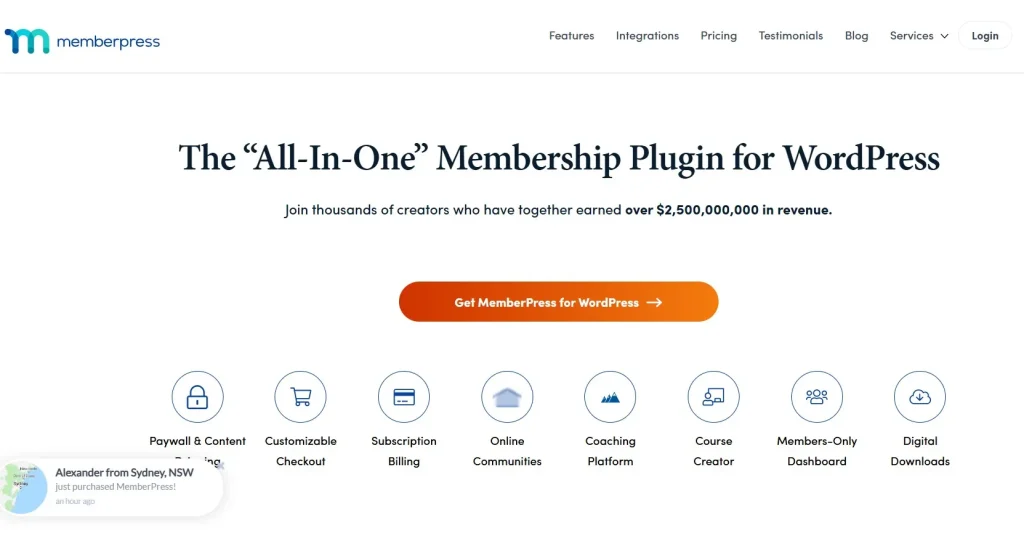
Introducing MemberPress PDF Invoice
MemberPress PDF Invoice is a specialized plugin for membership sites built on MemberPress. Its primary function is to automate invoice creation and delivery, helping site owners maintain professional financial records effortlessly.
Key benefits include:
- Time-saving automation: No more manually generating invoices for each member.
- Professional documentation: Generate clean, branded PDF invoices automatically.
- Compliance-friendly: Includes tax fields and invoice numbers for accounting purposes.
This plugin is essential for subscription-based businesses, online courses, membership communities, and SaaS platforms that want to streamline financial management.
Features and Selling Points of MemberPress PDF Invoice
1. Automatic PDF Generation
Every payment made via MemberPress generates a professional PDF invoice automatically. This saves time and ensures accuracy.
2. Customizable Invoice Templates
Add your logo, customize colors, include terms and conditions, and select layout styles to match your branding.
3. Tax and Invoice Number Support
Manage tax fields, automatically generate invoice numbers, and maintain accounting compliance with minimal effort.
4. Email Delivery
Invoices can be sent automatically to subscribers via email, ensuring they receive timely documentation for their payments.
5. Multi-Language Support
Perfect for global audiences, the plugin supports multiple languages for invoices and notifications.
6. Seamless MemberPress Integration
Works perfectly with MemberPress subscriptions, renewal payments, and transactions without conflicts.
7. Analytics and Reporting
Track issued invoices and payment statuses from a centralized dashboard for easy accounting and reporting.
8. Mobile-Friendly
Invoices are generated in PDF format, which can be accessed and downloaded on any device.
Why You Should Buy MemberPress PDF Invoice from Plugin pro
Purchasing MemberPress PDF Invoice from Plugin pro comes with several advantages:
1. Save 95% of Your Budget
Premium invoicing plugins can be expensive. Plugin pro offers MemberPress PDF Invoice at a fraction of the original price.
2. 100% Clean Code
The plugin is built with optimized, secure code, ensuring smooth operation without slowing your WordPress site.
3. Unlimited Website Usage
One purchase lets you use the plugin on unlimited websites, ideal for developers, agencies, and multi-site owners.
4. Easy Updates
Automatic updates keep your plugin compatible with the latest MemberPress and WordPress versions.
5. Expert Support
Plugin pro provides professional customer support to assist with installation, configuration, and troubleshooting.
How MemberPress PDF Invoice Enhances Your Business
Implementing MemberPress PDF Invoice can have multiple benefits:
- Save Time: Automation reduces manual work for generating and sending invoices.
- Improve Professionalism: Branded invoices reinforce your business’s credibility.
- Ensure Compliance: Automatic invoice numbering and tax fields help maintain accurate records.
- Enhance Customer Trust: Timely PDF invoices improve customer experience and trust.
- Easy Reporting: Centralized invoice tracking simplifies accounting and bookkeeping.
Step-by-Step Example: Using MemberPress PDF Invoice
- Configure Template: Add your logo, choose colors, and customize the layout.
- Enable Automatic Generation: Ensure invoices are generated for all subscription payments.
- Set Email Notifications: Enable PDF invoices to be sent automatically to subscribers.
- Track Invoices: Use the dashboard to monitor issued invoices, payment status, and download PDFs when needed.
This workflow ensures smooth financial management for your membership site, freeing up time for other growth activities.
Conclusion
MemberPress PDF Invoice is a must-have plugin for any subscription-based WordPress site. It simplifies invoice management, improves professionalism, and ensures compliance with tax and accounting standards.
With easy installation, powerful features, and seamless MemberPress integration, this plugin is essential for site owners looking to automate their financial processes. Purchasing from Plugin pro guarantees affordable pricing, unlimited website use, clean code, automatic updates, and reliable support.
Start using MemberPress PDF Invoice today to streamline your membership payments and enhance your subscribers’ experience.



