
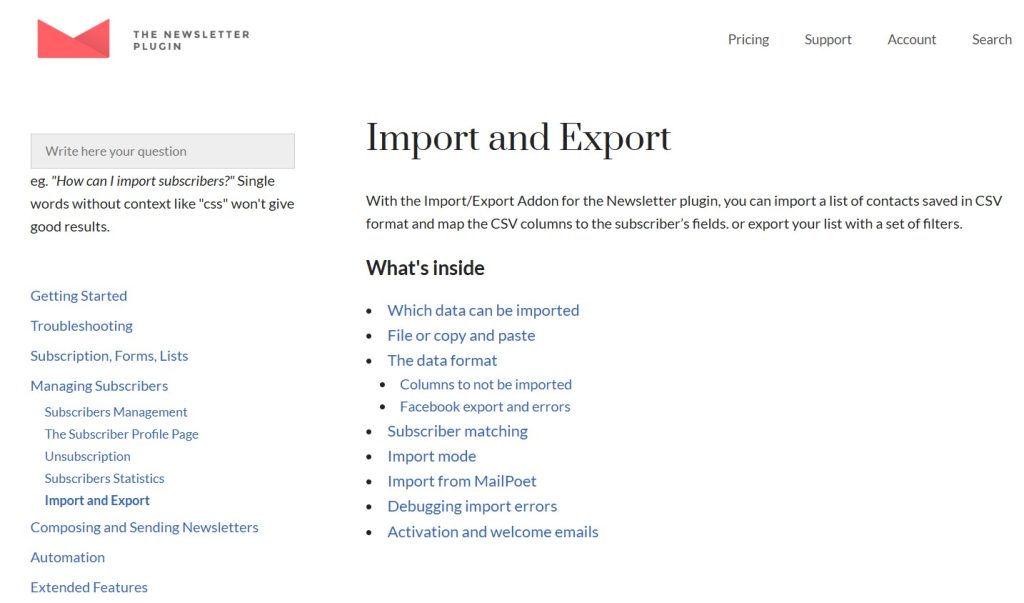
Newsletter – Import is a specialized extension built to enhance the functionality of the Newsletter Plugin by enabling efficient and flexible subscriber data import into your WordPress email system. From the first interaction, Newsletter – Import stands out as a practical solution for businesses that need to migrate, consolidate, or scale their email lists without manual effort.
Managing subscriber data is one of the most critical aspects of email marketing. Whether transitioning from another platform or combining multiple data sources, importing contacts manually can be time-consuming and error-prone. Newsletter – Import solves this by providing a structured and reliable method for uploading subscriber data directly into the Newsletter plugin.
In practice, this allows users to upload large contact lists in a matter of minutes. Instead of recreating subscriber databases from scratch, businesses can seamlessly transfer data from spreadsheets, CRMs, or other email marketing tools. This is especially useful during platform migration or when launching new campaigns that rely on existing contacts.
Another key advantage is data control. Newsletter – Import ensures that imported subscribers can be assigned to specific lists, segments, or statuses during the import process. This means that users do not just transfer data—they organize it strategically from the start.
Over time, having a streamlined import system significantly improves workflow efficiency. Teams can focus on campaign strategy and engagement rather than spending time managing data entry tasks.
In real-world scenarios, this plugin often becomes essential during growth phases. As businesses expand and collect data from multiple channels, having a reliable import system ensures that all subscriber information is centralized and ready for marketing use.
Another practical benefit appears when dealing with legacy data. Many businesses have older databases stored in spreadsheets or outdated systems. Newsletter – Import provides a structured way to revive and integrate this data into a modern email marketing workflow without losing valuable contacts.
It also plays a role in data standardization. When importing data from multiple sources, inconsistencies in formatting are common. By mapping fields and validating entries during import, the plugin helps create a unified and usable database that supports long-term marketing strategies.
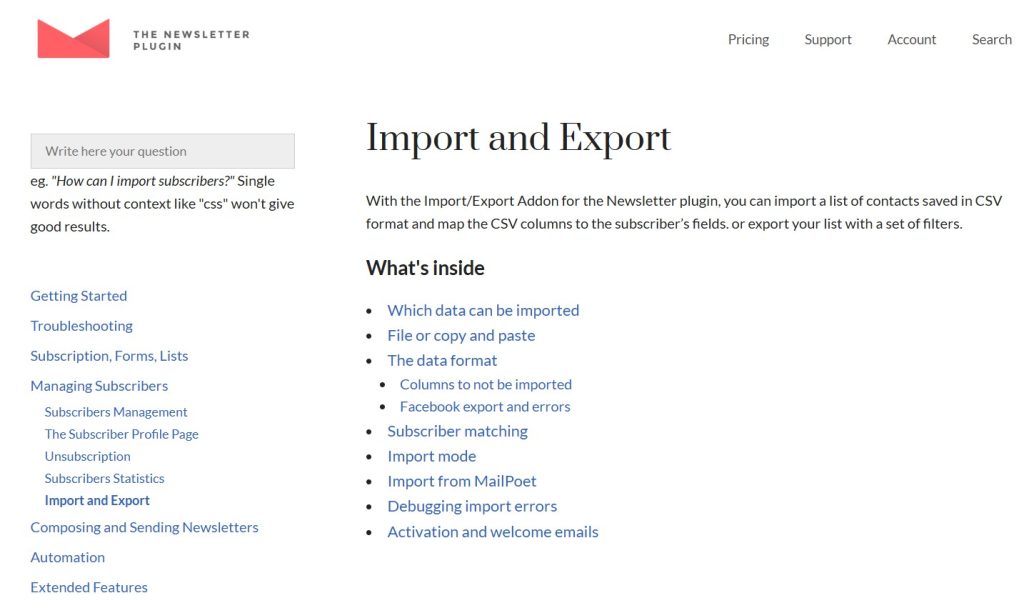
What is Newsletter – Import?
Newsletter – Import is an add-on for the Newsletter plugin that allows users to import subscriber data from external sources into WordPress. It supports structured data uploads, enabling users to bring in large volumes of contacts quickly and efficiently.
At its core, the plugin acts as a bridge between external data sources and the internal subscriber database. Instead of manually adding contacts one by one, users can upload files such as CSV or other structured formats and map fields to match the Newsletter system.
This makes it particularly valuable for businesses transitioning from other email marketing platforms. For example, a company moving from a third-party email service can export its subscriber list and import it directly into WordPress using Newsletter – Import. This ensures continuity without data loss.
Agencies and freelancers also benefit when onboarding new clients. A client’s existing contact database can be imported into the Newsletter plugin, allowing campaigns to start immediately without rebuilding lists.
In practical workflows, Newsletter – Import is often used alongside segmentation strategies. Users can assign imported contacts to specific lists based on attributes such as location, purchase history, or engagement level. This allows for targeted campaigns right from the beginning.
Another important aspect is data consistency. By using structured imports, businesses reduce the risk of errors that often occur with manual entry. This leads to more accurate subscriber data and better campaign performance.
Additionally, the plugin supports ongoing data updates. It is not limited to one-time imports. Businesses can regularly update their subscriber lists by importing new data, ensuring that their database remains current and relevant.
A deeper advantage becomes clear when managing multi-channel lead generation. Businesses collecting leads from landing pages, offline events, and third-party platforms can unify all sources into one database. This eliminates fragmentation and improves campaign targeting.
It also supports compliance workflows. During import, users can manage consent fields and subscription statuses, ensuring that imported contacts align with email marketing regulations. This is especially important for businesses operating in regulated markets.
Key Features of Newsletter – Import
- Bulk Subscriber Import
Newsletter – Import allows users to upload large lists of subscribers in a single action.
Instead of adding contacts individually, users can import hundreds or thousands of entries at once. This significantly reduces the time required to build or migrate a mailing list.
In practice, this is essential for businesses launching new campaigns that rely on existing customer data.
For example, a retail company preparing for a seasonal promotion can import its entire customer database and immediately begin targeted email campaigns without delay.
- CSV and Structured File Support
The plugin supports common file formats such as CSV, making it easy to import data from various sources.
Users can export subscriber lists from other platforms and upload them directly into WordPress.
This compatibility ensures that data migration is smooth and does not require complex conversions.
In real workflows, teams often standardize CSV templates, making recurring imports faster and more consistent.
- Field Mapping System
Newsletter – Import includes a field mapping feature that allows users to match imported data fields with the Newsletter plugin structure.
For example, columns such as name, email, and location can be aligned with corresponding fields in the system.
This ensures that data is imported accurately and organized correctly.
In practice, this feature becomes critical when working with complex datasets that include custom fields such as purchase history or preferences.
- List and Segment Assignment
Users can assign imported subscribers to specific lists or segments during the import process.
This is particularly useful for targeted marketing. For instance, contacts can be grouped based on their source or behavior.
In real-world use, this enables immediate campaign segmentation without additional setup.
For example, leads from a webinar can be placed into a dedicated segment for follow-up campaigns.
- Duplicate Detection and Management
The plugin can identify duplicate entries and handle them appropriately.
This prevents database clutter and ensures that subscriber lists remain clean and efficient.
In practice, maintaining a clean database improves deliverability and engagement rates.
It also reduces the risk of sending duplicate emails, which can negatively impact user experience.
- Import Status Control
Users can define the status of imported subscribers, such as active or unsubscribed.
This ensures compliance with email marketing regulations and prevents sending emails to unintended recipients.
For example, inactive users can be imported but excluded from campaigns until re-engaged.
This level of control is particularly useful when handling legacy data where consent status may vary.
- Error Handling and Validation
Newsletter – Import includes validation checks to identify issues during the import process.
If a file contains invalid data, the system highlights errors so they can be corrected before finalizing the import.
This reduces the risk of importing incomplete or incorrect information.
In real scenarios, this feature saves time by catching issues early rather than requiring post-import corrections.
- Scalable Data Processing
The plugin is designed to handle large datasets efficiently.
As subscriber lists grow, the system continues to perform reliably without slowing down.
This makes it suitable for both small businesses and large enterprises.
In high-volume environments, this ensures that imports remain stable even during peak operational periods.
Benefits of Using Newsletter – Import
Using Newsletter – Import provides clear operational benefits for businesses managing email marketing campaigns. One of the most significant advantages is time savings. Bulk import functionality allows teams to upload large datasets quickly, freeing up time for strategic tasks.
Another important benefit is accuracy. By using structured imports and field mapping, the plugin reduces errors that commonly occur with manual data entry. This ensures that subscriber information is consistent and reliable.
From a workflow perspective, Newsletter – Import simplifies data management. Teams can centralize subscriber information within WordPress, making it easier to manage campaigns and analyze performance.
Scalability is also a key advantage. As businesses grow and collect more data, the plugin provides a system that can handle increasing volumes without additional effort.
In real-world applications, companies often experience smoother campaign launches. Instead of delaying campaigns due to data preparation, they can import and organize contacts quickly.
Another benefit is improved segmentation. By assigning lists and segments during import, businesses can start targeted campaigns immediately, improving engagement and conversion rates.
Additionally, it supports better data hygiene practices. Regular imports combined with duplicate management ensure that subscriber lists remain clean and effective over time.
Another important advantage is operational flexibility. Teams can quickly adapt to new marketing strategies by importing updated datasets without restructuring their entire system.
It also enhances collaboration between departments. Sales, marketing, and customer support teams can contribute data that is unified through imports, creating a more comprehensive view of the audience.
Real Use Cases of Newsletter – Import
Newsletter – Import is widely used in various practical scenarios. For eCommerce websites, it enables businesses to import customer databases and create targeted email campaigns based on purchase history.
Agencies use the plugin when onboarding new clients. A client’s existing subscriber list can be imported into WordPress, allowing campaigns to start without delay.
Content creators and bloggers benefit by consolidating subscriber data from multiple sources. For example, contacts collected from events, forms, and external platforms can be merged into a single database.
Another common use case is platform migration. Businesses moving from one email marketing system to another can transfer their data seamlessly using Newsletter – Import.
Educational platforms and membership sites also use the plugin to manage user data. Students or members can be imported into specific segments for targeted communication.
A more advanced use case involves periodic data updates. Businesses can regularly import new leads from external systems, ensuring that their email lists remain current and ready for campaigns.
Another scenario includes offline-to-online integration. Businesses collecting emails at physical events can digitize and import them into their marketing system, ensuring no lead is lost.
Additionally, SaaS platforms can use imports to sync user databases for onboarding campaigns, ensuring that every new user receives relevant communication.
How to Install Newsletter – Import
Installing Newsletter – Import is a straightforward process within WordPress.
First, download the plugin file from a trusted source such as Pluginpro.org. Ensure that the base Newsletter plugin is already installed and activated.
Next, log in to your WordPress dashboard and navigate to the Plugins section. Click “Add New,” then select “Upload Plugin.” Upload the ZIP file and click “Install Now.”
Once installation is complete, activate the plugin. The import functionality will then be available within the Newsletter plugin interface.
After activation, prepare your data file. Ensure that it is properly formatted and includes all necessary fields. This step is crucial for a successful import process.
Use the field mapping feature to align your data with the Newsletter system. This ensures that information is imported correctly.
It is recommended to test the import process with a small dataset before uploading large files. This helps identify any issues early.
In professional workflows, teams often create standardized templates for data imports. This ensures consistency and reduces errors when importing data regularly.
Another useful practice is scheduling periodic imports. For example, businesses that collect leads from external platforms can import new data on a weekly basis, keeping their database updated without manual intervention.
Additionally, teams can implement validation checkpoints before imports, ensuring that data quality remains high and consistent across all campaigns.
Why Buy Newsletter – Import at Pluginpro.org
Purchasing Newsletter – Import through Pluginpro.org offers significant advantages for businesses and professionals managing email marketing systems. One of the most immediate benefits is cost efficiency. Instead of paying full price for individual licenses, users can access the plugin at a much lower cost.
In real-world scenarios, this becomes particularly valuable for agencies handling multiple client projects. Instead of purchasing separate licenses for each website, they can deploy Newsletter – Import across all projects without increasing expenses. This allows for better cost control and improved profitability.
Another important advantage is unlimited usage. Pluginpro.org enables users to install the plugin on multiple websites without restrictions. This flexibility is essential for freelancers and agencies that manage several clients simultaneously. It eliminates the need to track licenses or worry about usage limits.
Security and reliability are also key considerations. Pluginpro.org provides clean plugin files that are safe to install. This ensures that the import process runs smoothly without risking data integrity or system stability. In practice, reliable imports are critical because errors can affect entire marketing campaigns.
Ease of updates further enhances the value. Users can access updated versions without managing multiple subscriptions. This simplifies maintenance and ensures compatibility with the latest WordPress environments.
Another practical scenario involves rapid onboarding. When starting a new project, having immediate access to Newsletter – Import allows teams to migrate subscriber data quickly. This reduces setup time and enables faster campaign execution.
Over time, the cost savings accumulate. Businesses that regularly manage multiple websites or campaigns can reinvest saved resources into marketing efforts, content creation, or system improvements. This makes Pluginpro.org not just a budget-friendly option but a strategic advantage.
Additionally, agencies can standardize their workflow using the same plugin across all projects. This reduces training time for team members and ensures consistent processes when handling client data.
Another benefit is operational speed. When working under tight deadlines, having immediate access to a ready-to-use plugin without licensing delays allows teams to act quickly and deliver projects on time.
Is Newsletter – Import Worth It?
Yes, Newsletter – Import is worth it for anyone who needs to manage and scale subscriber data efficiently within WordPress.
It is particularly valuable for businesses, agencies, and marketers who frequently handle large datasets. For example, an eCommerce business importing thousands of customer contacts can use the plugin to organize and prepare data for campaigns in a matter of minutes.
Another practical scenario involves platform migration. Businesses transitioning from other email marketing systems can use Newsletter – Import to transfer their subscriber lists without losing data or disrupting campaigns.
The plugin is also highly beneficial for growing organizations. As subscriber databases expand, manual data entry becomes impractical. Newsletter – Import provides a scalable solution that supports long-term growth.
Additionally, teams that rely on segmentation will find this plugin especially useful. By organizing contacts during the import process, they can launch targeted campaigns immediately without additional setup.
It is also worth considering for businesses that prioritize data quality. Clean, structured imports ensure that campaigns are built on accurate information, leading to better performance and engagement.
For teams handling multi-source data, the ability to unify and organize information efficiently makes this plugin an essential part of the workflow.
Conclusion
Newsletter – Import provides a practical and efficient solution for managing subscriber data within WordPress. By enabling bulk imports, structured data handling, and seamless integration with the Newsletter plugin, it simplifies one of the most critical aspects of email marketing.
For businesses and agencies, this means faster workflows, improved data accuracy, and better campaign execution. Instead of spending time on manual data entry, teams can focus on strategy and engagement.
Over time, the benefits become even more apparent. A well-organized subscriber database leads to more effective campaigns, higher engagement rates, and better overall performance.
Another key takeaway is scalability. As businesses grow, the ability to manage large volumes of data efficiently becomes essential. Newsletter – Import provides the tools needed to support this growth without adding complexity.
For anyone looking to streamline their email marketing operations and maintain full control over subscriber data, Newsletter – Import offers a reliable and effective solution.



