
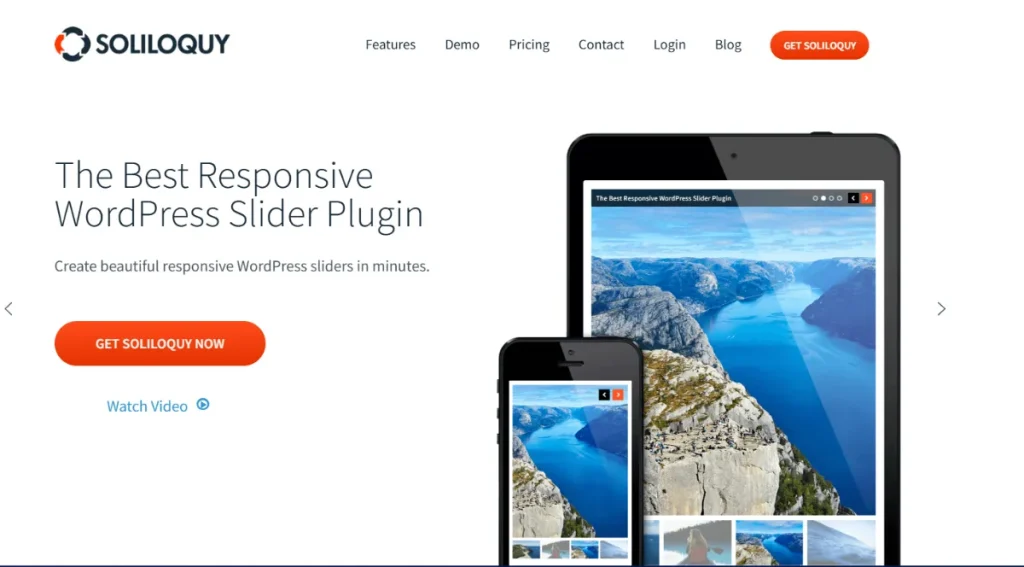
Transform your static documents into an interactive experience with the Soliloquy – PDF Addon. Whether you are showcasing a corporate presentation, a digital brochure, or a multi-page whitepaper, this addon allows you to display your PDF content directly on your website without forcing your users to download files first.
At Pluginpro.org, we specialize in providing the professional tools you need to maximize user engagement. Below is your complete guide to the Soliloquy PDF Addon.
Introduction to Soliloquy PDF Addon
The Soliloquy PDF Addon is a specialized tool designed to bridge the gap between document sharing and web design. Traditionally, if you wanted to show a PDF, users had to click a link and open it in a new tab or download it.
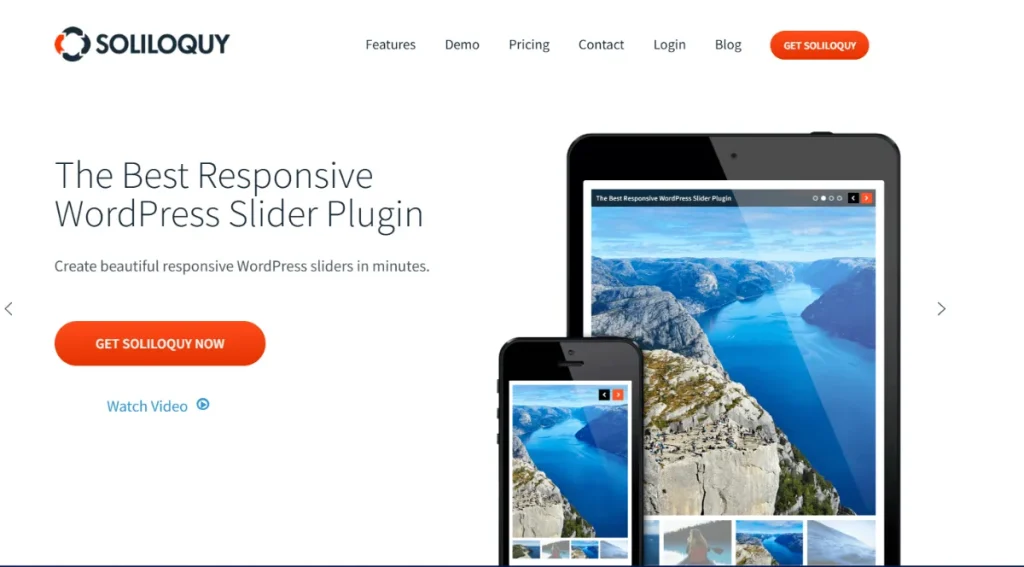
With this addon, Soliloquy takes your PDF file and automatically converts each page into an individual slide. The result is a high-performance, responsive slider that maintains all of your original formatting, fonts, and images, allowing visitors to “flip” through your document just like a photo gallery.
Key Features & Selling Points
Why should you turn your documents into sliders? Here are the standout features:
1. Automatic Page Conversion
You don’t need to manually take screenshots of every page. Simply upload your PDF, and the addon handles the rest. It generates crisp, high-quality images for each page of the document and arranges them in a beautiful sequence.
2. Retain Original Formatting
The conversion process is precise. Your PDF sliders will keep their original fonts, layout, and styling intact, ensuring your branding remains consistent from the original document to the web display.
3. Enhanced User Retention
Keep users on your site longer. By providing a “preview” slider of your PDF content, you give visitors the information they need immediately. This is an excellent strategy for lead magnets; show the first few pages in a slider to entice users to download the full version.
4. Fully Responsive Design
PDFs can be notoriously difficult to read on mobile devices. Soliloquy ensures your PDF sliders are 100% responsive, meaning your presentations and documents will look perfect on desktops, tablets, and smartphones alike.
5. Lightbox & Navigation Support
Combine this with the Lightbox Addon to let users click a page and view it in a full-screen popup. You can also use Thumbnail Navigation to let visitors jump straight to a specific page or slide in your presentation.
How to Install and Use Soliloquy PDF Addon
Follow these steps to start showcasing your documents:
- Download from Pluginpro.org: Download the Soliloquy PDF Addon .zip file from your account area.
- Upload and Activate: In your WordPress dashboard, go to Plugins > Add New > Upload Plugin. Select the file and click Install Now, then Activate.
- Create Your PDF Slider:
- Go to Soliloquy > Add New.
- Instead of selecting images, click the Select Files from Your Computer or Select Files from Other Sources button.
- Choose your PDF file. Soliloquy will begin processing the pages into slides.
- Configure and Publish:
- Adjust your slider dimensions and transition effects in the Config tab.
- Once satisfied, click Publish and use the generated shortcode to place the PDF slider on any page or post.
Why Buy From Pluginpro.org?
When you choose Pluginpro.org, you get premium functionality with unbeatable value.
Save 95% Budget
Accessing the full suite of Soliloquy addons usually requires a top-tier license. We help you save 95% budget by providing these elite tools at a fraction of the cost, making it affordable to build a professional, document-rich site.
100% Clean Code
Security and speed are essential for document handling. Every plugin we provide is 100% clean code, verified and scanned to ensure it is free from malware, hidden scripts, or nulled code. Your site stays fast and secure.
Unlimited Website Usage
Don’t be restricted by “single-site” licenses. Your purchase from us allows for unlimited website installation. Use the PDF Addon across your entire portfolio or for all your client projects without extra fees.
Easy to Update
Maintaining compatibility with the latest WordPress and Soliloquy versions is essential. We make it easy to update your tools—simply download the latest version from your Pluginpro.org dashboard as soon as it’s available.
Final Thoughts
The Soliloquy PDF Addon is the ultimate solution for making your presentations and documents more accessible and engaging. It turns static files into dynamic content that fits perfectly into your site’s design.
Ready to showcase your PDFs? Visit Pluginpro.org today to download the Soliloquy PDF Addon, save 95% budget, and manage your content across unlimited websites with 100% clean code!



