Stockie is a versatile and modern WordPress theme designed for businesses, startups, SaaS platforms, agencies, and eCommerce stores that need a clean, high-performing, and conversion-focused website. In today’s digital landscape, a website is not just a branding asset. It functions as a core business tool that drives leads, sales, and customer engagement.
At its core, Stockie combines flexibility with performance. It offers a wide range of layouts, design elements, and customization options that allow users to create professional websites tailored to their specific needs. Unlike niche-specific themes, Stockie is built to adapt across industries, making it a strong choice for businesses that require both scalability and versatility.
For many businesses, one of the biggest challenges is creating a website that balances design, usability, and performance. A visually appealing site may lack structure, while a functional one may fail to engage users. Stockie addresses this by delivering a well-structured framework that supports both aesthetics and usability.
In practice, businesses often struggle with slow websites or poor user flow, which negatively impacts conversions. Stockie is optimized for speed and user experience, ensuring that visitors can navigate the site smoothly and take action without friction.
Another important aspect is adaptability. Businesses evolve over time, adding new services, products, or campaigns. Stockie allows users to modify and expand their website without rebuilding it from scratch.
Additionally, Stockie supports modern marketing strategies. Whether you are running ads, building landing pages, or optimizing for SEO, the theme provides the structure needed to support these efforts effectively.
From a strategic perspective, Stockie enables businesses to centralize their digital presence. Instead of relying on multiple disconnected tools, users can build a cohesive website that supports branding, marketing, and sales in one place.
In real-world scenarios, businesses often use Stockie as the backbone of their digital funnel. For example, a SaaS startup can create awareness pages, product pages, pricing pages, and onboarding flows all within a single ecosystem. This reduces fragmentation and improves conversion tracking.
Another important benefit in practice is how Stockie supports iterative marketing. Instead of rebuilding pages, teams can continuously test headlines, layouts, and calls to action. This creates a performance-driven environment where websites evolve based on real data rather than assumptions.
What is Stockie?
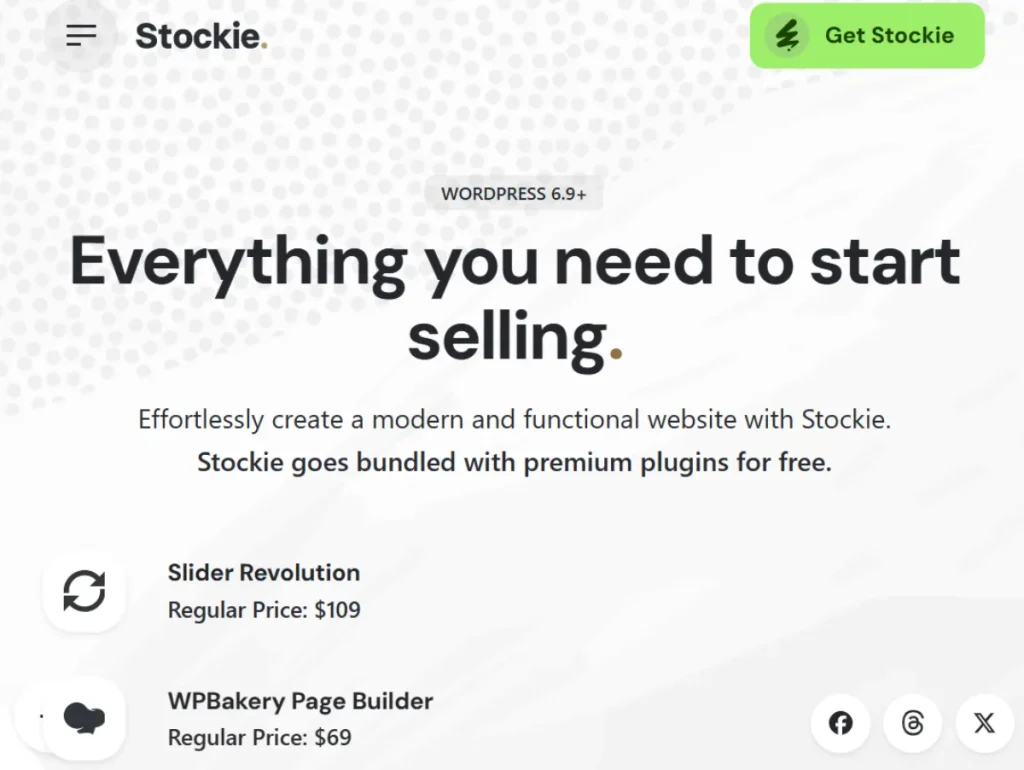
Stockie is a premium multipurpose WordPress theme designed to help users create modern, high-performing websites with ease. It provides a comprehensive set of tools, templates, and customization options that allow businesses to build professional digital platforms.
In simple terms, Stockie transforms WordPress into a flexible website builder that supports multiple use cases. Whether you need a corporate site, an online store, or a portfolio, Stockie provides the necessary structure.
This theme is particularly useful for startups that need to launch quickly. With pre-built templates, businesses can create a complete website in a short time without sacrificing quality.
Agencies also benefit from Stockie by using it across multiple client projects. Its flexibility allows them to adapt the theme to different industries and requirements.
Another common use case is for eCommerce businesses. Stockie integrates with WooCommerce, enabling users to create online stores with product pages, checkout systems, and payment integrations.
This theme is ideal for:
- Startups and SaaS companies
- Digital agencies
- eCommerce businesses
- Corporate websites
The key advantage lies in its versatility. Stockie can be adapted to different business models while maintaining performance and usability.
In practice, Stockie helps businesses streamline their website development process. Instead of building from scratch, users can leverage pre-built components and customize them to fit their needs.
Another important aspect is scalability. As your business grows, Stockie allows you to expand your website with new features and content without disrupting the existing structure.
From a workflow perspective, Stockie reduces dependency on developers. Teams can manage updates, create pages, and launch campaigns independently.
Additionally, Stockie supports consistent branding. Businesses can maintain visual and structural consistency across all pages, which is critical for building trust.
In real operations, agencies often standardize their internal processes using Stockie. For example, they may create reusable templates for service pages, landing pages, and portfolios, allowing them to deliver projects faster while maintaining quality.
Another practical advantage is how Stockie supports cross-functional teams. Designers can focus on visuals, marketers on messaging, and developers on integrations, all within the same environment without conflict.
Key Features of Stockie
- Multipurpose Design Flexibility
Stockie offers a wide range of layouts that can be adapted for different industries.
This flexibility allows users to create unique websites tailored to their needs.
For example, a SaaS company can use clean layouts, while an eCommerce store can focus on product displays.
In real-world scenarios, this means one business can operate multiple website types under a single theme, such as a blog, landing pages, and a store.
- Pre-Built Demo Templates
The theme includes ready-made templates that can be imported and customized.
This significantly reduces setup time.
In practice, businesses can launch websites quickly without starting from scratch.
For example, a startup can import a demo, replace content, and go live within a day.
- Drag-and-Drop Page Builder Compatibility
Stockie integrates with popular page builders, allowing users to create custom layouts without coding.
This enables quick adjustments and experimentation.
In real workflows, marketing teams can build landing pages independently.
- WooCommerce Integration
Stockie supports WooCommerce, enabling users to create online stores.
This includes product pages, shopping carts, and checkout systems.
In practice, businesses can launch full eCommerce operations without additional development.
- Responsive Design
The theme is fully responsive, ensuring compatibility across devices.
This is essential for maintaining a consistent user experience.
- SEO-Friendly Structure
Stockie is built with optimized code and structured layouts.
This helps improve search engine visibility.
- Custom Branding Options
Users can customize colors, fonts, and layouts.
This ensures consistency with brand identity.
- Performance Optimization
The theme is optimized for speed.
Fast loading times improve user experience and reduce bounce rates.
- Plugin Compatibility
Stockie supports integration with various WordPress plugins.
This allows users to extend functionality as needed.
In practice, this means businesses can integrate analytics, CRM systems, and marketing tools seamlessly.
Benefits of Using Stockie
One of the main benefits of Stockie is its flexibility. Businesses can create different types of websites using a single theme.
In practice, this reduces the need for multiple tools.
Another key benefit is efficiency. With pre-built templates and customization options, users can launch websites quickly.
This is particularly useful for startups and agencies.
From a cost perspective, Stockie reduces development expenses. Businesses can achieve professional results without hiring developers.
Another benefit is improved user experience. The theme’s structure ensures smooth navigation and fast performance.
This directly impacts engagement and conversions.
Additionally, Stockie supports scalability. As your business grows, you can expand your website without redesigning everything.
This makes it a long-term solution.
In real-world use, businesses often reduce project timelines by 50% or more by using Stockie instead of building custom websites.
Another benefit is operational agility. Teams can respond to market changes quickly by updating content, launching campaigns, or adjusting layouts without delays.
Real Use Cases of Stockie
A startup can use Stockie to launch a website quickly.
This helps establish an online presence and attract early customers.
For example, a tech startup can launch a product page, blog, and pricing section within a few days.
A digital agency can use the theme for multiple client projects.
This reduces development time and improves efficiency.
In practice, agencies can standardize processes and deliver consistent quality.
An eCommerce business can use Stockie to build an online store.
This allows them to sell products directly through their website.
For example, a fashion brand can showcase collections, manage inventory, and process payments seamlessly.
A SaaS company can use Stockie to create landing pages and product showcases.
This improves user understanding and conversion rates.
Another real-world use case is for content-driven websites. Businesses can create blogs that attract organic traffic and convert readers into leads.
Additionally, companies running paid advertising campaigns can create dedicated landing pages that match ad messaging, improving ROI.
How to Install Stockie
Installing Stockie is a straightforward process.
First, download the theme file from your source.
Then, log in to your WordPress dashboard and navigate to Appearance and Themes.
Click “Add New” and upload the theme file.
Once uploaded, activate the theme.
After activation, install required plugins.
Import demo content to get started quickly.
Customize the theme based on your brand.
Finally, test the website on different devices.
In practice, starting with demo content helps users understand layout structure and speeds up setup.
It is also recommended to optimize images, configure SEO settings, and test all pages before launch.
Another important step is testing conversion elements such as forms, buttons, and checkout processes to ensure everything works correctly.
Why Buy Stockie at Pluginpro.org
Purchasing Stockie from Pluginpro.org offers several advantages for businesses and agencies managing multiple websites.
One of the most important benefits is cost savings. Premium themes like Stockie can be expensive when purchased individually. Pluginpro.org provides access at a reduced price, making it more affordable for businesses of all sizes.
For example, an agency building websites for multiple clients would normally need separate licenses for each project. This quickly increases costs. With Pluginpro.org, you can use Stockie across multiple websites without additional licensing fees, resulting in significant long-term savings.
Another advantage is scalability. As your business grows and you take on more projects, you can continue using Stockie without increasing your expenses. This is particularly beneficial for freelancers transitioning into agencies.
Convenience is another key factor. Managing multiple subscriptions, vendors, and renewals can be time-consuming. Pluginpro.org centralizes access to premium tools, allowing you to focus on execution.
File quality is also critical. The theme files provided are clean and secure, ensuring stable performance across installations.
Regular updates ensure compatibility with WordPress, preventing technical issues.
Another important benefit is faster deployment. Agencies can quickly install and customize Stockie for different clients, reducing development time.
In practice, this allows businesses to scale operations without increasing overhead costs.
Is Stockie Worth It?
Yes, Stockie is worth it for businesses that need a flexible and high-performing website.
It is particularly useful for startups, agencies, and eCommerce businesses.
For example, a startup can use Stockie to launch quickly and start generating leads.
In practice, the theme pays for itself by reducing development costs and improving efficiency.
It is best suited for users who need versatility and scalability.
Additionally, Stockie provides long-term value. Once implemented, businesses can continue using and updating the theme without additional investment.
From a cost-saving perspective, it eliminates the need for custom development while maintaining professional quality.
Conclusion
Stockie provides a powerful solution for building modern WordPress websites.
Its flexibility, performance, and ease of use make it suitable for a wide range of users.
From launching startups to managing multiple client projects, Stockie offers clear advantages.
For anyone looking to build a scalable and efficient website, Stockie is a practical choice.
In practice, businesses that adopt Stockie can streamline operations, improve marketing performance, and scale more effectively without increasing complexity.