
Keeping content updated is essential for SEO, user experience, and search engine visibility. However, manually notifying search engines every time you publish or update a post can be time-consuming and easy to forget.
The Update Services plugin for WordPress automates this process by pinging update services whenever your content is published or modified. This helps search engines and indexing platforms discover your new or updated content faster.
In this SEO guide, we’ll explore everything about Update Services, including features, installation steps, use cases, and why buying it from PluginPro.org is the best choice.
What is Update Services?
Update Services is a WordPress plugin that manages and automates pinging services when you create or update content on your website. These services notify external platforms (such as search engines or indexing aggregators) that your site has new content.
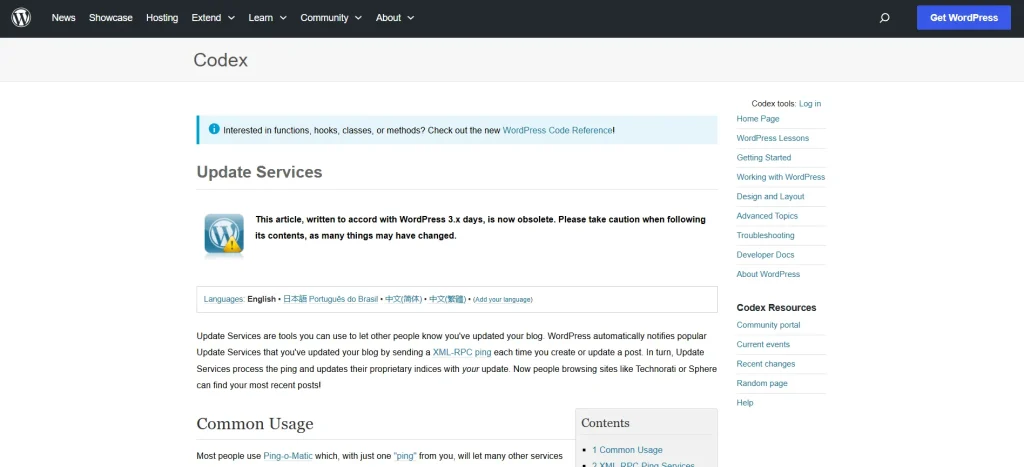
Instead of manually configuring or submitting updates, the plugin handles everything automatically in the background.
Ideal for:
- Blogging websites
- News portals
- Content marketing sites
- SEO-focused businesses
- High-frequency publishing platforms
With Update Services, your content gets discovered faster and more consistently.
Why Use Update Services?
Search engines rely on signals to discover fresh content. Without proper notifications, indexing may be delayed.
Update Services ensures your site always sends the right signals at the right time.
Key Benefits:
- Faster content indexing
- Automatic ping notifications
- Improved SEO performance
- Better content discovery
- No manual submission required
Key Features of Update Services
The Update Services plugin provides a simple yet powerful automation layer for WordPress notifications.
1. Automatic Ping System
Sends notifications when:
- New posts are published
- Existing posts are updated
- Content is republished
2. Custom Service Management
Add or remove update services based on your SEO strategy.
3. Bulk Update Notifications
Notify services when multiple posts are updated at once.
4. SEO-Friendly Integration
Works seamlessly with WordPress core publishing workflow.
5. Lightweight Performance
Runs in the background without affecting site speed.
6. Multisite Support
Works across WordPress multisite networks.
7. Logging System
Track successful and failed ping requests.
8. Easy Configuration Panel
Simple settings for beginners and advanced users.
How to Install Update Services
Installing Update Services is quick and beginner-friendly.
Step 1: Download the Plugin
- Purchase and download Update Services from PluginPro.org
Step 2: Upload to WordPress
- Go to WordPress dashboard
- Navigate to Plugins → Add New → Upload Plugin
- Upload the ZIP file
Step 3: Install and Activate
- Click Install Now
- Then click Activate
Step 4: Configure Update Services
- Add ping service URLs
- Enable automatic notifications
- Save settings
Step 5: Publish Content
- Create or update a post
- Plugin automatically notifies services
How Update Services Improves Your Website
Faster Indexing
Search engines receive instant notifications about new content.
Improved SEO Performance
Fresh content gets discovered and ranked more quickly.
Better Content Visibility
Updates are reflected across indexing platforms faster.
Reduced Manual Work
No need to manually submit URLs or ping services.
Use Cases for Update Services
1. Blogging Websites
Ensure every new article is quickly discovered.
2. News Platforms
Notify search engines instantly about breaking news.
3. Content Marketing Sites
Improve visibility of frequent blog updates.
4. Affiliate Websites
Ensure product reviews are indexed quickly.
Tips for Using Update Services Effectively
Use Reliable Ping Services
Choose trusted and active update endpoints.
Avoid Over-Pinging
Do not overuse notifications to prevent spam signals.
Combine with SEO Plugins
Use alongside tools like Yoast or Rank Math.
Monitor Logs
Check successful and failed ping attempts regularly.
Common Issues and Troubleshooting
No Ping Sent
- Check service URLs
- Ensure plugin is active
Slow Indexing
- Verify search engine crawl settings
- Improve content quality
Duplicate Notifications
- Avoid multiple plugins sending pings
Why Buy Update Services from PluginPro?
PluginPro.org provides premium WordPress tools at unbeatable value.
1. Save Up to 95% Budget
Get Update Services at a fraction of official pricing.
2. 100% Clean Code
All plugins are verified for security and stability.
3. Unlimited Website Usage
Use it across unlimited WordPress installations.
4. Easy Updates
Stay compatible with the latest WordPress versions.
5. Instant Download
Access your plugin immediately after purchase.
6. Trusted Platform
PluginPro is trusted by thousands of WordPress users worldwide.
Conclusion
The Update Services plugin is a simple but powerful SEO tool that automates content notifications to search engines and indexing platforms. By ensuring every post update is instantly communicated, it helps improve indexing speed, visibility, and overall SEO performance.
Whether you run a blog, news site, or content marketing platform, Update Services ensures your content is always discovered faster.
And when you purchase from PluginPro.org, you benefit from massive savings, clean code, unlimited usage, and easy updates.



