
Expanding your WooCommerce store internationally requires a flexible currency solution. WBW Currency Switcher for WooCommerce PRO is a premium plugin that allows your store to display prices and accept payments in multiple currencies, providing a seamless shopping experience for global customers.
In this article, we’ll guide you on how to install WBW Currency Switcher for WooCommerce PRO, explore its key features, and explain why purchasing it from Pluginpro.org is the best choice for WooCommerce store owners.
What is WBW Currency Switcher for WooCommerce PRO?
WBW Currency Switcher for WooCommerce PRO is an advanced plugin that enables WooCommerce stores to offer multiple currencies. It allows customers to switch currencies easily on the frontend while automatically updating product prices, shipping costs, and totals. The PRO version provides additional features such as live exchange rate updates, geolocation-based currency detection, and compatibility with popular payment gateways.
Key benefits include:
- Attract international customers by offering multiple currencies.
- Simplify the checkout process with automatic currency conversion.
- Improve user experience with live exchange rates and geolocation support.
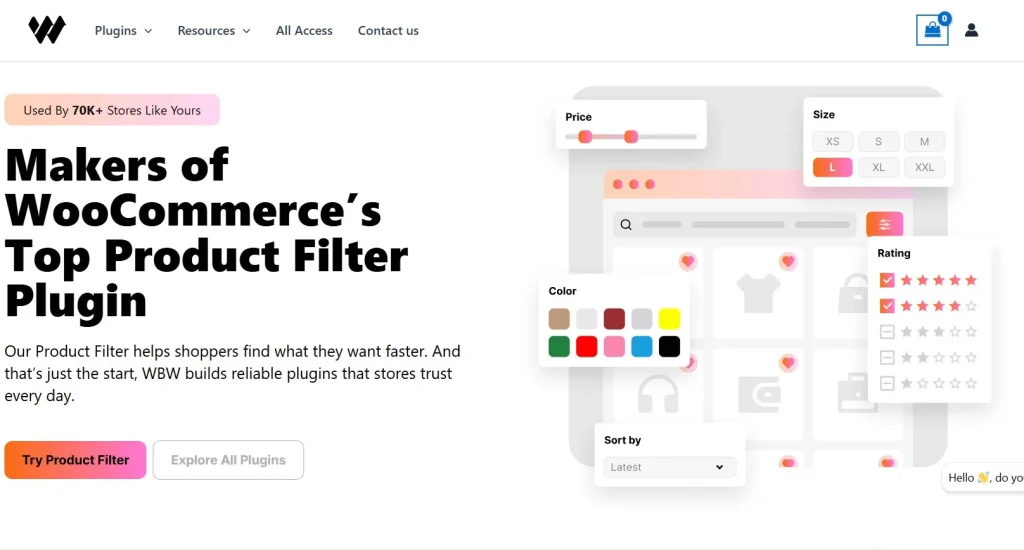
This plugin is ideal for online stores looking to expand globally and offer a professional shopping experience in multiple currencies.
How to Install WBW Currency Switcher for WooCommerce PRO
Installing WBW Currency Switcher for WooCommerce PRO is straightforward. Follow these steps:
Step 1: Purchase and Download
- Visit Pluginpro.org and search for WBW Currency Switcher for WooCommerce PRO.
- Complete the purchase and download the plugin ZIP file.
(Tip: Pluginpro.org offers up to 95% savings compared to other marketplaces.)
Step 2: Upload to WordPress
- Log in to your WordPress dashboard.
- Navigate to Plugins > Add New > Upload Plugin.
- Click Choose File, select the downloaded ZIP file, and click Install Now.
- After installation, click Activate Plugin.
Step 3: Configure Currency Switcher
- Go to WooCommerce > Settings > WBW Currency Switcher in your WordPress admin panel.
- Add the currencies you want to display on your store.
- Set exchange rates manually or enable automatic updates.
- Configure geolocation-based currency detection to show the relevant currency to international visitors.
- Customize the currency switcher display, including dropdowns, flags, or widgets.
Your WooCommerce store is now ready to sell in multiple currencies with WBW Currency Switcher for WooCommerce PRO.
Key Features of WBW Currency Switcher for WooCommerce PRO
WBW Currency Switcher for WooCommerce PRO offers a range of features to enhance your global eCommerce store:
1. Multi-Currency Support
Display product prices, shipping costs, and checkout totals in multiple currencies.
2. Automatic Exchange Rates
Update exchange rates automatically for accurate pricing across all currencies.
3. Geolocation-Based Currency Detection
Show the correct currency to users based on their location for a personalized shopping experience.
4. Customizable Currency Switcher
Use dropdowns, flags, or widgets to let customers switch currencies easily on your site.
5. WooCommerce Payment Gateway Compatibility
Works seamlessly with popular payment gateways such as PayPal, Stripe, and WooCommerce Payments.
6. Shortcodes & Widgets
Display currency switchers anywhere on your website using shortcodes or widgets.
7. Product & Category Level Pricing
Set different prices for products or categories per currency to handle local promotions or taxes.
8. Developer-Friendly
Use hooks and filters to customize functionality and integrate with other plugins.
Selling Points: Why You Should Use WBW Currency Switcher for WooCommerce PRO
Using WBW Currency Switcher for WooCommerce PRO provides several advantages:
- Expand Globally: Sell products in multiple currencies to attract international customers.
- Automatic Pricing Updates: Keep prices accurate with live exchange rates.
- Enhance User Experience: Geolocation detection and easy switching improve the shopping experience.
- Flexible Design Options: Customize the currency switcher display to match your store theme.
- WooCommerce Compatible: Works with popular payment gateways and WooCommerce extensions.
Why Purchase WBW Currency Switcher for WooCommerce PRO from Pluginpro.org?
Purchasing from Pluginpro.org ensures multiple benefits:
- Save Up to 95%
Get the plugin at a fraction of the cost compared to official sources. - 100% Clean Code
Verified plugin ensures performance, security, and WooCommerce compatibility. - Unlimited Website Usage
Use WBW Currency Switcher for WooCommerce PRO on unlimited websites without extra licensing fees. - Easy Updates
Receive lifetime updates and support for hassle-free currency management. - Trusted Source
Pluginpro.org provides verified, malware-free plugins for professional use.
Tips for Maximizing WBW Currency Switcher for WooCommerce PRO
- Enable Automatic Exchange Rates
Keep pricing accurate across all currencies without manual updates. - Use Geolocation Detection
Provide a personalized experience by displaying the local currency automatically. - Customize Switcher Appearance
Match the currency switcher to your website design for better UX. - Set Product-Level Prices if Needed
Adjust prices per currency for local promotions or tax differences. - Monitor Analytics
Track sales by currency to understand international market performance.
Conclusion
WBW Currency Switcher for WooCommerce PRO is an essential plugin for WooCommerce store owners looking to sell globally. With features like multi-currency support, automatic exchange rates, geolocation detection, and customizable switchers, it provides a seamless shopping experience for international customers.
Purchasing WBW Currency Switcher for WooCommerce PRO from Pluginpro.org guarantees affordability, clean code, unlimited site usage, and easy updates. For WooCommerce store owners looking to expand internationally, this plugin is a must-have.



