Efficient shipping is crucial for any e-commerce business. If you’re using WooCommerce to manage your online store, integrating Royal Mail shipping can streamline your delivery process, improve customer satisfaction, and save you valuable time. The WooCommerce Royal Mail plugin allows you to calculate shipping rates, print labels, and manage shipments directly from your WordPress dashboard.
In this article, we’ll explain how to install the plugin, explore its key features, and highlight why purchasing it from Pluginpro.org is the best choice.
What is WooCommerce Royal Mail?
WooCommerce Royal Mail is a shipping integration plugin that connects your WooCommerce store with the Royal Mail shipping service. With this plugin, store owners can:
- Offer accurate shipping rates at checkout based on weight, size, and destination.
- Print Royal Mail labels directly from WooCommerce.
- Track shipments automatically and notify customers in real-time.
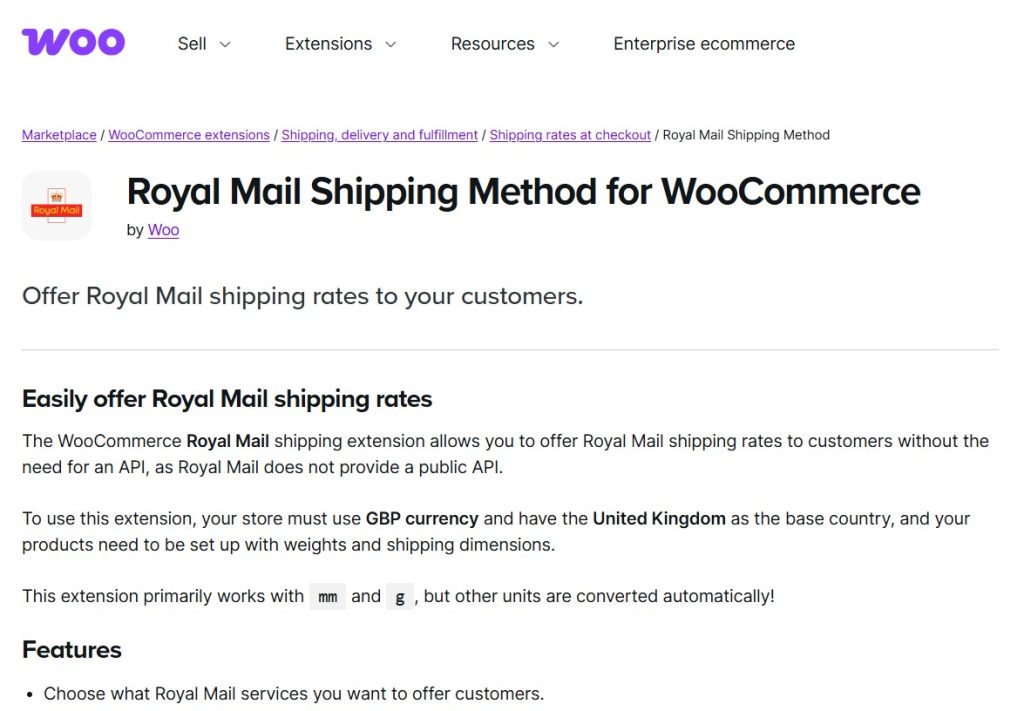
Unlike generic shipping plugins, WooCommerce Royal Mail is fully optimized for WooCommerce, ensuring smooth functionality and reliable shipping management.
How to Install WooCommerce Royal Mail
Installing WooCommerce Royal Mail is easy and beginner-friendly. Follow these steps:
Step 1: Purchase and Download
- Visit Pluginpro.org and search for WooCommerce Royal Mail.
- Complete the purchase and download the plugin ZIP file.
(Tip: Pluginpro.org offers up to 95% savings compared to other marketplaces.)
Step 2: Upload to WordPress
- Log in to your WordPress admin dashboard.
- Navigate to Plugins > Add New > Upload Plugin.
- Click Choose File, select the downloaded ZIP file, and click Install Now.
- Once installed, click Activate Plugin.
Step 3: Configure Royal Mail Settings
- Go to WooCommerce > Settings > Shipping > Royal Mail.
- Enter your Royal Mail API credentials (username, password, and account ID).
- Configure shipping options such as services, rates, and package types.
- Save changes.
Your WooCommerce store is now ready to offer Royal Mail shipping to your customers.
Key Features of WooCommerce Royal Mail
The WooCommerce Royal Mail plugin comes packed with features designed to simplify shipping and improve your store’s workflow:
1. Real-Time Shipping Rates
Automatically calculate shipping costs based on weight, package size, and destination. Customers see accurate rates during checkout.
2. Label Printing
Generate and print Royal Mail shipping labels directly from your WooCommerce dashboard, saving time and effort.
3. Shipment Tracking
Automatically update order status and send tracking information to customers, keeping them informed about delivery progress.
4. Multiple Service Options
Offer a variety of Royal Mail services such as First Class, Second Class, Tracked, and Special Delivery, allowing customers to choose the option that suits them best.
5. Flexible Shipping Rules
Set up conditional shipping rules based on product categories, order totals, weight, or destination, giving you full control over shipping options.
6. WooCommerce Compatibility
The plugin integrates seamlessly with WooCommerce products, orders, and checkout pages without conflicts.
7. Easy to Use
Even beginners can set up Royal Mail shipping in minutes, thanks to an intuitive interface and clear configuration options.
Selling Points: Why You Should Use WooCommerce Royal Mail
The WooCommerce Royal Mail plugin is more than just a shipping tool; it’s a business-enhancing solution:
- Save Time: Automate shipping calculations, label printing, and tracking updates.
- Increase Customer Satisfaction: Provide accurate rates and real-time tracking.
- Reduce Errors: Minimize manual entry mistakes and miscalculations.
- Offer Multiple Shipping Options: Cater to different customer needs with flexible service options.
Why Purchase WooCommerce Royal Mail from Pluginpro.org?
While the plugin is available from multiple sources, Pluginpro.org provides unique advantages:
- Save Up to 95%
Purchase the plugin at a fraction of the cost compared to other marketplaces. - 100% Clean Code
Verified and secure code ensures smooth performance and WooCommerce compatibility. - Unlimited Website Usage
Install the plugin on unlimited websites with a single purchase. - Easy Updates
Receive lifetime updates and support, keeping your plugin compatible with WooCommerce and WordPress updates. - Trusted Source
Pluginpro.org offers verified, malware-free plugins, providing peace of mind.
Tips for Maximizing WooCommerce Royal Mail
- Enable Automatic Tracking Emails
Keep customers informed by sending tracking notifications automatically. - Set Up Shipping Classes
Use WooCommerce shipping classes for different products to provide accurate rates. - Combine with Payment Addons
Pair the plugin with payment gateways like PayPal or Stripe to streamline checkout. - Test with Sandbox Mode
Test your Royal Mail configuration in a test environment before going live. - Monitor Shipping Reports
Use WooCommerce reporting tools to track delivery performance and optimize shipping strategy.
Conclusion
The WooCommerce Royal Mail plugin is an essential tool for e-commerce businesses looking to streamline shipping, improve customer satisfaction, and reduce operational errors. With real-time rates, label printing, shipment tracking, and multiple service options, it simplifies the entire shipping process.
Purchasing it from Pluginpro.org ensures affordability, clean code, unlimited site usage, and easy updates. For any WooCommerce store aiming to provide reliable shipping, WooCommerce Royal Mail is a must-have plugin.