
For any WooCommerce store, providing accurate and reliable shipping options is essential for customer satisfaction. WooCommerce UPS Shipping is a powerful plugin that integrates UPS shipping services directly into your WooCommerce store, allowing you to display real-time shipping rates, generate labels, and streamline logistics.
In this article, we’ll explain how to install WooCommerce UPS Shipping, introduce the plugin, highlight its features, and discuss why purchasing from Plugin pro is a smart choice.
How to Install WooCommerce UPS Shipping
Installing WooCommerce UPS Shipping is simple:
- Download the Plugin
Visit Pluginpro.org to download the latest version of WooCommerce UPS Shipping. - Upload to WordPress
In your WordPress dashboard, navigate to Plugins → Add New → Upload Plugin. Select the downloaded ZIP file and click Install Now. - Activate the Plugin
Click Activate Plugin after installation. The plugin is now ready to integrate UPS shipping into your WooCommerce store. - Configure UPS Settings
Go to WooCommerce → Settings → Shipping → UPS. Enter your UPS account credentials, including the API key, username, and password. Configure shipping options, default packages, and handling fees. - Test the Plugin
Create a test order to ensure that shipping rates are calculated correctly and that labels generate properly.
Introducing WooCommerce UPS Shipping
WooCommerce UPS Shipping is a premium plugin designed to make shipping easier and more accurate for WooCommerce store owners. By integrating UPS services, the plugin provides real-time shipping rates, allows automatic generation of shipping labels, and ensures a smoother order fulfillment process.
Key benefits include:
- Real-Time Shipping Rates: Display accurate UPS rates to customers during checkout.
- Label Generation: Generate and print UPS shipping labels directly from the WooCommerce dashboard.
- Enhanced Customer Experience: Reduce shipping errors and provide reliable delivery estimates.
- Seamless Integration: Works perfectly with WooCommerce and popular WordPress themes.
Whether you run a small eCommerce shop or a large online store, WooCommerce UPS Shipping ensures shipping is accurate, fast, and professional.
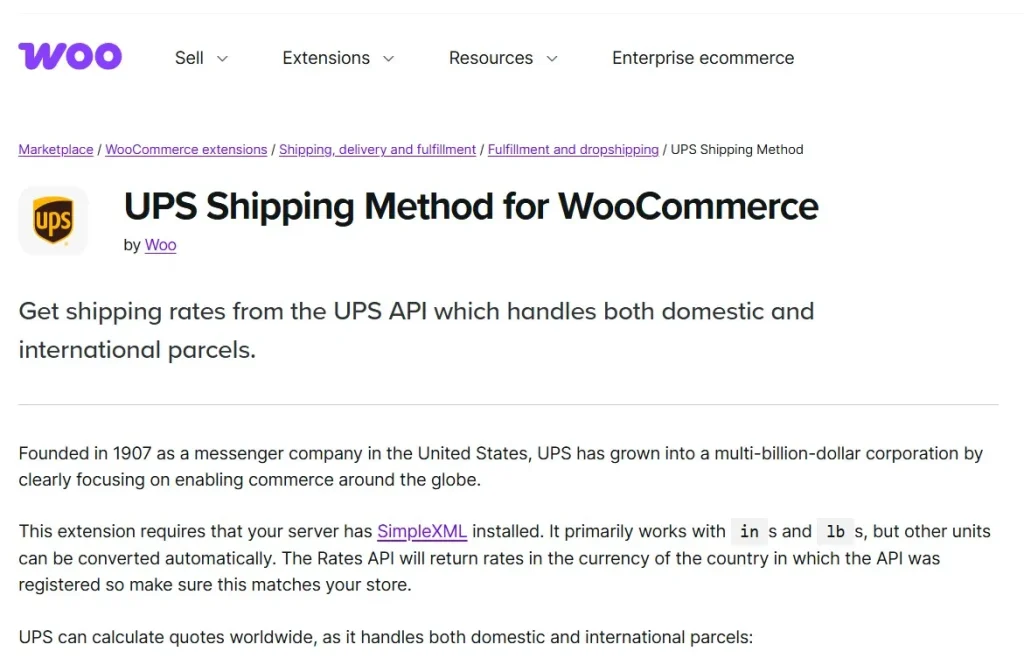
Features and Selling Points of WooCommerce UPS Shipping
1. Real-Time Shipping Rates
Automatically calculate UPS shipping costs based on customer location, package weight, and dimensions.
2. Multiple Shipping Options
Support for UPS Ground, 2nd Day Air, Next Day Air, and international shipping options.
3. Label Generation
Print UPS shipping labels directly from WooCommerce for faster order processing.
4. Package Management
Set default package sizes, weights, and handling fees to improve shipping accuracy.
5. Address Validation
Automatically validate shipping addresses to reduce errors and failed deliveries.
6. Tracking Integration
Send tracking numbers to customers automatically via email and display them on order pages.
7. WooCommerce Compatibility
Fully compatible with all WooCommerce versions and themes for seamless integration.
8. International Shipping Support
Ship worldwide with accurate international rates and customs options.
9. Tax and Insurance Options
Include UPS insurance and tax calculations to ensure compliance and protection.
10. PRO Features
Unlock additional premium options such as multi-package support, custom shipping rules, and advanced label formatting.
Why You Should Buy WooCommerce UPS Shipping from Plugin pro
Purchasing WooCommerce UPS Shipping from Plugin pro comes with several advantages:
1. Save Up to 95%
Premium shipping plugins can be expensive. Plugin pro offers WooCommerce UPS Shipping at a fraction of the cost.
2. 100% Clean Code
Optimized, secure code ensures fast performance and compatibility with other plugins.
3. Unlimited Website Usage
Use the plugin on unlimited WooCommerce stores, ideal for agencies, developers, or multi-store owners.
4. Easy Updates
Receive automatic updates to stay compatible with the latest WooCommerce and WordPress versions.
5. Professional Support
Plugin pro provides expert support for installation, configuration, and troubleshooting, ensuring smooth operation.
How WooCommerce UPS Shipping Improves Your Store
Implementing WooCommerce UPS Shipping benefits your eCommerce store in several ways:
- Accurate Shipping Rates: Customers see real-time shipping costs, reducing surprises at checkout.
- Faster Order Fulfillment: Generate labels directly in WooCommerce and streamline shipping processes.
- Enhanced Customer Trust: Provide accurate delivery times and tracking information.
- Reduced Errors: Address validation minimizes failed deliveries and returns.
- Professional Store Management: Simplifies handling multiple shipping options and international orders.
Step-by-Step Example: Setting Up Real-Time Shipping
- Install and Activate Plugin: Ensure WooCommerce UPS Shipping is active.
- Enter UPS API Credentials: Input your UPS account details for real-time rates.
- Configure Shipping Options: Choose services like UPS Ground, 2nd Day Air, or international options.
- Set Default Packages: Define package dimensions, weights, and handling fees.
- Test Checkout: Verify that rates are calculated correctly and that labels generate as expected.
This workflow demonstrates how WooCommerce UPS Shipping simplifies shipping and improves customer experience.
Conclusion
WooCommerce UPS Shipping is an essential plugin for any WooCommerce store looking to streamline shipping, provide accurate rates, and enhance the customer experience. Its real-time shipping rates, label generation, and international support make order fulfillment faster and more professional.
Purchasing from Plugin pro ensures affordable pricing, unlimited website usage, clean code, automatic updates, and expert support.



