
Managing finances manually for an online store can be time-consuming and error-prone. WooCommerce Xero Integration is a powerful plugin that connects your WooCommerce store with Xero accounting software, automating invoicing, syncing financial data, and streamlining bookkeeping processes.
In this guide, we’ll explain how to install WooCommerce Xero Integration, explore its key features, and show why purchasing it from Pluginpro.org is the smartest choice for WooCommerce store owners.
What is WooCommerce Xero Integration?
WooCommerce Xero Integration is a plugin that connects WooCommerce with Xero, a leading cloud-based accounting platform. It allows store owners to automatically sync orders, invoices, payments, taxes, and customer data between their online store and accounting system.
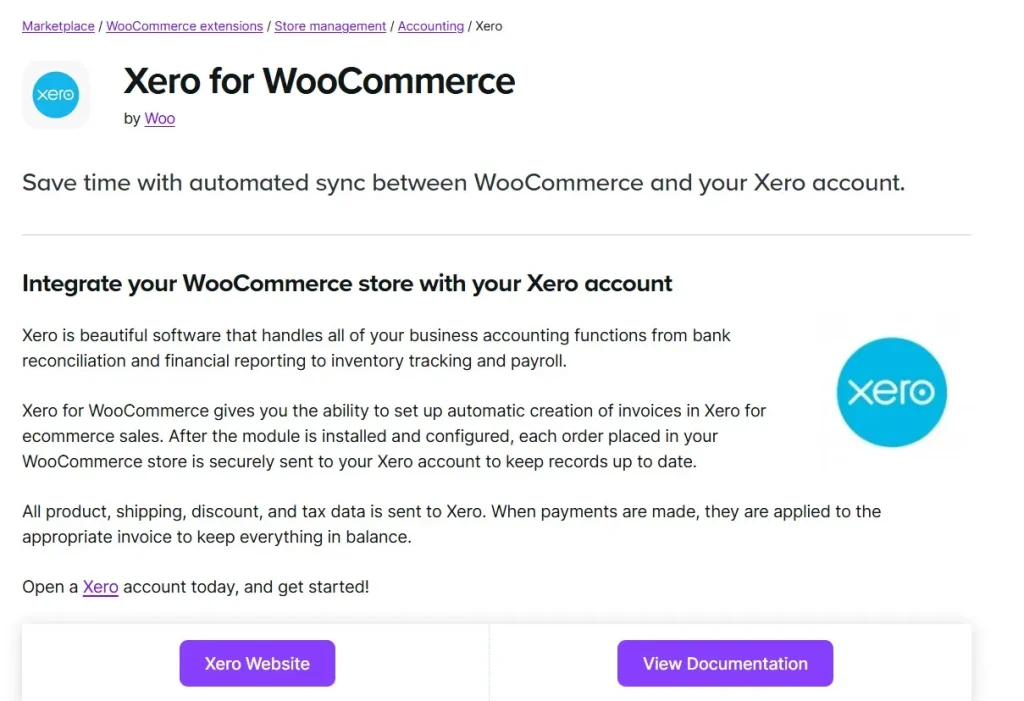
Instead of manually entering financial data, this plugin ensures everything is updated in real time, reducing errors and saving valuable time.
How to Install WooCommerce Xero Integration
Installing WooCommerce Xero Integration is simple and beginner-friendly:
Step 1: Purchase and Download
Buy WooCommerce Xero Integration from Pluginpro.org to get the fully licensed premium version. You’ll also receive unlimited website usage, clean code, and hassle-free updates.
Step 2: Upload to WordPress
- Log in to your WordPress dashboard.
- Navigate to Plugins > Add New > Upload Plugin.
- Select the downloaded WooCommerce Xero Integration ZIP file and click Install Now.
Step 3: Activate the Plugin
Click Activate Plugin. A new Xero tab will appear under WooCommerce settings.
Step 4: Connect to Xero
- Go to WooCommerce > Settings > Xero.
- Click Connect to Xero and log in to your Xero account.
- Authorize the connection between your WooCommerce store and Xero.
Step 5: Configure Sync Settings
Set up how data will be synchronized:
- Choose invoice settings
- Map tax rates and accounts
- Configure payment methods
- Set automatic sync triggers
Step 6: Test Synchronization
Place a test order and verify that invoices, payments, and customer data are correctly synced to Xero.
Key Features of WooCommerce Xero Integration
WooCommerce Xero Integration includes powerful features to automate accounting:
1. Automatic Invoice Creation
Generate invoices in Xero automatically when orders are placed in WooCommerce.
2. Real-Time Data Sync
Sync orders, payments, taxes, and customer information in real time.
3. Payment Reconciliation
Automatically match WooCommerce payments with Xero transactions.
4. Tax and Account Mapping
Map WooCommerce tax rates and accounts to Xero for accurate financial reporting.
5. Multi-Currency Support
Handle transactions in multiple currencies with proper accounting records.
6. Customer Data Sync
Automatically create and update customer records in Xero.
7. Manual and Automatic Sync Options
Choose between automatic syncing or manual control based on your workflow.
8. WooCommerce Integration
Works seamlessly with WooCommerce without affecting store performance.
Benefits of Using WooCommerce Xero Integration
Here’s why this plugin is essential for WooCommerce store owners:
- Save Time on Bookkeeping: Automate financial data entry and reduce manual work.
- Improve Accuracy: Eliminate errors caused by manual data input.
- Real-Time Financial Insights: Keep your accounting data up to date.
- Streamline Business Operations: Integrate sales and accounting systems seamlessly.
- Scalable Solution: Suitable for small businesses and large e-commerce stores.
Selling Points: Why WooCommerce Xero Integration Stands Out
WooCommerce Xero Integration offers advantages beyond basic accounting tools:
- Fully Automated Workflow: Sync data between WooCommerce and Xero effortlessly.
- Accurate Financial Reporting: Ensure all transactions are recorded correctly.
- Flexible Configuration: Customize sync settings based on your business needs.
- Secure Integration: Protect your financial data with secure API connections.
- User-Friendly Interface: Easy setup and management without technical expertise.
Why Buy WooCommerce Xero Integration from Pluginpro.org?
Purchasing from Pluginpro.org provides exclusive benefits:
1. Save Up to 95%
Get the premium plugin at a fraction of the original price while keeping all features.
2. 100% Clean Code
All plugins from Pluginpro.org are tested for security, performance, and WordPress coding standards.
3. Unlimited Website Usage
Install WooCommerce Xero Integration on unlimited websites—ideal for agencies, freelancers, or developers.
4. Hassle-Free Updates
Receive easy updates to stay compatible with WooCommerce and WordPress.
5. Professional Support
Access expert assistance for installation, configuration, and accounting integration.
Real-Life Use Cases
1. E-Commerce Businesses
Automatically sync sales data with Xero for accurate accounting.
2. Subscription-Based Stores
Track recurring payments and invoices seamlessly.
3. Multi-Currency Stores
Manage international transactions with proper accounting records.
4. Agencies and Developers
Set up WooCommerce Xero Integration for multiple clients efficiently.
5. Growing Businesses
Scale accounting processes as your store expands without increasing manual workload.
Frequently Asked Questions
Q: Do I need a Xero account to use this plugin?
Yes, you need an active Xero account to connect with WooCommerce.
Q: Can I sync historical orders?
Yes, you can sync past orders depending on your configuration.
Q: Is the plugin secure?
Yes, it uses secure API connections to protect your financial data.
Q: Can I customize how data is synced?
Yes, you can configure invoices, taxes, and payment mappings.
Conclusion
WooCommerce Xero Integration is an essential plugin for WooCommerce store owners who want to automate accounting, reduce manual work, and improve financial accuracy. With features like automatic invoice creation, real-time data synchronization, payment reconciliation, and tax mapping, it simplifies financial management and helps businesses scale efficiently.
Purchasing WooCommerce Xero Integration from Pluginpro.org ensures you get a fully licensed, clean-coded plugin at a discounted price with unlimited website usage, hassle-free updates, and expert support.



