
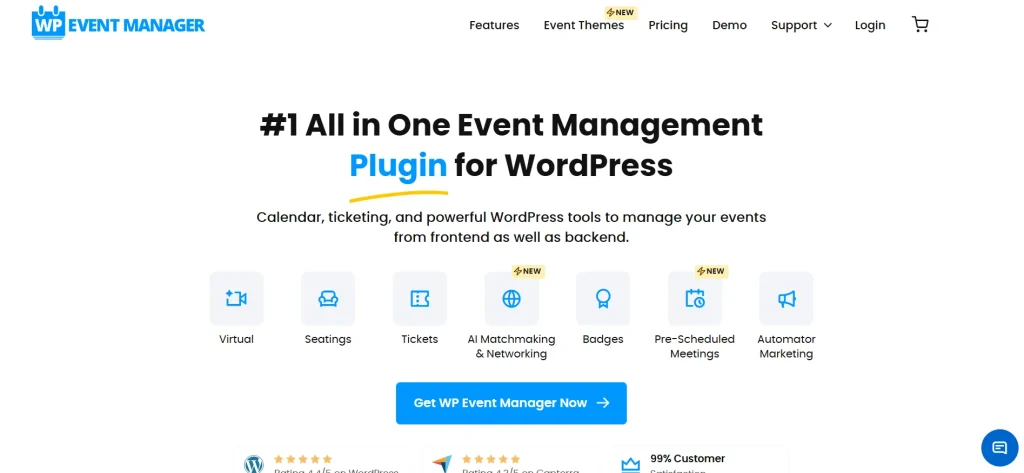
Effective communication is essential for successful event management. While emails are useful, they are often ignored or delayed. That’s why SMS has become one of the most reliable ways to reach attendees instantly. The WP Event Manager – SMS Notifications add-on helps you send real-time messages directly to users, ensuring they never miss important updates.
This plugin integrates seamlessly with your event website, allowing you to automate notifications for registrations, reminders, and updates. Whether you are managing a small workshop or a large conference, this solution improves communication and enhances the overall attendee experience.
In this guide, we will explore how WP Event Manager – SMS Notifications works, its key features, installation process, and why Pluginpro.org is the best place to get it.
Introduction to WP Event Manager – SMS Notifications
The WP Event Manager – SMS Notifications add-on is designed to send automated text messages to event attendees. It connects your WordPress event platform with SMS services, allowing you to deliver instant updates.
This integration helps you:
- Notify users about event confirmations
- Send reminders before the event starts
- Inform attendees about schedule changes
- Improve engagement and attendance rates
With SMS being one of the most effective communication channels, this plugin ensures your messages are delivered quickly and read almost immediately.
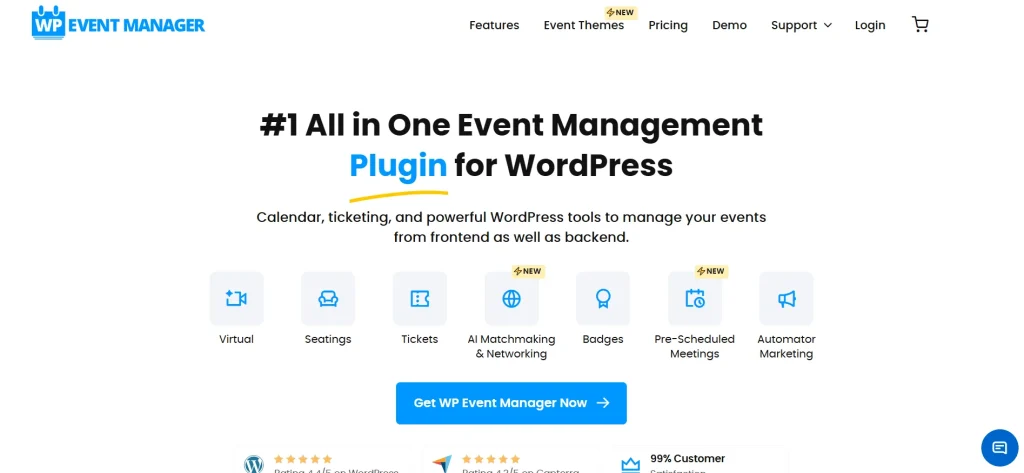
Key Features of WP Event Manager – SMS Notifications
Real-Time SMS Alerts
One of the main features of WP Event Manager – SMS Notifications is real-time messaging. As soon as an action occurs—such as a registration or update—the system automatically sends an SMS to the user.
This ensures that attendees always stay informed.
Automated Notifications
The plugin allows you to automate different types of messages, including:
- Registration confirmations
- Event reminders
- Cancellation notices
- Schedule updates
Automation reduces manual work and ensures consistency in communication.
Custom Message Templates
You can create personalized SMS templates based on different scenarios. This allows you to tailor messages according to your event needs.
With WP Event Manager – SMS Notifications, you can include:
- Attendee names
- Event details
- Time and location
Integration with SMS Gateways
The plugin supports integration with popular SMS gateway services. This gives you flexibility in choosing the provider that best fits your requirements.
Seamless Integration with WP Event Manager
Since it is built specifically for WP Event Manager, the plugin works smoothly with your existing setup. You don’t need complex configurations to get started.
Multi-Event Support
If you manage multiple events, you can configure notifications for each one separately. This ensures accurate communication for every event.
Improved Attendance Rates
Sending reminders via SMS significantly increases the chances of attendees showing up. The WP Event Manager – SMS Notifications system helps reduce no-shows.
Secure and Reliable Messaging
The plugin ensures that all data is handled securely while delivering messages reliably.
How to Install WP Event Manager – SMS Notifications
Installing the WP Event Manager – SMS Notifications plugin is simple and can be completed in a few steps:
Step 1: Download the Plugin
Purchase and download the plugin from Pluginpro.org.
Step 2: Upload to WordPress
Go to your WordPress dashboard, navigate to Plugins, and click “Add New.” Upload the ZIP file and install it.
Step 3: Activate the Plugin
After installation, activate the plugin to enable its functionality.
Step 4: Configure SMS Settings
Access the plugin settings and connect your preferred SMS gateway by entering API credentials.
Step 5: Create Notification Templates
Set up message templates for different events such as registration confirmations and reminders.
Step 6: Test the System
Send a test SMS to ensure everything is working correctly.
Once these steps are completed, your notification system will be fully operational.
Benefits of Using WP Event Manager – SMS Notifications
Instant Communication
SMS messages are delivered immediately, making them more effective than email for urgent updates.
Higher Engagement
Users are more likely to read SMS messages, resulting in better engagement and response rates.
Reduced No-Shows
Event reminders sent via SMS help ensure that attendees do not forget about the event.
Time-Saving Automation
Automated notifications reduce the need for manual communication, saving time and effort.
Better User Experience
Clear and timely communication improves the overall experience for attendees.
Why Choose WP Event Manager – SMS Notifications
The WP Event Manager – SMS Notifications plugin is ideal for anyone who wants to improve communication with event participants.
It is especially useful for:
- Event organizers
- Marketing teams
- Training providers
- Corporate event planners
By using SMS notifications, you can ensure that your audience stays informed and engaged throughout the event lifecycle.
Why Buy from Pluginpro.org
When purchasing the WP Event Manager – SMS Notifications plugin, Pluginpro.org offers excellent value and reliability.
Save Up to 95% Budget
You can access premium plugins at a significantly lower cost, helping you reduce expenses.
100% Clean Code
All plugins are checked to ensure they are secure and free from malicious code.
Unlimited Website Usage
You can use the plugin on multiple websites without restrictions, making it perfect for agencies and developers.
Easy Updates
Pluginpro.org provides easy access to the latest versions, ensuring your plugin stays updated.
Instant Download
You can download and start using the plugin immediately after purchase.
Wide Range of Plugins
Pluginpro.org offers a large collection of premium WordPress plugins for various needs.
Tips for Best Performance
To get the most out of this plugin, consider the following tips:
- Keep SMS messages short and clear
- Schedule reminders at the right time
- Personalize messages for better engagement
- Test your SMS gateway regularly
- Monitor delivery performance
Final Thoughts
The WP Event Manager – SMS Notifications plugin is a powerful tool for improving communication and engagement in event management. With real-time alerts, automation, and seamless integration, it ensures that your attendees stay informed at all times.
By reducing no-shows and increasing interaction, this plugin helps you deliver a better event experience. It is a practical solution for modern event websites that want to stay connected with their audience.
When combined with the benefits of Pluginpro.org, including cost savings, clean code, and unlimited usage, this plugin becomes an excellent investment.
If you are looking to enhance your event communication strategy and improve attendee engagement, this solution is the right choice.



