
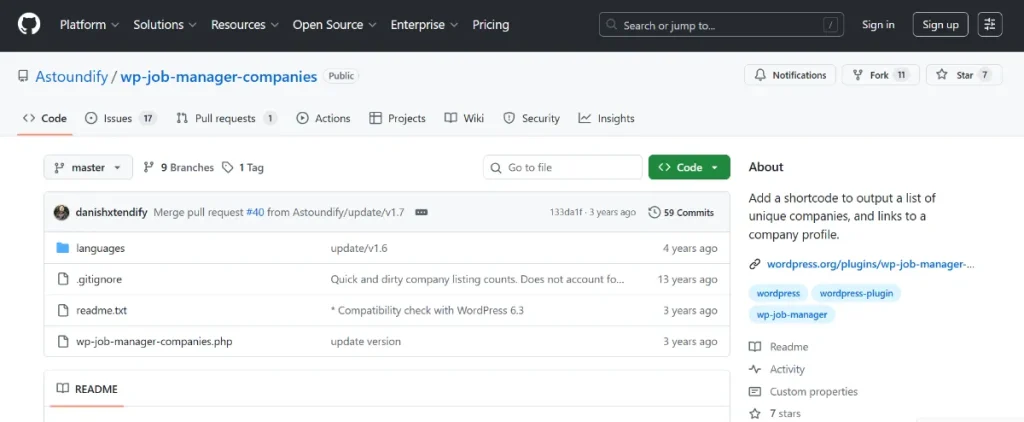
In the world of recruitment, job seekers aren’t just looking for a title; they are looking for the right company culture. If your job board only lists individual positions without context, you’re missing a massive opportunity to build trust. WP Job Manager – Company Profiles is the solution that transforms your site from a simple list into a professional business directory.
By giving employers their own dedicated space to showcase their brand, you provide a more immersive experience for candidates and a more valuable service for recruiters.
Key Features: Why Your Site Needs Company Profiles
This extension adds a layer of depth to your website that standard job listings simply can’t match. Here are the primary functions:
- Dedicated Company Directory: Output a complete, alphabetized list of every company that has posted on your site using a simple shortcode.
- Comprehensive Company Pages: Each employer gets a profile page featuring their logo, website link, social media profiles, and a description of their mission.
- Aggregated Job Lists: Every company profile automatically lists all the active jobs that specific employer has posted, making it easy for candidates to see all available roles in one spot.
- Enhanced SEO: By creating dedicated pages for companies, you generate more indexable content for search engines, helping your site rank for brand-specific searches.
- Improved Navigation: Users can browse by company rather than just job title, providing a smoother user experience (UX) for those targeting specific industry leaders.
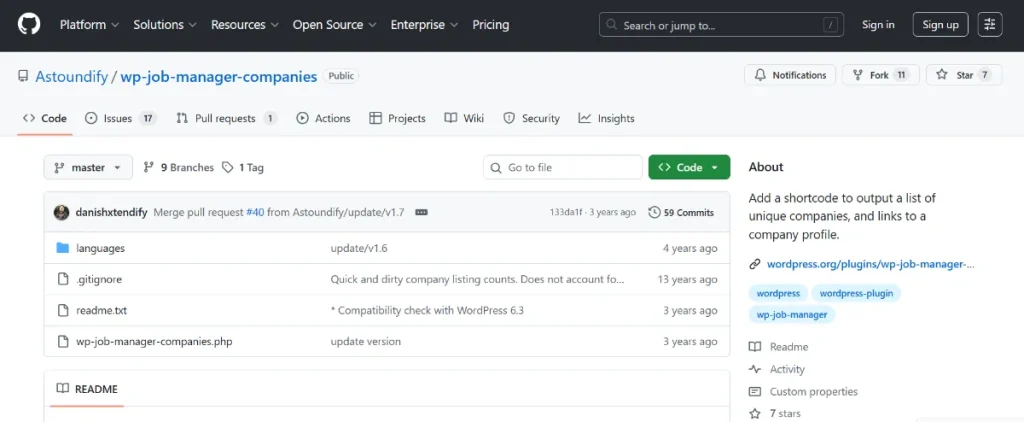
How to Install & Configure Company Profiles
Getting your company directory up and running is quick and efficient:
- Download and Upload: Secure your plugin file from Pluginpro.org. Go to your WordPress admin, click Plugins > Add New, and upload the zip file.
- Activate: Once uploaded, click Activate to enable the features.
- Create Your Directory Page: Create a new page in WordPress (e.g., “Companies”) and paste the following shortcode:
[company_profiles]. - Configure Settings: Navigate to Job Listings > Settings > Company Profiles. Here you can adjust display settings, such as the number of companies shown per page and how they are ordered.
- Assign Pages: Ensure your new “Companies” page is correctly assigned in the plugin settings so that links throughout the site point to the right place.
Why Buy This Plugin at Pluginpro.org?
Why pay full retail price for every single extension when you can build your business more efficiently? Pluginpro.org is the premier destination for high-quality WordPress assets.
Save 95% on Your Budget
Building a complete job board ecosystem often requires 5-10 different add-ons. By choosing us, you can save up to 95% compared to official prices. This keeps your startup lean and your overhead low.
100% Clean Code
We understand that security is your top concern. Our plugins are original files, verified to be 100% clean code. No nulled scripts, no malware, and no hidden backdoors—just the functionality you need.
Unlimited Website Usage
Our license is built for growth. Use this plugin on an unlimited number of websites. Whether you are a developer building sites for clients or an entrepreneur launching multiple niche boards, we’ve got you covered.
Easy to Update
Technology moves fast. We provide easy access to the latest versions of our plugins, ensuring you stay compatible with the newest WordPress updates and security patches.
Conclusion
The WP Job Manager – Company Profiles plugin is more than just a list—it’s a branding tool for your employers and a discovery tool for your candidates. It adds the “human element” to your job board, making it a more attractive platform for everyone involved.
Ready to take your job board to the next level? Head over to Pluginpro.org today, save big on your budget, and start building a comprehensive company directory that stands out!
What kind of companies are you hoping to highlight first on your new directory?



