
Email marketing is one of the most effective ways to engage with your audience, but managing subscriber lists and automating workflows can be challenging. WPForms Drip is a premium WordPress plugin that seamlessly integrates WPForms with Drip, enabling you to collect leads, segment audiences, and automate email campaigns directly from your WordPress site.
In this article, we’ll guide you on how to install WPForms Drip, explore its key features, and explain why purchasing it from Pluginpro.org is the best choice for marketers, bloggers, and business owners.
What is WPForms Drip?
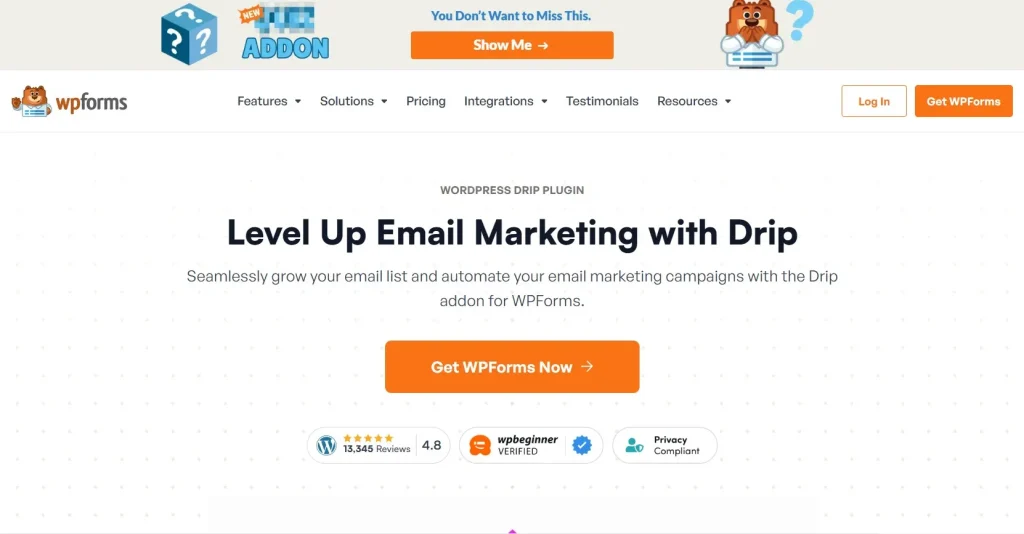
WPForms Drip is a plugin that connects the WPForms form builder with the Drip email marketing platform. By integrating these tools, you can automatically add form submissions to Drip lists, segment users based on their input, and trigger automated email campaigns.
Key benefits include:
- Simplify lead generation and management.
- Automate email workflows for targeted marketing.
- Track subscriber engagement and conversions.
This plugin is ideal for WordPress site owners who want to leverage the power of Drip without manually exporting contacts or managing complex workflows.
How to Install WPForms Drip
Installing WPForms Drip is simple and straightforward. Follow these steps:
Step 1: Purchase and Download
- Visit Pluginpro.org and search for WPForms Drip.
- Complete the purchase and download the plugin ZIP file.
(Tip: Pluginpro.org offers up to 95% savings compared to other marketplaces.)
Step 2: Upload to WordPress
- Log in to your WordPress dashboard.
- Navigate to Plugins > Add New > Upload Plugin.
- Click Choose File, select the downloaded ZIP file, and click Install Now.
- After installation, click Activate Plugin.
Step 3: Connect WPForms with Drip
- Go to WPForms > Settings > Integrations in your WordPress admin panel.
- Select Drip and enter your Drip API key.
- Choose the Drip account and list you want to sync form submissions with.
- Save settings and test your forms to ensure entries are added to Drip automatically.
Your website is now fully integrated, and all WPForms submissions can trigger automated email campaigns in Drip.
Key Features of WPForms Drip
WPForms Drip comes packed with features to help you automate marketing and grow your subscriber list:
1. Seamless Integration
Connect WPForms with Drip quickly without coding knowledge.
2. Automated Subscriber Addition
Automatically add form submissions to your Drip lists and segments.
3. Conditional Logic Support
Map form fields to Drip tags and segments to ensure targeted marketing.
4. Multi-Form Integration
Integrate multiple WPForms with different Drip campaigns simultaneously.
5. Real-Time Syncing
Form submissions are instantly synced with Drip for timely email marketing.
6. Developer-Friendly
Use hooks and filters for advanced customization and integration with other plugins.
7. Tracking and Reporting
Monitor which forms are converting subscribers and driving engagement.
8. GDPR Compliance
Collect user data securely while staying compliant with privacy regulations.
Selling Points: Why You Should Use WPForms Drip
Using WPForms Drip provides several advantages:
- Automate Marketing: Eliminate manual work by syncing form submissions with Drip.
- Targeted Campaigns: Segment subscribers based on form input for personalized emails.
- Time-Saving Integration: Manage leads and campaigns from WordPress without switching platforms.
- Increase Conversions: Reach the right audience with timely, automated emails.
- Flexible and Scalable: Works with multiple forms, lists, and campaigns for growing websites.
Why Purchase WPForms Drip from Pluginpro.org?
Purchasing from Pluginpro.org ensures multiple benefits:
- Save Up to 95%
Get the plugin at a fraction of the cost compared to other marketplaces. - 100% Clean Code
Verified plugin ensures performance, security, and compatibility with WordPress. - Unlimited Website Usage
Use WPForms Drip on unlimited websites without extra licensing fees. - Easy Updates
Receive lifetime updates and support for hassle-free email automation. - Trusted Source
Pluginpro.org provides verified, malware-free plugins for professional use.
Tips for Maximizing WPForms Drip
- Map Form Fields Strategically
Use WPForms fields to segment subscribers in Drip for precise targeting. - Test Automated Workflows
Ensure subscribers are added correctly and email campaigns are triggered. - Leverage Conditional Logic
Tailor Drip tags and segments based on user input for personalized emails. - Monitor Conversions
Track which forms generate the most leads to optimize your campaigns. - Combine with Landing Pages
Use WPForms Drip with high-converting landing pages for maximum subscriber growth.
Conclusion
WPForms Drip is an essential plugin for WordPress site owners looking to automate lead management and email marketing. By connecting WPForms with Drip, you can capture leads, segment audiences, and trigger automated campaigns efficiently.
Purchasing WPForms Drip from Pluginpro.org ensures affordability, clean code, unlimited site usage, and easy updates. For marketers, bloggers, and business owners seeking seamless email automation, WPForms Drip is a must-have plugin.



