
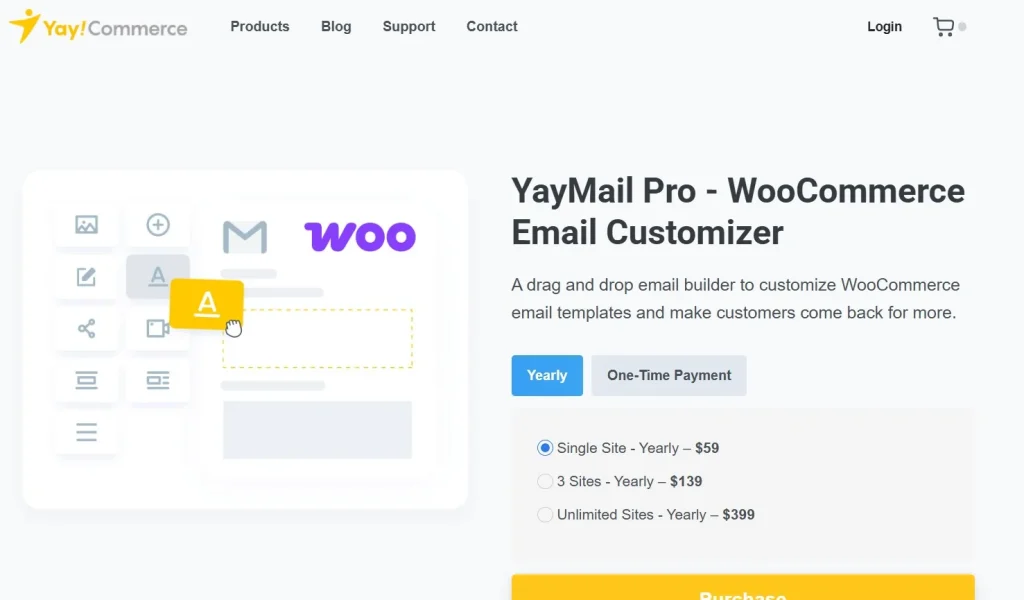
Email communication is critical for WooCommerce stores. YayMail Pro – WooCommerce Email Customizer is a premium plugin that allows you to fully design and customize all your WooCommerce emails, ensuring your messages are professional, branded, and engaging.
In this article, we’ll guide you on how to install YayMail Pro – WooCommerce Email Customizer, explore its key features, and explain why purchasing it from Pluginpro.org is the best choice for WooCommerce store owners.
What is YayMail Pro – WooCommerce Email Customizer?
YayMail Pro – WooCommerce Email Customizer is an advanced WordPress plugin designed specifically for WooCommerce stores. It gives store owners complete control over email templates, allowing you to customize order confirmations, shipping notifications, invoices, and more.
Key benefits include:
- Fully customize WooCommerce emails with a drag-and-drop builder.
- Add your brand identity to every email sent to customers.
- Increase customer engagement and improve brand consistency.
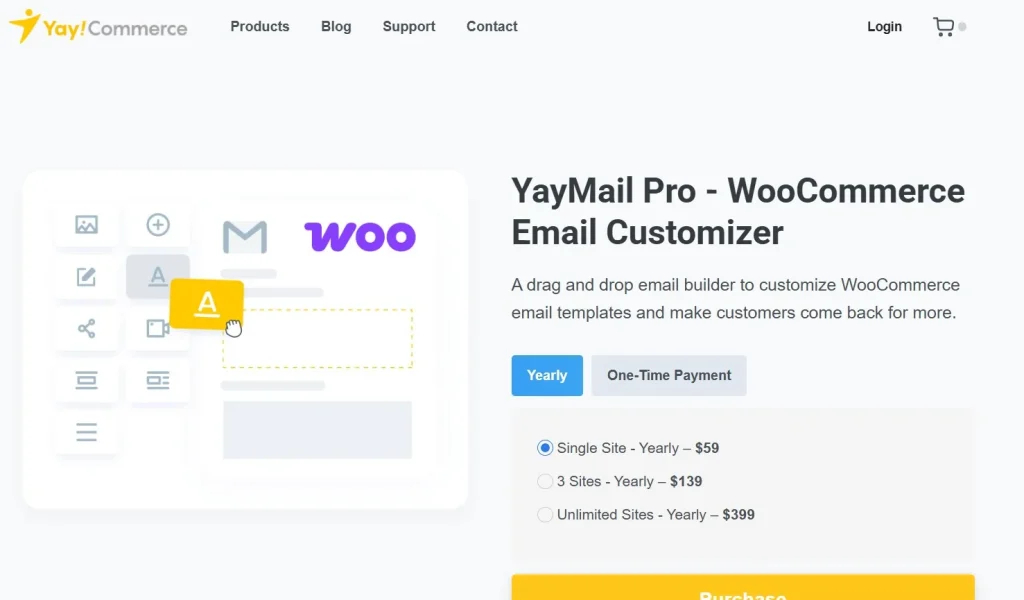
This plugin is ideal for eCommerce businesses that want professional, eye-catching emails and a seamless communication experience with their customers.
How to Install YayMail Pro – WooCommerce Email Customizer
Installing YayMail Pro – WooCommerce Email Customizer is straightforward. Follow these steps:
Step 1: Purchase and Download
- Visit Pluginpro.org and search for YayMail Pro – WooCommerce Email Customizer.
- Complete the purchase and download the plugin ZIP file.
(Tip: Pluginpro.org offers up to 95% savings compared to other marketplaces.)
Step 2: Upload to WordPress
- Log in to your WordPress dashboard.
- Navigate to Plugins > Add New > Upload Plugin.
- Click Choose File, select the downloaded ZIP file, and click Install Now.
- After installation, click Activate Plugin.
Step 3: Customize WooCommerce Emails
- Go to YayMail > Email Templates in your WordPress dashboard.
- Select the WooCommerce email type you want to customize, such as order confirmation or shipping notification.
- Use the drag-and-drop editor to modify layouts, colors, fonts, images, and content.
- Preview emails to ensure your designs look perfect on all devices.
- Save and publish the customized templates.
Your WooCommerce store emails are now fully branded and visually appealing with YayMail Pro – WooCommerce Email Customizer.
Key Features of YayMail Pro – WooCommerce Email Customizer
YayMail Pro provides extensive features to enhance your email communications:
1. Drag-and-Drop Email Builder
Easily design email templates without coding knowledge using the visual editor.
2. Full WooCommerce Email Customization
Edit all default WooCommerce emails including order, invoice, shipping, and customer notes.
3. Pre-Built Templates
Start with professionally designed templates and modify them to fit your brand.
4. Responsive Design
Ensure all emails look great on desktops, tablets, and mobile devices.
5. WooCommerce Hooks Support
Add custom sections or dynamic content using WooCommerce hooks.
6. Dynamic Content & Variables
Insert dynamic variables such as customer name, order details, or product info.
7. Compatible with Page Builders
Works seamlessly with Elementor, WPBakery, and other popular WordPress page builders.
8. Multi-Language & Translation Ready
Supports WPML and other translation plugins for multilingual stores.
Selling Points: Why You Should Use YayMail Pro
Using YayMail Pro – WooCommerce Email Customizer provides several advantages:
- Professional Emails: Impress customers with beautifully designed, branded emails.
- Increase Engagement: Customized emails are more likely to be read and clicked.
- Save Time: Drag-and-drop builder speeds up email creation.
- WooCommerce Compatible: Works with all standard WooCommerce emails and popular extensions.
- Responsive Design: Emails look perfect on all devices, improving customer experience.
Why Purchase YayMail Pro from Pluginpro.org?
Purchasing from Pluginpro.org ensures multiple benefits:
- Save Up to 95%
Get the plugin at a fraction of the cost compared to official sources. - 100% Clean Code
Verified plugin ensures performance, security, and WordPress compatibility. - Unlimited Website Usage
Use YayMail Pro on unlimited websites without extra licensing fees. - Easy Updates
Receive lifetime updates and support for hassle-free email customization. - Trusted Source
Pluginpro.org provides verified, malware-free plugins for professional use.
Tips for Maximizing YayMail Pro
- Brand Consistency
Incorporate your logo, brand colors, and fonts in every email template. - Use Pre-Built Templates
Save time by starting with professionally designed templates and customizing them. - Test Emails Before Sending
Preview emails on multiple devices to ensure proper formatting. - Integrate with WooCommerce Extensions
Customize emails for subscriptions, bookings, or memberships using compatible extensions. - Add Dynamic Content
Use variables for personalized emails, such as customer name or order details, to enhance engagement.
Conclusion
YayMail Pro – WooCommerce Email Customizer is a must-have plugin for WooCommerce store owners who want to create professional, branded, and engaging emails. With features like drag-and-drop customization, responsive design, dynamic content, and WooCommerce integration, it ensures your store communicates effectively with customers.
Purchasing YayMail Pro – WooCommerce Email Customizer from Pluginpro.org guarantees affordability, clean code, unlimited site usage, and easy updates. For professional email marketing and customer communication, this plugin is an essential tool.



