Choosing between ACF Pro vs Toolset is a common challenge for WordPress users who need more than standard posts and pages. Both plugins help you manage additional website data, but they solve different problems and suit different types of projects.
ACF Pro focuses on adding and managing custom fields, giving developers and site owners complete control over how information is stored and displayed. Toolset goes further by combining custom fields with visual templates, content relationships, and front-end features, making it attractive for users who prefer a low-code experience.
This comparison looks at the key differences between ACF Pro and Toolset, including features, ease of use, pricing, performance, integrations, and the types of websites each plugin fits best. By the end, you’ll have a clear understanding of which option matches your project.
1. Key Differences Between ACF Pro and Toolset
| Category | ACF Pro | Toolset |
| Primary purpose | Manage custom fields | Complete content management toolkit |
| Learning curve | Easier for developers | Easier for non-developers |
| Visual templates | Requires theme or page builder | Built-in content templates |
| Custom post types | Included | Included |
| Relationships | Advanced relationship fields | Content relationships with visual management |
| WooCommerce support | Good with additional configuration | Built-in integrations |
| Performance | Lightweight | Slightly heavier because of additional modules |
| Best for | Developers, agencies, custom projects | Business websites, directories, membership sites |
ACF Pro keeps its focus on structured content. Toolset includes additional tools for displaying content, creating templates, managing relationships, and handling user-generated content without relying heavily on PHP.
2. Overview of ACF Pro and Toolset
2.1. What Is ACF Pro?
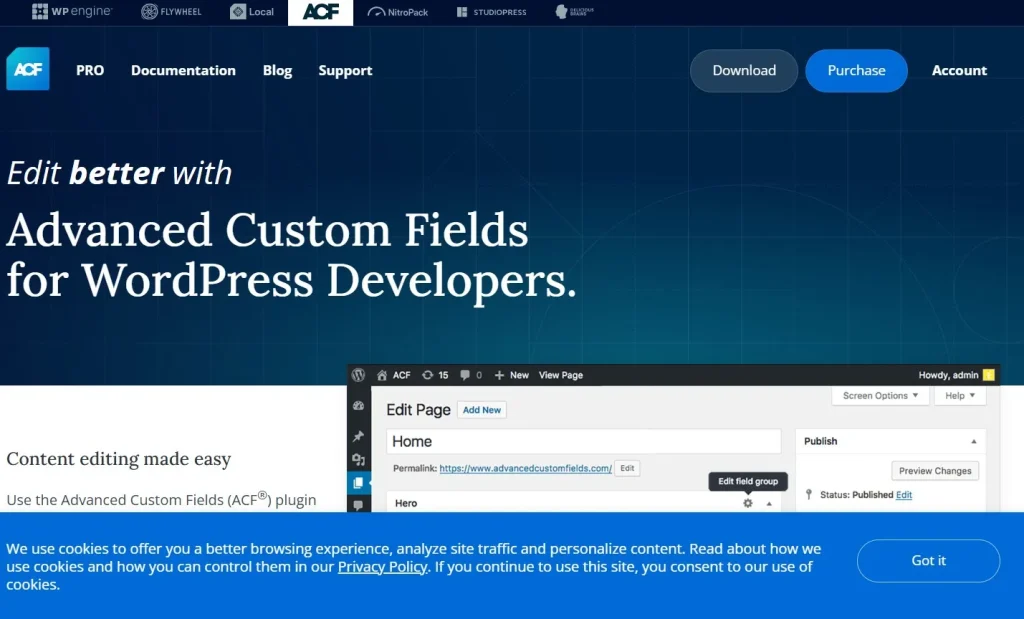
Advanced Custom Fields Pro, commonly called ACF Pro, is one of the most widely used WordPress plugins for adding structured content to websites.
Instead of storing information inside long text editors, ACF Pro allows you to create dedicated fields for images, dates, prices, locations, files, repeaters, galleries, and dozens of other content types.
Recent versions also include:
- Custom Post Types
- Taxonomy management
- Options Pages
- Block creation for the Block Editor
- Flexible Content layouts
Because ACF focuses primarily on content management, developers often combine it with page builders, custom themes, or template frameworks to control how data appears on the front end.
2.2. What Is Toolset?
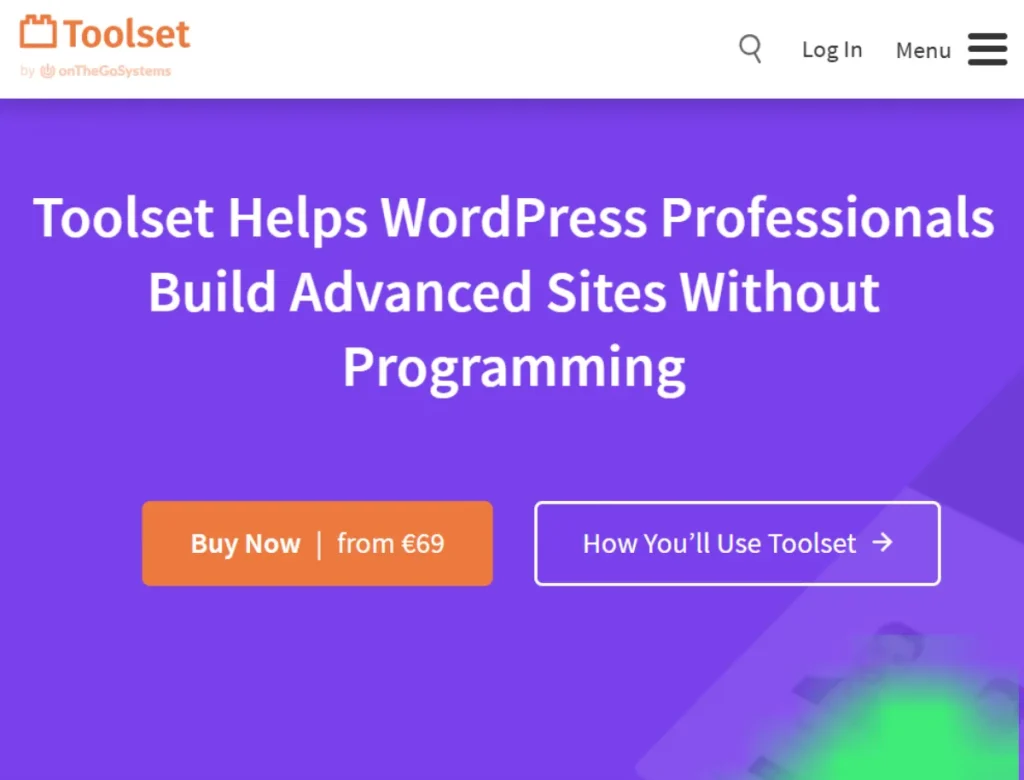
Toolset is a collection of WordPress tools for creating data-driven websites without extensive coding.
Besides custom fields, Toolset includes:
- Custom post types
- Taxonomies
- Content templates
- Relationships
- Front-end forms
- Search and filtering
- Archive templates
Rather than leaving front-end display to your theme, Toolset provides visual tools for creating listings, directories, member profiles, property databases, portfolios, and other structured websites.
This makes Toolset a practical choice for users who prefer an all-in-one solution rather than combining multiple plugins.
3. ACF Pro vs Toolset Feature Comparison
| Feature | ACF Pro | Toolset |
| Custom Fields | More field types, highly configurable | Covers common field types |
| Repeaters & Flexible Layouts | Native support | Alternative content structures |
| Content Templates | Requires external templates | Built-in visual templates |
| Front-end Forms | Basic implementation | Native support |
| Search & Filters | Requires additional plugins | Built-in filtering |
| WooCommerce Integration | Good with development | More visual integration |
| Developer APIs | Extensive | More limited |
| Performance | Lightweight | Larger plugin footprint |
| Learning Curve | Easier for developers | Easier for non-technical users |
3.1. ACF Pro vs Toolset for Content Management
When comparing ACF Pro vs Toolset, content management is one of the first differences you’ll notice.
ACF Pro excels when you need precise control over individual fields. Repeaters, Flexible Content, Clone fields, and conditional logic allow editors to enter complex information without cluttering the WordPress editor.
Toolset focuses more on complete content structures. Instead of simply adding fields, it also helps organize relationships between posts, users, and taxonomies using visual interfaces.
For projects where the content model is the main priority, ACF Pro offers more granular control.
3.2. ACF Pro vs Toolset for Front-End Display
Displaying custom data is where the biggest difference appears.
ACF Pro stores data exceptionally well, but you’ll usually display it using PHP templates, page builders, or Elementor’s Dynamic Tags.
Toolset includes visual template creation directly inside the plugin. Archive pages, listings, author pages, and custom layouts can all be created without editing theme files.
Users comfortable editing theme templates often prefer ACF Pro, while users who want fewer code changes may appreciate Toolset’s integrated display tools.
3.3. ACF Pro vs Toolset: Ease of Use
Neither plugin is particularly difficult, but they target different audiences.
ACF Pro keeps its interface clean by concentrating almost entirely on content fields. Once users understand field groups, the plugin feels predictable and easy to maintain.
Toolset introduces additional interfaces for templates, relationships, archives, and forms. This reduces coding requirements but also means more menus and configuration options.
Developers generally become productive faster with ACF Pro, while site owners without coding experience may find Toolset easier after the initial setup.
3.4. ACF Pro vs Toolset Performance
Performance matters for websites with hundreds or thousands of content items.
ACF Pro loads relatively little outside the WordPress admin because it concentrates on storing structured data. Most front-end rendering depends on your theme.
Toolset includes additional modules for templates, forms, filtering, and relationships. These features naturally increase the plugin’s overall footprint.
For highly optimized websites where speed is a priority, ACF Pro typically adds less overhead. However, a well-configured Toolset installation can still perform well on modern hosting.
4. Who Should Choose Each One?
4.1. Who Should Use ACF Pro?
ACF Pro is a strong fit for:
- Developers creating custom WordPress themes
- Agencies managing multiple client websites
- Elementor or Bricks users using dynamic data
- WooCommerce projects requiring additional product information
- Websites with highly structured content
- Users comfortable working with custom templates.
ACF Pro works especially well when content structure matters more than visual page creation. It also scales nicely as websites become more complex.
4.2. Who Should Use Toolset?
Toolset is suitable for:
- Business directories
- Real estate websites
- Membership platforms
- Job boards
- Classified websites
- Non-technical users wanting visual templates
- Projects that require front-end submission forms
Toolset reduces the need for additional plugins by combining several common site management features into one package.
5. Build a Complete WordPress Workflow
5.1. Elementor Pro
Elementor Pro works well alongside ACF Pro by displaying custom field data using Dynamic Tags. This combination is popular for marketing websites, portfolios, and WooCommerce stores.
5.2. WP All Import Pro
Importing thousands of records becomes much easier with WP All Import Pro. It supports custom fields from both ACF Pro and Toolset, making bulk updates significantly faster.
5.3. Search & Filter Pro
If you choose ACF Pro, Search & Filter Pro adds advanced filtering based on your field values, making directories and product catalogs easier to navigate.
5.4. Rank Math Pro
Structured content performs even better when paired with solid SEO settings. Rank Math Pro helps optimize metadata, schema, XML sitemaps, and indexing for content managed by either plugin.
5.5. WP Rocket
Caching, lazy loading, and file optimization improve page speed regardless of which content plugin you use. WP Rocket complements both ACF Pro and Toolset, particularly on content-heavy websites.
6. Frequently Asked Questions
6.1. Which plugin wins in ACF Pro vs Toolset?
Neither plugin is universally better. ACF Pro focuses on structured data and developer control, while Toolset includes visual templates, forms, and additional site management features. The better option depends on how much coding you plan to do.
6.2. Can beginners use ACF Pro?
Yes, although beginners may need some time to understand how custom fields connect with themes or page builders. Users working with Elementor or Bricks often find ACF Pro much easier because many templates can display field values without writing PHP.
6.3. Does Toolset replace multiple plugins?
Often, yes. Toolset combines custom fields, relationships, templates, forms, and filtering into one package. For many directory or membership websites, this reduces the number of additional plugins required.
6.4. Which plugin works better with WooCommerce?
Both integrate with WooCommerce, but in different ways. ACF Pro excels when adding structured product information, while Toolset offers more visual options for displaying products, archives, and custom listings without editing templates.
6.5. Can I download ACF Pro or Toolset through PluginPro?
If you’re looking for an affordable way to access ACF Pro, Toolset, and other premium WordPress plugins, PluginPro Membership gives you access to a large plugin library under a single subscription. It’s a practical option for freelancers, agencies, and users managing multiple websites.
7. Conclusion
When comparing ACF Pro vs Toolset, ACF Pro is the stronger choice for developers, agencies, and anyone who wants complete control over structured content while keeping websites lightweight. Toolset suits users who want built-in templates, relationships, forms, and content management tools without relying heavily on custom code.
If you’re exploring premium WordPress plugins for your next project, PluginPro offers a convenient way to access a wide range of tools, including many popular plugins used alongside ACF Pro and Toolset. Instead of purchasing every premium plugin separately, PluginPro Membership gives you access to a wide collection of WordPress plugins and themes in one place.