If you’re looking for the best multipurpose WordPress theme for your business, you’ve probably come across Avada. It has been the top-selling WordPress theme on the marketplace for over a decade, with more than 900,000 sales and a reputation as one of the most flexible website builders available for WordPress.
For most businesses, Avada remains one of the best multipurpose WordPress themes thanks to its visual page builder, extensive customization options, WooCommerce integration, and one-time pricing. While it isn’t the lightest theme available, it offers an excellent balance of flexibility, features, and ease of use for business websites.
But popularity alone doesn’t make a theme the right fit for your business. You need real design flexibility, solid performance, WooCommerce support, and a workflow that won’t slow your team down. In this article, we’ll break down what Avada actually offers, where it shines, where it falls short, and who should (and shouldn’t) build their next website on it.
1. What Is the Avada WordPress Theme?
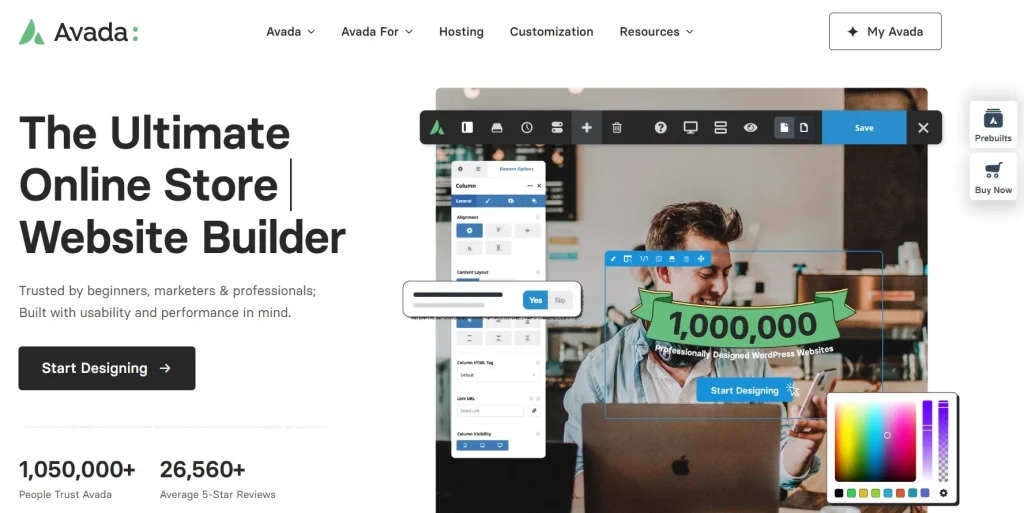
Avada is a premium, multipurpose WordPress theme developed by ThemeFusion, built around its own drag-and-drop page builder called Fusion Builder (also known as Avada Builder). Instead of forcing you to combine a bare-bones theme with a dozen separate plugins, Avada bundles nearly everything into one package: a visual builder, a massive options panel, a full WooCommerce toolkit, and more than 100 pre-built website demos.
In practice, Avada is used to launch almost any type of website corporate sites, portfolios, blogs, restaurants, agencies, and full online stores without writing custom code. You design pages visually, in real time, and see your changes as you make them.
Avada tends to fit best for:
- Small business owners who want a professional site without hiring a developer
- Freelancers and agencies building client sites across many different industries
- WooCommerce store owners who want built-in e-commerce layout tools
- Anyone who prefers a one-time purchase over a recurring subscription
2. Avada Overview: Is It Still Worth It in 2026?
As one of the best multipurpose WordPress themes available today, Avada’s biggest strength is its versatility. Few themes try to do as much, and even fewer manage to pull it off with the amount of documentation and support Avada offers.
Standout strengths:
- Fusion Builder gives you near-total design control without code
- 100+ pre-built demo websites you can import in a few clicks
- Built-in WooCommerce customization tools
- One-time payment, lifetime updates
- Extensive documentation and video tutorials
Main limitations:
- Heavier page weight than lightweight themes, which can affect load times
- A learning curve if you’re used to simpler builders like Elementor
- Support renewals after the first period cost extra per site
So, is it worth using? For businesses that value flexibility and want a single all-in-one solution rather than juggling a theme plus several separate plugins, Avada is genuinely one of the strongest options on the market. If your priority is the absolute fastest possible page load with a minimal feature set, a lighter theme might suit you better but for most business websites, Avada’s balance of power and usability is hard to beat.
3. Avada Features and Performance
3.1 Key Features
Avada’s feature set is built to remove the need for extra plugins wherever possible:
- Fusion Builder a front-end and back-end drag-and-drop page builder with 85+ elements, including sliders, pricing tables, forms, testimonials, and WooCommerce product elements
- 100+ pre-built websites across industries like restaurants, law firms, portfolios, and online stores, fully customizable after import
- Global options panel with hundreds of settings for typography, colors, spacing, and layout, so you can set your brand style once and apply it site-wide
- Custom header and footer builder, letting you design unique layouts for every part of the site without touching code
- Built-in mega menu, supporting flexible columns, icons, and images a feature many other themes require a separate plugin for
- These built-in capabilities are a major reason why many businesses consider Avada one of the best multipurpose WordPress themes for creating professional, scalable websites.
3.2 Performance and User Experience
Avada’s speed is the most common criticism you’ll find in reviews, and it’s a fair one. Because the theme bundles so many features, an average Avada page can weigh noticeably more than a page built with a lightweight theme. Compressing CSS and JavaScript, enabling lazy loading, and using Avada’s built-in performance settings all help, but you’ll want to actively manage this rather than expect it out of the box.
On the usability side, Avada holds up well. The front-end builder lets you click any element and edit it directly, with changes appearing instantly. Layouts adapt cleanly across desktop, tablet, and mobile. For teams, saved designs and reusable blocks make it easier to keep multiple pages consistent, which is especially useful for agencies managing several client sites.
The trade-off is a real learning curve. If you’ve only used simpler builders before, Avada’s depth of options can feel overwhelming at first. Most users find that after a short ramp-up period, the added flexibility makes Avada one of the best multipurpose WordPress themes for building professional business websites.
4. Avada Pros and Cons
Pros
- One of the most feature-complete multipurpose themes available
- Large library of pre-built demos speeds up project launches
- Strong WooCommerce support out of the box
- One-time payment with lifetime updates, no recurring license fee
- Extensive documentation, help files, and tutorial videos
- Suitable for both beginners and experienced developers
Cons
- Heavier page weight than lightweight themes can affect load speed
- Steeper learning curve compared to minimalist builders
- Support renewal is a separate paid add-on per site after the initial period
- Running Avada alongside a second builder like Elementor adds unnecessary overhead
6. Who Should Use Avada?
As one of the best multipurpose WordPress themes available today, Avada is designed to serve a wide range of WordPress users. It delivers the most value for those who need a flexible, all-in-one solution rather than a lightweight theme with limited features.
- Beginners
If you’re new to WordPress, Avada’s visual builder and extensive library of pre-built websites make it easy to create a professional-looking site without writing code. While there is a learning curve, the comprehensive documentation and tutorials help shorten the setup process.
- Agencies and Freelancers
For agencies and freelancers managing multiple client projects, Avada offers reusable design elements, global styling options, and a large collection of starter templates. These features help speed up development while maintaining consistent branding across different websites.
- WooCommerce Store Owners
Avada is an excellent choice for WooCommerce stores thanks to its built-in shop layouts, product page customization, and seamless integration with WooCommerce. Many eCommerce features are available without relying on additional page-building plugins.
- Developers and Advanced Users
Developers who want more control can take advantage of Avada’s extensive customization options, hooks, and flexible layout system. It provides a solid foundation for building custom business websites while still benefiting from a visual editing workflow.
7. Recommended Plugins and Tools for Avada
7.1 WP Rocket
WP Rocket is one of the best performance plugins to pair with Avada. Since Avada includes many built-in features and design elements, caching, file optimization, and lazy loading can significantly improve page speed and Core Web Vitals without requiring complex configuration.

7.2 Rank Math SEO
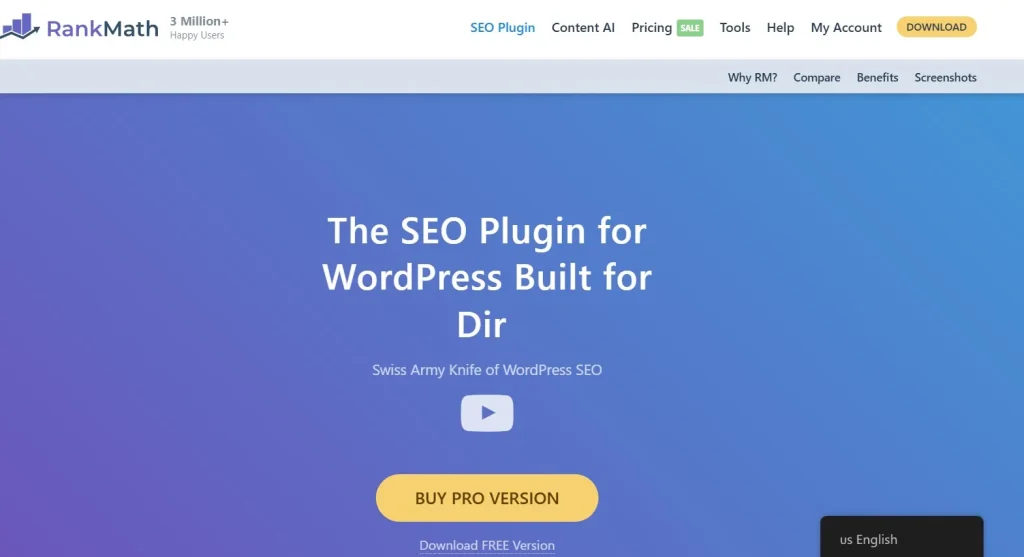
Rank Math complements Avada by handling on-page SEO, XML sitemaps, schema markup, and metadata optimization. While Avada focuses on website design and layout, Rank Math helps improve search visibility and supports better indexing across search engines.
7.3 Wordfence Security
Every business website should prioritize security. Wordfence provides firewall protection, malware scanning, login security, and real-time threat detection, making it an excellent companion for Avada-powered websites.
7.4 Imagify
High-quality images are common on Avada websites, which can affect loading speed if left unoptimized. Imagify automatically compresses images and converts them to modern formats like WebP, helping maintain visual quality while improving performance.
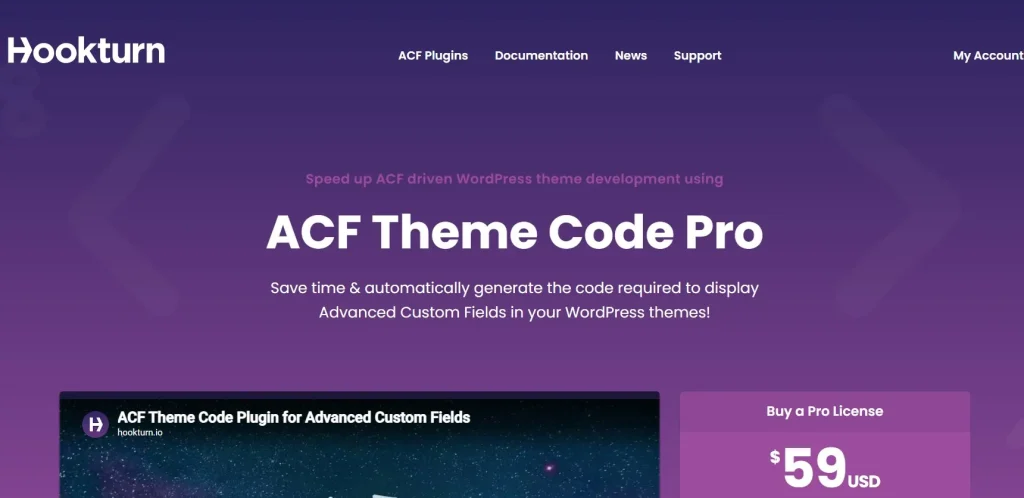
7.5 Advanced Custom Fields (ACF) Pro
For businesses and developers building more advanced websites, ACF Pro works well alongside Avada by allowing custom fields, dynamic content, and flexible data management. It’s especially useful for directories, portfolios, real estate websites, and other projects that require structured content.
7. FAQs
1. Is Avada good for beginners?
Yes. As one of the best multipurpose WordPress themes for beginners and businesses alike, Avada’s visual builder and large library of pre-built demos make it possible to launch a professional website without coding knowledge.
2. Does Avada slow down my website?
Avada does add more page weight than lightweight themes, mainly due to its extensive built-in features. Using caching, image optimization, and Avada’s own performance settings can reduce the impact significantly.
3. Can I use Avada for a WooCommerce store?
Yes. Avada includes dedicated WooCommerce elements, custom product page layouts, and shop grid options that work directly with WooCommerce without needing additional page-building plugins.
4. How much does Avada cost?
Avada is officially available through ThemeForest for a one-time license fee per website, which includes lifetime updates and a limited period of support. If you’re looking for a more affordable way to access Avada along with thousands of other premium WordPress themes and plugins, PluginPro offers a Member Plan starting from $4.5, including unlimited downloads and regular updates.
5. Should I use Avada together with Elementor?
It’s technically possible, but not recommended. Running two page builders on the same site adds unnecessary overhead. Most users get better performance by sticking to Avada’s own Fusion Builder.
8. Conclusion
Avada continues to be one of the best multipurpose WordPress themes for businesses, offering an excellent balance of flexibility, customization, and ease of use. With its powerful visual builder, extensive demo library, WooCommerce integration, and one-time licensing model, it’s a reliable choice for everything from small business websites to large eCommerce stores. Overall, if you’re searching for the best multipurpose WordPress theme for a business website, Avada remains one of the strongest long-term choices thanks to its flexibility, rich feature set, and mature ecosystem.
If you’re ready to build your website with Avada, PluginPro makes it easy to get started. Along with Avada, you’ll find thousands of premium WordPress themes and plugins in one place, all carefully maintained and regularly updated. Whether you’re a freelancer, agency, or business owner managing multiple websites, PluginPro helps you access the tools you need while keeping your WordPress projects more affordable and efficient.