Looking for the best social network WordPress plugin for your website? The right plugin can turn a standard WordPress site into an interactive community with member profiles, activity feeds, private messaging, groups, discussions, and other social features.
In this guide, we compare BuddyPress, BuddyBoss Platform, PeepSo, Ultimate Member, and Youzify based on their features, flexibility, integrations, and ideal use cases. Whether you’re building a membership site, an online learning community, a niche network, or a private social platform, you’ll see what each plugin does best and where its limitations may matter.
1. What Is a Social Network WordPress Plugin?
A social network WordPress plugin adds community-building features to your website, allowing users to interact in ways similar to social media platforms. With a WordPress social network plugin, members can create profiles, connect with other users, join groups, exchange private messages, share updates, and participate in discussions.
Unlike a WordPress theme, which controls your website’s design and appearance, a social networking plugin provides the functionality that powers your online community. In many cases, you can use a social network plugin together with a compatible WordPress theme to create a more complete and user-friendly community experience.
2. What to Look for in the Best Social Network WordPress Plugins
Not every social networking plugin offers the same features or level of flexibility. Before choosing a plugin, consider the following factors to determine which option best fits your community’s needs. These criteria will also help you compare the five plugins featured in this guide.
2.1 Member Profiles and Community Engagement
Member profiles, activity feeds, and user groups are core features of a social network website. Look for plugins that allow users to create personalized profiles, share updates, connect with other members, and join public or private groups based on shared interests, projects, or organizations.
2.2 Communication and Discussions
Private messaging and forum integration make it easier for members to communicate and participate in structured discussions. Depending on your community’s needs, look for features such as one-on-one messaging, group conversations, notifications, and integration with bbPress.
2.3 Membership and Monetization
If you plan to monetize your community, check whether the plugin integrates with WooCommerce, membership plugins, or learning management systems. These integrations can help you manage memberships, subscriptions, courses, and digital products while connecting community access with your paid offerings.
2.4 Performance and Scalability
A community website needs to remain fast and responsive as the number of members and interactions grows. When comparing plugins, consider their performance, compatibility with caching and optimization tools, and whether you need multiple extensions to achieve the functionality your community requires.
3. BuddyPress – Best Free Social Network WordPress Plugin
BuddyPress is a free, open-source WordPress plugin that adds core social networking features to your website. It allows members to create profiles, connect with other users, join groups, exchange private messages, and participate in activity streams and discussions.
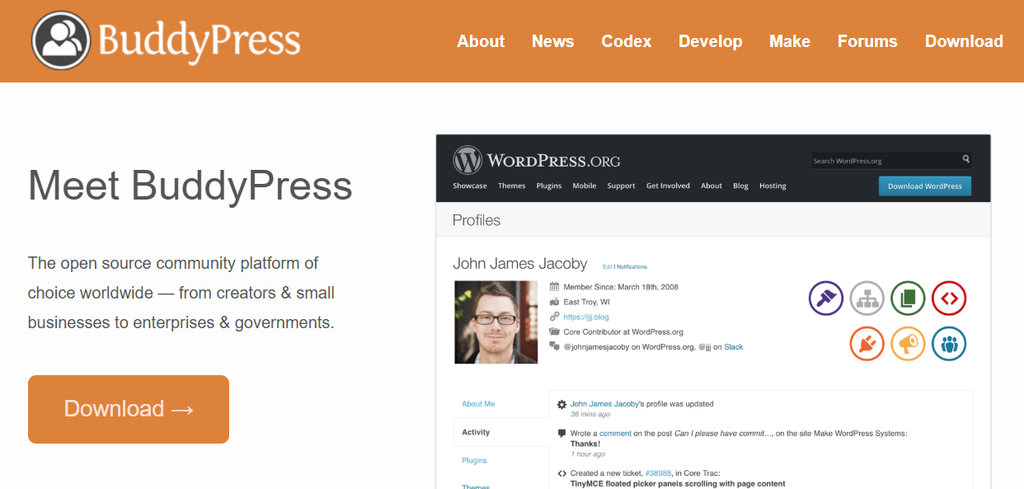
Why choose BuddyPress? Its biggest advantage is flexibility. You can start with its core community features and expand the website with additional plugins and extensions as your needs grow. This makes it a strong choice for developers and website owners who want more control over how their community is built.
Creating a more advanced community experience may require additional extensions and customization. Its default interface can also feel less polished than some premium alternatives.
| Category | Details |
| Key Features | Member registration and profiles, activity streams, user groups, private messaging, notifications, friend connections, member directories, bbPress compatibility, REST API support |
| Pros | Free and open source; highly customizable; large extension ecosystem; wide WordPress compatibility |
| Cons | Advanced features may require additional plugins; more customization may be needed for the interface; setup can require some technical knowledge |
| Best For | Hobby communities, nonprofit organizations, educational communities, forums, developers building custom platforms |
4. BuddyBoss Platform – Best Overall Social Network Plugin
BuddyBoss Platform is designed for websites that need a more comprehensive community experience than basic social networking features alone can provide. It combines member profiles, activity feeds, groups, private messaging, notifications, media sharing, and other community tools into a single platform.
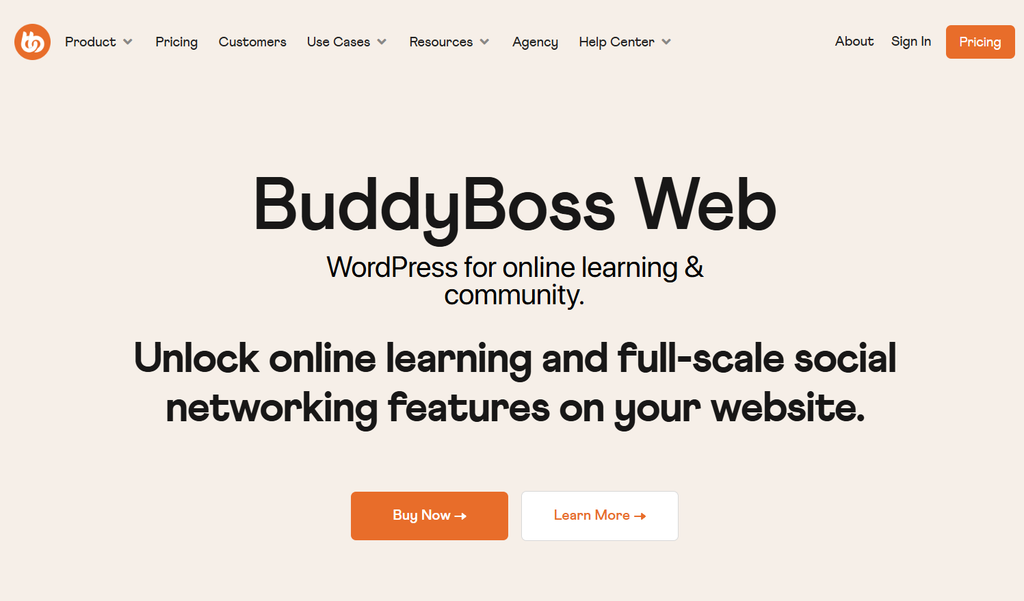
Why choose BuddyBoss Platform? It is particularly well suited to professional communities that also offer memberships, courses, or digital products. Integrations with tools such as LearnDash and WooCommerce can help connect community features with learning and eCommerce functionality.
The main trade-off is cost and complexity. Some advanced functionality requires premium products or integrations, making BuddyBoss Platform more suitable for serious community projects than small hobby websites.
| Category | Details |
| Key Features | Enhanced member profiles, activity feeds, notifications, private messaging, user groups, member connections, media and file sharing, LearnDash integration, WooCommerce compatibility, membership plugin support, REST API support |
| Pros | Wide range of built-in community features; modern user experience; strong support for learning and membership websites; suitable for growing communities |
| Cons | Some advanced functionality requires premium products; may be more than needed for small community websites |
| Best For | Membership websites, online academies, coaching businesses, professional associations, corporate learning communities, premium community platforms |
5. PeepSo – Best for Building a Facebook-Like Community
PeepSo focuses on creating a social-media-style experience within WordPress. It provides features such as member profiles, activity streams, notifications, messaging, groups, media uploads, and other tools designed to encourage member interaction.

Why choose PeepSo? Its modular approach allows website owners to add the community features they need without having to build every function from scratch. This makes it a practical option for niche communities, clubs, and membership websites that want a familiar social networking experience.
The main consideration is the cost of advanced functionality. While the core plugin is available for free, some community features require premium add-ons or packages.
| Category | Details |
| Key Features | Modern member profiles, activity feeds, private messaging, user groups, media uploads, polls and reactions, WooCommerce integration, LearnDash compatibility, mobile-friendly interface |
| Pros | Social-media-style interface; modular feature system; easy to configure; wide range of community features |
| Cons | Advanced features may require paid add-ons; fewer third-party extensions than BuddyPress |
| Best For | Membership communities, hobby groups, professional networks, local organizations, private social platforms |
6. Ultimate Member – Best for Membership Websites
Ultimate Member is primarily a user registration, profile, and membership plugin, with additional features that can support community-focused websites. It is a good fit for websites where user accounts, profiles, directories, and access control are more important than advanced social networking features.
Why choose Ultimate Member? Its strength is user and membership management. Through extensions, you can add features such as followers, private messaging, and notifications, giving you the option to add social functionality as your community grows.
The trade-off is that many social networking features require extensions. As a result, Ultimate Member is better suited to membership-focused websites than communities that need a full social network out of the box.
| Category | Details |
| Key Features | Front-end registration forms, custom user profiles, member directories, role and access management, account customization, private messaging through extensions, followers through extensions, WooCommerce compatibility |
| Pros | Strong profile and registration tools; flexible user roles and permissions; beginner-friendly setup; suitable for membership-focused websites |
| Cons | Many social features require extensions; less suitable for large community platforms; advanced functionality may require paid add-ons |
| Best For | Membership websites, customer portals, business directories, association websites, small online communities |
7. Youzify – Best for Advanced User Profiles
Youzify is designed to enhance BuddyPress with more customizable user profiles and additional social features. It adds profile layouts, widgets, badges, activity enhancements, and other tools that can make BuddyPress-based communities more visually engaging.
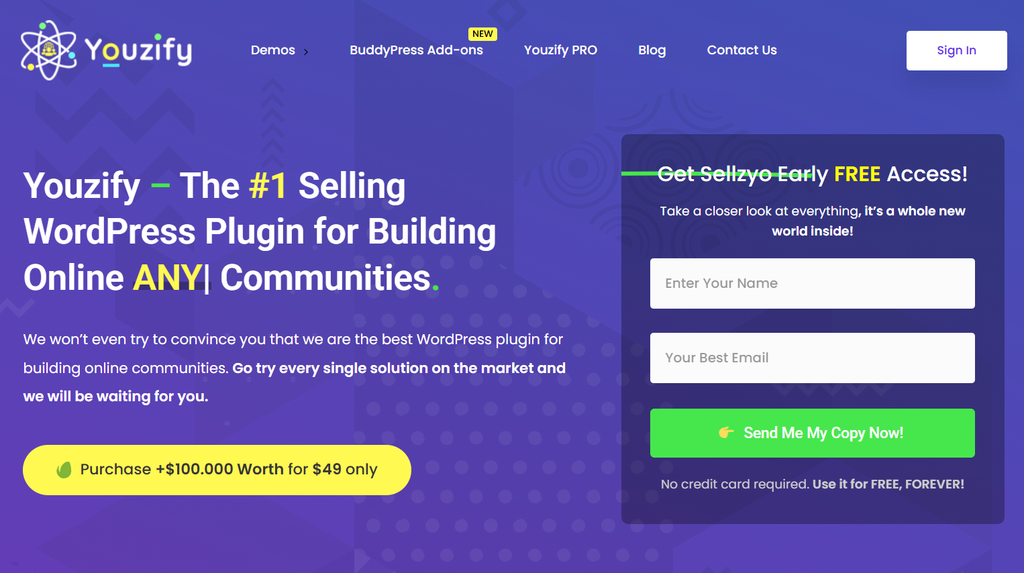
Why choose Youzify? Its main strength is profile customization. If you already use BuddyPress and want to create richer, more personalized member profiles, Youzify can add design and engagement features without replacing your existing community setup.
The main limitation is that Youzify depends on BuddyPress, so it is not a standalone alternative for building a complete social network from scratch. Its focus is primarily on improving the profile and member experience.
| Category | Details |
| Key Features | Custom profile layouts, profile widgets, activity enhancements, private messaging support, member badges, social sharing, WooCommerce integration, BuddyPress compatibility |
| Pros | Extensive profile customization; modern visual design options; integrates with BuddyPress; useful profile and engagement features |
| Cons | Requires BuddyPress; premium product; focuses more on profiles than complete community management |
| Best For | Creative communities, gaming websites, membership platforms, educational communities, BuddyPress-powered websites |
9. Frequently Asked Questions
1. What are the best social network WordPress plugins?
BuddyPress, BuddyBoss Platform, PeepSo, Ultimate Member, and Youzify are five popular options for building WordPress communities. The best choice depends on whether you prioritize free customization, advanced community features, a social-media-style experience, membership management, or profile customization.
2. Is BuddyBoss Platform better than BuddyPress?
BuddyBoss Platform is a better fit for users who want a more complete community solution with advanced features and integrations for membership and learning websites. BuddyPress is a stronger choice if you prefer a free, open-source plugin with more flexibility for custom development.
3. Can I build a social network with WordPress?
Yes. WordPress, combined with a social networking plugin, can support features such as member profiles, activity feeds, private messaging, user groups, notifications, and discussion forums. The features available will depend on the plugin and any additional extensions you use.
4. Do I need both a plugin and a theme?
You need a plugin to provide the social networking functionality, but you do not necessarily need a specific community theme. A compatible theme can, however, make it easier to create a consistent design and user experience across profiles, groups, activity feeds, and other community features.
5. Which plugin works best with WooCommerce?
BuddyBoss Platform, PeepSo, Ultimate Member, and BuddyPress can work with WooCommerce, although the level of integration varies. If your website combines community features with memberships, courses, or digital products, check whether the integration is built in or requires an additional extension.
6. How much does it cost to build a social network website with WordPress?
The cost depends on the plugins and themes you need. If you’re looking for a more affordable way to access premium WordPress products, PluginPro offers individual products starting at $4.5 per item, as well as membership plan for users who need access to multiple themes and plugins. This gives users an alternative to purchasing each premium product separately.
10. Conclusion
Choosing the best social network WordPress plugin depends on the type of community you want to build, the features you need, and how much customization you are prepared to manage. BuddyPress is a strong choice for users who want a free and flexible foundation, while PeepSo is well-suited to social-media-style communities. Ultimate Member works well for membership-focused websites, and Youzify is a useful option for enhancing BuddyPress profiles.
For professional communities that combine social networking with memberships, courses, or digital products, BuddyBoss Platform is our top overall choice. Its combination of community features, membership support, and integrations with tools such as LearnDash and WooCommerce makes it a strong fit for websites that need more than basic profiles, groups, and activity feeds.
Once you know which functionality your community requires, the next step is choosing the right WordPress tools to build it. PluginPro makes it easier to explore and access a wide range of WordPress plugins and themes for your website.