Building an online community on WordPress takes more than choosing an attractive theme. Your theme needs to support member profiles, activity feeds, groups, discussions, and a smooth experience across desktop and mobile devices.
In this guide, we’ll compare the best WordPress community themes based on community features, customisation options, plugin compatibility, performance, and suitability for different types of online groups. We’ll also cover which theme works best for memberships, online courses, forums, business communities, and budget-conscious projects.
1. What Makes a Great WordPress Community Theme?
Not every WordPress theme is designed to support online communities. While many themes look visually appealing, they often lack the social networking features required for interactive member experiences. Here are the key factors to consider when choosing the best WordPress community theme.
1.1 BuddyPress and bbPress Compatibility
BuddyPress remains the most popular plugin for building social networks on WordPress. It enables member profiles, activity feeds, friendships, private messaging, and user groups. BbPress focuses on discussion forums and can complement a BuddyPress-powered community.
A good community theme should work reliably with the plugins you plan to use and display community features consistently without requiring extensive custom development.
1.2 Member Profiles and Social Features
Modern communities expect experiences similar to popular social platforms. Essential features include:
- User profiles
- Activity streams
- Private messaging
- Notifications
- Member directories
- User groups
- Social login support
These features make it easier for members to connect, participate in discussions, and return to the community regularly.
1.3 Responsive Design
Community websites need to work well on smartphones and tablets, especially when members use the site to check messages, join discussions, or update their profiles. A responsive theme should keep everything from discussion forums to member dashboards easy to use across different screen sizes.
1.4 Easy customization
Community owners often need to personalize their websites without touching code. The best themes offer:
- Drag-and-drop page builders
- Header and footer customization
- Global typography settings
- Color controls
- Multiple layout options
This flexibility makes it easier to build a unique brand identity.
1.5 Performance and Speed
Community websites typically load more dynamic content than standard blogs. Poorly optimized themes can slow down profile pages, activity feeds, and forums.
Look for themes that feature:
- Clean code
- Optimized CSS and JavaScript
- Compatibility with caching plugins
- Fast page loading
Good performance improves usability and helps visitors navigate the site more easily.
1.6 Plugin Compatibility and Scalability
A WordPress community usually needs more than a theme. Depending on the website’s goals, you may also need plugins for memberships, online courses, ecommerce, SEO, security, events, or performance optimization.
Choose a theme that works well with the plugins your community depends on and can accommodate additional functionality as the website grows. This reduces the risk of having to rebuild your site when you add new features later.
2. 5 Best WordPress Community Themes for Online Groups
2.1 BuddyBoss Theme – Best Overall WordPress Community Theme
BuddyBoss Theme is one of the strongest options for building a WordPress community, membership website, or social learning platform. Unlike general-purpose themes, it is designed around community-focused experiences such as member profiles, activity feeds, groups, messaging, and member directories.
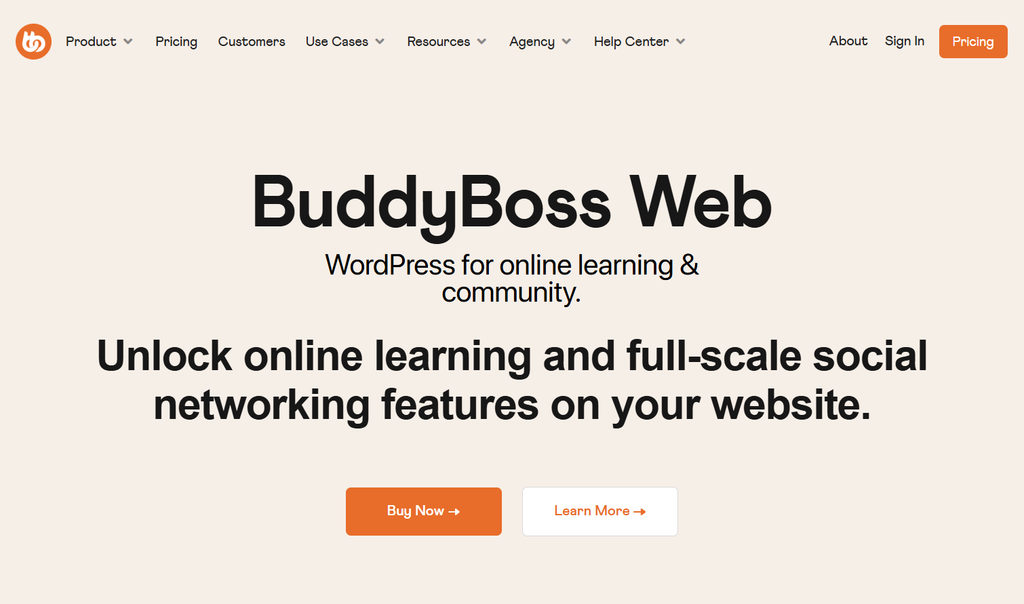
It is particularly suited to creators, educators, membership businesses, coaching platforms, and organizations that want to combine community features with courses or paid content.
BuddyBoss combines its community-focused theme and platform with integrations for tools such as LearnDash and WooCommerce. This makes it suitable for websites that need to integrate social interaction, online learning, memberships, and e-commerce features.
| Key Features | Pros | Cons | Best For |
| – Customizable member profiles – Customizable activity feeds – Private messaging – User groups – Advanced notifications – Member directories – Built-in community widgets – LearnDash integration – WooCommerce compatibility – Elementor compatibility – Mobile-first responsive design | – Purpose-built for online communities – Strong community platform integration -Professional modern design – Strong LearnDash integration – Supports WooCommerce memberships – Highly customizable – Frequent updates and active support – Excellent documentation | – Premium pricing – More features than small communities may need – Requires quality hosting for very large communities | – Membership websites – Coaching businesses – Online academies – Private communities – Alum networks – Professional associations – Corporate learning platforms |
2.2 Astra + BuddyPress – Best Lightweight Community Solution
Astra has become one of the most popular multipurpose WordPress themes thanks to its speed, flexibility, and compatibility with a wide range of WordPress plugins. Another advantage is Astra’s extensive library of starter templates, making it easier to launch a professional-looking website quickly.
For website owners who prioritize performance and design flexibility, Astra is an excellent alternative to dedicated community themes.
Unlike BuddyBoss, Astra starts as a clean, minimalist theme. Users can then extend its functionality by installing BuddyPress, bbPress, WooCommerce, LearnDash, or other community-related plugins.
This approach lets you choose the community, membership, LMS, and e-commerce plugins that match your site’s requirements.
Another advantage is Astra’s extensive library of starter templates, making it easier to launch a professional-looking website quickly.
| Key Features | Pros | Cons | Best For |
| – Extremely lightweight framework – Excellent BuddyPress compatibility – Full Elementor support – Beaver Builder compatibility -WooCommerce optimization – Responsive layouts – Header and footer builder – Custom typography controls – Global color settings – SEO-friendly structure | – Fast loading speeds – Beginner-friendly customization – Works with multiple page builders – Highly flexible design options – Large ecosystem and documentation – Affordable pricing | – Community features depend on BuddyPress plugins – Some advanced customization requires Astra Pro – Not specifically designed for social networking | – Small online communities – Membership blogs – Educational websites – Business communities – Content creators – Startups launching community platforms |
2.3 Reign – Best for Membership and eLearning Communities
Reign is a premium WordPress theme designed for social communities, membership websites, and learning platforms. Its current ecosystem includes BuddyNext, while the theme also supports BuddyPress and BuddyBoss setups.
Reign is particularly suitable for websites that combine community features with online courses, memberships, or other advanced functionality. Its community-focused layouts include options for member profiles, groups, activity feeds, and other social features.
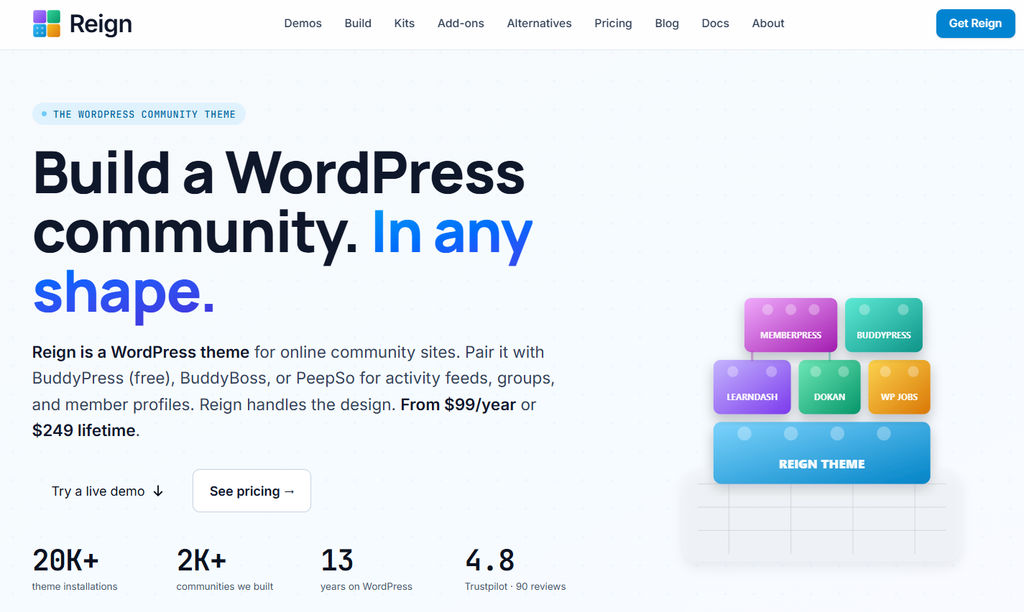
The theme also supports popular LMS solutions and ecommerce tools, making it a flexible option for educational institutions, coaching businesses, professional organizations, and membership-based communities.
| Key Features | Pros | Cons | Best For |
| – Native BuddyPress and bbPress support – LearnDash, Tutor LMS, and LifterLMS compatibility – Multiple community demos – Elementor support – WooCommerce integration – Responsive layouts – Dark mode options – Advanced header customization | – Designed specifically for communities – Excellent LMS compatibility – Attractive, modern interface – Flexible customization options – Strong performance | – Premium theme – Fewer third-party tutorials than more established themes – Some advanced features require additional plugins | – Online learning communities – Membership websites – Coaching businesses – Professional organizations – Educational platforms |
2.4 BuddyX – Best Free WordPress Community Theme
If you’re looking for one of the best free WordPress community themes, BuddyX deserves serious consideration. Designed specifically for BuddyPress-powered websites, it provides many features typically found in premium themes while remaining lightweight and easy to customize.
It’s particularly appealing for startups, hobby communities, and nonprofits with limited budgets.
BuddyX works well with BuddyPress, bbPress, WooCommerce, LearnDash, and Elementor, making it a versatile solution for growing communities.
Although the free version offers plenty of functionality, users can upgrade to BuddyX Pro for additional layouts and advanced customization features.
| Key Features | Pros | Cons | Best For |
| – BuddyPress support – bbPress compatibility – WooCommerce ready – Elementor compatible – Responsive design – Translation ready Multiple Translation-ready | – Free to use – Easy setup process – Excellent compatibility with popular plugins – Fast loading – Modern design | – Some premium features require the Pro version – Fewer advanced community tools than BuddyBoss – Limited built-in customization compared to premium themes | – Small online communities – Nonprofit organizations – Personal membership websites – Startup communities – Budget-conscious creators |
2.5 Kleo – Best for Social Networking Websites
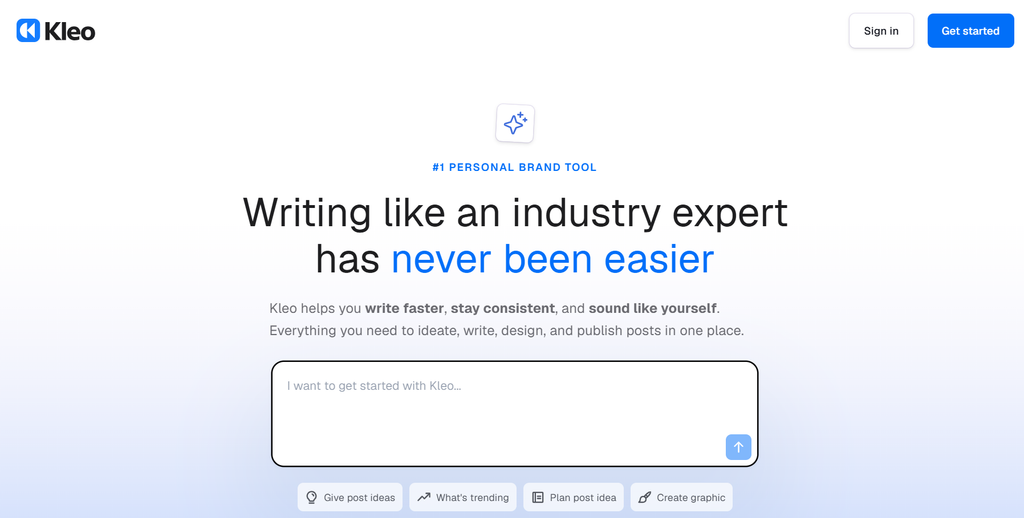
Kleo is a long-established WordPress theme for social networking and community websites. Its BuddyPress and bbPress support, member-focused layouts, and WooCommerce compatibility make it suitable for niche communities, membership sites, and networking platforms.
| Key Features | Pros | Cons | Best For |
| – BuddyPress integration – bbPress compatibility – WooCommerce support – AJAX search – Member directories – Responsive layouts – Flexible page builder compatibility – Rich customization settings | – Mature and reliable theme – Good social networking functionality – Attractive member profile pages – Flexible layout options – Large user community | – Design may feel less modern than newer community-focused themes – Some demos require additional setup – Premium license required | – Private social networks – Interest-based communities – Membership clubs – Networking websites – Alum communities |
3. How to Choose the Right WordPress Community Theme
The best WordPress community theme depends on the type of community you want to build, the features you need, and your budget. Instead of choosing a theme solely for its design, consider how well it supports your community’s specific goals.
3.1 For Online Courses
If your website combines community features with online education, choose a theme that works well with an LMS such as LearnDash or Tutor LMS. BuddyBoss and Reign are strong options for combining online courses with member profiles, groups, discussions, and other community features.
3.2 For Membership Websites
Membership communities need more than attractive layouts. Look for strong member profiles, user groups, private messaging, and compatibility with membership and content-restriction plugins.
BuddyBoss is a strong choice for an integrated community experience, while Astra + BuddyPress is better suited to users seeking a lightweight, highly customizable setup.
3.3 For Discussion Forums
If discussions are the main focus of your website, prioritize reliable bbPress compatibility, clear forum layouts, easy navigation, and user-friendly member interactions.
Kleo and BuddyX are worth considering for communities centered around forums and member discussions.
3.4 For Business Networks
Professional organizations and business communities may need member directories, networking features, groups, messaging, events, and collaboration tools.
BuddyBoss is a strong option for organisations seeking a more integrated community platform with advanced member management and networking features.
3.5 For Budget-Conscious Projects
If keeping costs low is your priority, BuddyX is the most straightforward starting point on this list. Astra + BuddyPress is another option if you prefer to build the site gradually and add plugins as needed.
As your community grows, you can expand the site’s functionality with additional plugins rather than replacing the entire theme.
4. Frequently Asked Questions
1. What is the best WordPress community theme?
BuddyBoss Theme is a strong all-around choice for building a WordPress community because it combines community features with support for memberships, online courses, and other WordPress integrations. However, the best theme depends on your community type, required features, and budget.
2. Is BuddyBoss Theme worth it?
BuddyBoss can be a worthwhile investment for businesses, educators, membership websites, and organisations that need an integrated community experience. Its dedicated community features can reduce the need for extensive customisation and additional tools.
3. Can I build a social network with WordPress?
Yes. WordPress can be used to build a social network by combining a community-focused theme with tools such as BuddyPress, bbPress, or other community plugins. Depending on your setup, you can add member profiles, activity feeds, groups, messaging, and discussion forums.
4. How much does a WordPress community website cost?
The cost depends on your theme, hosting, plugins, and required features. If you’re looking for premium WordPress themes and plugins without purchasing each one individually, PluginPro offers affordable options, including a $4.5 per-item plan and membership packages for users who need multiple products.
5. Do WordPress community themes support WooCommerce?
Many community themes support WooCommerce or work with it through their plugin ecosystem. WooCommerce can help you sell memberships, courses, subscriptions, merchandise, and digital products alongside your community.
5. Conclusion
Choosing among the best WordPress community themes ultimately depends on your goals, budget, and the type of experience you want to create for your members.
If you need maximum flexibility with a lightweight framework, Astra is an excellent option. BuddyX is a practical choice for budget-conscious projects, while Reign is well-suited to eLearning and membership platforms. Kleo remains an option for traditional social networking websites that focus strongly on community features.
For community-focused projects that need a more integrated set of social and membership features, BuddyBoss is the strongest all-around option in this comparison. It is particularly well-suited to membership websites, online academies, coaching platforms, and other communities that need robust social and learning features.
Choosing a theme is only the first step. You may still need plugins for memberships, courses, e-commerce, SEO, security, and other functionality. Explore PluginPro to find WordPress themes and plugins that can complement your community website and support its long-term growth.