Choosing the right SEO plugin can have a significant impact on how easily you optimize your WordPress website for search engines. From managing meta titles and XML sitemaps to adding schema markup and improving WooCommerce SEO, the right plugin helps streamline many essential optimization tasks. Among the many options available today, the comparison of Yoast SEO vs AIOSEO is one of the most common discussions within the WordPress community.
Yoast SEO has long been one of the most popular WordPress SEO plugins, known for its beginner-friendly interface and content optimization tools. AIOSEO (All in One SEO), meanwhile, offers a broader set of built-in features, including advanced schema, WooCommerce SEO, and technical SEO automation.
In this Yoast SEO vs AIOSEO comparison, we’ll compare ease of use, SEO features, WooCommerce support, performance, and technical capabilities to help you choose the right SEO plugin for your WordPress website.

1. Yoast SEO vs AIOSEO: Quick Comparison
| Feature | Yoast SEO | AIOSEO |
| Free Version | ✅ | ✅ |
| Beginner Friendly | ⭐⭐⭐⭐⭐ | ⭐⭐⭐⭐☆ |
| On-Page SEO | Excellent | Excellent |
| Schema Markup | Built-in | Advanced built-in |
| WooCommerce SEO | Dedicated WooCommerce product | Available in Pro plans |
| Local SEO | Included in Premium | Available in Pro |
| Redirect Manager | Premium | Pro |
| XML Sitemaps | ✅ | ✅ |
| AI Features | Limited | More marketing-focused |
| Best For | Beginners & blogs | Businesses & WooCommerce |
If you’ve already decided to upgrade to the premium version of either plugin, PluginPro is one option where you can find Yoast SEO Premium or AIOSEO Pro for your website.
2. Yoast SEO vs. AIOSEO: Key Differences
Yoast SEO and AIOSEO both cover the core SEO needs of most WordPress websites, but their approaches are different. Yoast SEO focuses on guided, step-by-step content optimisation, while AIOSEO provides more technical tools and sitewide configuration options. The sections below break down these differences in more detail.

2.1 Which Plugin Is Easier to Use?
Yoast SEO is generally easier for beginners. Its setup process keeps the main settings straightforward; recommendations appear directly in the content editor, and the traffic-light system makes issues related to keyphrase use, readability, titles, and descriptions easy to identify.
AIOSEO also provides a guided setup wizard, but its dashboard presents more modules and configuration options from the start. This gives experienced users more freedom, though beginners may need extra time to understand which settings matter.
New users often start with Yoast SEO for this reason, though many switch to AIOSEO later as their sites grow more complex.
2.2 How Do Their SEO Tools Compare?
Both plugins cover the core on-page SEO features most WordPress sites need, including SEO titles, meta descriptions, XML sitemaps, canonical URLs, social media metadata, robots meta settings, breadcrumbs, and schema markup.
Yoast SEO puts more emphasis on the writing process itself, with analysis covering keyphrase placement, readability, sentence structure, heading use, and internal linking suggestions. This makes it particularly useful for bloggers and editorial teams that want guidance while creating content.
AIOSEO provides similar on-page tools but adds more flexibility for managing title templates, metadata rules, robots settings, and multiple content types. This is useful for websites with large content libraries or more complex publishing structures.
Content-heavy blogs tend to rely on Yoast SEO’s writing checks, while larger sites often need AIOSEO’s bulk-editing options.
2.3 Managing Technical SEO
Yoast SEO handles many technical SEO tasks automatically. It generates XML sitemaps, manages canonical URLs, supports breadcrumbs, and applies standard indexing controls with limited setup.
AIOSEO covers the same foundations but exposes more settings for redirects, robots.txt, RSS content, search appearance, webmaster verification, and indexing rules. Its site audit tools also help users identify technical issues from inside the WordPress dashboard.
This extra layer of control mostly matters once a site grows past a few dozen pages.
2.4 Working with Schema Markup
Yoast SEO automatically generates structured schema markup for standard content such as posts, pages, authors, organisations, and websites. For many blogs and business websites, this happens in the background with little manual input.
AIOSEO gives users access to a wider selection of schema types and more direct control over how structured data is applied. Depending on the plan, users can work with product, recipe, course, review, software, local business, and other schema formats.
Standard blogs rarely need more than what Yoast SEO provides here, but sites that rely on rich results, such as recipe or review pages, benefit more from AIOSEO’s schema options.
2.5 Which One Works Better for WooCommerce?
Both plugins support WooCommerce SEO, including product pages, product categories, metadata, breadcrumbs, and structured data.
Yoast SEO extends its WooCommerce functionality through Yoast WooCommerce SEO, with additional controls for product schema, breadcrumbs, and social sharing.
AIOSEO includes WooCommerce SEO features within its Pro plans, allowing store owners to manage product titles, descriptions, schema, category SEO, and image-related settings from the same dashboard.
Whichever plugin you choose, PluginPro also offers both premium versions for your WooCommerce projects.
2.6 Does Either Plugin Affect Website Performance?
For most WordPress websites, performance is unlikely to be a major factor when comparing Yoast SEO and AIOSEO. Both plugins can run efficiently when properly configured. AIOSEO includes optional modules that can be disabled when not needed, while Yoast SEO focuses on a defined set of core SEO functions.
In most cases, hosting, caching, image optimisation, theme quality, page builders, and the number of active plugins will affect Core Web Vitals more than the choice between these two SEO plugins. Performance should therefore be treated as a secondary deciding factor rather than the main reason to choose one over the other.
2.7 Help, Tutorials, and Support
Yoast SEO has a long-established knowledge base and a large community of users. Its official documentation covers common setup questions, while third-party tutorials and troubleshooting discussions are widely available.
AIOSEO also provides detailed documentation, video guides, and support for premium users. Its learning resources are comprehensive, although fewer independent tutorials and community discussions are available compared with Yoast SEO.
Yoast SEO’s larger community makes troubleshooting faster, though AIOSEO’s official docs cover most common issues on their own.
3. Yoast SEO vs AIOSEO: Which One Should You Choose?
| Category | Winner |
| Ease of Use | Yoast SEO |
| On-Page SEO | Tie |
| Technical SEO | AIOSEO |
| Schema Markup | AIOSEO |
| WooCommerce SEO | AIOSEO |
| Performance | Tie |
| Pricing & Value | AIOSEO |
| Documentation & Support | Yoast SEO |
The table shows a fairly even split, which reflects how differently the two plugins are designed. Yoast SEO keeps things simple, with a strong focus on content optimisation and step-by-step guidance. AIOSEO leans more toward flexibility, offering deeper technical SEO controls and built-in business features like WooCommerce and local SEO.
So which one should you pick? If you’re a blogger, part of a small content team, or just starting with SEO, Yoast SEO is usually the easier plugin to work with day-to-day. If you’re running a WooCommerce store, managing a local business site, or handling a larger website that needs more control over schema, redirects, and indexing, AIOSEO tends to be the better fit.
At the end of the day, this isn’t really about which plugin has more features. It’s about which one fits how you actually work. If you want something simple that works, go with Yoast SEO. If you need more room to customise your SEO setup, AIOSEO is worth the extra learning curve.
4. Plugins and Themes That Pair Well with Yoast SEO or AIOSEO
Pairing your SEO plugin with the right tools can make a real difference in how your site performs overall. Here are five options worth considering:
4.1 WP Rocket
WP Rocket is a caching and performance plugin that complements the SEO work handled by Yoast SEO or AIOSEO. While your SEO plugin takes care of things such as metadata, sitemaps, and schema, WP Rocket focuses on caching, file optimization, and other performance-related tasks.
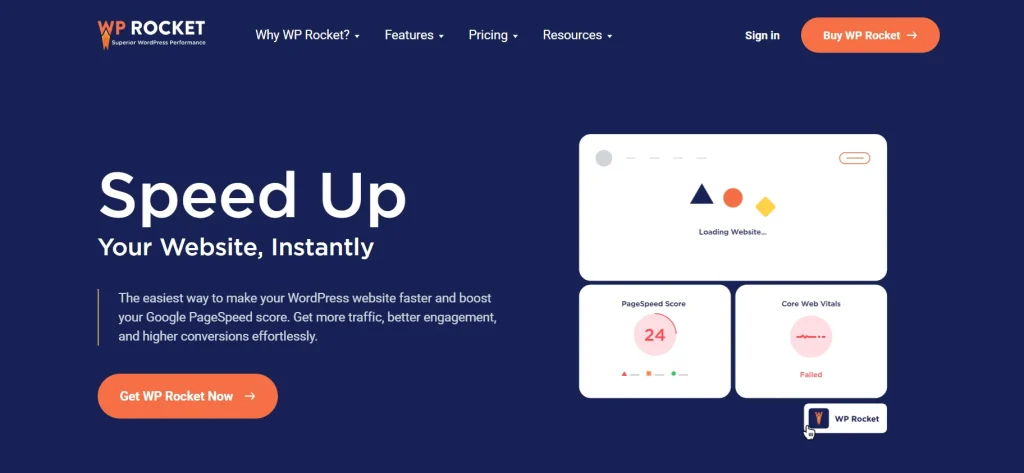
This makes it a useful addition for websites where Core Web Vitals and page speed are a priority. The two types of plugins serve different purposes, so using them together can cover both SEO configuration and website performance.
4.2 Elementor Pro
Elementor Pro is useful if you build landing pages, product pages, or other custom layouts with WordPress. Yoast SEO and AIOSEO handle the SEO settings, while Elementor gives you more control over how the content is structured and presented.
For websites that rely heavily on visual page building, this combination can make it easier to manage page design without giving up control over titles, metadata, schema, and other SEO settings.
4.3 WPForms
WPForms complements an SEO plugin by handling forms rather than search optimization. It can be useful for contact forms, lead generation, surveys, and other ways of collecting information from visitors.
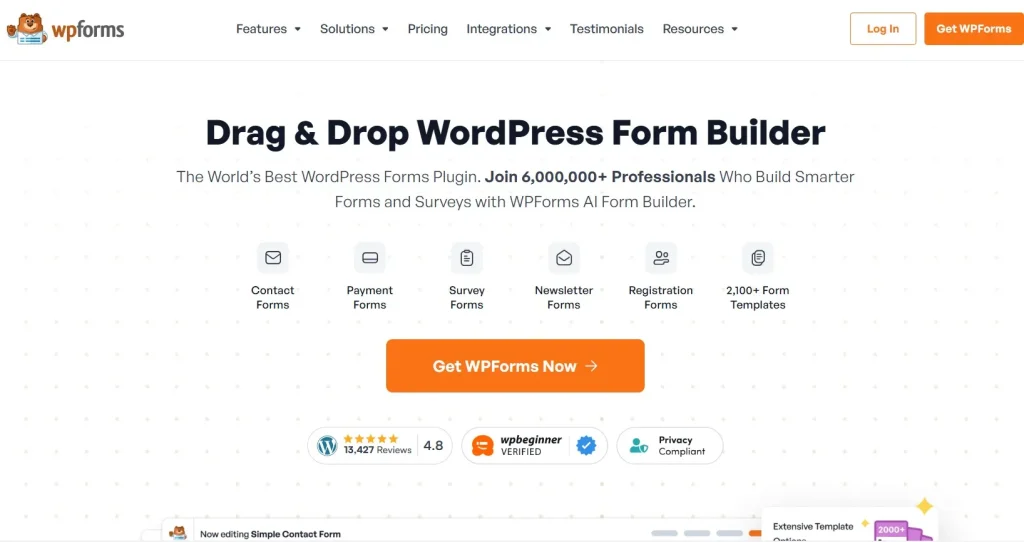
If you’re using Yoast SEO or AIOSEO to optimize service pages or landing pages, adding a form plugin such as WPForms can help turn that organic traffic into enquiries or leads.
4.4 UpdraftPlus Premium
UpdraftPlus Premium is particularly useful when making changes to an existing WordPress website. This is relevant when switching from Yoast SEO to AIOSEO, changing major SEO settings, or updating other plugins that affect your site’s configuration.
A reliable backup gives you a way to restore the website if something goes wrong during a migration or major update. It is not an SEO plugin itself, but it can make SEO-related changes much safer to manage.
4.5 Astra Pro
Astra Pro is a WordPress theme and customization toolkit that works well with both Yoast SEO and AIOSEO. The SEO plugin manages search-related settings, while Astra Pro gives you greater control over layouts, headers, footers, and other parts of the site’s design.
This can be a practical combination for users who want more flexibility over the appearance of their website without replacing their existing SEO setup.
If you need these tools alongside Yoast SEO or AIOSEO, PluginPro provides access to a broader collection of premium WordPress plugins and themes in one place.
5. Frequently Asked Questions
1. Which is better: Yoast SEO or AIOSEO?
It depends on what you need. Yoast SEO is easier to use and better for beginners, thanks to its readability checks and step-by-step SEO guidance. AIOSEO is the stronger pick if you want more advanced schema options, technical SEO controls, or built-in WooCommerce features. Neither one is “better” overall; it really comes down to your experience level and your site’s needs.
2. Is Yoast SEO Premium worth it?
The premium is worth it if you’re managing redirects, adding internal links by hand, or regularly optimising for multiple keyphrases. For smaller blogs that only need basic metadata and readability checks, the free version usually covers it.
3. Does AIOSEO offer more features than Yoast SEO?
In most cases, yes, especially in the Pro plans. AIOSEO includes features like advanced schema types, redirect management, local SEO, Link Assistant, and site audits that Yoast SEO doesn’t offer in the same way. That said, Yoast SEO still holds its own with a simpler, more focused approach to core SEO tasks.
4. Can I switch from Yoast SEO to AIOSEO?
Yes, and it’s a fairly common move. AIOSEO has a built-in import tool that carries over your existing SEO titles, meta descriptions, redirects, and other settings from Yoast SEO. Just make sure to back up your site first, as with any plugin switch.
5. Where can I download Yoast SEO Premium or AIOSEO Pro?
PluginPro offers GPL downloads of both plugins starting at $4.50 per item, plus membership plans for access to multiple premium plugins and themes at once. It’s a practical option whether you’re working on one site or managing several client projects.
6. Conclusion
When comparing Yoast SEO vs AIOSEO, there isn’t a single plugin that’s right for every WordPress website. Yoast SEO stands out for its simplicity, guided content optimization, and beginner-friendly workflow, while AIOSEO offers more advanced technical SEO features, broader schema support, and stronger WooCommerce capabilities.
The best choice depends on your website’s goals, your level of SEO experience, and the features you expect to use as your site grows. Whichever plugin you choose, both provide a solid foundation for improving search visibility and managing SEO more effectively.
If you’re ready to use the premium version of either plugin, PluginPro provides access to Yoast SEO Premium, AIOSEO Pro, and a wide range of premium WordPress plugins and themes, helping you manage your WordPress website with the premium plugins and themes you need in one place.