If you’ve ever built a WordPress website beyond a simple blog, you’ve probably run into the limitations of default posts and pages. Projects like business directories, real estate listings, portfolios, online courses, or WooCommerce stores often require custom post types to organize content in a more structured and scalable way.
While developers can register custom post types manually, using the best plugin for custom post types makes the process much faster and easier to maintain. Many plugins also include powerful features such as custom fields, taxonomies, dynamic content, and integrations with popular builders like Elementor and Gutenberg.
In this article, we’ll compare the best plugin for custom post types alongside four excellent alternatives, evaluating each option based on features, ease of use, performance, and developer experience. Whether you’re building websites for clients or managing your own projects, you’ll find the right solution to streamline your workflow.
1. What to Consider When Choosing the Best Plugin for Custom Post Types
The best plugin for custom post types isn’t necessarily the one with the longest feature list. The right choice depends on your workflow, project requirements, and the level of flexibility you need. Before deciding, here are the key factors worth evaluating.
1.1 Ease of Use
Creating custom post types shouldn’t require editing PHP files every time you start a new project. A well-designed interface lets you register post types, taxonomies, and custom fields in just a few clicks while keeping everything organized. If you frequently build websites for clients, features like exportable configurations or code generation can also save a significant amount of development time.
1.2 Custom Field Support
Most projects require more than simply creating a custom post type. You’ll often need additional fields to store structured data such as images, pricing, locations, team members, testimonials, or product specifications. Choosing a plugin with a wide range of field types and advanced options like repeater or relationship fields gives you far more flexibility as your website grows.
1.3 Performance
Some plugins load unnecessary assets or store data inefficiently, which can affect website speed over time. A lightweight plugin with clean code and optimized database handling is especially important for websites that manage hundreds or even thousands of custom entries.
1.4 Developer Experience
If you’re a developer, features such as REST API support, custom hooks, filters, template functions, and clear documentation can make a huge difference. A plugin that integrates smoothly into your existing workflow is often more valuable than one with dozens of features you’ll never use.
1.5 Compatibility
Your custom post type plugin should work seamlessly with the rest of your WordPress stack. Good compatibility with Gutenberg, WooCommerce, Elementor, Bricks Builder, and popular SEO plugins ensures you won’t run into conflicts as your website becomes more complex.
2. Best Plugins for Custom Post Types at a Glance
If you’re short on time, the table below provides a quick overview of the best plugins for custom post types. Each option excels in different areas, from developer flexibility and advanced custom fields to no-code website building and dynamic content management.
| Plugin | Custom Post Types | Custom Fields | WooCommerce | Best For |
| ACF Pro | ✅ | ⭐⭐⭐⭐⭐ | ✅ | Developers |
| Meta Box | ✅ | ⭐⭐⭐⭐⭐ | ✅ | Advanced users |
| Pods | ✅ | ⭐⭐⭐⭐☆ | ✅ | Free projects |
| Jet Engine | ✅ | ⭐⭐⭐⭐⭐ | ✅ | Elementor users |
| Toolset | ✅ | ⭐⭐⭐⭐⭐ | ✅ | No-code builders |
If you’re still unsure which is the best plugin for custom post types for your workflow, the detailed reviews below will help you compare each option more closely. In the next section, we’ll take a closer look at each plugin, highlighting its key features, strengths, limitations, and the types of projects it’s best suited for.
3. 5 Best Plugins for Custom Post Types
3.1 Advanced Custom Fields Pro (ACF Pro)
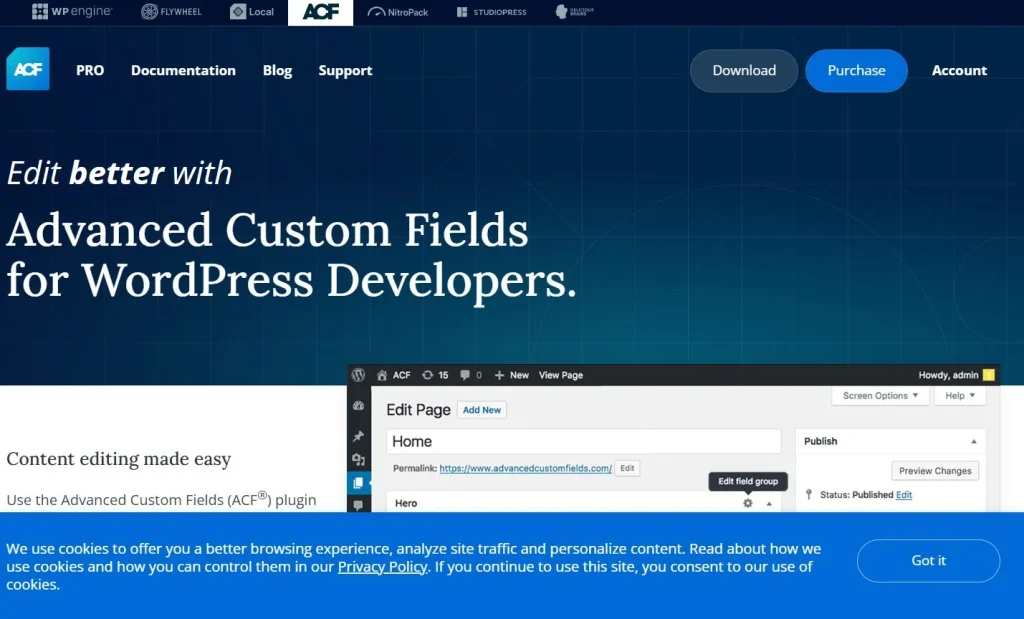
Advanced Custom Fields Pro (ACF Pro) is our top recommendation for developers looking for the best plugin for custom post types. Originally known for its powerful custom field management, ACF Pro has evolved into a complete toolkit for building structured WordPress websites. In recent versions, it also allows you to create and manage custom post types and taxonomies directly from the WordPress dashboard, eliminating the need for additional plugins in many projects.
ACF Pro includes more than 30 field types, along with premium features such as Repeater Fields, Flexible Content layouts, Gallery and Clone Fields, Relationship Fields, Conditional Logic, and custom Gutenberg Blocks. These capabilities make it suitable for everything from business websites and portfolios to WooCommerce stores, directories, and membership platforms.
ACF Pro also works seamlessly with other popular WordPress tools. Pairing it with Elementor Pro allows you to display dynamic field data in custom templates, while Rank Math SEO helps optimize custom post types for search engines. If you’re building directories or listing websites, FacetWP adds powerful filtering and search functionality without requiring complex development.
Although ACF Pro is a premium plugin, its flexibility, mature ecosystem, and excellent developer experience make it a worthwhile investment for anyone building professional WordPress websites.
3.2 Meta Box
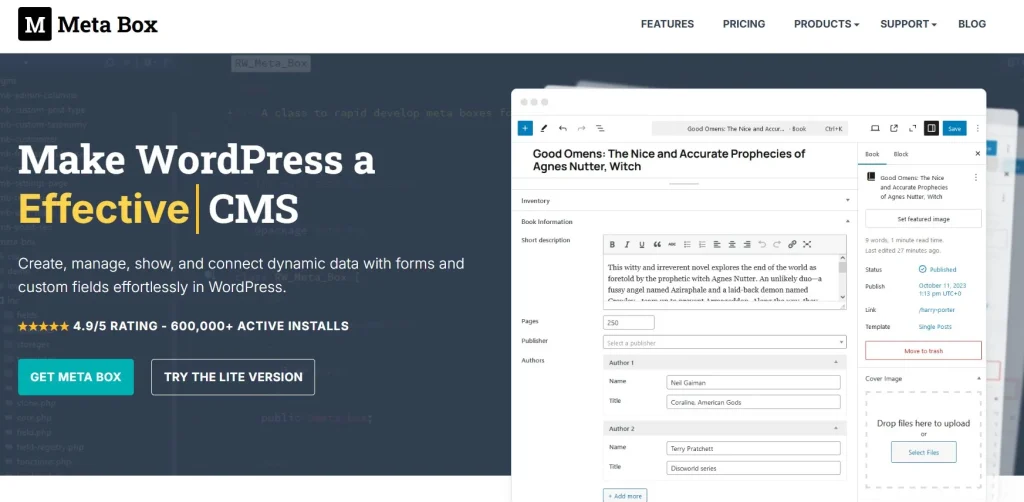
Meta Box is a strong alternative for developers who prefer a more modular approach to managing custom post types and custom fields. Instead of packing every feature into a single plugin, Meta Box lets you install only the extensions your project actually needs, helping keep your website lightweight while remaining highly scalable for complex projects.
The plugin offers an impressive collection of field types, custom taxonomies, frontend forms, custom database tables, and a powerful developer API. It’s particularly appealing for advanced WordPress projects where performance, flexibility, and fine-grained control are more important than beginner-friendly interfaces. While it has a steeper learning curve than ACF, experienced developers often appreciate the freedom it provides.
Meta Box integrates well with Bricks Builder for building dynamic templates and WP Grid Builder for displaying custom post types in searchable grids and listings. This combination works especially well for large content-driven websites that require flexible layouts and advanced filtering.
If you’re comfortable working with custom code and want maximum control over your projects, Meta Box is one of the best plugins available.
3.3 Pods
Pods is one of the best free plugins for creating custom post types, taxonomies, and content relationships. Despite being completely free, it includes many features that are often reserved for premium plugins, making it an attractive choice for developers and website owners working with limited budgets.
Creating structured content with Pods is straightforward, and the plugin supports custom relationships, templates, and REST API integration out of the box. While its ecosystem isn’t as extensive as ACF’s, it provides everything needed to build business directories, portfolios, resource libraries, and other content-heavy WordPress websites without additional licensing costs.
Pods works particularly well with the native WordPress Block Editor (Gutenberg), making it a good choice for users who prefer a lightweight workflow without relying heavily on third-party page builders. It can also integrate with many popular themes and plugins that support custom post types.
Its documentation and community resources aren’t quite as comprehensive as some competitors, but for a free solution, Pods delivers excellent value and remains one of the strongest options available.
3.4 Jet Engine
JetEngine is designed for users who need more than basic custom post type management. In addition to creating custom post types and taxonomies, it provides powerful tools for dynamic content, listing grids, frontend forms, custom queries, and interactive website features, making it a popular choice for Elementor users.
One of JetEngine’s biggest strengths is its ability to build dynamic websites without extensive coding. Whether you’re creating a real estate directory, booking platform, marketplace, or business listing website, its visual tools make it easier to manage complex content while keeping development efficient.
JetEngine integrates seamlessly with Elementor Pro and the wider Crocoblock ecosystem, allowing you to build dynamic templates, advanced search pages, and custom listings with minimal effort. For agencies that frequently develop Elementor-based websites, this integration can significantly speed up project delivery.
While JetEngine includes more features than some smaller projects require, it’s an outstanding choice for developers who need it, making it an excellent choice for websites that rely heavily on interactive content and custom data.
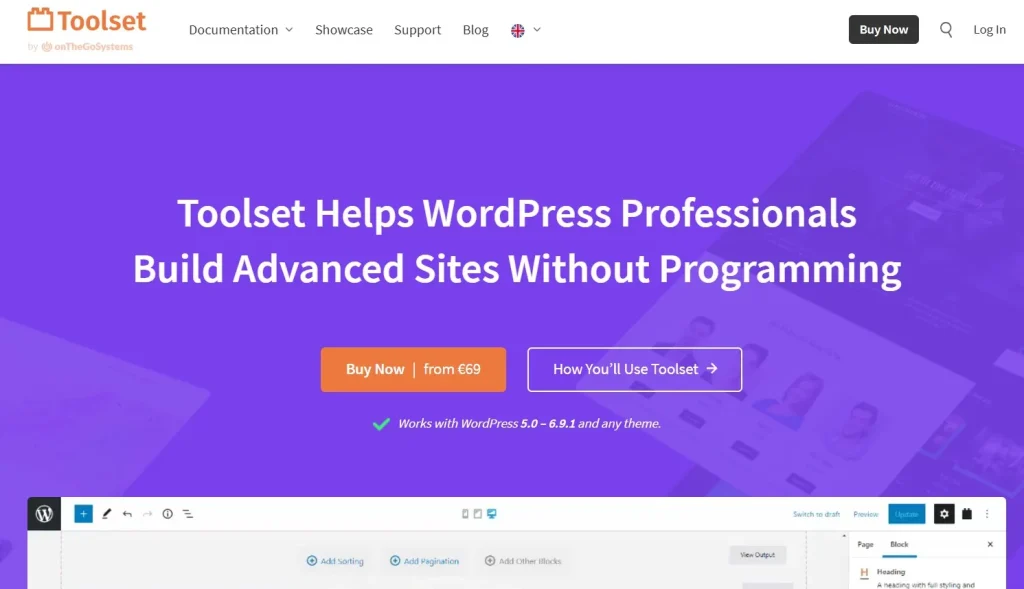
3.5 Toolset
Toolset is a solid option for users who want to create custom post types and structured content without writing large amounts of code. Its visual approach makes it easier to build custom websites while still offering advanced features such as custom fields, relationships, frontend templates, and WooCommerce integration.
Unlike developer-focused plugins that rely heavily on custom coding, Toolset emphasizes usability. This makes it particularly suitable for freelancers, agencies, and business owners who want to create complex WordPress websites through an intuitive interface while maintaining flexibility for future growth.
Toolset works well alongside WooCommerce when building customized online stores and integrates smoothly with the WordPress Block Editor for creating dynamic layouts based on custom post types. These integrations make it a practical choice for projects that require structured content without a steep technical learning curve.
Although its third-party ecosystem isn’t as extensive as ACF or Meta Box, Toolset remains a reliable all-in-one solution for users who value simplicity, visual workflows, and efficient website development.
4. Feature Comparison
Choosing the best plugin for custom post types often comes down to the specific features your project requires. The comparison below highlights the capabilities that matter most when evaluating each solution. T
| Feature | ACF Pro | Meta Box | Pods | Jet Engine | Toolset |
| Custom Post Types | ✅ | ✅ | ✅ | ✅ | ✅ |
| Custom Fields | ✅ | ✅ | ✅ | ✅ | ✅ |
| Repeater Fields | ✅ | ✅ | Limited | ✅ | ✅ |
| Relationship Fields | ✅ | ✅ | ✅ | ✅ | ✅ |
| Gutenberg Support | ✅ | ✅ | ✅ | ✅ | ✅ |
| WooCommerce Compatible | ✅ | ✅ | ✅ | ✅ | ✅ |
| REST API Support | ✅ | ✅ | ✅ | ✅ | Limited |
Overall, Advanced Custom Fields Pro offers the most complete feature set for most developers, while Meta Box provides greater flexibility for custom development. Pods remains the strongest free option, whereas JetEngine and Toolset are better suited to dynamic and low-code workflows respectively.
5. Frequently Asked Questions
1. What is the best plugin for custom post types?
For most WordPress developers, Advanced Custom Fields (ACF Pro) is the best plugin for custom post types. It combines custom post type management, flexible custom fields, excellent developer tools, and broad compatibility with popular plugins like Elementor, WooCommerce, and Gutenberg.
2. Is Advanced Custom Fields free?
Yes. Advanced Custom Fields offers a free version that includes many essential features for creating and managing custom fields. If your projects require advanced features such as Repeater Fields, Flexible Content, Conditional Logic, or additional developer tools, you’ll need to upgrade to ACF Pro.
3. Can I create custom post types with Advanced Custom Fields?
Yes. Recent versions of ACF allow you to create and manage custom post types and taxonomies directly from the WordPress dashboard. This makes it possible to build structured WordPress websites using a single plugin instead of relying on multiple tools.
4. What is the best free alternative to Advanced Custom Fields?
If you’re looking for a free alternative, Pods is one of the strongest options. It supports custom post types, taxonomies, and content relationships without requiring a paid license. Meta Box also offers a capable free version, with additional premium extensions available for more advanced projects.
5. Where can I download Advanced Custom Fields Pro?
You can download the latest GPL version of Advanced Custom Fields Pro from PluginPro for just $4.50. If you regularly use premium WordPress plugins and themes, you can also choose a PluginPro Membership to access a wide range of products at a more affordable price.
6. Conclusion
Finding the best plugin for custom post types isn’t about choosing the one with the most features, it’s about selecting the solution that best fits your workflow. For most WordPress developers, Advanced Custom Fields Pro offers the best balance of flexibility, ease of use, and long-term scalability, while plugins like Meta Box, Pods, JetEngine, and Toolset each excel in specific use cases.
No matter which plugin you choose, investing in a well-structured custom post type solution will make your WordPress projects easier to manage, maintain, and scale over time.
If you’ve decided that Advanced Custom Fields Pro is the right fit, you can download the latest GPL version from PluginPro for just $4.50, or explore our PluginPro Membership for even greater value if you regularly use premium WordPress plugins and themes.